A finale night on the couch
A warm living room packed for a big finale, blankets and snacks everywhere, the group leaning in as one. Low lamp light and screen flicker, a slow dolly across the reacting faces.
Editar prompt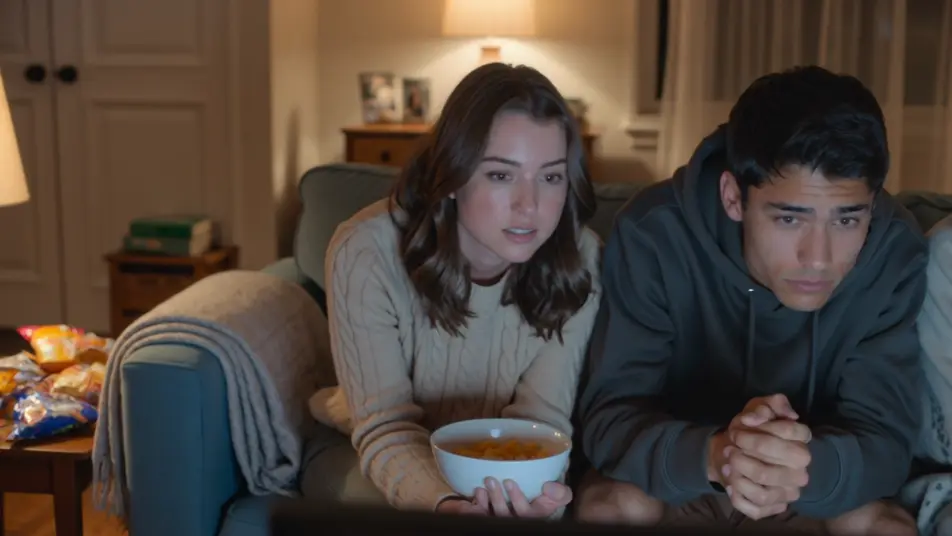
Direct the reaction in your browser with Morphic's watch party AI video generator. Generate a couch of friends gasping in the glow of a big screen, or a webcam-style reaction grid lighting up at the same beat. Land the commentary with Speech, then stitch it into one watch party on the Canvas.
A warm living room packed for a big finale, blankets and snacks everywhere, the group leaning in as one. Low lamp light and screen flicker, a slow dolly across the reacting faces.
Editar promptA clean layout of stacked webcam windows, each a friend in a different room, all synced to the same beat. Even soft light in each cell, a subtle scale-up on whichever window reacts hardest.
Editar prompt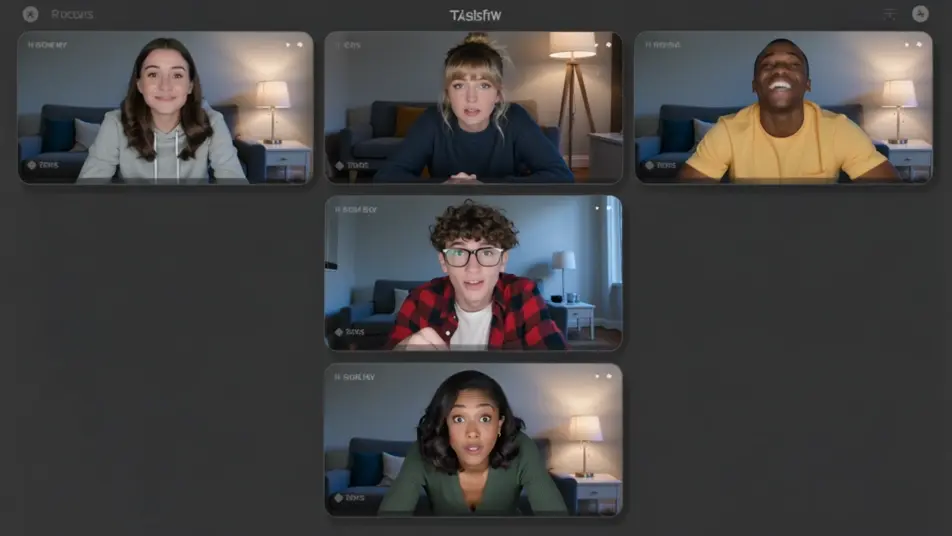
An outdoor evening with a projector throwing a huge image on a hung sheet, friends sprawled on blankets under string lights. Deep blue dusk behind, a slow crane that reveals the whole yard.
Editar prompt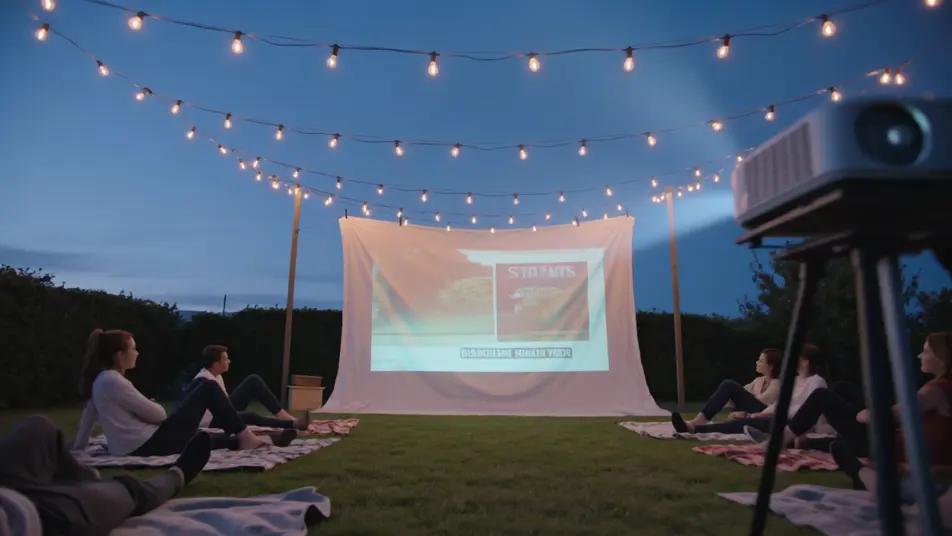
A lively room fixed on a big screen, everyone jumping up at a turning moment, arms raised. Bright screen bounce and warm overheads, a handheld that swings with the surge of the crowd.
Editar prompt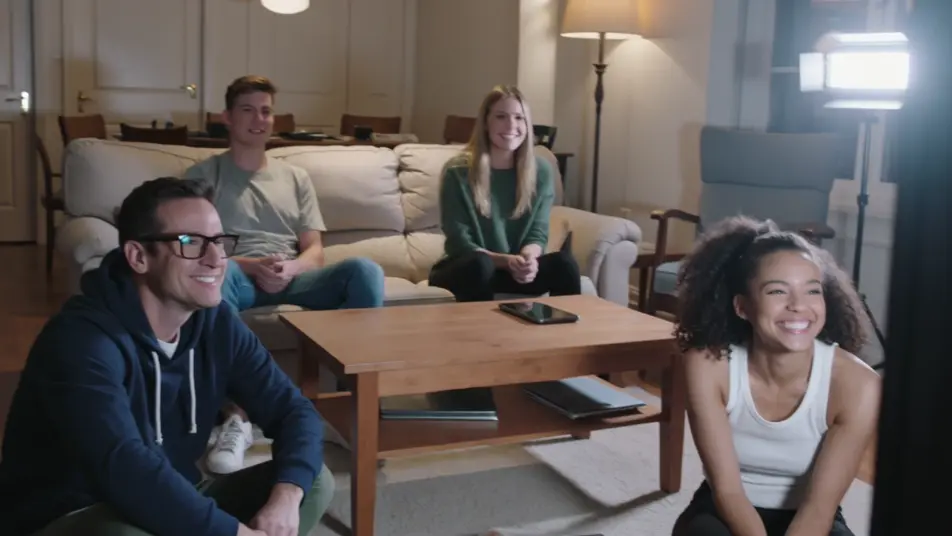
Escribe la escena de watch party video que quieres, en palabras simples.
Morphic genera un clip cinematográfico y listo para usar en tu canvas en segundos.
Ajusta el prompt, regenera variaciones y luego descarga o comparte la toma.

Dramatize any text conversation into a cinematic multi-shot video.
Cinematic time-freeze short film for any scene

Generate a professional film title card from scratch, with optional cinematic animation.
Photo of any real-estate becomes a cinematic renovation timelapse video with construction SFX and music.
One image to a 9-scene cinematic video.

Describe a first-person scenario. Get sequential POV frames animated into video clips with audio.
AI Live Stream Highlight videos
Generate AI live stream highlight videos with Morphic. Clutch-moment clips, webcam reactions, overlay-framed segments, and highlight-reel prompts that just run.
AI Clip Show videos
Generate AI clip show videos with Morphic. Host wraparounds, themed best-of runs, memory montages, and clip-episode prompts that just run.
Videos ASMR con IA
Crea videos ASMR con IA en Morphic: loops de triggers en primer plano, paisajes sonoros y narración susurrada, listos para YouTube, TikTok o Reels.
Videos POV con IA
Crea videos POV con IA en Morphic. Dirige caminatas inmersivas en primera persona, momentos de acción y de la vida diaria a la altura de los ojos. Escenas de ejemplo, sin experiencia de edición.
Comienza gratis hoy, con la opción de mejorar tu plan o cancelar cuando quieras.
Basic
2400 mensual créditos
1 usuario
Todos los modelos
Workflows
Standard
3625 mensual créditos
1 usuario
Todos los modelos
Workflows
Pro
6350 compartidos mensual créditos
1 usuario
Todos los modelos
Workflows
Max
24650 compartidos mensual créditos
1 usuario
Todos los modelos
Workflows
Enterprise
Para límites más altos
Personalizado
términos de precios y facturación

Free
Para experimentar
$0
gratis para siempre