Shoot 1970s vintage photo images in your browser with Morphic's 1970s vintage photo AI image generator. Generate 1970s vintage photo frames like a sun-faded family portrait on a porch, a denim-clad figure beside a wood-panelled car, or a kitchen lit by warm tungsten, and pair every frame with the Style Transfer workflow to lock the Kodachrome warmth and faded grain across the set. Use the Upscale tool to push any selected frame to print resolution.

1970s vintage photo portraits you can shoot

1970s vintage photo scenes you can compose

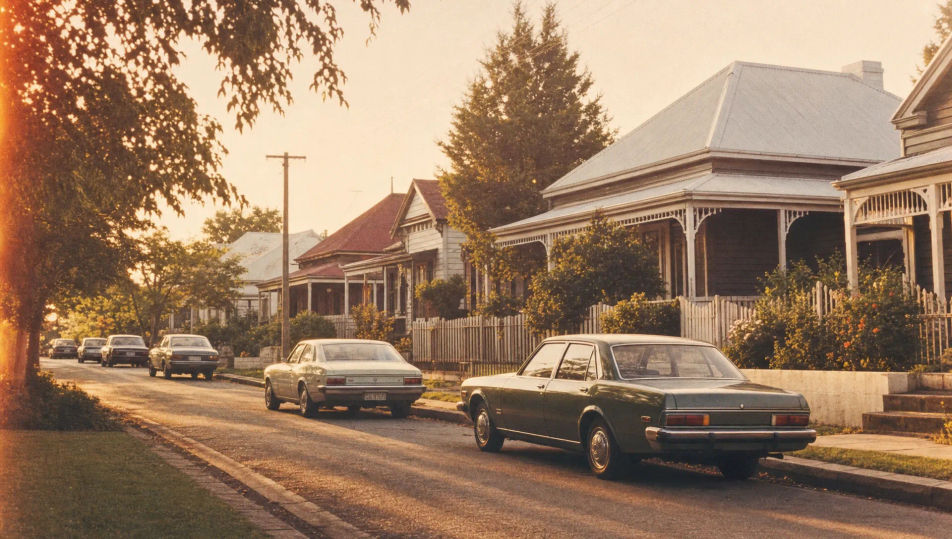
Suburban street with vintage cars

A quiet suburban street lined with boxy seventies cars and timber-framed houses, low golden sun, faded Kodachrome cast, lifted blacks, soft grain, warm amber-and-olive palette across the block.

Edit prompt
Suburban street with vintage cars

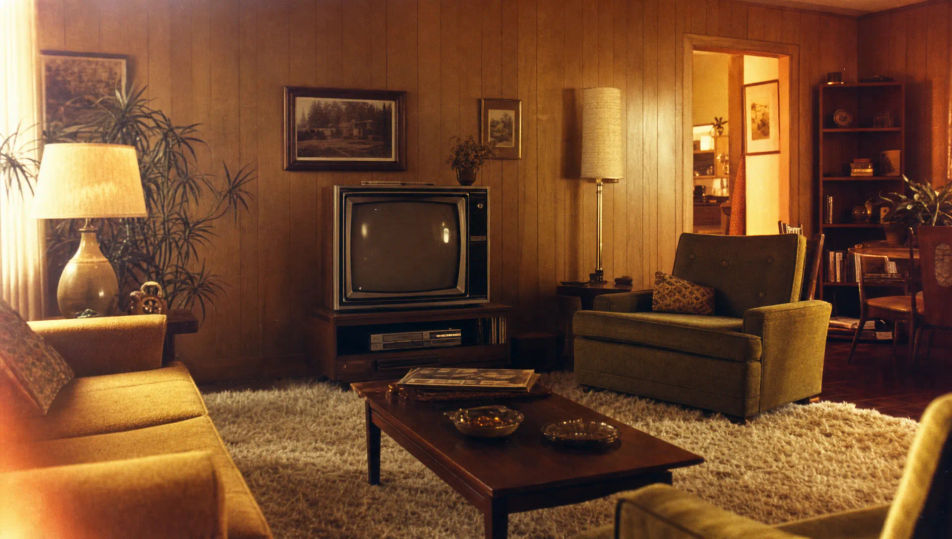
Wood-panelled living room

A wood-panelled living room with a shag rug, mustard sofa, and a boxy television, warm tungsten glow, faded film contrast, soft grain, harvest-gold and avocado tones filling the room.

Edit prompt
Wood-panelled living room

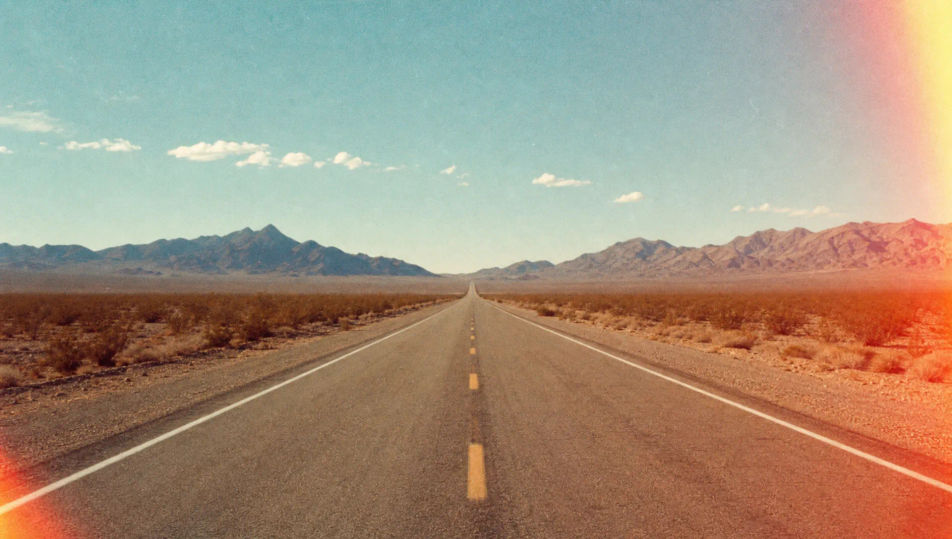
Desert highway with light leak

A straight desert highway running to the horizon, heat shimmer rising, a red light-leak streak crossing one edge, faded turquoise sky, soft grain, sun-cracked tan-and-rust palette.

Edit prompt
Desert highway with light leak

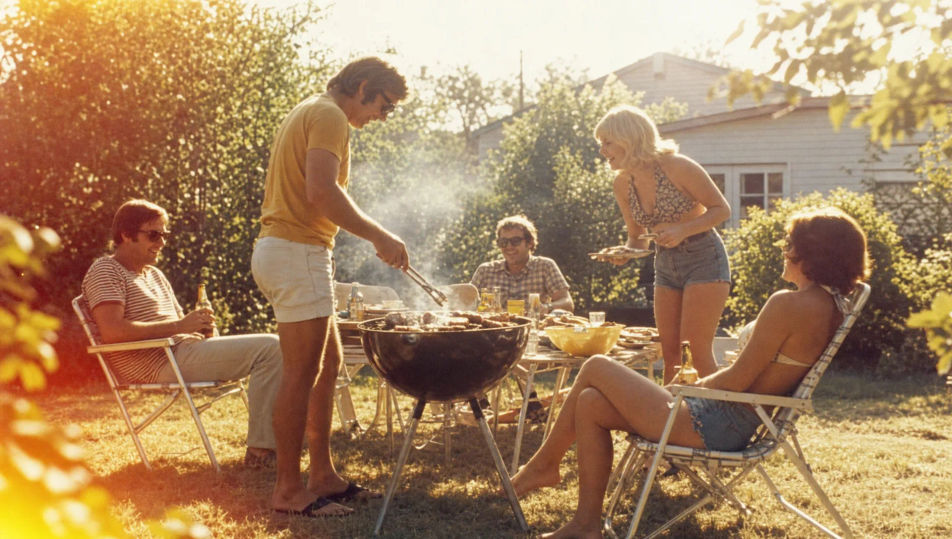
Backyard barbecue afternoon

A backyard barbecue on a sun-bleached lawn, folding chairs and a charcoal grill, hazy summer backlight blooming, washed-out highlights, soft grain, warm faded greens and golds throughout.

Edit prompt
Backyard barbecue afternoon

Make 1970s vintage photo in three steps

  1. 01

    Describe your 1970s vintage photo

    Describe the 1970s vintage photo you want, including the subject, setting, and lighting.

  2. 02

    Generate the image

    Morphic generates a clean, ready-to-publish image on your canvas in seconds, no editing software required.

  3. 03

    Refine your 1970s vintage photo

    Tweak the prompt, regenerate variations, then download or share the moment the frame lands.

Related workflows

Vous pourriez aussi aimer

FAQs

Where can I make 1970s vintage photo images with AI?
You can shoot 1970s vintage photo images directly in your browser on Morphic. Open the Image tool, describe the subject, the period styling, the setting, and the film look, and Morphic renders the frame. No film camera or darkroom needed.
What defines a 1970s vintage photo at the prompt level?
Warm Kodachrome or Ektachrome colour, faded contrast with lifted blacks, soft fine grain, occasional light leaks, and period styling. Name the film cast, the faded contrast, and the grain in every prompt so the frame reads as a seventies snapshot rather than a clean digital shot.
How do I get the faded film look right in a 1970s vintage photo?
Specify it directly: name the colour cast ("warm Kodachrome", "soft Ektachrome greens"), the contrast ("lifted blacks", "washed-out highlights"), and the texture ("soft fine grain", "corner light leak"). Reuse those cues across every frame so the faded look stays matched through the set.
How do I keep a 1970s vintage photo series feeling like one roll of film?
Use the Style Transfer workflow to lock the colour cast, the contrast, and the grain, then reference that style card in every prompt. The full series then reads as one consistent roll across every frame and setting.
Do I need a film camera or darkroom to shoot 1970s vintage photo images?
No. Morphic runs in your browser and you direct it with plain-language prompts. Anyone who can describe a subject, a period setting, and a film look can produce seventies-style frames. Film stock, a lab, and vintage gear are not required.