Inpainting
Ajoutez, supprimez ou affinez sans effort des personnages et objets spécifiques dans votre cadre à l'aide d'une seule instruction.
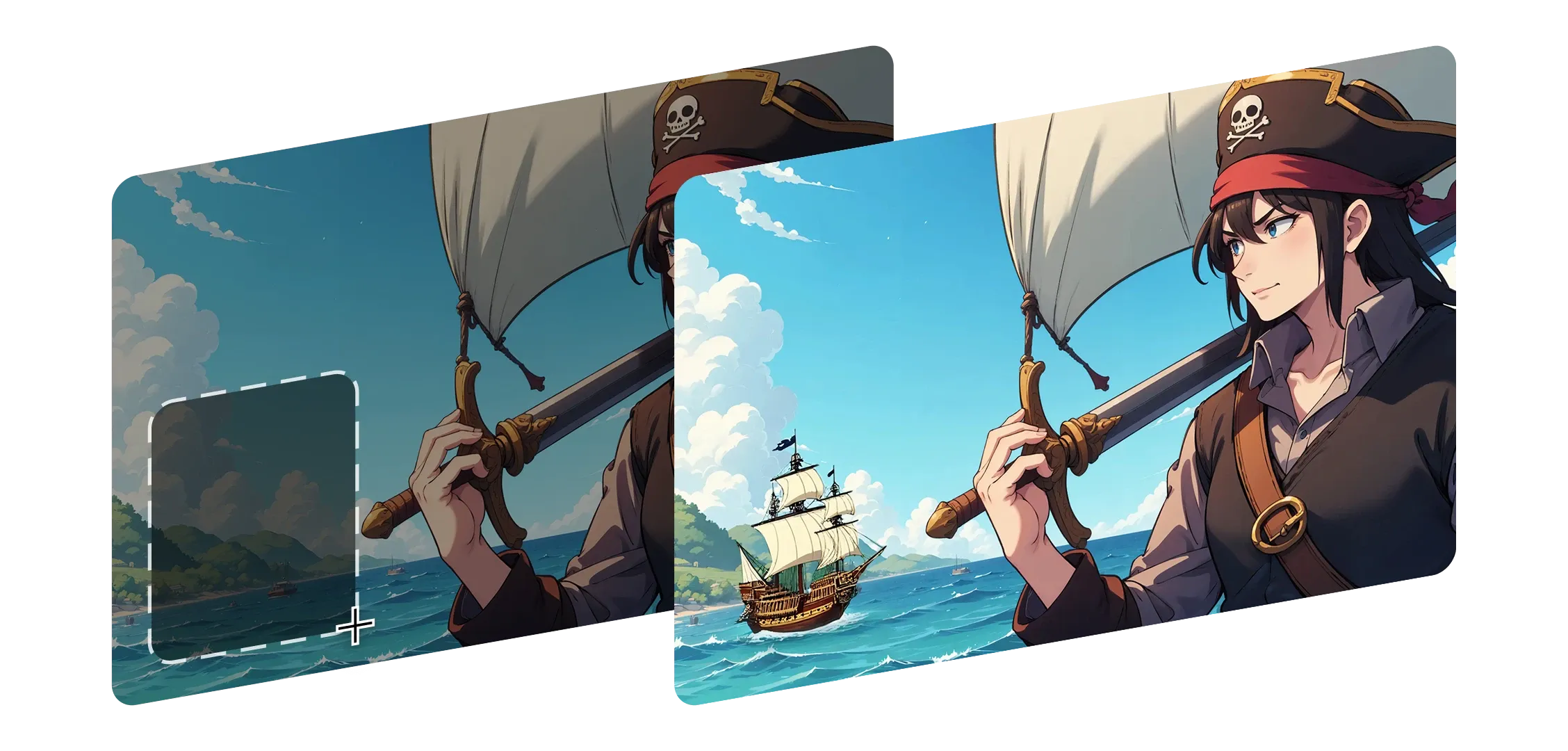
L'Inpainting vous aide à remodeler n'importe quelle partie de votre image sans perdre son aspect ou son ressenti original. Sélectionnez simplement une zone, décrivez le changement, et Morphic l'intègre de manière fluide.
Il comprend l'éclairage, la profondeur et les détails, en préservant les ombres et le contexte.
Que vous remplaciez un arrière-plan, changiez l'expression d'un personnage ou ajoutiez quelque chose de nouveau, chaque modification fait naturellement partie de votre cadre.
Des petites corrections aux ajouts plus importants, l'Inpainting s'adapte à votre style et à votre intention. Morphic ne se contente pas de retoucher, il rend chaque changement intentionnel et complet.
J'ai été émerveillé de voir à quel point chaque modification semblait naturelle, comme si l'image avait toujours été destinée à être ainsi.
Découvrez comment l'inpainting fonctionne dans Morphic.
Résultats de créateurs remodelant des scènes avec des modifications subtiles.




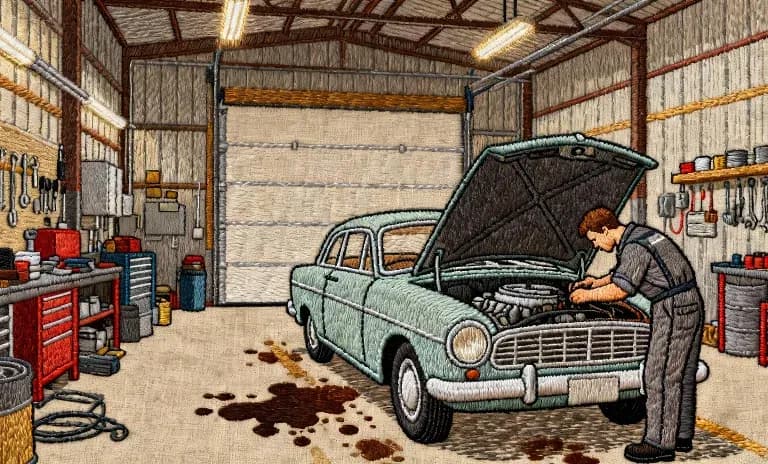
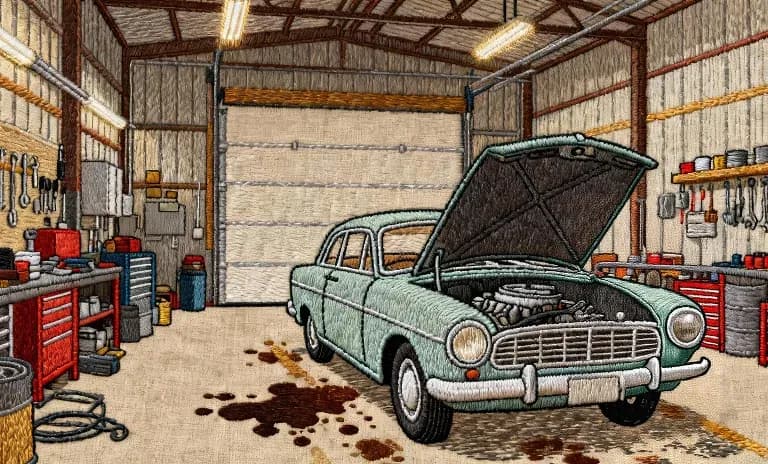
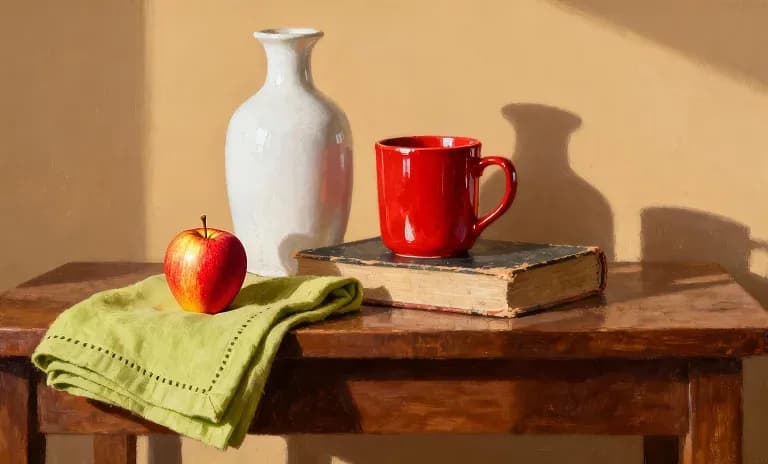
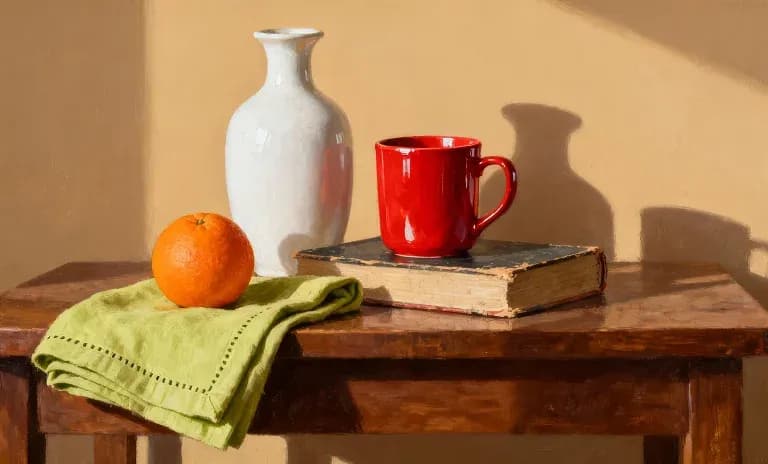
Survolez pour voir les images d'entrée
L'Inpainting aide les créateurs à sculpter et affiner leurs images naturellement pour que chaque modification reste fidèle à leur vision originale.
Essayer maintenant