Documentary Photography AI Images

Shoot documentary photography in your browser with Morphic's documentary photography AI image generator. Generate documentary photography shots like a craftsman at a workbench, a farmer at golden hour in a field, or a fisherman mending nets at dawn, and pair every frame with the Style Transfer workflow to lock the natural-light reportage realism across the set. Animate any still with the Image to Video tool.

Documentary photography moments you can capture

Documentary photography scenes you can frame

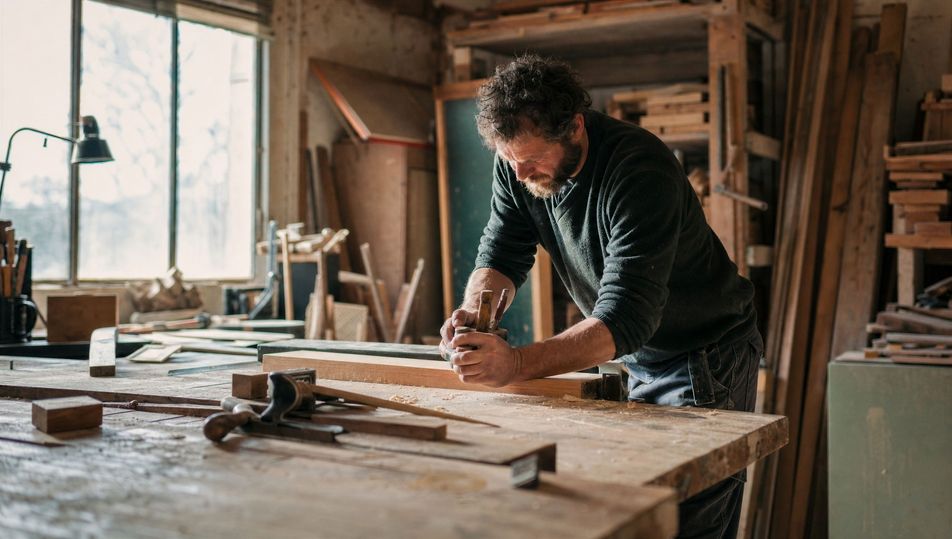
Workshop interior with window light

A cluttered workshop interior with tools and timber, a broad window casting soft directional light across a work surface, dust suspended in the beam, 35mm, natural realism.

Edit prompt
Workshop interior with window light

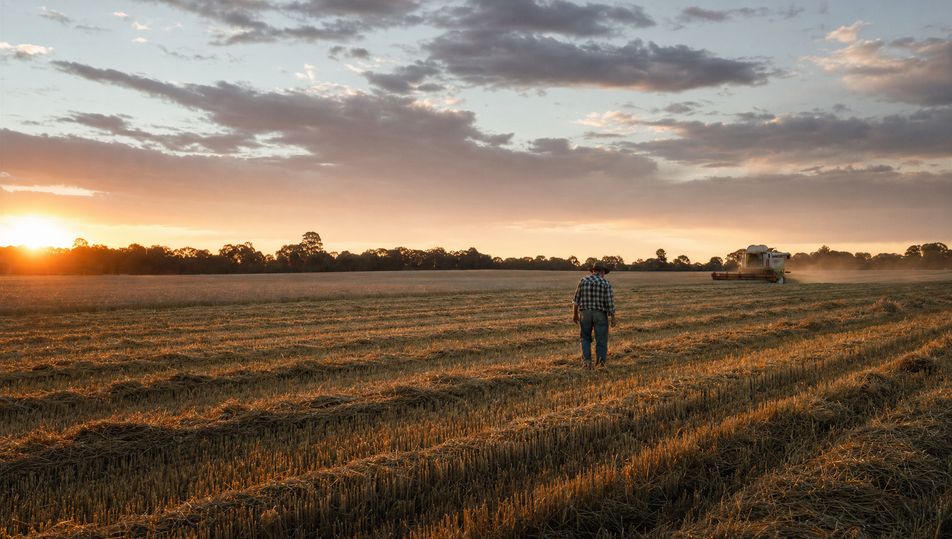
Harvest field at dusk

A wide harvest field at dusk, rows of cut crop and a distant treeline, warm low sun raking across the stubble, a small working figure far off, 35mm, golden natural light.

Edit prompt
Harvest field at dusk

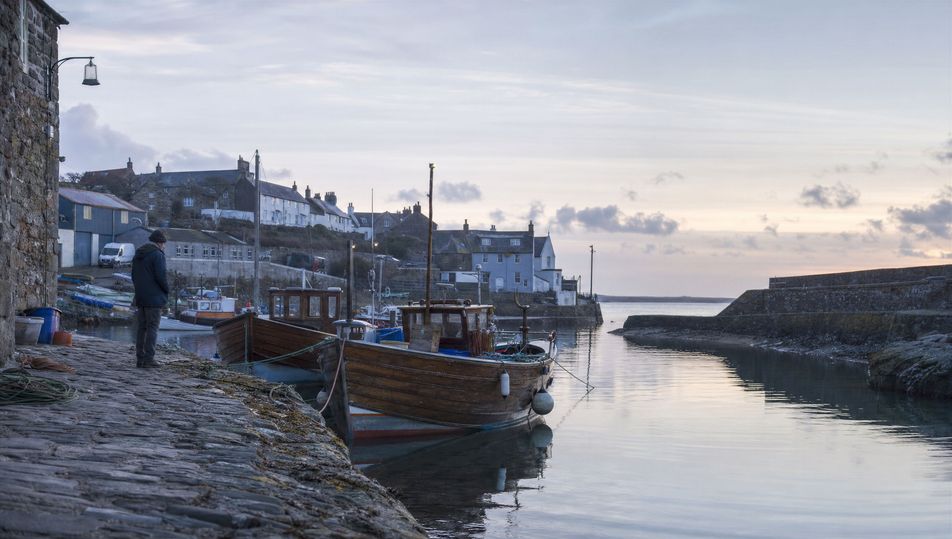
Harbour at dawn with boats

A small working harbour at first light, wooden boats moored against a stone quay, calm reflective water, soft cool dawn light, a figure preparing gear, 35mm, honest reportage.

Edit prompt
Harbour at dawn with boats

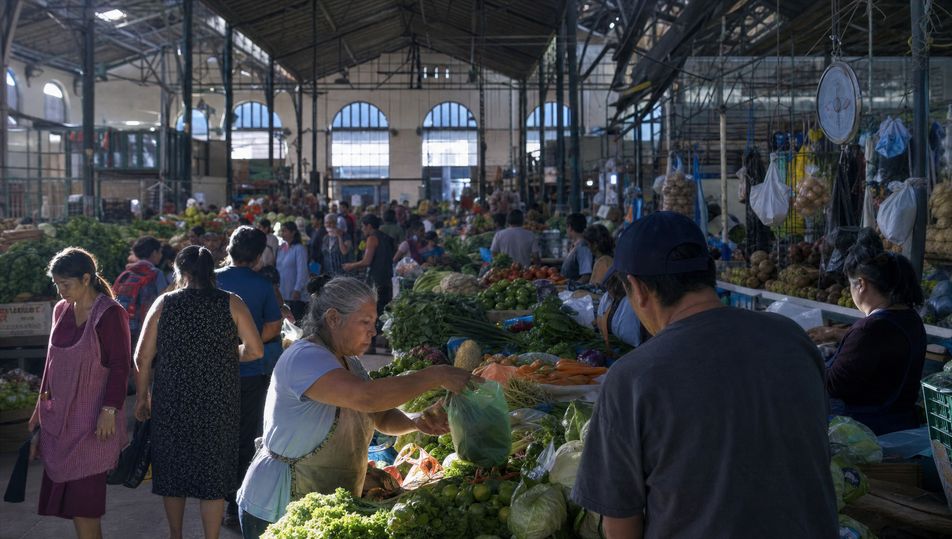
Busy indoor market

A crowded covered market hall with produce stalls, hanging goods, and shoppers in motion, shafts of daylight from high windows, 35mm, mixed natural light, lived-in colour.

Edit prompt
Busy indoor market

Make Documentary photography in three steps

  1. 01

    Describe your Documentary photography

    Describe the Documentary photography you want, including the subject, setting, and lighting.

  2. 02

    Generate the image

    Morphic generates a clean, ready-to-publish image on your canvas in seconds, no editing software required.

  3. 03

    Refine your Documentary photography

    Tweak the prompt, regenerate variations, then download or share the moment the frame lands.

Related workflows

Vous pourriez aussi aimer

FAQs

Where can I make documentary photography with AI?
You can create documentary photography images directly in your browser on Morphic. Open the Image tool, describe the working subject, the natural light, and the surrounding context, and Morphic produces the frame. No installs and no specialist software needed.
What defines documentary photography at the prompt level?
Four locked-in choices: a real-world working subject, natural available light rather than studio light, visible environmental context that tells the story, and an honest unposed feel. Name a quiet moment of activity so the frame reads as observed rather than staged.
How do I get natural reportage light in AI images?
Name the light source directly: "soft directional window light, dust in the beam" or "warm golden-hour backlight" or "flat cool overcast daylight." Add a 35mm or 50mm lens so the framing reads documentary, then reuse those words across every prompt so Morphic carries the same light through the set.
How do I keep a documentary photography series feeling like one body of work?
Use the Style Transfer workflow to lock the natural-light character, the muted true-to-life palette, and the reportage framing, then reference that style card in every prompt. The series reads as one project shot over time across images.
Do I need field access or a long shoot to make these?
No. Morphic runs in your browser and you direct it with plain-language prompts. Anyone who can describe a working subject, the natural light, and the surrounding context can produce a documentary photography frame. No travel, no permissions, and no weeks on assignment required.