Direct Scottish Highlands cryptid footage in your browser with Morphic's Loch Ness Monster AI video generator. Generate Loch Ness Monster video scenes like a long-necked silhouette breaking a misty loch at dawn, a grainy telephoto sighting from a boat, or a sonar cabin pinging a deep contact, and pair them with the Music tool to score them with a low documentary drone and a lone fiddle. Stitch the set pieces into a documentary-grade Loch Ness Monster short inside the Canvas.

Loch Ness Monster characters you can create

Loch Ness Monster scenes you can direct

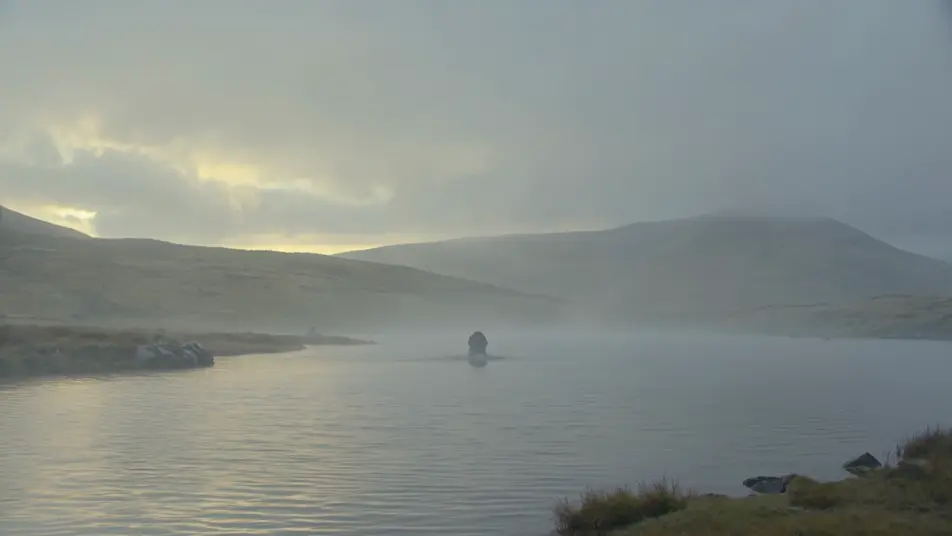
Long-necked silhouette breaking the loch at dawn

A long-necked silhouette rising slowly from a misty Highland loch at first light, slate-grey water sheeting off the neck, low cloud on the far heather hills, a wide still shot with no boat in frame.

Edit prompt

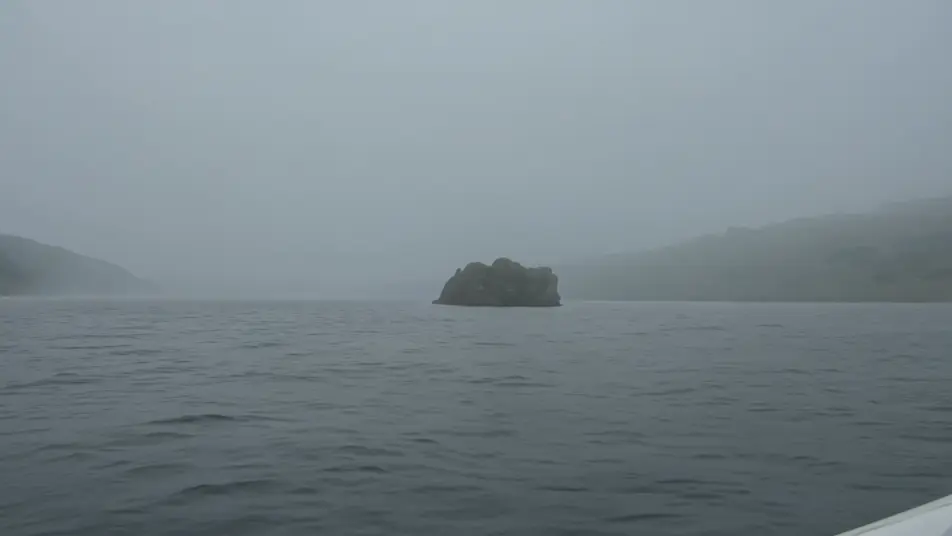
Grainy telephoto sighting from a boat

A handheld grainy telephoto frame from a rocking boat, heat-shimmer and lens softness on a distant dark shape in the grey water, the horizon tilting, the look of a real fleeting sighting.

Edit prompt

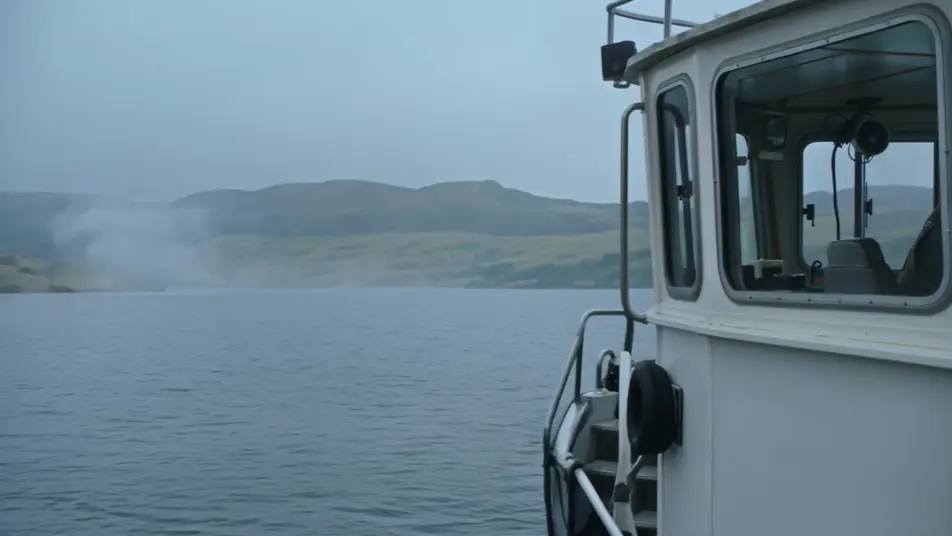
Sonar cabin pinging a deep contact

A dim research boat cabin lit by the green glow of a sonar display, a large contact blooming deep on the round scan, the scientist leaning in as the ping sweeps the slate-grey return.

Edit prompt

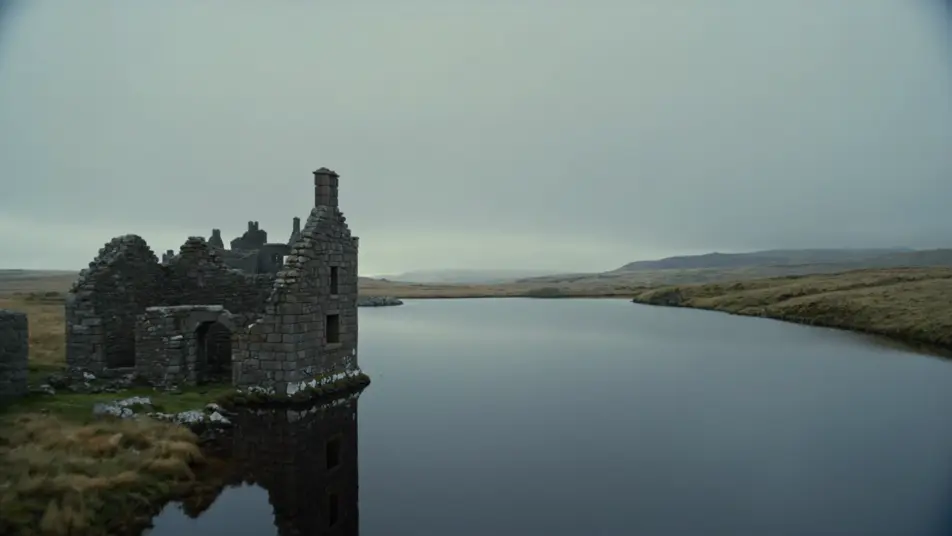
Ruined castle with the creature in the far water

A ruined loch-side castle of grey stone under overcast Highland light, the still loch stretching beyond it, a small long-necked shape barely breaking the surface far out in the slate water.

Edit prompt

Make Loch Ness Monster videos in three steps

  1. 01

    Describe your Loch Ness Monster scene

    Write the Loch Ness Monster scene you want, including the moment, location, and camera direction.

  2. 02

    Generate the video

    Morphic generates a cinematic, frame-ready clip on your canvas in seconds, no editing software required.

  3. 03

    Refine your Loch Ness Monster video

    Tweak the prompt, regenerate variations, then download or share the moment the shot lands.

Related workflows

Vous pourriez aussi aimer

FAQs

Where can I make Loch Ness Monster videos with AI?
You can create Loch Ness Monster scenes directly in your browser on Morphic. Open the Text to Video tool, describe the misty loch, the long-necked shape, and the camera, and Morphic produces the clip. No installs and no specialist software needed.
What defines the Loch Ness Monster at the prompt level?
Three things define Nessie for a prompt: the long-necked plesiosaur silhouette read as a shape rather than a clean creature, the Scottish Highlands palette of slate-grey water and overcast flat light, and the sighting framing of a grainy telephoto with the horizon tilting and no clean reveal. Name all three so Morphic leans into the cryptid documentary look rather than a sharp fantasy monster.
How do I prompt for the grainy sighting and documentary look?
Specify the camera and the grading. For a sighting: "handheld telephoto from a rocking boat, heat-shimmer and lens softness, tilting horizon, distant dark shape only half breaking the surface." For a 1930s frame: "grainy black-and-white period grading, soft focus, plate-camera look." Naming the lens and the grain is what sells the footage as real rather than rendered.
Can I add a documentary score and narration to my Loch Ness Monster videos?
Yes. The Music tool produces an original soundtrack, and a documentary register of a low drone, a lone Highland fiddle, and held strings sits cleanly under the loch and sonar beats. The Speech tool generates calm narrator voiceover and eyewitness interview lines in the voice you choose, layered onto the generated video to publish a complete Loch Ness Monster short.
Do I need any background in cryptid lore to make Loch Ness Monster videos?
No. Morphic runs in your browser and you direct it with plain-language prompts. If you can describe a misty loch, a long-necked shape, and a wobbly telephoto frame, you can produce a Loch Ness Monster scene. Nessie is public-domain folklore, so naming and depicting the creature is fully safe. The prompts on this page are written so anyone can paste and run.