Studio rumahan dengan satu lampu keras
Satu lampu berkisi menyapu subjek di ruangan berdinding gelap, sisa frame jatuh ke bayangan pekat. Highlight-nya berkilau, kontrasnya dramatis.
Edit prompt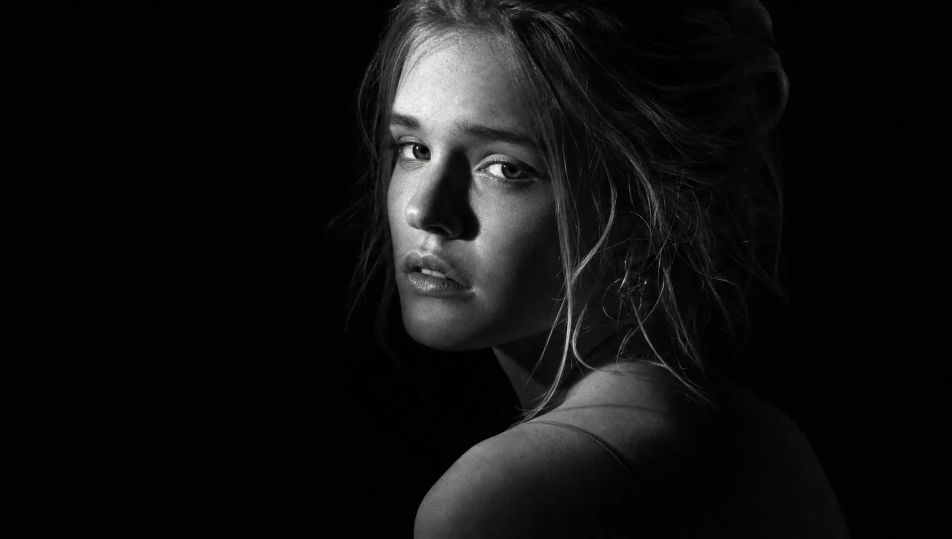
Foto profil, cover konten, sampai potret pameran sering justru lebih kuat begitu warnanya dilepas. Di Morphic, potretnya dirender hitam putih sejak awal. Kontras, grain, dan arah cahayanya Anda yang tentukan, langsung dari HP. Kunci satu wajah lewat Character Lineup, lalu hidupkan framenya dengan Image to Video.
Satu lampu berkisi menyapu subjek di ruangan berdinding gelap, sisa frame jatuh ke bayangan pekat. Highlight-nya berkilau, kontrasnya dramatis.
Edit promptCahaya pagi masuk lewat tirai tipis lalu menyebar lembut ke seisi kamar kos. Dindingnya bergradasi abu-abu, grain halusnya bikin suasananya tenang.
Edit prompt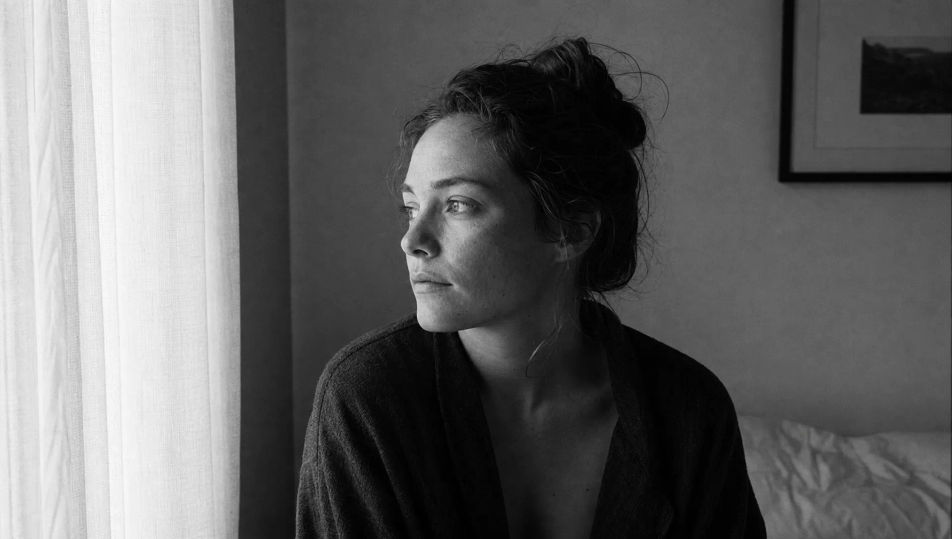
Orang lalu-lalang di depan warung dan motor melintas buram di belakang subjek. Matahari pagi bikin bayangan tajam, tekstur tembok dan paving terekam penuh.
Edit prompt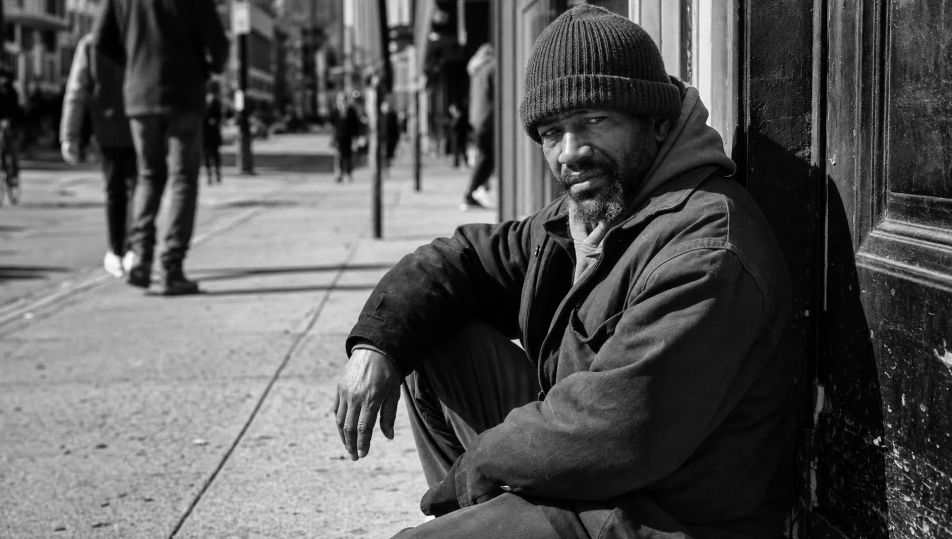
Sapuan putih dan cahaya wraparound lembut menghapus hampir seluruh bayangan. Subjeknya tinggal terbaca sebagai garis gelap tipis, bersih dilihat di layar HP.
Edit prompt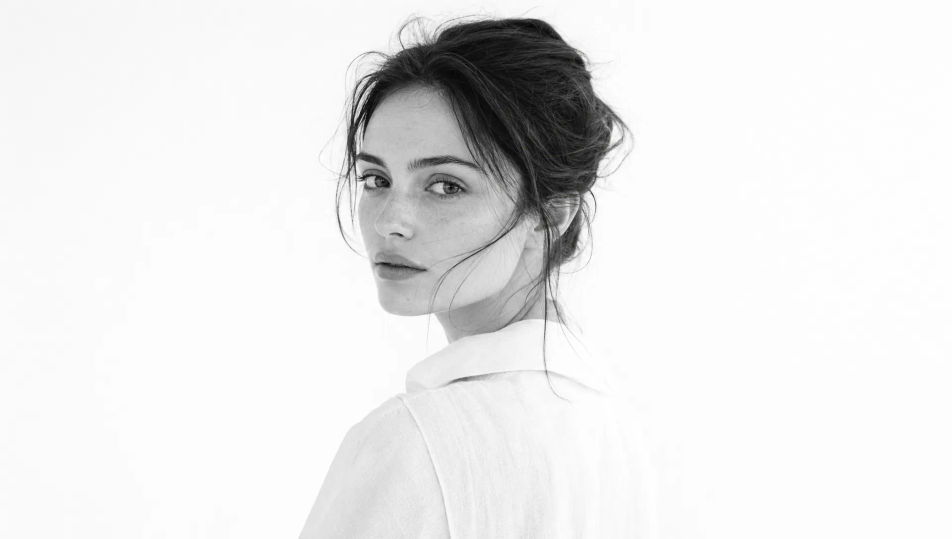
Jelaskan potret hitam putih yang Anda inginkan, dengan kata-kata sederhana.
Morphic membuat gambar bersih yang siap diterbitkan di canvas Anda dalam hitungan detik.
Ubah prompt, buat ulang variasi, lalu unduh atau bagikan frame-nya.
Fix plastic-looking AI skin. Adds natural texture, pores, and imperfections for realism.
One selfie becomes a set of professional headshots. Studio-quality, multiple styles.
Choose your viewing angles and get precise perspective shifts of any image with full camera control.
Convert any image to a new aspect ratio. Smart crop or extend the edges to fit.
Set the look with one reference image. Apply that exact grade to any scene or batch.
Bring back any damaged, blurry, or low-res image. Get a sharp, detailed 4K version with natural clarity restored.
Portrait Photography AI Images
Generate studio-quality AI portraits from a prompt. Realistic lighting, skin texture, and lens looks. Free HD, no watermark.
Studio Portrait AI Images
Create AI Studio Portrait images with Morphic. Generate Studio Portrait shots, portraits, and visuals for any project in seconds.
Environmental Portrait AI Images
Create AI Environmental Portrait images with Morphic. Generate Environmental Portrait shots, portraits, and visuals for any project in seconds.
Headshot AI Images
Create AI Headshot images with Morphic. Generate Headshot shots, portraits, and visuals for any project in seconds.
Mulai gratis hari ini, dengan opsi untuk upgrade atau membatalkan kapan saja.
Basic
2400 bulanan kredit
1 pengguna saja
Semua model
Workflows
Standard
3625 bulanan kredit
1 pengguna saja
Semua model
Workflows
Pro
6350 bersama bulanan kredit
1 pengguna
Semua model
Workflows
Max
24650 bersama bulanan kredit
1 pengguna
Semua model
Workflows
Enterprise
Untuk batas yang lebih tinggi
Khusus
ketentuan harga dan penagihan

Free
Untuk bereksperimen
$0
gratis selamanya