Sunlit pottery studio
A wide pottery studio: a wheel by a tall window, shelves of glazed and raw pots, clay dust hanging in a soft shaft of daylight, warm wood and earthen tones, lived-in and quiet.
Edit prompt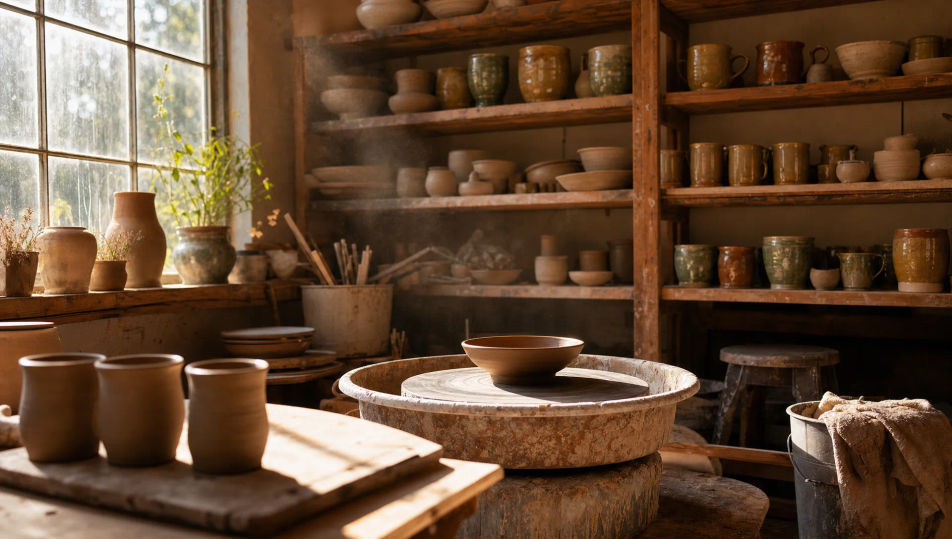
Create Environmental Portrait images in your browser with Morphic's AI image generator. Generate a ceramicist at a clay-dusted wheel, a fisherman against a harbor at dawn, or a violinist in a sunlit rehearsal room. Keep one person consistent with Character Lineup, then animate with Image to Video.
A wide pottery studio: a wheel by a tall window, shelves of glazed and raw pots, clay dust hanging in a soft shaft of daylight, warm wood and earthen tones, lived-in and quiet.
Edit promptA working harbor at dawn: moored boats, coiled rope and nets on the dock, cool blue pre-sunrise light with a warm break on the water, gulls overhead, a salt-worn wooden jetty.
Edit prompt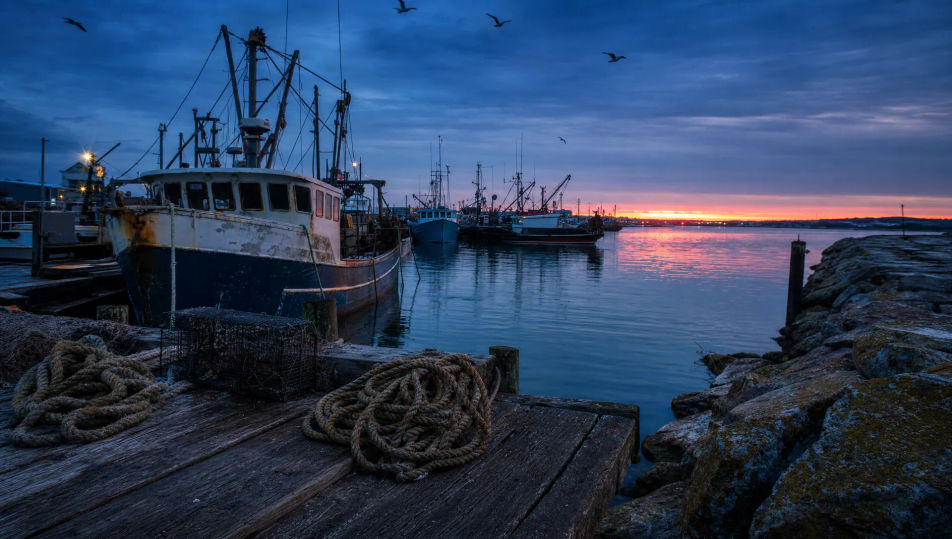
A cramped old bookshop: floor-to-ceiling shelves, a rolling ladder, warm tungsten pools of light, dust motes drifting through a slanted beam, stacks of books on a worn counter.
Edit prompt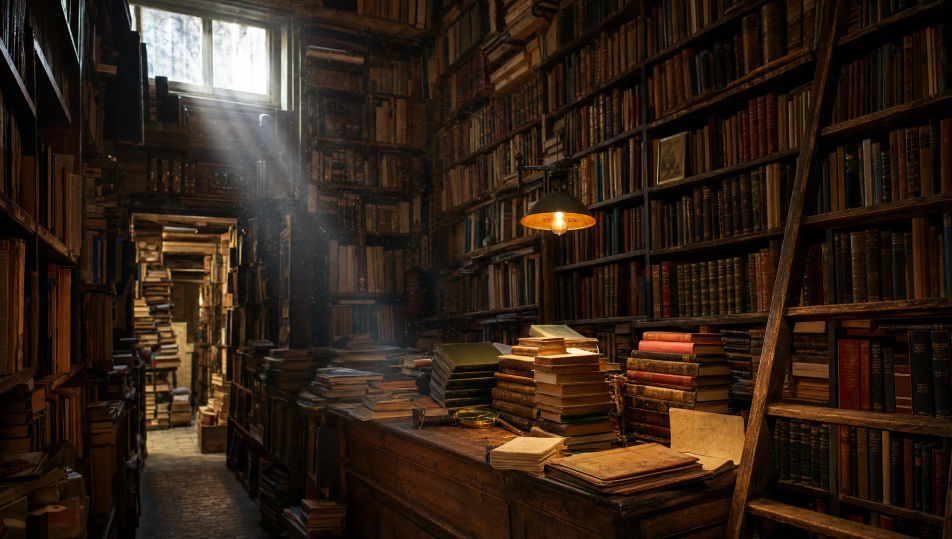
A gritty metal workshop: a heavy workbench, tools racked on the wall, a shower of sparks at a grinder, hard light slicing through dusty haze, oil-stained concrete floor.
Edit prompt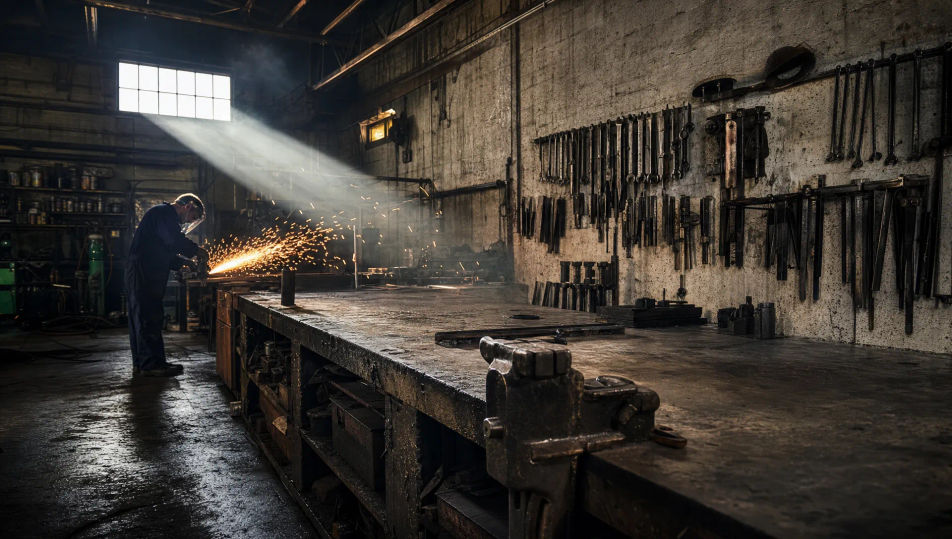
Jelaskan Environmental Portrait yang Anda inginkan, dengan kata-kata sederhana.
Morphic membuat gambar bersih yang siap diterbitkan di canvas Anda dalam hitungan detik.
Ubah prompt, buat ulang variasi, lalu unduh atau bagikan frame-nya.
Fix plastic-looking AI skin. Adds natural texture, pores, and imperfections for realism.
One selfie becomes a set of professional headshots. Studio-quality, multiple styles.
Convert any image to a new aspect ratio. Smart crop or extend the edges to fit.
Full model photoshoot from one photo of you

Upload a photo of a person or character and get a single grid image showing them at different life stages, from baby to elderly.
Choose your viewing angles and get precise perspective shifts of any image with full camera control.
Portrait Photography AI Images
Generate studio-quality AI portraits from a prompt. Realistic lighting, skin texture, and lens looks. Free HD, no watermark.
Studio Portrait AI Images
Create AI Studio Portrait images with Morphic. Generate Studio Portrait shots, portraits, and visuals for any project in seconds.
Gambar AI potret hitam putih
Buat potret hitam putih dengan AI langsung dari HP. Atur sendiri kontras, grain, dan cahayanya. Dirender monokrom sejak awal, bukan hasil desaturasi.
Headshot AI Images
Create AI Headshot images with Morphic. Generate Headshot shots, portraits, and visuals for any project in seconds.
Mulai gratis hari ini, dengan opsi untuk upgrade atau membatalkan kapan saja.
Basic
2400 bulanan kredit
1 pengguna saja
Semua model
Workflows
Standard
3625 bulanan kredit
1 pengguna saja
Semua model
Workflows
Pro
6350 bersama bulanan kredit
1 pengguna
Semua model
Workflows
Max
24650 bersama bulanan kredit
1 pengguna
Semua model
Workflows
Enterprise
Untuk batas yang lebih tinggi
Khusus
ketentuan harga dan penagihan

Free
Untuk bereksperimen
$0
gratis selamanya