Four gesture poses in a row
A sheet of four quick gesture poses in a row, each a different line of action, loose confident strokes, no facial detail, newsprint tone.
Edit prompt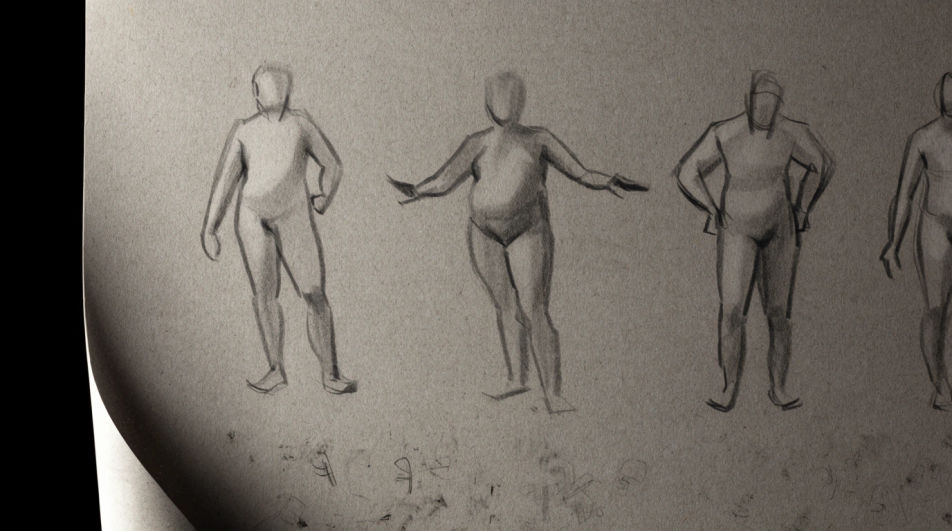
Ask for the drawing poses you need and Morphic's Image tool renders them at the angle you want, whether that is a twisting standing pose or a seated three-quarter view. Set the camera height, the lighting and the level of finish, then work from the result or keep sketching over it on the Canvas.
A sheet of four quick gesture poses in a row, each a different line of action, loose confident strokes, no facial detail, newsprint tone.
Edit promptThe same standing pose drawn from front, side, back and three quarters, arranged in a grid, even light, plain background behind each.
Edit prompt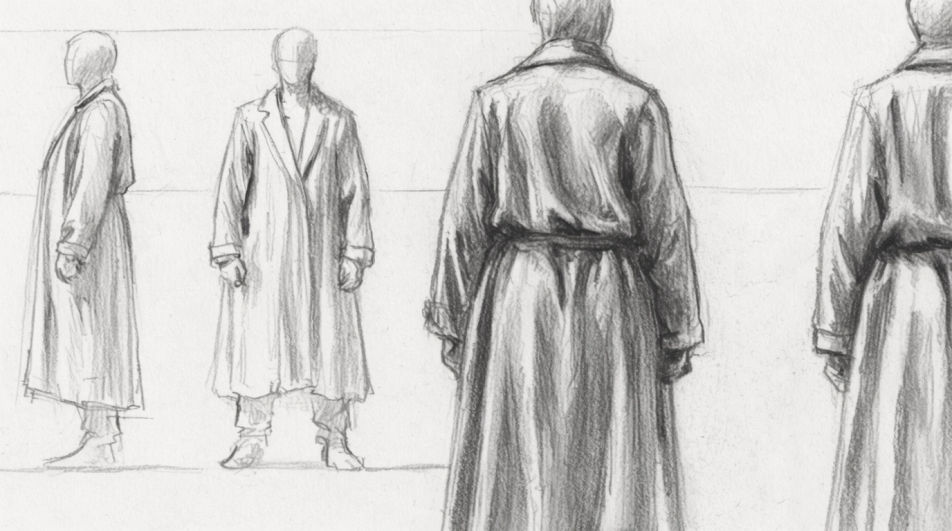
A standing figure lit hard from one side in charcoal, half the body in deep shadow, edge of the lit side catching a bright rim.
Edit prompt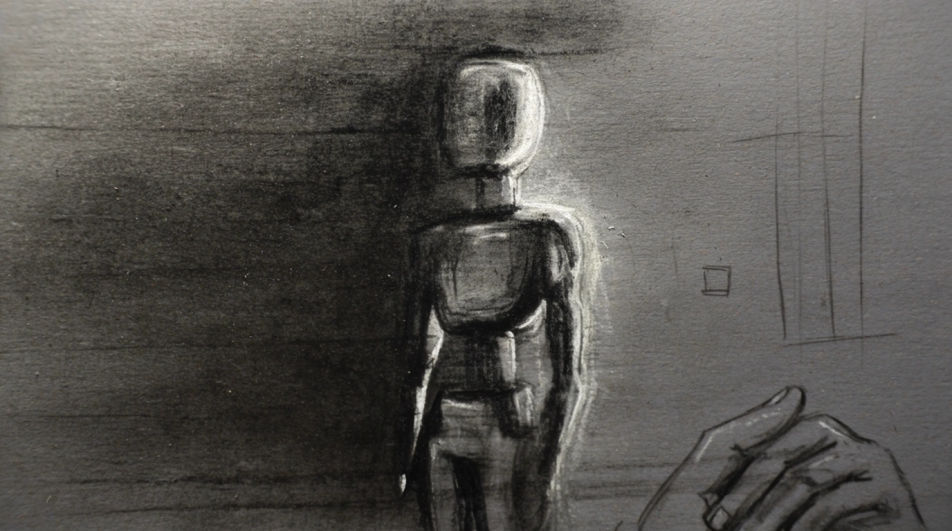
A study page of hands and forearms in six positions, five fingers on each hand, drawn in clean pencil line with light shading.
Edit prompt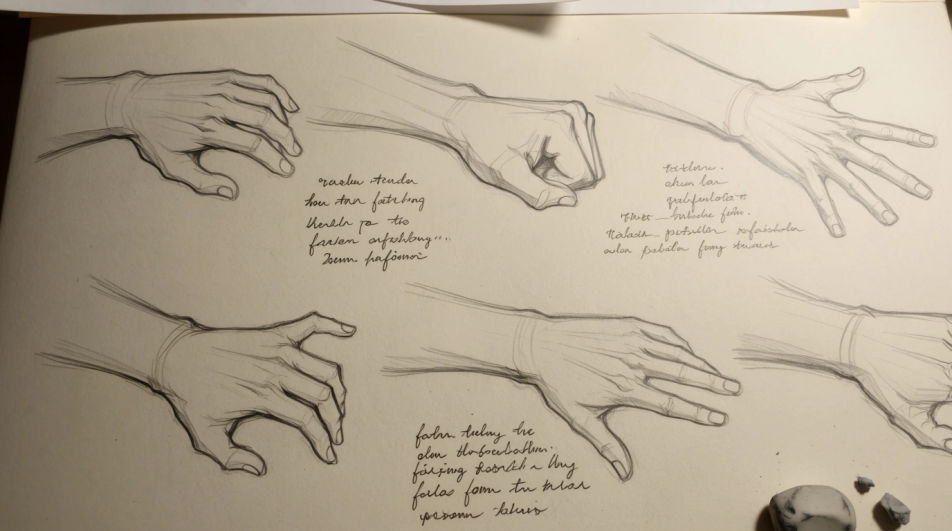
Jelaskan Drawing Poses yang Anda inginkan, dengan kata-kata sederhana.
Morphic membuat gambar bersih yang siap diterbitkan di canvas Anda dalam hitungan detik.
Ubah prompt, buat ulang variasi, lalu unduh atau bagikan frame-nya.
Pick a reference image, apply its visual style to your own photo or artwork.
Convert any image to a new aspect ratio. Smart crop or extend the edges to fit.

Turn any sketch or drawing into a finished render.
Restyle any video in a completely new visual style. Every frame transforms, all motion stays intact.
Reimagine any anime character as a photorealistic, high-fashion live-action portrait.
One selfie becomes a set of professional headshots. Studio-quality, multiple styles.
Figure drawing generator
Turn a figure drawing idea into a finished image in Morphic. Describe the line work and style, generate variations, then refine it on the canvas.
Body drawing generator
Turn a body drawing idea into a finished image in Morphic. Describe the line work and style, generate variations, then refine it on the canvas.
Hand drawing generator
Turn a hand drawing idea into a finished image in Morphic. Describe the line work and style, generate variations, then refine it on the canvas.
Honeycomb drawing maker
Turn a honeycomb drawing idea into a finished image in Morphic. Describe the line work and style, generate variations, then refine it on the canvas.
Mulai gratis hari ini, dengan opsi untuk upgrade atau membatalkan kapan saja.
Basic
2400 bulanan kredit
1 pengguna saja
Semua model
Workflows
Standard
3625 bulanan kredit
1 pengguna saja
Semua model
Workflows
Pro
6350 bersama bulanan kredit
1 pengguna
Semua model
Workflows
Max
24650 bersama bulanan kredit
1 pengguna
Semua model
Workflows
Enterprise
Untuk batas yang lebih tinggi
Khusus
ketentuan harga dan penagihan

Free
Untuk bereksperimen
$0
gratis selamanya