Reaction row
Four playful emoji faces in a row on a clean cream panel, laughing, winking, grinning, and surprised, even spacing and soft shadows.
Edit prompt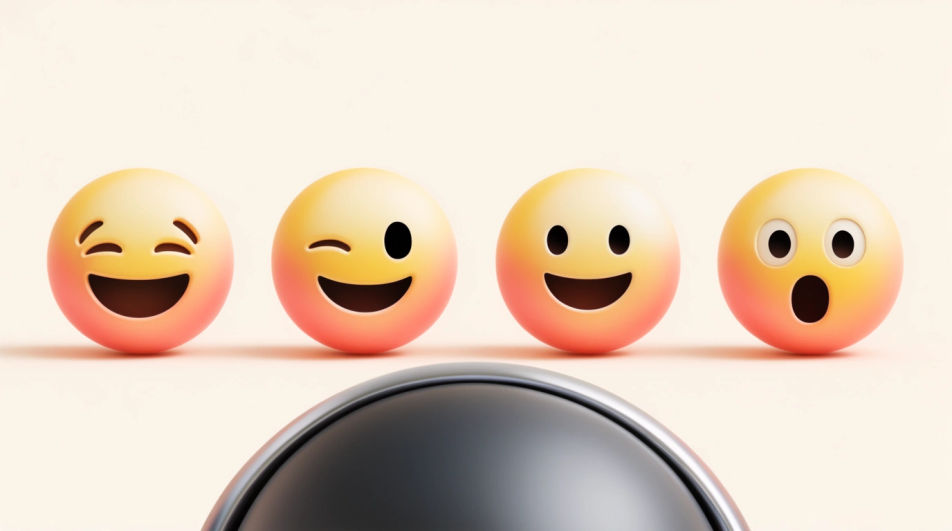
Design a fun emoji in your browser with Morphic's Image tool, from a grinning party face to a confetti burst you can drop into a group chat. Choose the expression, the palette, and how much space sits around the icon, then download the version that made you smile first.
Four playful emoji faces in a row on a clean cream panel, laughing, winking, grinning, and surprised, even spacing and soft shadows.
Edit promptA smiling emoji face at the centre of a confetti burst, paper pieces radiating outward, bright warm light and a pale background.
Edit prompt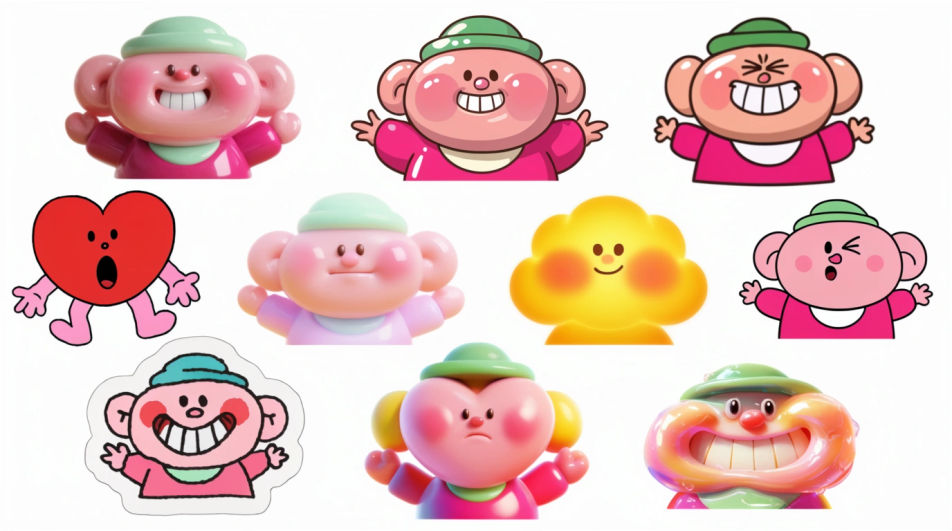
Balloon faces and paper hats scattered across a pastel table, seen from directly above, soft even light and lots of empty space.
Edit prompt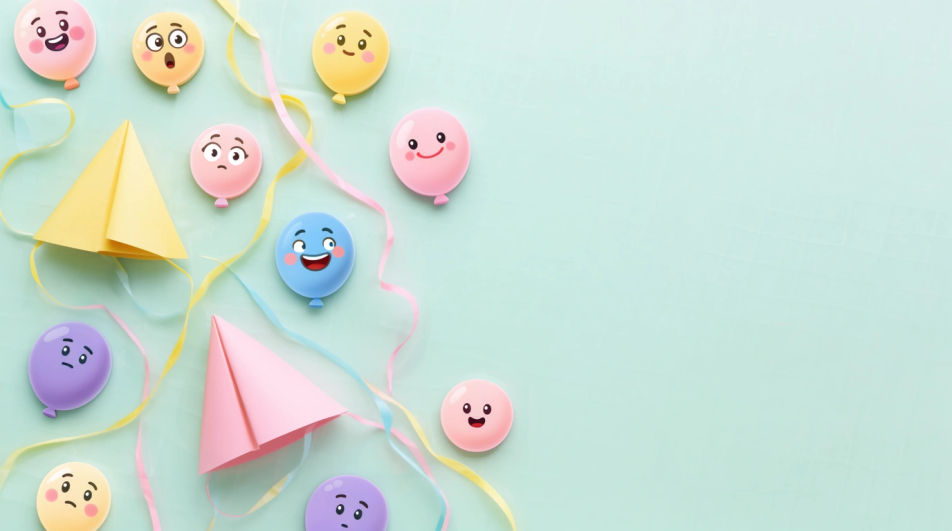
A tight crop on a grinning emoji face filling most of the frame, glossy highlight on the cheek, deep blue background for contrast.
Edit prompt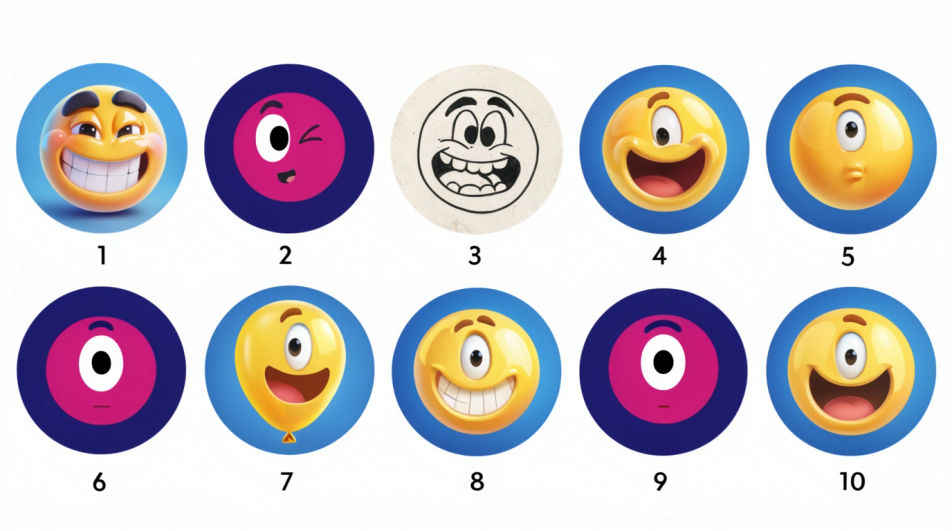
Jelaskan Fun Emoji yang Anda inginkan, dengan kata-kata sederhana.
Morphic membuat gambar bersih yang siap diterbitkan di canvas Anda dalam hitungan detik.
Ubah prompt, buat ulang variasi, lalu unduh atau bagikan frame-nya.
Pick a reference image, apply its visual style to your own photo or artwork.
Convert any image to a new aspect ratio. Smart crop or extend the edges to fit.

Turn any sketch or drawing into a finished render.

Take any character image and generate 6 distinct facial expressions on a single reference sheet.
Restyle any video in a completely new visual style. Every frame transforms, all motion stays intact.

Pick any anime illustration as your style guide. Apply its look to any image.
Happy emoji generator
Generate happy emoji images in Morphic. Describe the expression, colour and style you want, generate options, then refine the prompt and download it.
Funny emoji generator
Generate funny emoji images in Morphic. Describe the expression, colour and style you want, generate options, then refine the prompt and download it.
Emoji design AI images
Make emoji design AI images in your browser: glossy face sets, custom reactions, outlined sticker emoji. Build a matched pack fast. Start creating.
Jewelry design AI Images
Create AI jewelry design images with Morphic. Generate authentic jewelry design artwork, scenes, and visuals for any project in seconds.
Mulai gratis hari ini, dengan opsi untuk upgrade atau membatalkan kapan saja.
Basic
2400 bulanan kredit
1 pengguna saja
Semua model
Workflows
Standard
3625 bulanan kredit
1 pengguna saja
Semua model
Workflows
Pro
6350 bersama bulanan kredit
1 pengguna
Semua model
Workflows
Max
24650 bersama bulanan kredit
1 pengguna
Semua model
Workflows
Enterprise
Untuk batas yang lebih tinggi
Khusus
ketentuan harga dan penagihan

Free
Untuk bereksperimen
$0
gratis selamanya