Nave in coloured light
A wide gothic nave bathed in coloured light from tall stained glass, ribbed vaults overhead and a long stone floor.
Edit prompt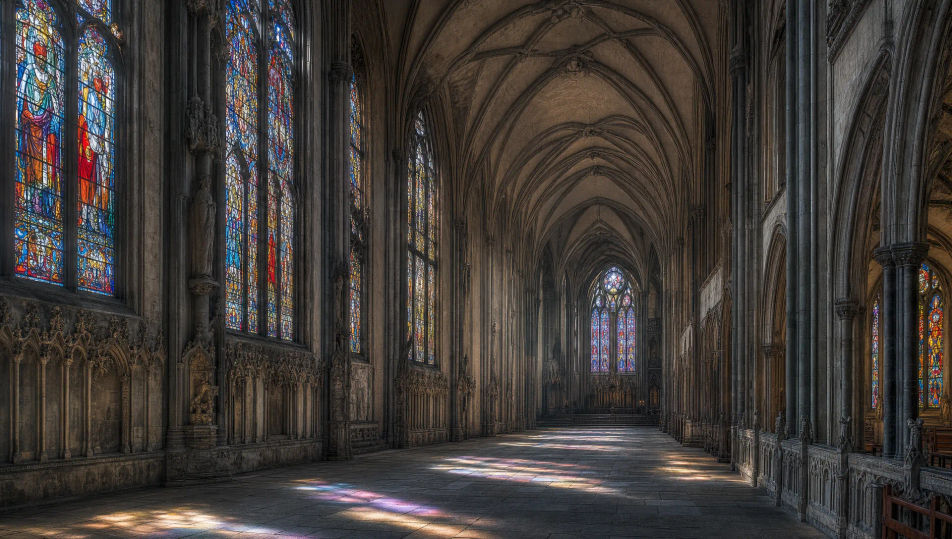
Design gothic cathedral images in your browser with Morphic's AI image generator. Generate a vast nave, a rose-window interior, or a buttressed exterior. Lock the stonework and light with Style Transfer, then animate any still with Image to Video.
A wide gothic nave bathed in coloured light from tall stained glass, ribbed vaults overhead and a long stone floor.
Edit promptA wide gothic cathedral exterior with flying buttresses, twin towers and a rose window under a moody sky.
Edit prompt
A wide gothic cloister walk with pointed arcades around a courtyard, soft daylight and long shadows.
Edit prompt
A wide low gothic crypt with stout vaults and stone columns, dim warm light from scattered candles.
Edit prompt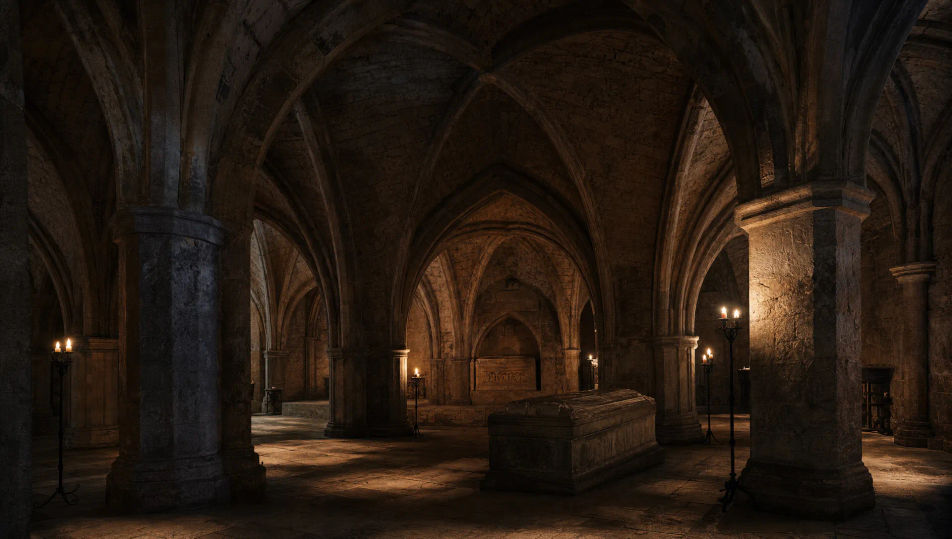
Jelaskan Gothic cathedral yang Anda inginkan, dengan kata-kata sederhana.
Morphic membuat gambar bersih yang siap diterbitkan di canvas Anda dalam hitungan detik.
Ubah prompt, buat ulang variasi, lalu unduh atau bagikan frame-nya.
Choose your viewing angles and get precise perspective shifts of any image with full camera control.

Professional 7-panel location reference sheet from a single photo.
Set the look with one reference image. Apply that exact grade to any scene or batch.
Restyle any video in a completely new visual style. Every frame transforms, all motion stays intact.

Take any character image and generate 6 distinct facial expressions on a single reference sheet.
Photo of any real-estate becomes a cinematic renovation timelapse video with construction SFX and music.
Steampunk workshop AI images
Create AI Steampunk Workshop images with Morphic. Generate Steampunk Workshop scenes, landscapes, and environments for any project in seconds.
Fantasy Castle AI Images
Create AI fantasy castle images on Morphic. Cliffside fortresses, throne halls, watchtowers, courtyards, and misty keeps from plain-language prompts.
Magical Library AI Images
Create AI Magical Library images with Morphic. Generate Magical Library scenes, landscapes, and environments for any project in seconds.
Fantasy Village AI Images
Create AI fantasy village images on Morphic. Thatched cottages, market squares, blacksmith forges, taverns, and windmills from plain-language prompts.
Mulai gratis hari ini, dengan opsi untuk upgrade atau membatalkan kapan saja.
Basic
2400 bulanan kredit
1 pengguna saja
Semua model
Workflows
Standard
3625 bulanan kredit
1 pengguna saja
Semua model
Workflows
Pro
6350 bersama bulanan kredit
1 pengguna
Semua model
Workflows
Max
24650 bersama bulanan kredit
1 pengguna
Semua model
Workflows
Enterprise
Untuk batas yang lebih tinggi
Khusus
ketentuan harga dan penagihan

Free
Untuk bereksperimen
$0
gratis selamanya