Monster design sheet
One creature drawn six times across a sheet in fine ink, each version changing the horns, eye count and limb length, with hand-ruled boxes and blank labels.
Edit prompt
Describe the monster you want in Morphic's Image tool, from a round one-eyed cartoon to a horned creature drawn like a naturalist's specimen. Set the body plan, the number of limbs and eyes, the medium, the line weight and the paper, refine it on the Canvas, then download it in HD.
One creature drawn six times across a sheet in fine ink, each version changing the horns, eye count and limb length, with hand-ruled boxes and blank labels.
Edit promptThe same creature in front, side and three-quarter view along a ruled horizon line, proportions held steady and the tone kept light throughout.
Edit prompt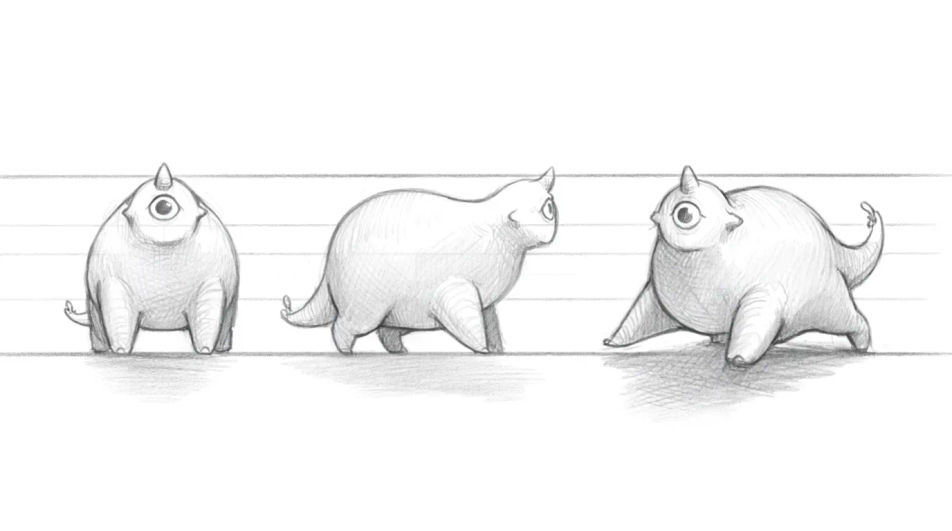
Three creatures of different heights crowded in a lit doorway in ink and wash, the front one detailed and the back two dropped to contour only.
Edit prompt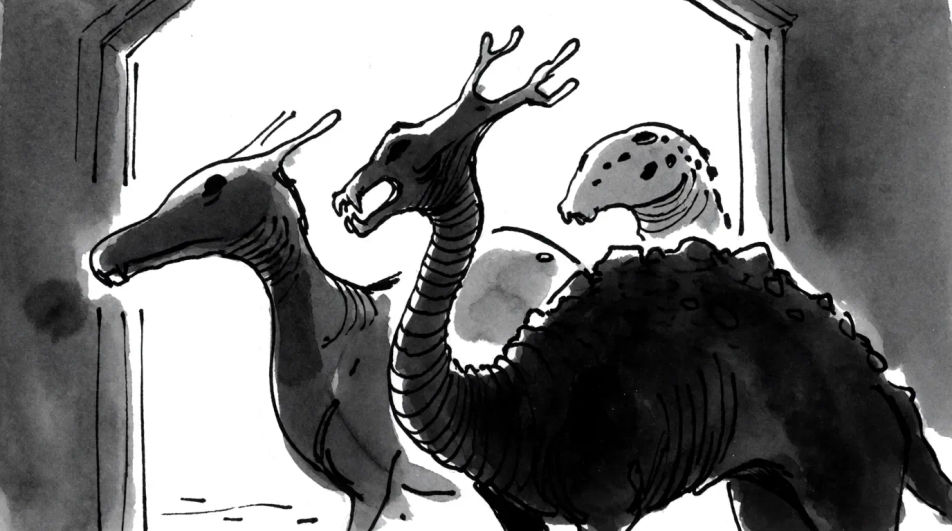
A large shape half lost in smudged charcoal fog, the near shoulder and one raised claw drawn sharply and light lifted out around them.
Edit prompt
Jelaskan Monster drawing yang Anda inginkan, dengan kata-kata sederhana.
Morphic membuat gambar bersih yang siap diterbitkan di canvas Anda dalam hitungan detik.
Ubah prompt, buat ulang variasi, lalu unduh atau bagikan frame-nya.

Take any character image and generate 6 distinct facial expressions on a single reference sheet.

Share a scene description with character references. Get a full storyboard with shot angles and mood.

Turn any photo or description into an animated chibi sprite. Dance, jump, wave, attack, and more.

All your characters on a single lineup image, side by side with height comparison.

Professional 7-panel location reference sheet from a single photo.
Restyle any video in a completely new visual style. Every frame transforms, all motion stays intact.
Scary monster drawing maker
Turn a monster scary drawing idea into a finished image in Morphic. Describe the line work and style, generate variations, then refine it on the canvas.
Dragon AI Drawings
Create AI dragon drawings in your browser with Morphic's generator. Design realistic, fantasy, Asian, fire-breathing, and winged dragons in any pose or style. Original HD artwork, no drawing skills needed, perfect for games, tattoos, and stories.
Ghost drawing generator
Turn a ghost drawing idea into a finished image in Morphic. Describe the line work and style, generate variations, then refine it on the canvas.
Changeling AI Images
Create AI changeling images on Morphic. Shapeshifting humanoids, blank base forms, and disguise scenes from plain-language prompts, consistent across a set.
Mulai gratis hari ini, dengan opsi untuk upgrade atau membatalkan kapan saja.
Basic
2400 bulanan kredit
1 pengguna saja
Semua model
Workflows
Standard
3625 bulanan kredit
1 pengguna saja
Semua model
Workflows
Pro
6350 bersama bulanan kredit
1 pengguna
Semua model
Workflows
Max
24650 bersama bulanan kredit
1 pengguna
Semua model
Workflows
Enterprise
Untuk batas yang lebih tinggi
Khusus
ketentuan harga dan penagihan

Free
Untuk bereksperimen
$0
gratis selamanya