Concept sheet of six handsets
Six phone silhouettes sketched across one ruled sheet in ballpoint, each a different proportion and camera layout, with blank label boxes beneath.
Edit prompt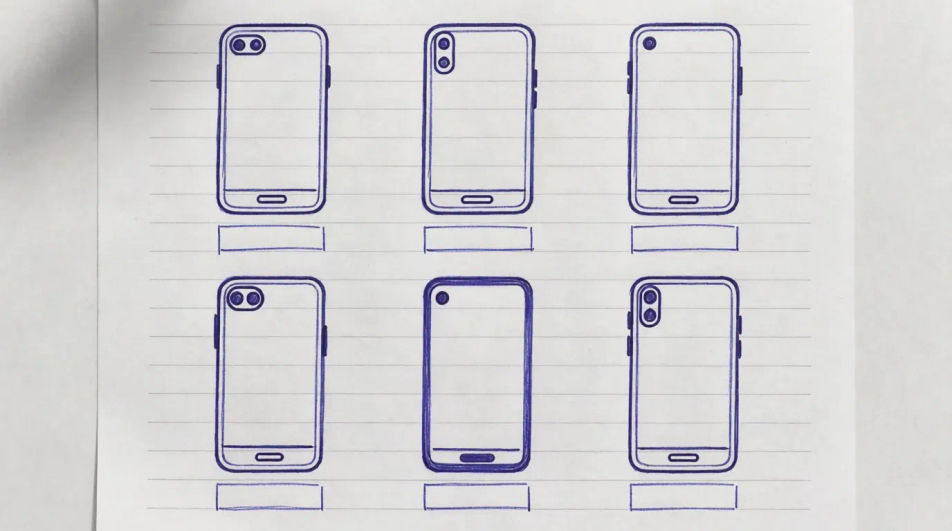
Describe the phone sketch you want in Morphic's Image tool, from a loose ballpoint concept on grid paper to a full marker render with a cast shadow. Set the handset type, the angle, the medium, the line weight and the surface, tighten it on the Canvas, then download it in HD.
Six phone silhouettes sketched across one ruled sheet in ballpoint, each a different proportion and camera layout, with blank label boxes beneath.
Edit promptSeveral views of one handset in technical pen, aligned on ruled guides with thin dimension lines and empty measurement fields.
Edit prompt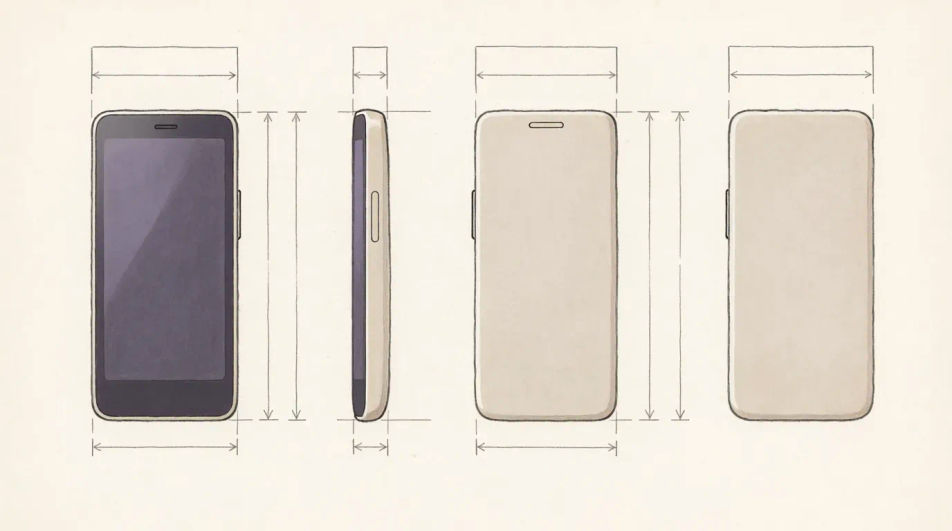
A handset pulled apart along one axis in fine line, screen, frame, battery and back panel floating in order with faint alignment lines between them.
Edit prompt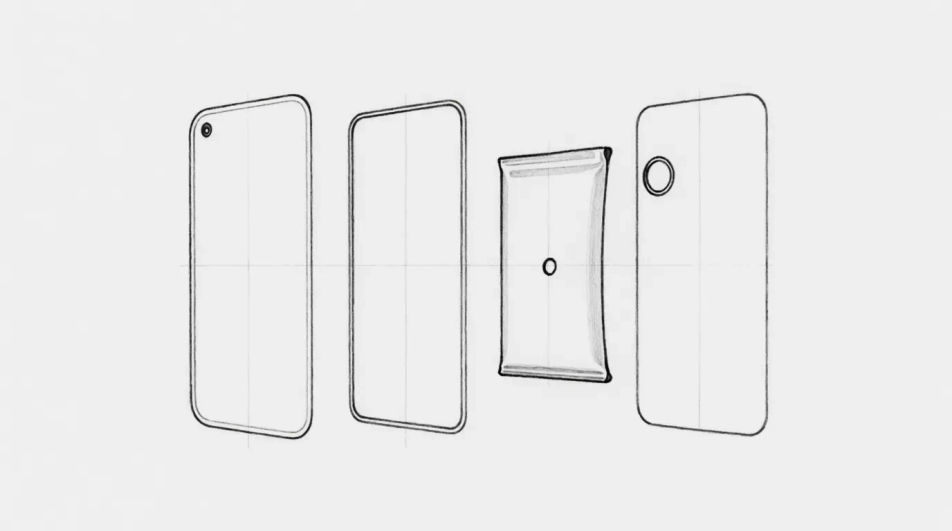
A hand gripping a phone in charcoal, the fingers wrapped around the frame and the screen glow lifted out so it is the brightest area on the page.
Edit prompt
Jelaskan Phone sketch yang Anda inginkan, dengan kata-kata sederhana.
Morphic membuat gambar bersih yang siap diterbitkan di canvas Anda dalam hitungan detik.
Ubah prompt, buat ulang variasi, lalu unduh atau bagikan frame-nya.

Turn any sketch or drawing into a finished render.
Pick a reference image, apply its visual style to your own photo or artwork.
Convert any image to a new aspect ratio. Smart crop or extend the edges to fit.

Take any character image and generate 6 distinct facial expressions on a single reference sheet.
Restyle any video in a completely new visual style. Every frame transforms, all motion stays intact.

Pick any anime illustration as your style guide. Apply its look to any image.
Industrial design sketch AI images
Make industrial design sketch AI images in your browser: marker concept tools, ideation pages, product renders. Build a concept deck. Start creating.
Technology drawing maker
Turn a technology drawing idea into a finished image in Morphic. Describe the line work and style, generate variations, then refine it on the canvas.
Pen sketch maker
Create pen sketch images in Morphic. Describe the subject and the line work you want, generate versions, then refine the prompt and download the art.
Funny sticker maker
Generate funny stickers in Morphic. Describe the character, colours and style you want, generate options to compare, then refine the prompt and save it.
Mulai gratis hari ini, dengan opsi untuk upgrade atau membatalkan kapan saja.
Basic
2400 bulanan kredit
1 pengguna saja
Semua model
Workflows
Standard
3625 bulanan kredit
1 pengguna saja
Semua model
Workflows
Pro
6350 bersama bulanan kredit
1 pengguna
Semua model
Workflows
Max
24650 bersama bulanan kredit
1 pengguna
Semua model
Workflows
Enterprise
Untuk batas yang lebih tinggi
Khusus
ketentuan harga dan penagihan

Free
Untuk bereksperimen
$0
gratis selamanya