Ukuran yang bisa Anda buat
Resize gambar dalam tiga langkah
- 01
Buka Morphic
Daftar dan mulai berkarya di kanvas visual tanpa batas yang bebas mengalir.
- 02
Pilih ukuran
Pilih dimensi atau rasio aspek yang Anda butuhkan.
- 03
Resize dan unduh
Biarkan AI mengisi ruang baru, lalu ekspor hasil resize gambarnya.
Contoh penggunaan
Satu gambar, semua platform
Ubah bentuk satu foto untuk story, postingan, banner, dan thumbnail. Satu gambar sumber jadi semua ukuran yang Anda butuhkan untuk posting.
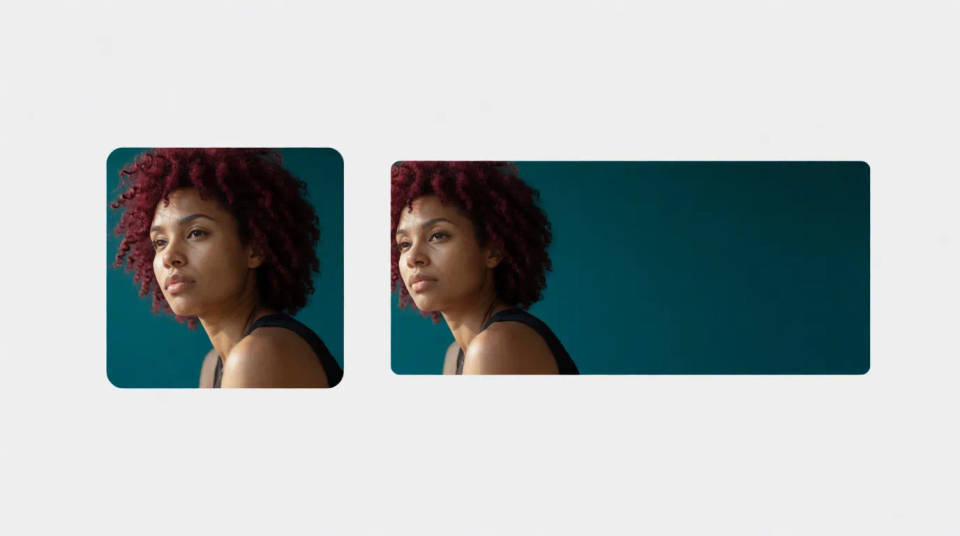
Resize tanpa crop
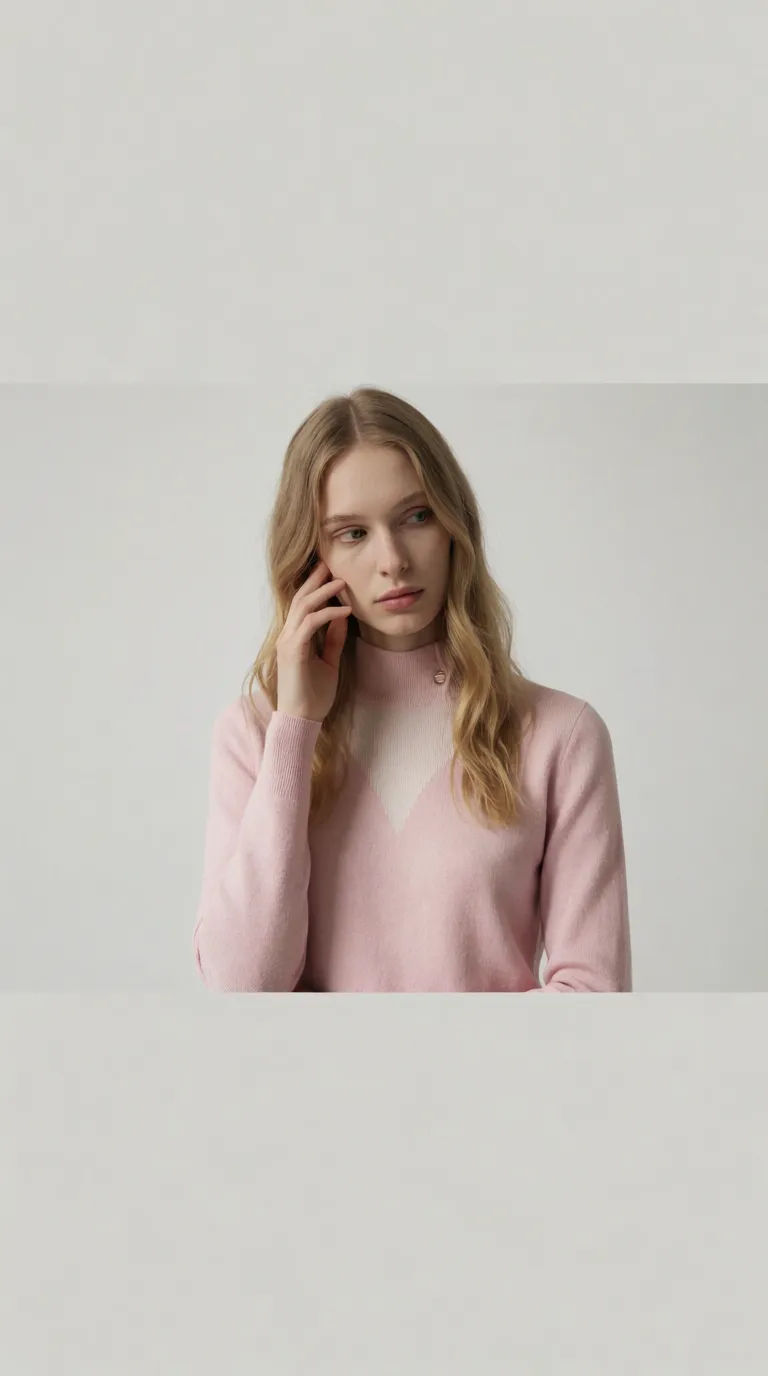
Sesuaikan rasio baru dengan memperluas adegan, bukan memotong subjek. Ubah bentuknya tanpa kehilangan bagian penting.
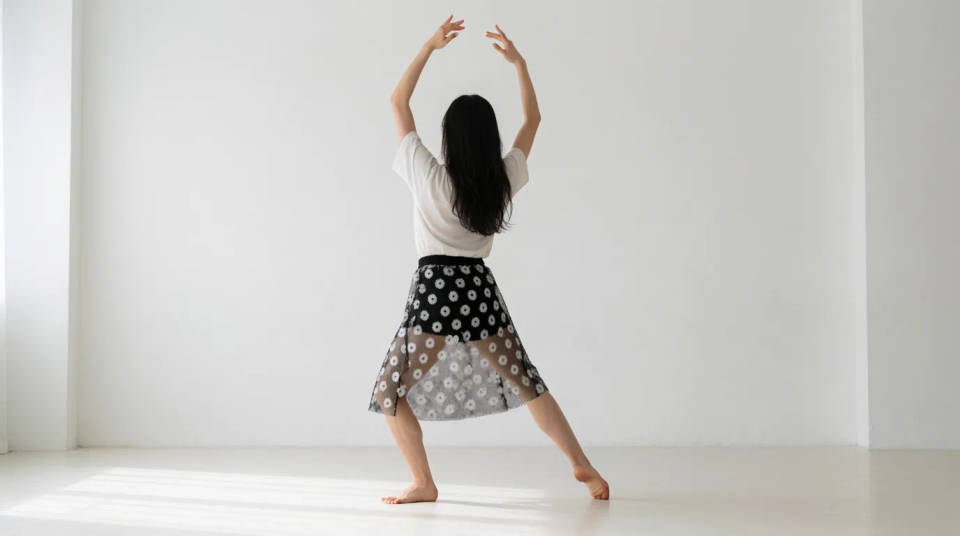
Siapkan materi iklan
Hasilkan semua ukuran penempatan dari satu gambar sumber, tetap sesuai brand. Ekspor satu set iklan lengkap untuk jualan online yang tampilannya tetap selaras.
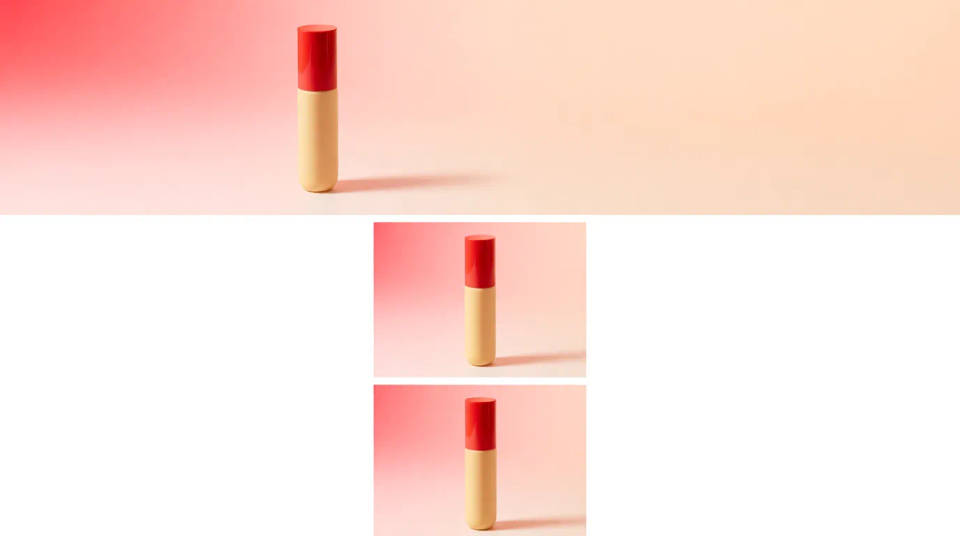
Perbaiki crop yang canggung
Beri ruang lagi pada foto yang terlalu rapat dipotong dengan memperluas tepinya. Bangun ulang marginnya supaya framing-nya akhirnya lega.
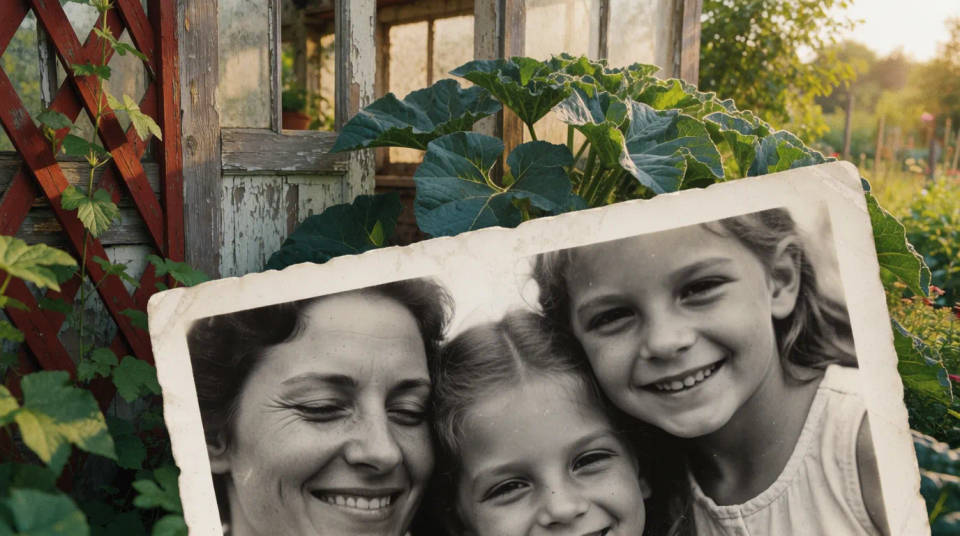
Ukuran yang bisa Anda buat
Setiap contoh dimulai dari gambar Anda sendiri. Buka prompt mana pun untuk mengubahnya dan buat versi Anda sendiri.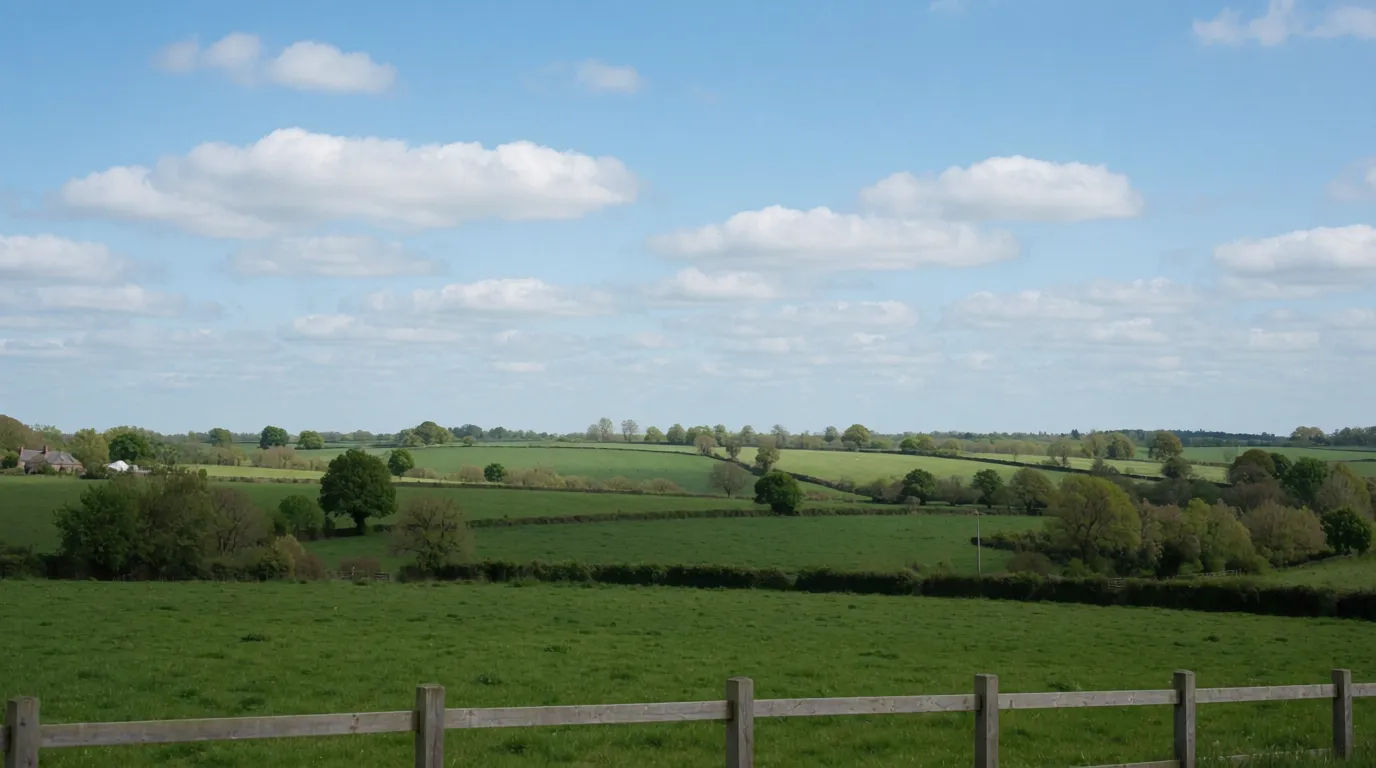
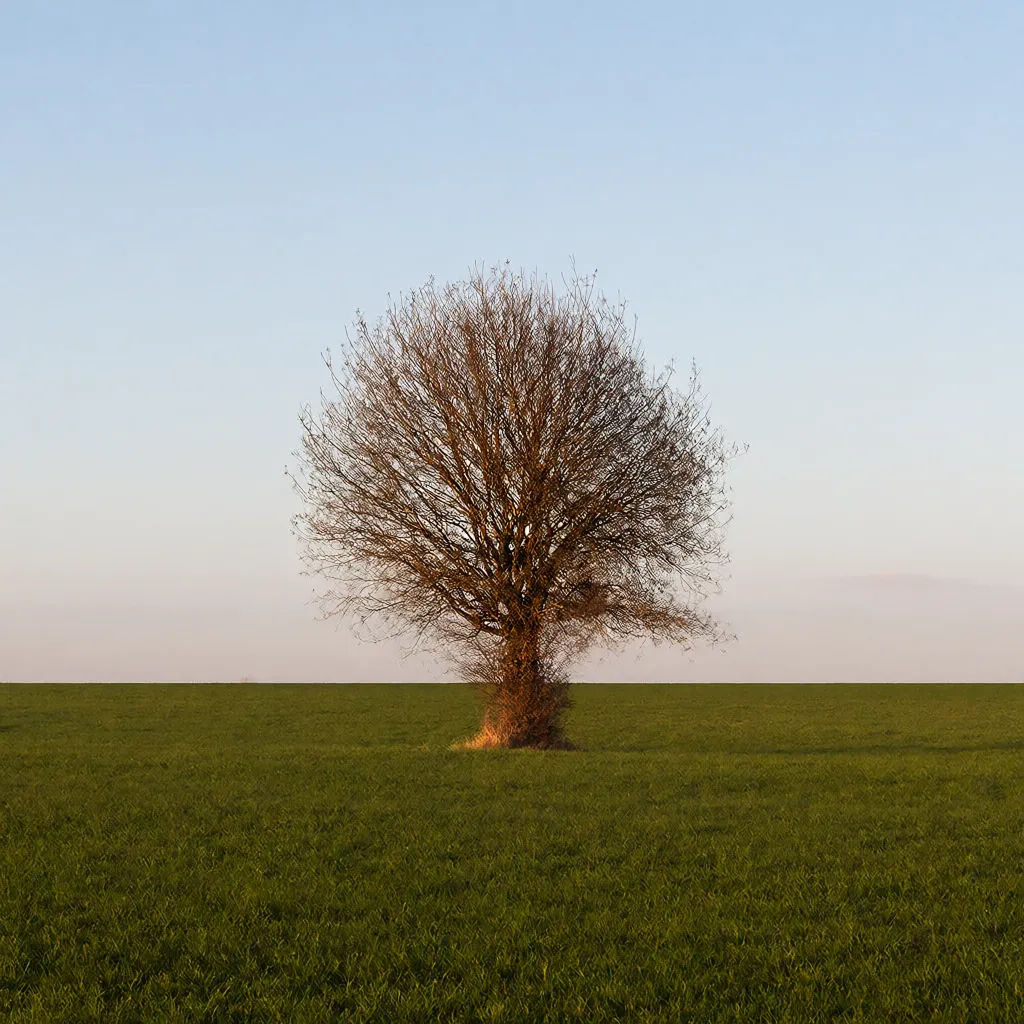
Postingan persegi
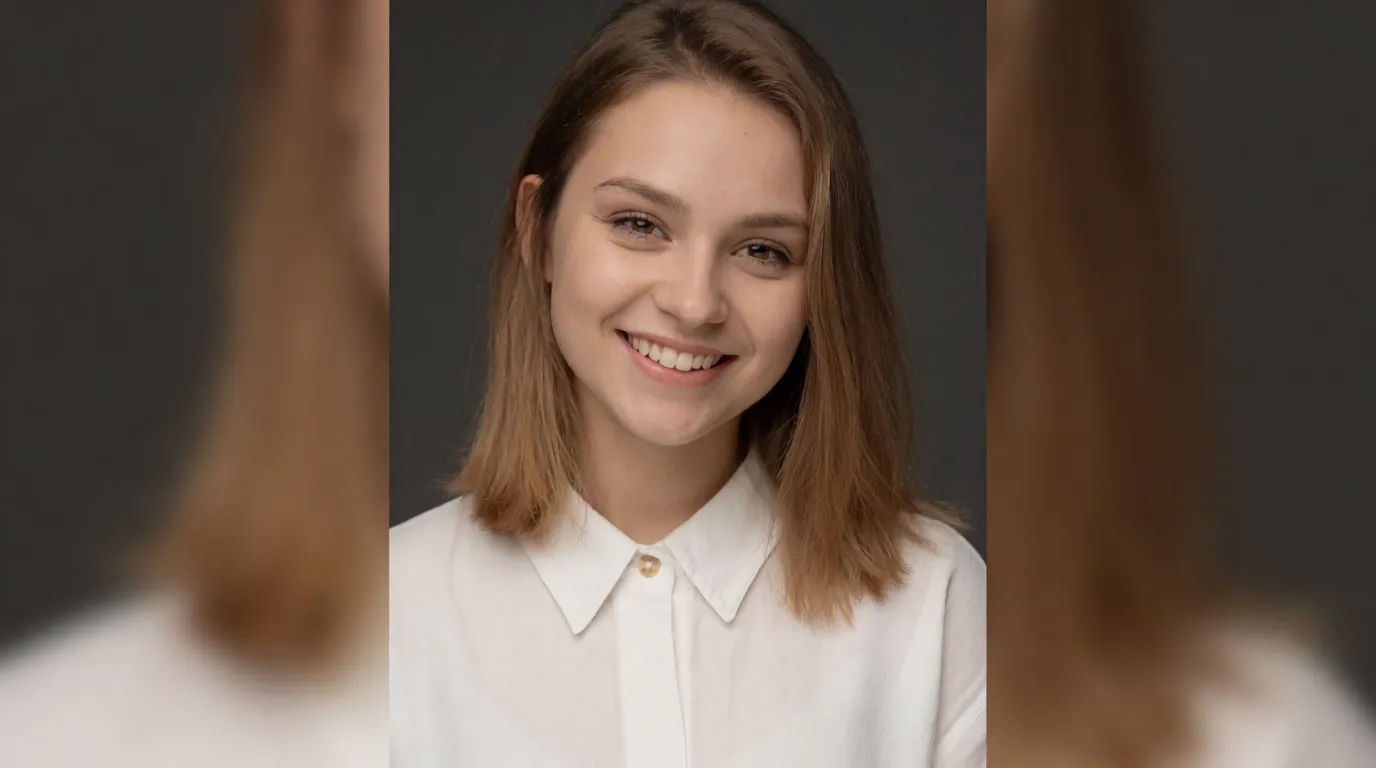
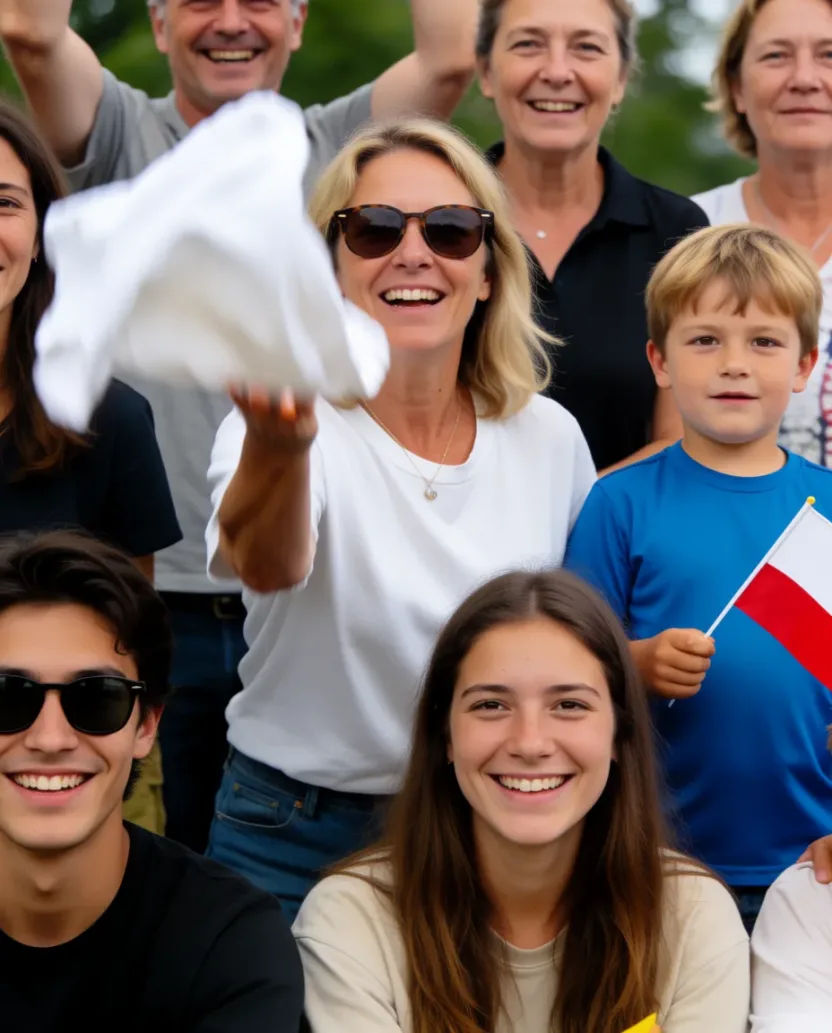
Resize foto landscape ini jadi postingan persegi, jaga subjek tetap di tengah
Edit prompt
Aspect ratio
Convert any image to a new aspect ratio. Smart crop or extend the edges to fit.

Sketch to render
Turn any sketch or drawing into a finished render.

Expressions
Take any character image and generate 6 distinct facial expressions on a single reference sheet.

Anime style transfer
Pick any anime illustration as your style guide. Apply its look to any image.

Image reverse engineer
Get a detailed prompt extracted from a reference image, and then a fresh recreation.

Cinematic storyboard
Share a scene description with character references. Get a full storyboard with shot angles and mood.
Semua di Morphic
Semua ukuran dan rasio, tanpa stretchingModel
Nano Banana 2, Flux 2 Pro, Seedream 5, dan lainnya. Pilih model yang mengisi ruang baru paling rapi, dan ganti kapan saja.
Tanpa stretching
AI memperluas adegan, bukan menekan pixel, jadi proporsinya tetap benar.
Semua rasio
Story, persegi, banner, atau thumbnail. Ubah satu gambar untuk semuanya.
Workflows
Simpan satu set resize sebagai Workflow dan ekspor semua ukuran platform sekaligus.
