Level hutan parallax
Hutan 16-bit dengan latar belakang parallax berlapis, dedaunan piksel detail, sprite berlari dengan animasi halus.
Edit prompt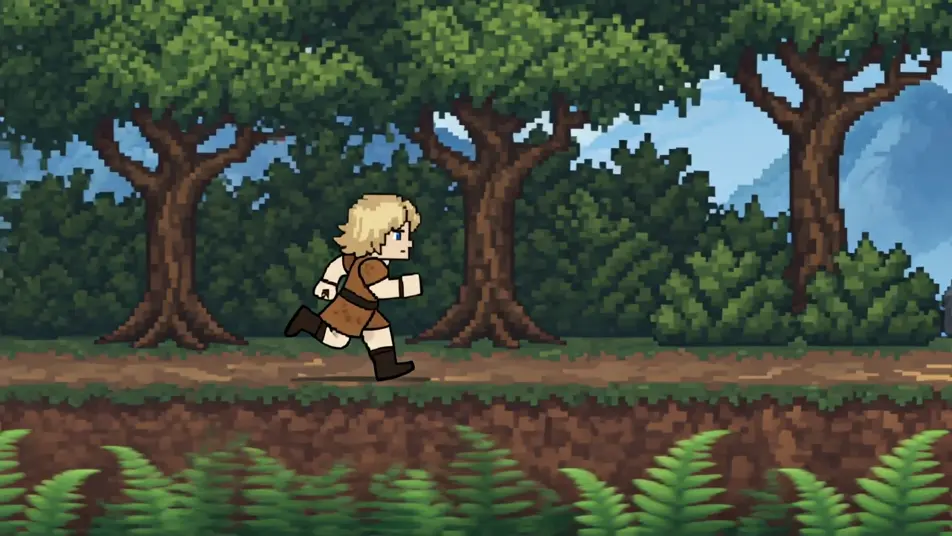
Naik level ke era 16-bit langsung di browser dengan generator video AI animasi 16-bit dari Morphic. Buat level hutan parallax, arena bos yang detail, atau kota piksel yang bergulir. Beri suara dan musik ke setiap shot dengan Speech dan Music, lalu rangkai sprite-nya jadi film pendek 16-bit di Canvas.
Hutan 16-bit dengan latar belakang parallax berlapis, dedaunan piksel detail, sprite berlari dengan animasi halus.
Edit promptArena 16-bit dengan sprite bos besar bershading, palet kaya, efek piksel berlapis.
Edit prompt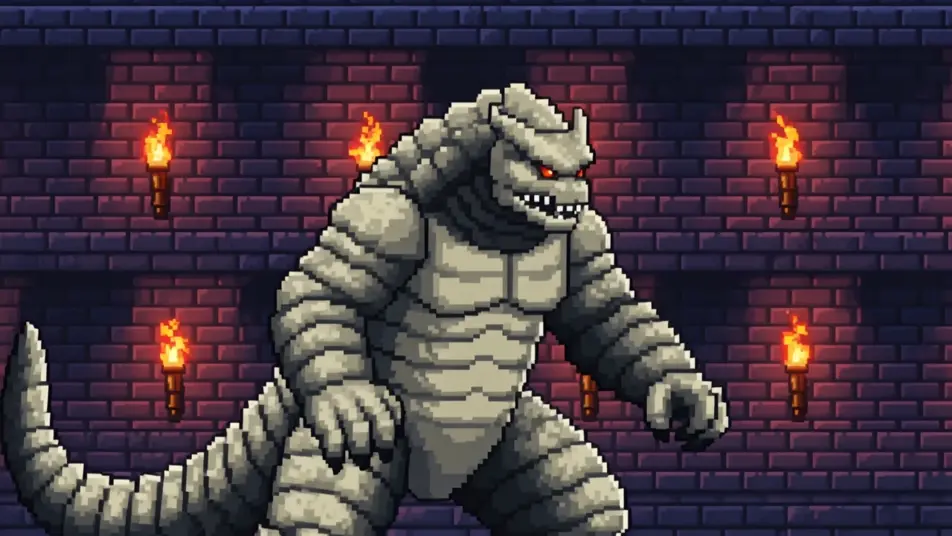
Kota 16-bit dengan bangunan piksel detail, shading halus, sprite berjalan melewati toko-toko.
Edit prompt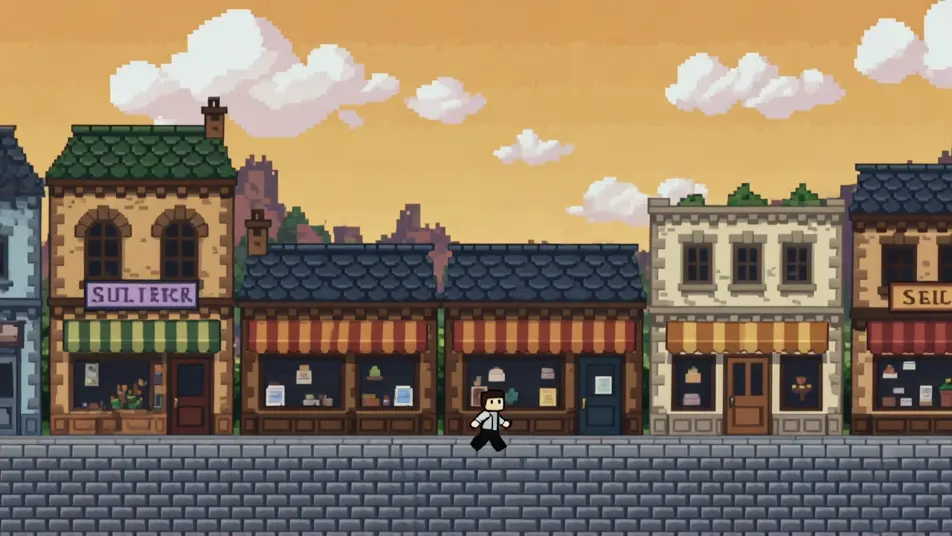
Adegan udara 16-bit dengan awan parallax, kapal sprite detail, warna gradien yang kaya.
Edit prompt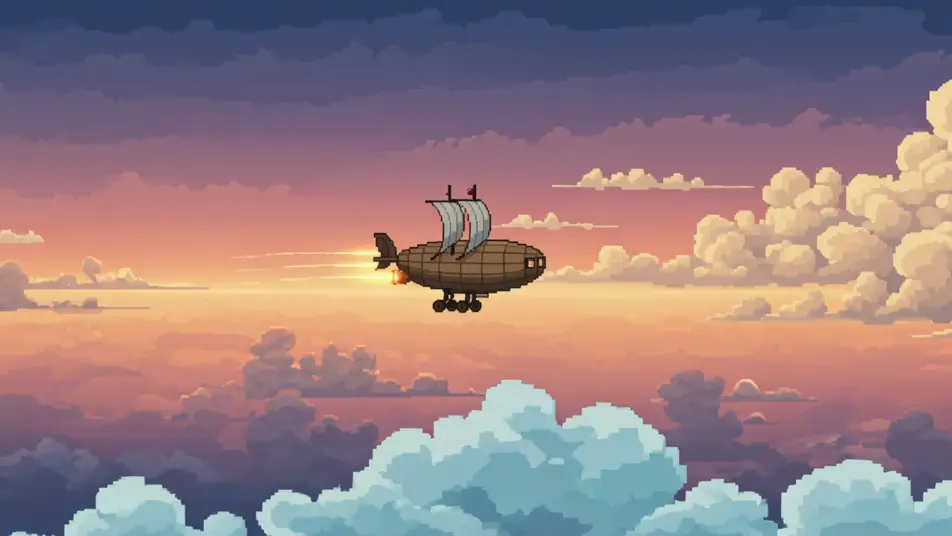
Tuliskan adegan animasi 16-bit yang Anda inginkan, dengan kata-kata sederhana.
Morphic membuat klip sinematik yang siap dijadikan frame di canvas Anda dalam hitungan detik.
Ubah prompt, buat ulang variasi, lalu unduh atau bagikan shot-nya.

Turn any photo or description into an animated chibi sprite. Dance, jump, wave, attack, and more.

Take any character image and generate 6 distinct facial expressions on a single reference sheet.

All your characters on a single lineup image, side by side with height comparison.
One character design becomes a complete sprite sheet: idle, run, attack, jump, death.

Pick any anime illustration as your style guide. Apply its look to any image.
Describe a faction or group. Get 6 distinct NPC face portraits, all in a consistent art style.
Video AI Animasi 8-Bit
Buat video AI animasi 8-bit dengan generator dari Morphic. Hasilkan adegan dan visual bergaya 8-bit untuk proyek apa pun hanya dalam hitungan detik.
Video pixel art AI
Buat video pixel art di Morphic. Sprite pahlawan, level side-scrolling, kota top-down, dan adegan retro dari prompt bahasa sederhana.
Video AI Voxel Art
Buat video AI voxel art di Morphic. Dunia cube blocky, karakter voxel, dan adegan 3D piksel tajam dari deskripsi teks sederhana.
Video AI Kartun
Buat video kartun dengan Morphic. Gaya 2D, 3D, storybook, squash-and-stretch, konsistensi karakter, dan adegan dari prompt langsung di browser.
Mulai gratis hari ini, dengan opsi untuk upgrade atau membatalkan kapan saja.
Basic
2400 bulanan kredit
1 pengguna saja
Semua model
Workflows
Standard
3625 bulanan kredit
1 pengguna saja
Semua model
Workflows
Pro
6350 bersama bulanan kredit
1 pengguna
Semua model
Workflows
Max
24650 bersama bulanan kredit
1 pengguna
Semua model
Workflows
Enterprise
Untuk batas yang lebih tinggi
Khusus
ketentuan harga dan penagihan

Free
Untuk bereksperimen
$0
gratis selamanya