Level hutan side-scrolling
Level pixel side-scrolling dengan pohon berlapis paralaks dan platform rumput, koin tersusun melengkung, langit cerah, sprite pahlawan sedang berlari.
Edit prompt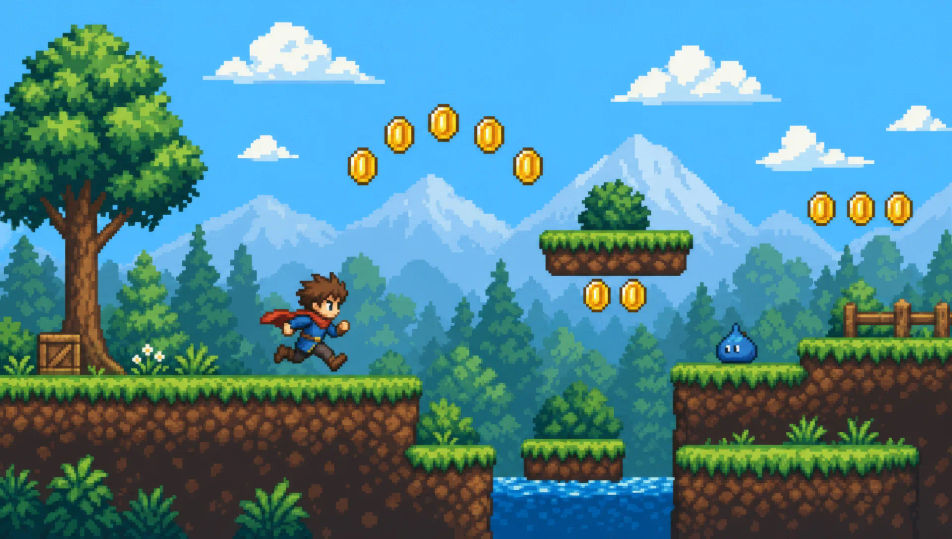
Arahkan animasi game retro langsung di browser dengan generator video pixel art AI dari Morphic. Hasilkan sprite pahlawan yang berlari di level side-scrolling, desa top-down saat fajar, atau arena bos yang diterangi cahaya obor. Beri skor tiap shot dengan Speech dan Music, lalu rangkai film pendeknya di Canvas.
Level pixel side-scrolling dengan pohon berlapis paralaks dan platform rumput, koin tersusun melengkung, langit cerah, sprite pahlawan sedang berlari.
Edit promptDesa pixel top-down dengan atap berpetak dan sumur di tengah, NPC bergerak dalam siklus idle kecil, jalan setapak berliku, cahaya fajar yang lembut.
Edit prompt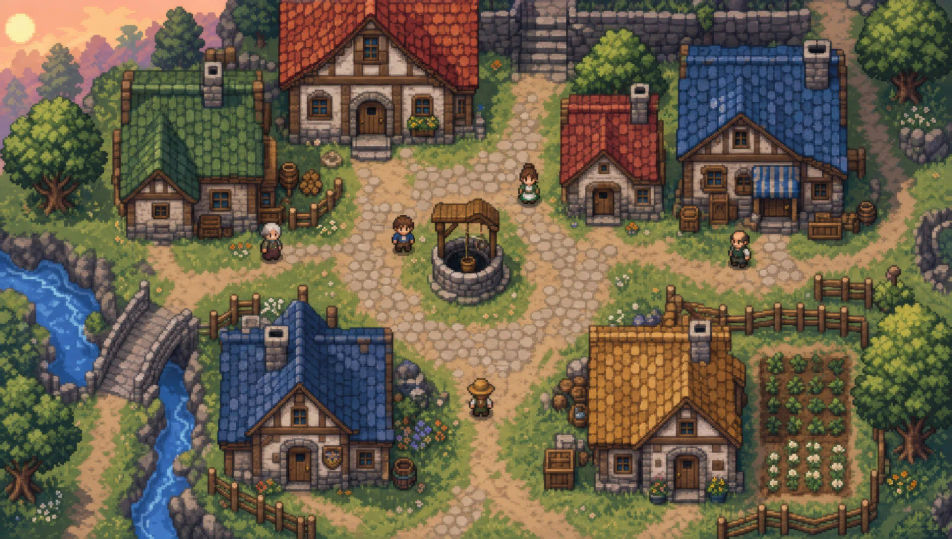
Arena pixel persegi diterangi cahaya obor, lantai batu yang retak, sprite bos besar menjulang di satu sisi, sang pahlawan kecil di sisi lain.
Edit prompt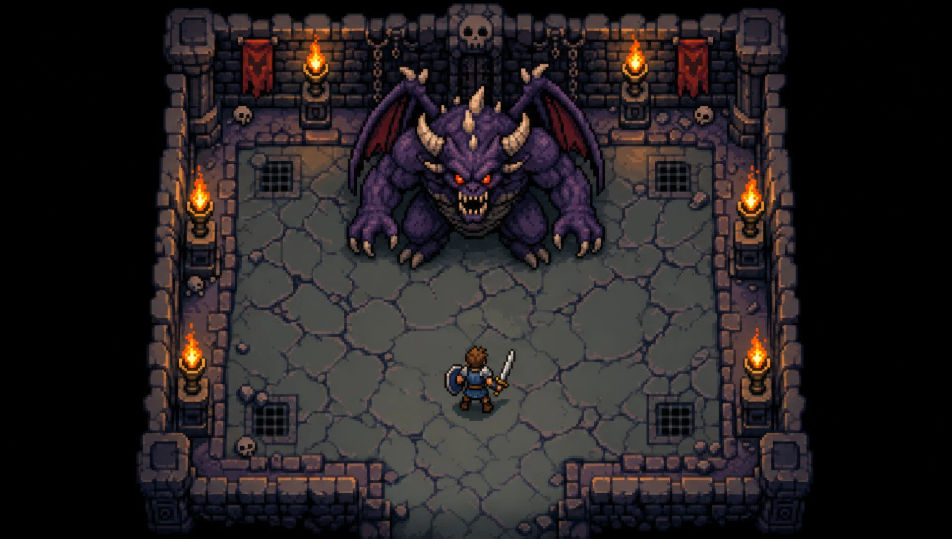
Koridor dungeon pixel top-down dengan ubin batu dan obor menyala, peti harta di sudut ruangan, bayangan pekat di ujung koridor.
Edit prompt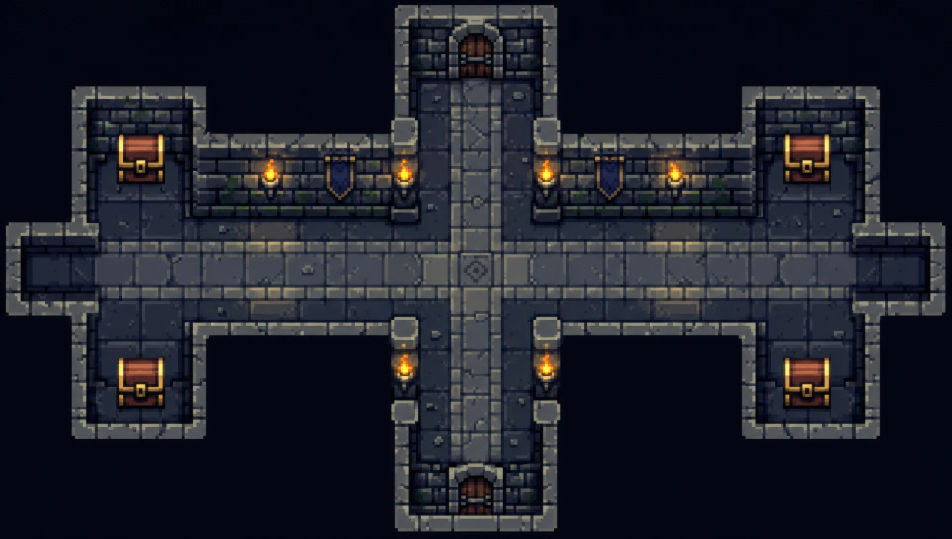
Tuliskan adegan Pixel art yang Anda inginkan, dengan kata-kata sederhana.
Morphic membuat klip sinematik yang siap dijadikan frame di canvas Anda dalam hitungan detik.
Ubah prompt, buat ulang variasi, lalu unduh atau bagikan shot-nya.

Turn any photo or description into an animated chibi sprite. Dance, jump, wave, attack, and more.

Take any character image and generate 6 distinct facial expressions on a single reference sheet.

All your characters on a single lineup image, side by side with height comparison.
One character design becomes a complete sprite sheet: idle, run, attack, jump, death.
Restyle any video in a completely new visual style. Every frame transforms, all motion stays intact.
Describe your item categories. Get 12 consistent game-ready icons for inventory UI.
Generator pixel art AI
Buat pixel art dengan Morphic. Sprite 16x16 dan 32x32, tile-set RPG, adegan platformer tampak samping, dan ruang dungeon tampak atas dari satu prompt.
Video AI Animasi 2D
Buat video AI animasi 2D di Morphic. Karakter gambar tangan, latar lukisan, garis bersih, dan adegan animasi klasik dari deskripsi teks.
Video AI Claymation
Buat video claymation di Morphic. Karakter clay stop-motion, tekstur sidik jari, set buatan tangan, dan adegan tekstural dari deskripsi bahasa sederhana.
Video AI Kartun
Buat video kartun dengan Morphic. Gaya 2D, 3D, storybook, squash-and-stretch, konsistensi karakter, dan adegan dari prompt langsung di browser.
Mulai gratis hari ini, dengan opsi untuk upgrade atau membatalkan kapan saja.
Basic
2400 bulanan kredit
1 pengguna saja
Semua model
Workflows
Standard
3625 bulanan kredit
1 pengguna saja
Semua model
Workflows
Pro
6350 bersama bulanan kredit
1 pengguna
Semua model
Workflows
Max
24650 bersama bulanan kredit
1 pengguna
Semua model
Workflows
Enterprise
Untuk batas yang lebih tinggi
Khusus
ketentuan harga dan penagihan

Free
Untuk bereksperimen
$0
gratis selamanya