A shape between distant pines
A deep stand of pines at dusk, a hulking dark shape barely resolved between two far trunks, the handheld frame drifting and refocusing.
Edit prompt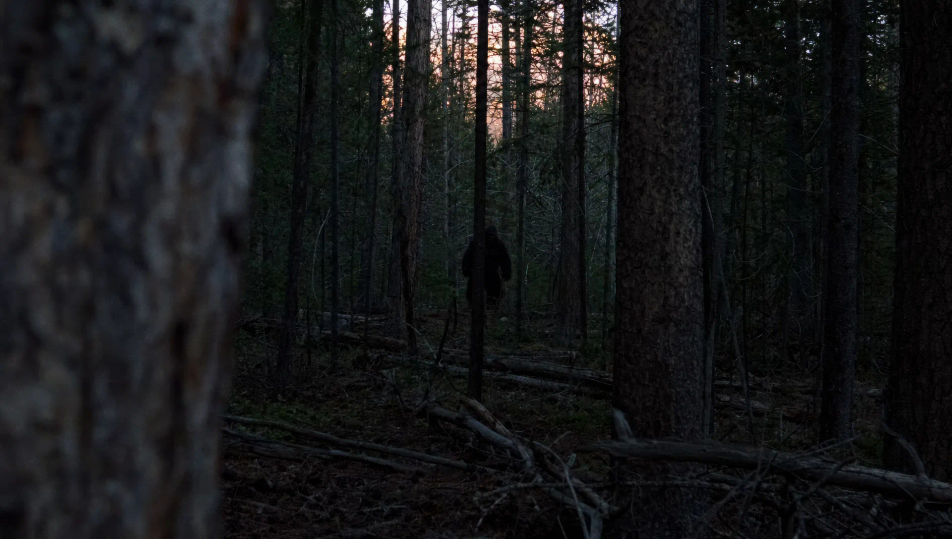
Direct cryptid footage in your browser with Morphic's Bigfoot AI video generator. Generate a hulking shape between distant pines, a shaky trail-cam frame at dusk, or a fresh footprint pressed into a creek bank. Score the tension with Speech and Music, then stitch the short on the Canvas.
A deep stand of pines at dusk, a hulking dark shape barely resolved between two far trunks, the handheld frame drifting and refocusing.
Edit promptA fixed low trail-camera view of a forest clearing in fading light, timestamp implied, a large shape crossing the edge of the frame.
Edit prompt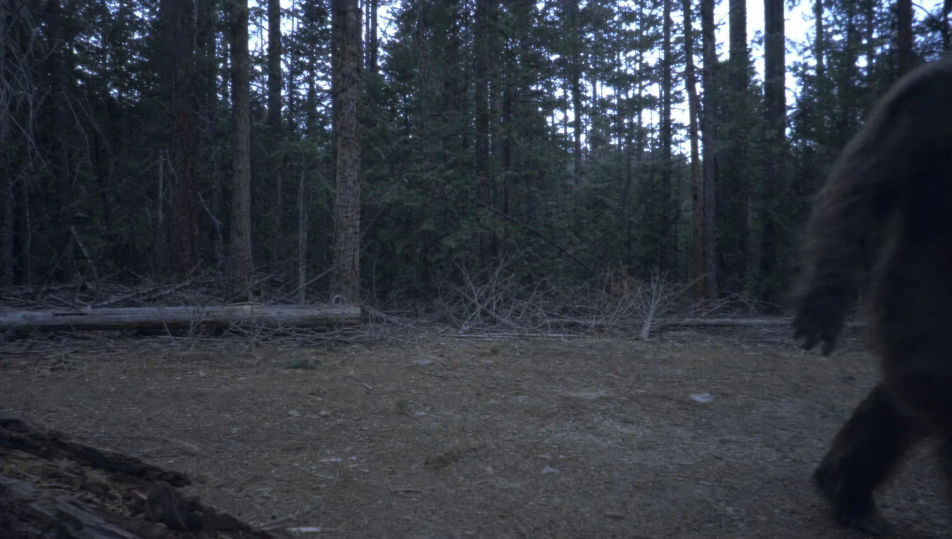
A fresh oversized footprint pressed deep into wet mud on a creek bank, water seeping in at the heel, a hand entering frame for scale.
Edit prompt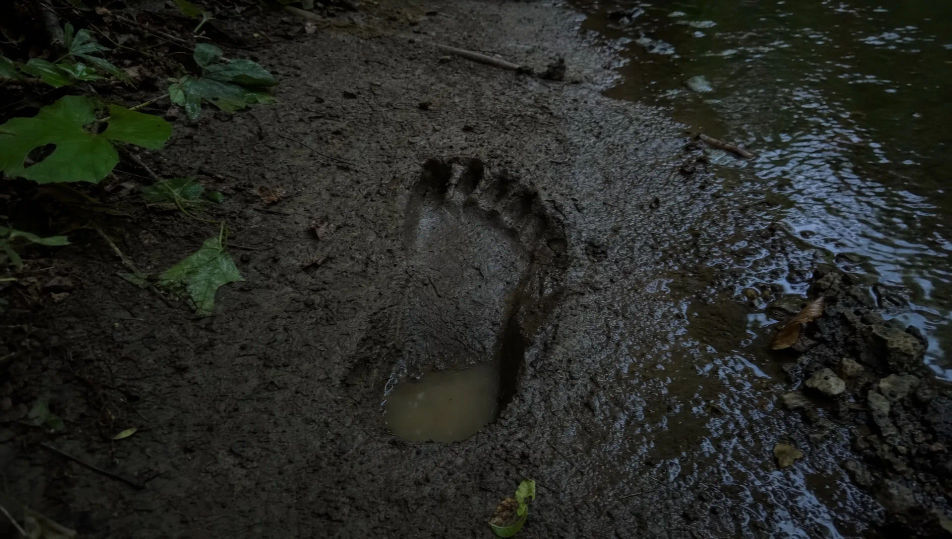
A small fire-lit campsite ringed by black forest, a tent, gear scattered, the firelight reaching only a few metres into the dark trees.
Edit prompt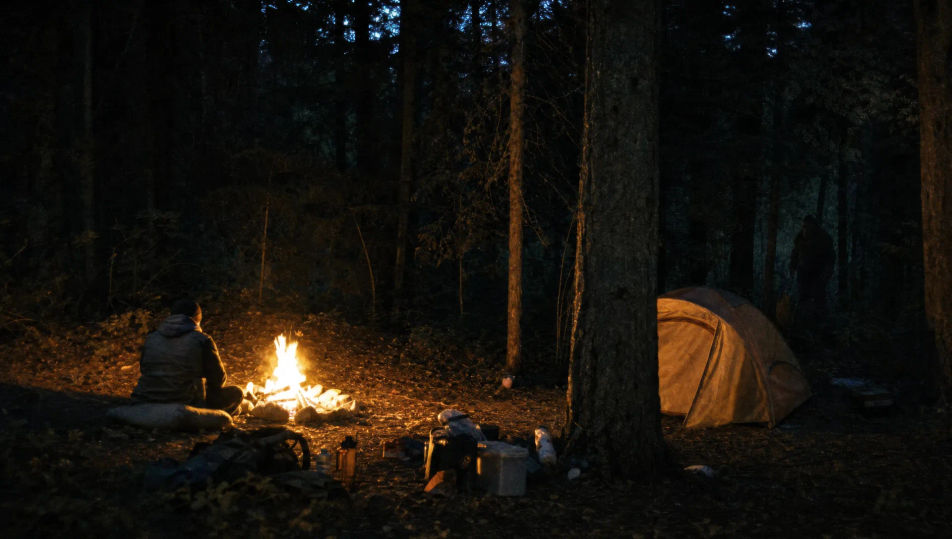
Tuliskan adegan Bigfoot yang Anda inginkan, dengan kata-kata sederhana.
Morphic membuat klip sinematik yang siap dijadikan frame di canvas Anda dalam hitungan detik.
Ubah prompt, buat ulang variasi, lalu unduh atau bagikan shot-nya.
Cinematic time-freeze short film for any scene

Dramatize any text conversation into a cinematic multi-shot video.
One image to a 9-scene cinematic video.
Drop in a photo of yourself. Get a 12-second cinematic movie with animation and a matched soundtrack.

Share a scene description with character references. Get a full storyboard with shot angles and mood.

Feed in a single image. Get 9 cinematic beats laid out as a 3x3 storyboard grid.
Video AI Horor
Buat video horor di Morphic. Rumah berhantu, hutan berkabut, koridor yang berkedip, dan adegan mencekam yang perlahan membakar dari prompt bahasa sehari-hari.
Video AI Monster
Buat video monster dengan generator video AI Morphic. Makhluk orisinal, monster berkabut, monster danau, dan adegan mencekam dari prompt sederhana.
Legend of Sleepy Hollow AI Videos
Create Legend of Sleepy Hollow scenes, the Headless Horseman, Ichabod Crane, the Van Tassel farm, the Old Dutch Church, and the covered-bridge chase with Morphic. Generate Hudson Valley horror videos from a single prompt.
Video AI Film Bisu
Hasilkan video AI film bisu bersama Morphic. Bayangan lukis ala Caligari, kamera bebas Murnau, montase Eisenstein, dan tipografi intertitle.
Mulai gratis hari ini, dengan opsi untuk upgrade atau membatalkan kapan saja.
Basic
2400 bulanan kredit
1 pengguna saja
Semua model
Workflows
Standard
3625 bulanan kredit
1 pengguna saja
Semua model
Workflows
Pro
6350 bersama bulanan kredit
1 pengguna
Semua model
Workflows
Max
24650 bersama bulanan kredit
1 pengguna
Semua model
Workflows
Enterprise
Untuk batas yang lebih tinggi
Khusus
ketentuan harga dan penagihan

Free
Untuk bereksperimen
$0
gratis selamanya