Sosok dalam kabut
Dinding kabut hutan yang rendah dengan sosok gelap raksasa bergerak perlahan di baliknya, tak pernah terlihat utuh, pepohonan sedikit melengkung saat ia lewat.
Edit prompt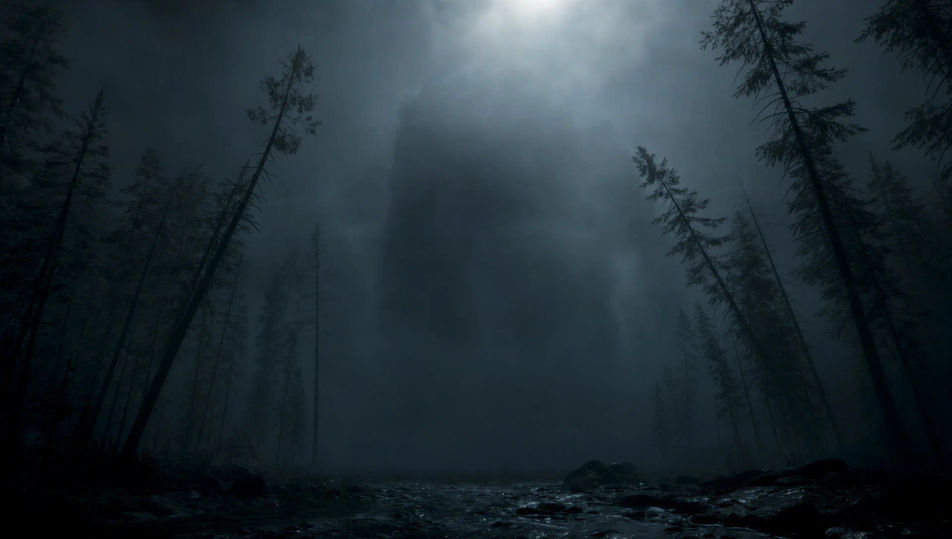
This page covers mature themes for adult audiences making film, games and other creative work.
Arahkan makhluk buas langsung di browser dengan generator video AI monster dari Morphic. Buat sosok yang bergerak dalam kabut, sesuatu yang muncul dari danau hitam, atau bekas cakar yang menggores dinding reruntuhan. Beri skor rasa mencekam dengan Speech dan Music, lalu satukan bidikannya menjadi film pendek monster yang utuh di Canvas.
Dinding kabut hutan yang rendah dengan sosok gelap raksasa bergerak perlahan di baliknya, tak pernah terlihat utuh, pepohonan sedikit melengkung saat ia lewat.
Edit promptDanau hitam yang tenang di bawah bulan rendah, riak panjang membelah permukaan menuju sebuah perahu kecil, air lainnya tetap kaca dan sunyi.
Edit prompt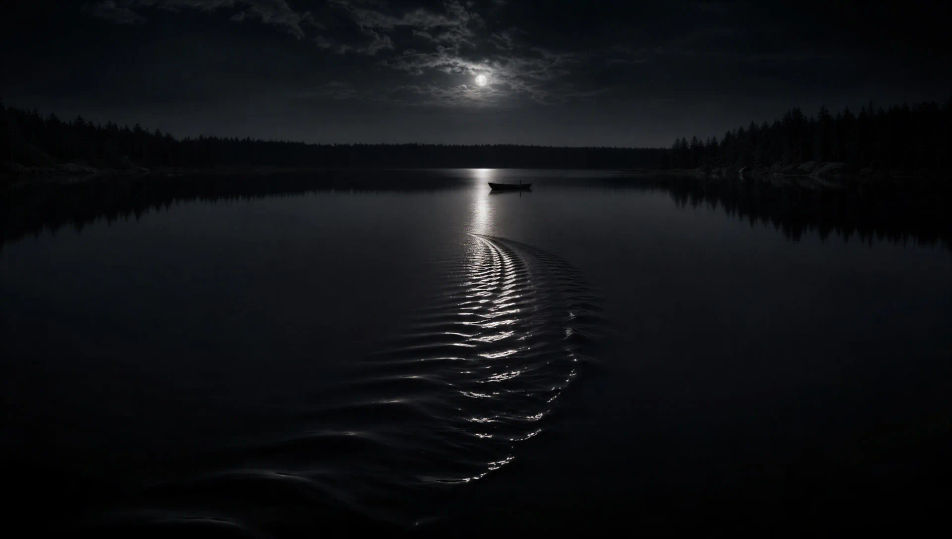
Pintu gua bergerigi di dinding batu, cahaya obor menjangkau beberapa meter ke dalam, goresan dalam di sekitar bukaannya, kegelapan total di baliknya.
Edit prompt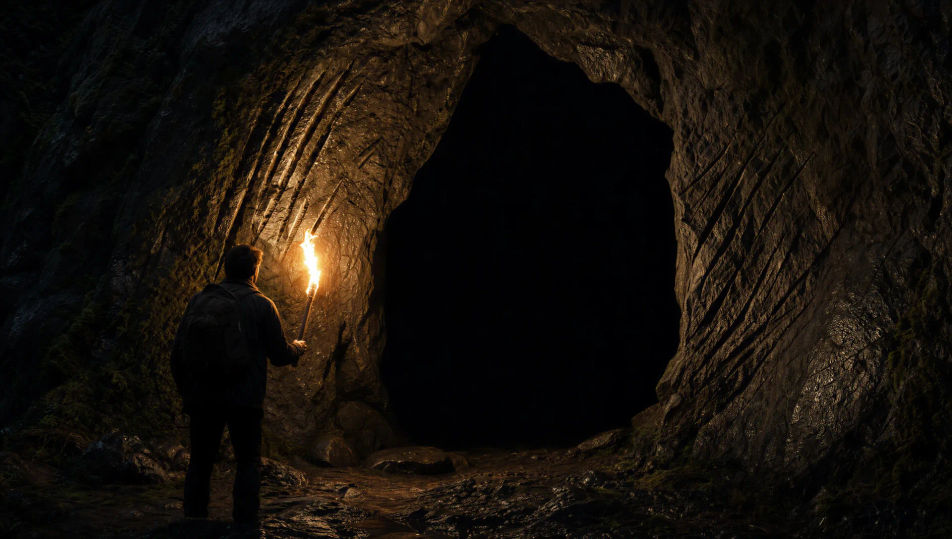
Interior hancur di bawah cahaya siang kelabu, empat goresan dalam sejajar menggores dinding plester, perabot terbalik, ruangan itu sendiri kosong.
Edit prompt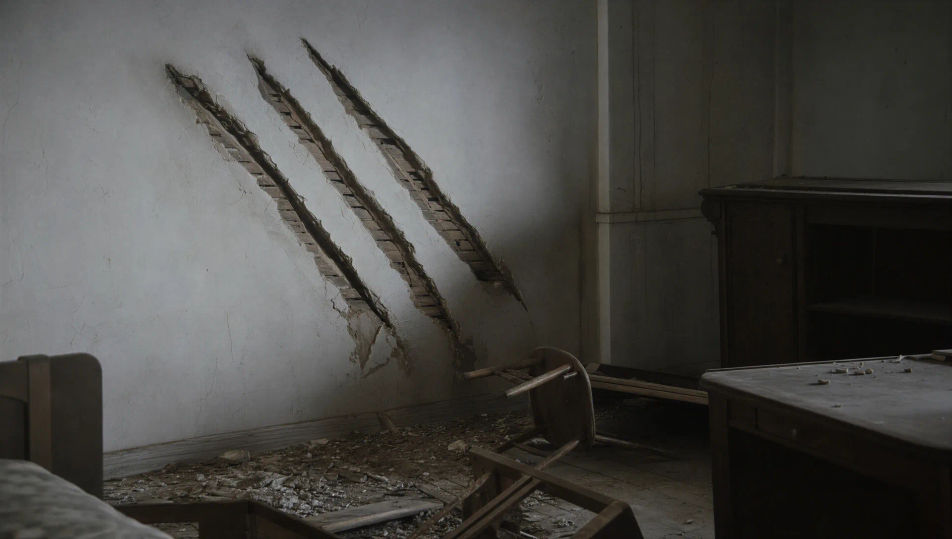
Tuliskan adegan monster yang Anda inginkan, dengan kata-kata sederhana.
Morphic membuat klip sinematik yang siap dijadikan frame di canvas Anda dalam hitungan detik.
Ubah prompt, buat ulang variasi, lalu unduh atau bagikan shot-nya.
Cinematic time-freeze short film for any scene

Dramatize any text conversation into a cinematic multi-shot video.
One image to a 9-scene cinematic video.
Drop in a photo of yourself. Get a 12-second cinematic movie with animation and a matched soundtrack.

Share a scene description with character references. Get a full storyboard with shot angles and mood.

Feed in a single image. Get 9 cinematic beats laid out as a 3x3 storyboard grid.
Video AI Horor
Buat video horor di Morphic. Rumah berhantu, hutan berkabut, koridor yang berkedip, dan adegan mencekam yang perlahan membakar dari prompt bahasa sehari-hari.
Video AI kaiju
Buat video kaiju dengan Morphic. Makhluk raksasa se-kota, kehancuran gaya suitmation slow-motion, reaksi JSDF, dan desain makhluk orisinal yang aman IP.
Bigfoot AI Videos
Create powerful AI Bigfoot videos with our Bigfoot video generator. Find unique, cinematic Bigfoot scenes for any project in seconds.
Video AI Fantasi
Hasilkan video AI fantasi di Morphic. Kastil, naga, hutan ajaib, dan adegan pertempuran epik dari prompt bahasa sehari-hari, tanpa software.
Mulai gratis hari ini, dengan opsi untuk upgrade atau membatalkan kapan saja.
Basic
2400 bulanan kredit
1 pengguna saja
Semua model
Workflows
Standard
3625 bulanan kredit
1 pengguna saja
Semua model
Workflows
Pro
6350 bersama bulanan kredit
1 pengguna
Semua model
Workflows
Max
24650 bersama bulanan kredit
1 pengguna
Semua model
Workflows
Enterprise
Untuk batas yang lebih tinggi
Khusus
ketentuan harga dan penagihan

Free
Untuk bereksperimen
$0
gratis selamanya
Everything on this page is fictional depiction for film, games and creative work. It does not depict real events, and does not place real, identifiable people in them.
Results vary by model. Some models apply stricter content policies than others, so a shot one model declines may generate on another.