The door-knocker turns into Marley
On a foggy London Christmas Eve at the front door of Scrooge's lodging, the brass lion-head knocker shimmers and resolves into the half-transparent face of Jacob Marley, eyes opening to look at Scrooge.
Edit prompt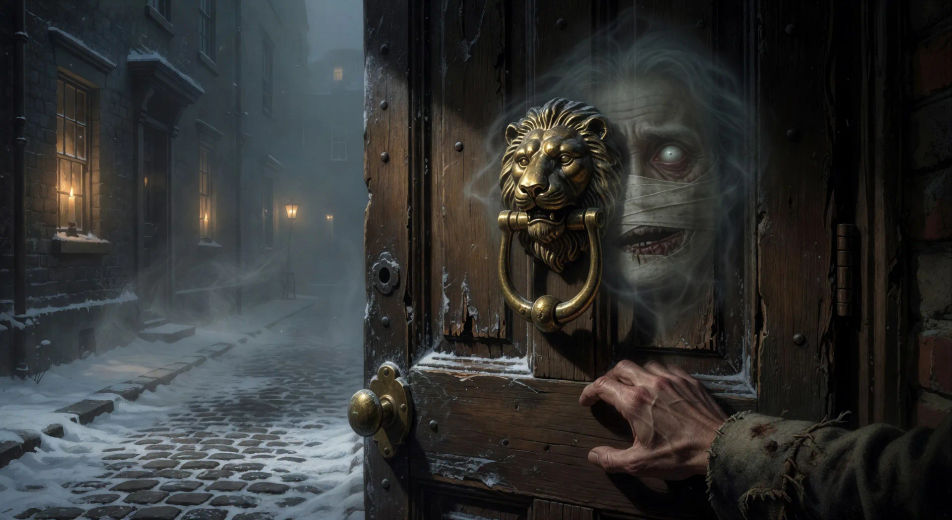
Direct Dickens's ghosts in your browser with Morphic's A Christmas Carol AI video generator. Generate the knocker as Marley's face or the Cratchits around Tiny Tim, add narration and fiddle with Speech and Music, and stitch the five staves into a ghost story.
On a foggy London Christmas Eve at the front door of Scrooge's lodging, the brass lion-head knocker shimmers and resolves into the half-transparent face of Jacob Marley, eyes opening to look at Scrooge.
Edit promptIn Scrooge's candle-lit bedchamber at midnight, Marley's ghost stands wrapped in a long chain of cash-boxes and ledgers, jaw bandaged in white linen, wailing as Scrooge cowers in the high four-poster bed.
Edit prompt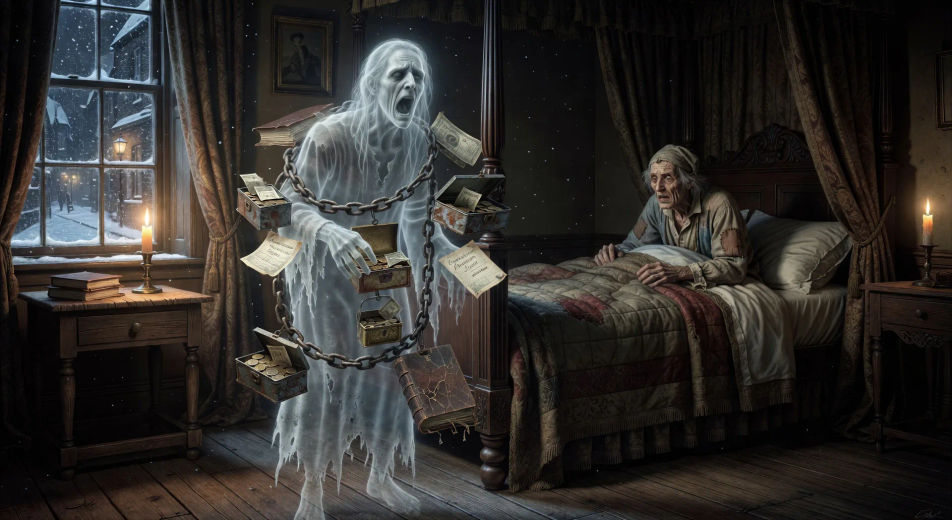
In a candle-lit Fezziwig warehouse cleared for dancing, the great Mr. Fezziwig spins his wife at the head of a country dance while clerks and bakers and milkmaids whirl around the floor, fiddler at one end.
Edit prompt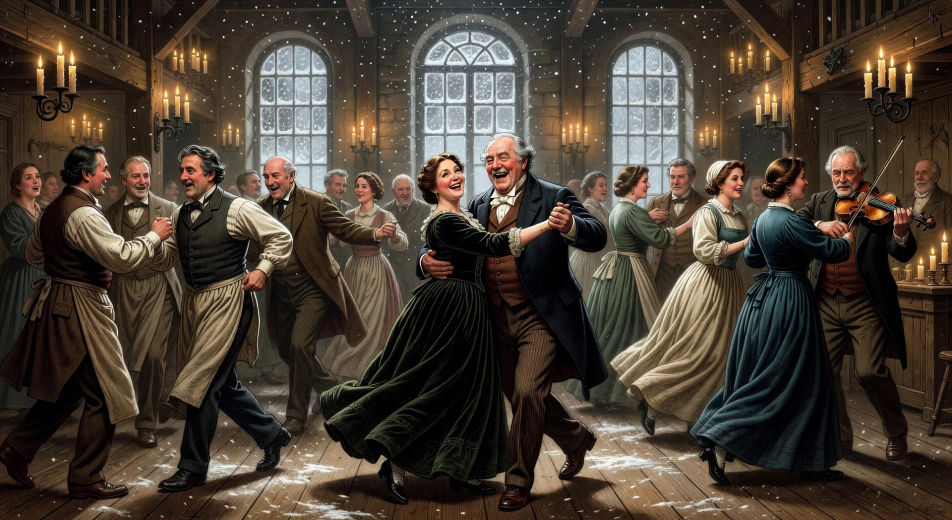
In a small Camden Town parlour at firelight, the Cratchit family crowds around a small table set with a goose, a pudding, and Tiny Tim raised on a stool with his crutch beside him as Bob carves.
Edit prompt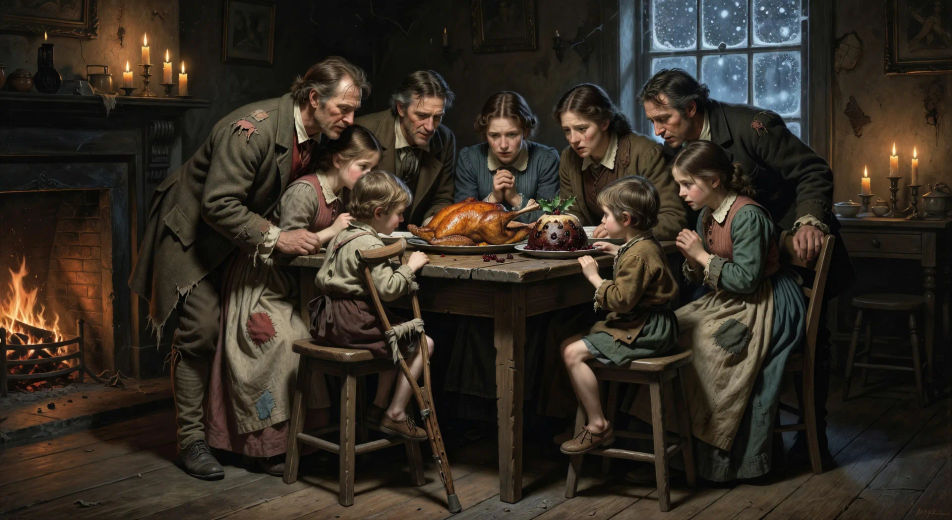
Tuliskan adegan A Christmas Carol yang Anda inginkan, dengan kata-kata sederhana.
Morphic membuat klip sinematik yang siap dijadikan frame di canvas Anda dalam hitungan detik.
Ubah prompt, buat ulang variasi, lalu unduh atau bagikan shot-nya.

Share a scene description with character references. Get a full storyboard with shot angles and mood.

Feed in a single image. Get 9 cinematic beats laid out as a 3x3 storyboard grid.
One image to a 9-scene cinematic video.

Take any character image and generate 6 distinct facial expressions on a single reference sheet.
Cinematic time-freeze short film for any scene
Drop in a photo of yourself. Get a 12-second cinematic movie with animation and a matched soundtrack.
Video AI Klasik Domain Publik
Buat video AI klasik domain publik: Sherlock Holmes, Dracula, Frankenstein, dan lainnya. Hasilkan adegan kanon abad ke-19 dari satu prompt di Morphic.
Legend of Sleepy Hollow AI Videos
Create Legend of Sleepy Hollow scenes, the Headless Horseman, Ichabod Crane, the Van Tassel farm, the Old Dutch Church, and the covered-bridge chase with Morphic. Generate Hudson Valley horror videos from a single prompt.
Video AI Alice in Wonderland
Buat adegan Alice in Wonderland, lubang kelinci, sampai pesta teh Mad Hatter dengan Morphic. Hasilkan video Lewis Carroll yang surealis dari satu prompt.
Video AI Sherlock Holmes
Buat adegan Sherlock Holmes, 221B Baker Street, Moriarty, dan duel Reichenbach dengan Morphic. Hasilkan video detektif Victoria dari satu prompt.
Mulai gratis hari ini, dengan opsi untuk upgrade atau membatalkan kapan saja.
Basic
2400 bulanan kredit
1 pengguna saja
Semua model
Workflows
Standard
3625 bulanan kredit
1 pengguna saja
Semua model
Workflows
Pro
6350 bersama bulanan kredit
1 pengguna
Semua model
Workflows
Max
24650 bersama bulanan kredit
1 pengguna
Semua model
Workflows
Enterprise
Untuk batas yang lebih tinggi
Khusus
ketentuan harga dan penagihan

Free
Untuk bereksperimen
$0
gratis selamanya