Sherlock Holmes AI Videos

Direct the Conan Doyle canon in your browser with Morphic's Sherlock Holmes AI video generator. Generate Holmes at 221B Baker Street or the duel above Reichenbach Falls, layer Watson's narration with Speech and Music, and stitch a Victorian detective episode.

Sherlock Holmes characters you can direct

Sherlock Holmes scenes you can stage

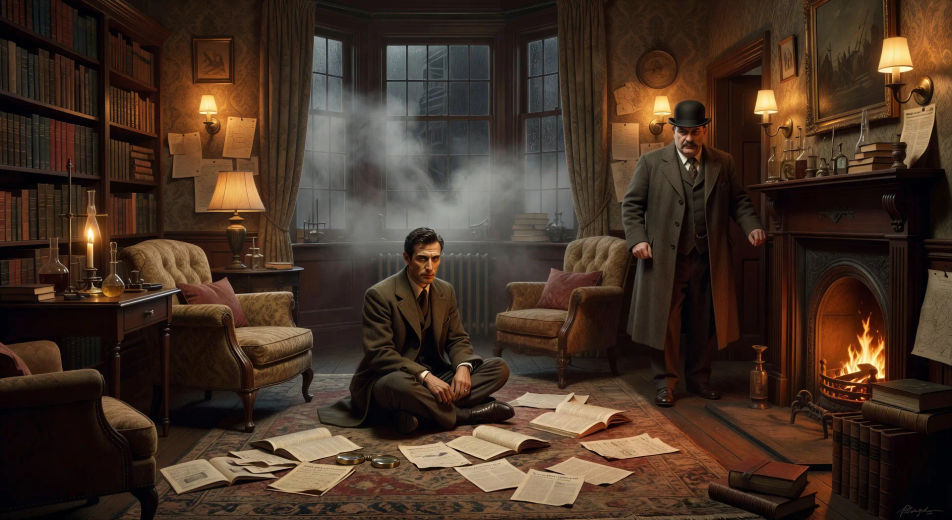
221B Baker Street by gaslight

In the cluttered sitting-room of 221B at night, Holmes sits cross-legged on the rug surrounded by news-clippings as Watson enters in coat and bowler, the gas-lamps hissing and the fog thickening at the bow window.

Edit prompt
221B Baker Street by gaslight

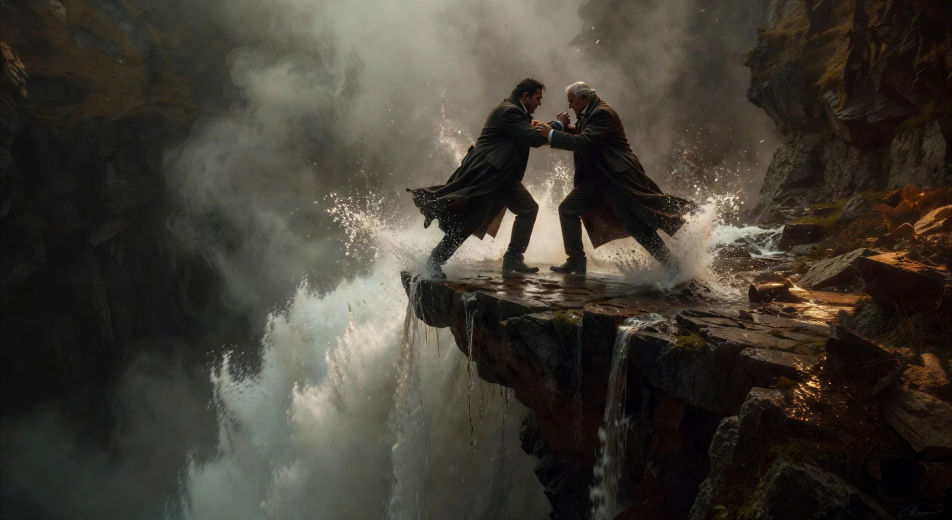
The duel at the Reichenbach Falls

On the narrow ledge above the roaring Reichenbach Falls, Holmes and Moriarty grapple at the edge in long coats, spray rising around them, the abyss waiting below.

Edit prompt
The duel at the Reichenbach Falls

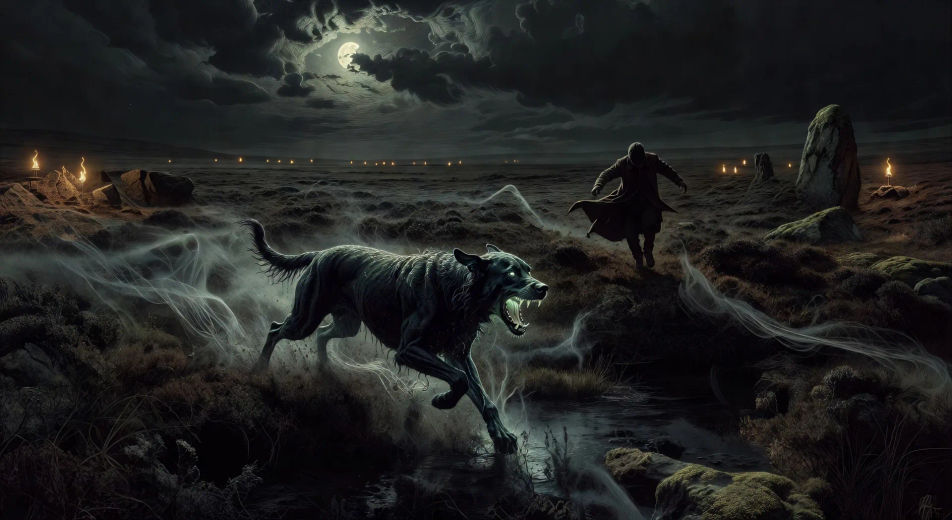
The Hound on the moor

On the wide bog of Dartmoor at midnight, the phosphorescent hound bounds across the heather toward a fleeing figure, glowing jaws open, mist rising from the marsh in long ribbons.

Edit prompt
The Hound on the moor

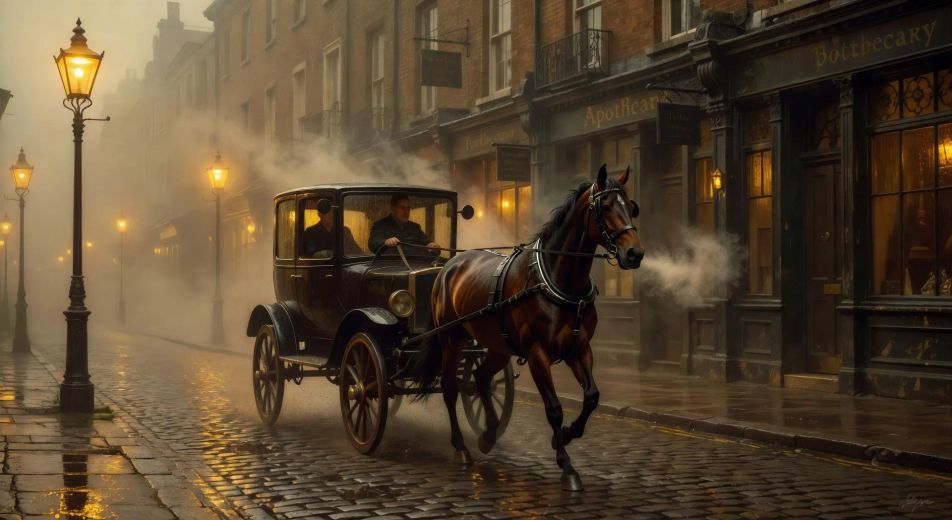
A hansom cab in the London fog

In a thick yellow London fog at dusk, a hansom cab rattles down a cobbled street past gas-lamps haloed in mist, Holmes and Watson silhouetted in the cab window, hooves echoing.

Edit prompt
A hansom cab in the London fog

Buat video Sherlock Holmes dalam tiga langkah

  1. 01

    Jelaskan adegan Sherlock Holmes Anda

    Tuliskan adegan Sherlock Holmes yang Anda inginkan, dengan kata-kata sederhana.

  2. 02

    Buat video

    Morphic membuat klip sinematik yang siap dijadikan frame di canvas Anda dalam hitungan detik.

  3. 03

    Sempurnakan video Sherlock Holmes Anda

    Ubah prompt, buat ulang variasi, lalu unduh atau bagikan shot-nya.

Workflow terkait

Anda mungkin juga suka

Harga sederhana

Mulai gratis hari ini, dengan opsi untuk upgrade atau membatalkan kapan saja.

Basic

$9/ bulan
ditagih sebagai $0 per tahun

900 bulanan kredit

1 pengguna saja

Semua model

Workflows

Standard

$24/ bulan
ditagih sebagai $0 per tahun

3200 bulanan kredit

1 pengguna saja

Semua model

Workflows

Pro

$45/ bulan
ditagih sebagai $0 per tahun

6200 bersama bulanan kredit

1 pengguna

+ hingga 4 lainnya dengan biaya tambahan

Semua model

Workflows

Pro Max

$170/ bulan
ditagih sebagai $0 per tahun

24000 bersama bulanan kredit

1 pengguna

+ hingga 9 lainnya dengan biaya tambahan

Semua model

Workflows

Enterprise

Untuk batas yang lebih tinggi

Khusus

ketentuan harga dan penagihan

High-volume credits
Batas kursi khusus
Semua model
Workflows
Pricing Gradient

Free

Untuk bereksperimen

$0

gratis selamanya

Hingga 20 kredit
Hanya 1 pengguna
Model terbatas
Workflows

FAQ

Where can I make Sherlock Holmes videos with AI?
You can create Sherlock Holmes scenes directly in your browser on Morphic. Open the Text to Video tool, describe the moment you want, and Morphic produces the clip. No installs and no specialist software needed.
What kinds of Sherlock Holmes scenes work best with AI video?
Single-shot moments tend to work best: 221B Baker Street by gaslight, the Reichenbach duel, the Hound on the Dartmoor moor, a hansom cab in the London fog, the Speckled Band striking from the bell-pull, Irene Adler with the hidden photograph. Anchor each Sherlock Holmes scene to a specific location, lighting, and weather.
How do I keep Sherlock Holmes characters consistent across scenes?
Use the Character Lineup workflow to lock Holmes, Watson, Moriarty, Irene Adler, Mrs. Hudson, and Lestrade before producing scenes, then reference those character cards in every prompt. Morphic preserves the design across cases so a Sherlock Holmes series feels continuous.
How do I make my Sherlock Holmes videos feel canon, not a film tie-in?
Anchor your prompts to the original stories rather than any single film or TV adaptation. Reference Conan Doyle locations directly: 221B Baker Street, Reichenbach, Dartmoor, the Diogenes Club. Cite Sidney Paget's Strand Magazine illustrations as a visual anchor for the Victorian look. Avoid likeness language for any modern actor.
Can I add narration and music to my Sherlock Holmes videos?
Yes. The Speech tool generates a Watson voiceover from your script in the voice you choose, and the Music tool produces an original soundtrack to score the case. Layer them onto your generated video to publish a complete Sherlock Holmes episode.
What visual style works best for a Sherlock Holmes video?
Three styles consistently land. Cinematic photoreal in the spirit of high-budget BBC period drama delivers the prestige Victorian look. Painterly oil with chiaroscuro echoes Sidney Paget's original Strand illustrations. Neo-noir modern, with sodium-lit London streets and a present-day Holmes in tailored coat, suits the modern reinterpretation. Name the style directly in the prompt.