A jewel-tone petal bloom
A six-fold kaleidoscope of mirrored petals turns slowly against black, jewel-tone color opening and folding around the center, soft internal glow, a steady clockwise rotation holding the pattern centered.
Edit prompt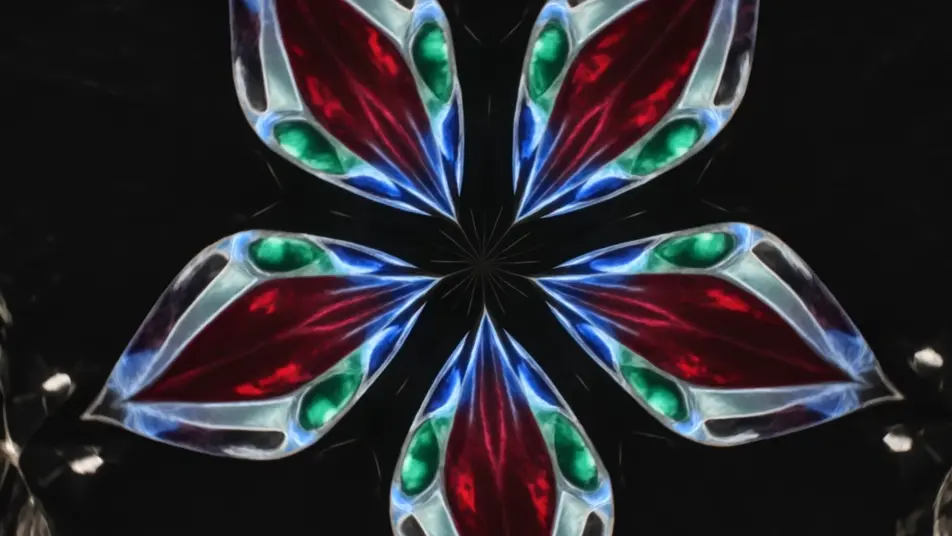
Direct evolving kaleidoscope patterns in your browser with Morphic's kaleidoscope effect AI video generator. Generate blooming petals of mirrored color turning slowly, or a mandala of shifting light pulsing to a center point. Pair with Music to sync the bloom to a beat, then stitch it on the Canvas.
A six-fold kaleidoscope of mirrored petals turns slowly against black, jewel-tone color opening and folding around the center, soft internal glow, a steady clockwise rotation holding the pattern centered.
Edit promptA radial mandala of intricate rings breathes outward from a bright core, layers emerging and receding in time, cool-to-warm color shift across the pattern, slow zoom into the glowing center.
Edit prompt
Colored ink billows through water and mirrors into symmetrical plumes, soft edges folding and unfolding organically, diffused backlight through the liquid, a gentle drift as the pattern evolves.
Edit prompt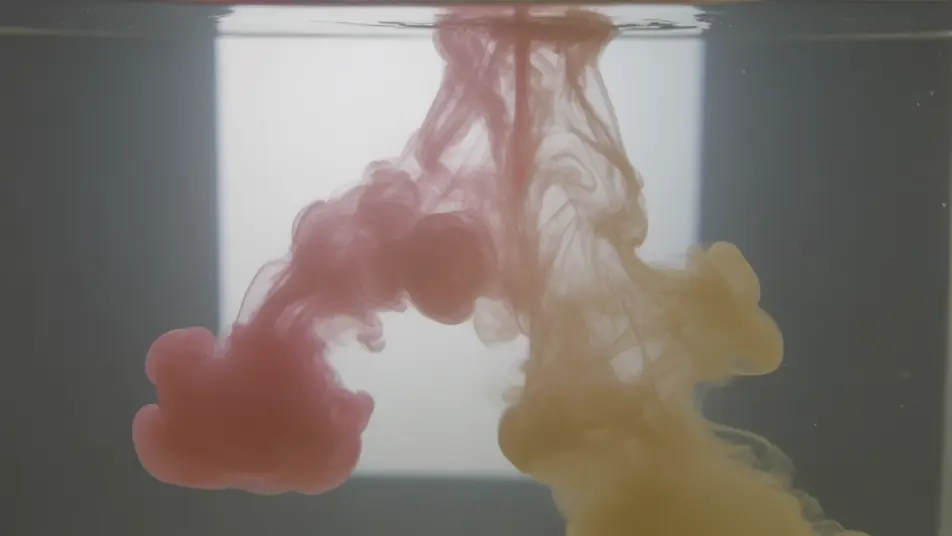
Neon streaks repeat around the center and rush inward to form a glowing tunnel, the mirrored lines pulling toward a vanishing core, deep black ground, a slow forward push down the light corridor.
Edit prompt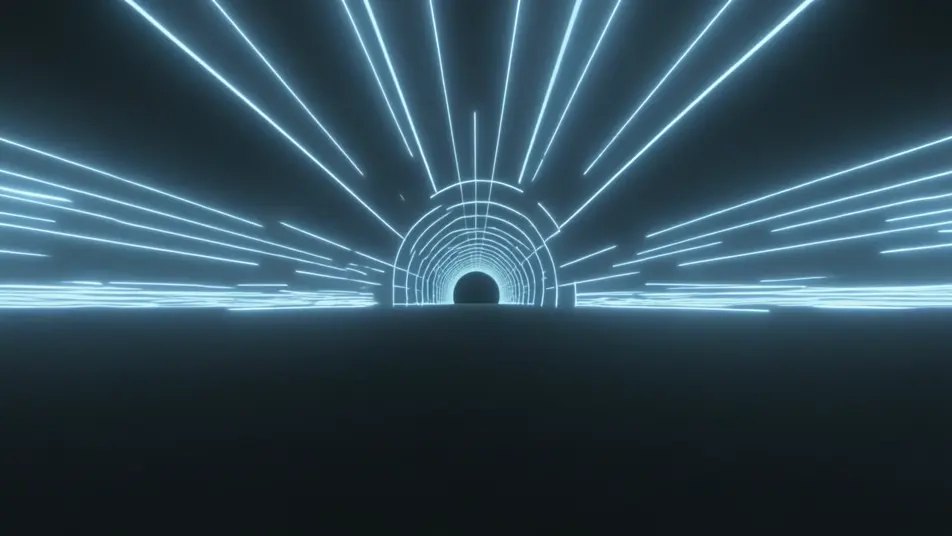
Tuliskan adegan kaleidoscope effect yang Anda inginkan, dengan kata-kata sederhana.
Morphic membuat klip sinematik yang siap dijadikan frame di canvas Anda dalam hitungan detik.
Ubah prompt, buat ulang variasi, lalu unduh atau bagikan shot-nya.
Cinematic time-freeze short film for any scene

Dramatize any text conversation into a cinematic multi-shot video.

Generate a professional film title card from scratch, with optional cinematic animation.
Photo of any real-estate becomes a cinematic renovation timelapse video with construction SFX and music.
One image to a 9-scene cinematic video.
Drop in a photo of yourself. Get a 12-second cinematic movie with animation and a matched soundtrack.
AI mirror effect
Generate AI mirror effect videos with Morphic. Vertical symmetry, water reflections, mirror worlds, and kaleidoscopic flips from a single prompt.
AI Double Exposure videos
Generate AI double exposure videos with Morphic. Silhouettes filled with moving landscapes, ghosted portraits, and layered blends from a single prompt.
Video AI VFX
Buat video AI VFX dengan Morphic. Ledakan, efek energi, kehancuran sci-fi, partikel, dan adegan makhluk dari sebuah prompt. Tanpa green screen, tanpa.
Video Morph AI
Buat video morph AI dengan Morphic. Transisi morph yang halus, reveal berubah bentuk, morph penuaan wajah, dan prompt morph-cut selaras ketukan yang tinggal jalan.
Mulai gratis hari ini, dengan opsi untuk upgrade atau membatalkan kapan saja.
Basic
2400 bulanan kredit
1 pengguna saja
Semua model
Workflows
Standard
3625 bulanan kredit
1 pengguna saja
Semua model
Workflows
Pro
6350 bersama bulanan kredit
1 pengguna
Semua model
Workflows
Max
24650 bersama bulanan kredit
1 pengguna
Semua model
Workflows
Enterprise
Untuk batas yang lebih tinggi
Khusus
ketentuan harga dan penagihan

Free
Untuk bereksperimen
$0
gratis selamanya