Tentacles take the ship
Immense tentacles rising from a storm-lashed sea to wrap a wooden ship, suckers clamping the hull as it heels over, cold lightning-lit spray, a wide crane shot circling the doomed vessel.
Edit prompt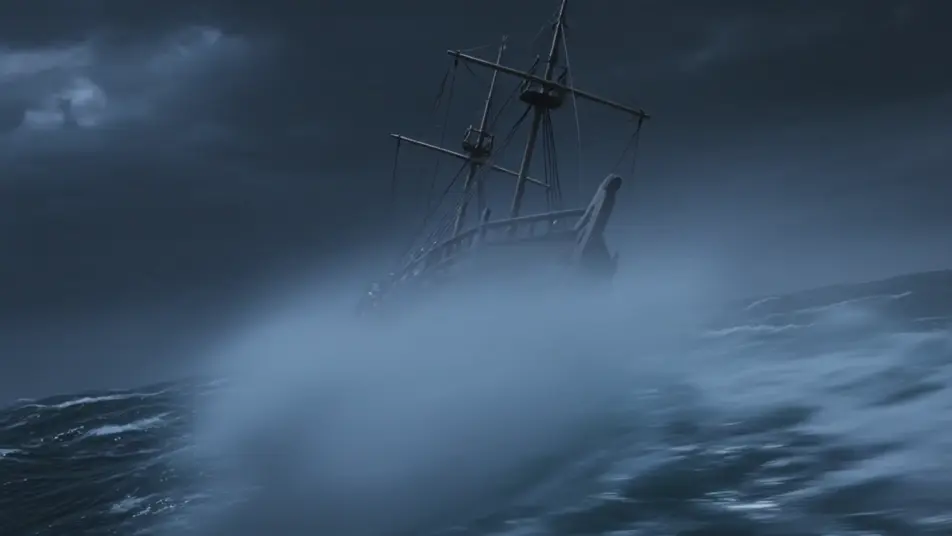
Direct the colossal kraken in your browser with Morphic's kraken beast AI video generator. Generate tentacles breaching a storm-lashed sea or a vast eye rising through the deep, then narrate with Speech and score with Music. Stitch the clips into a sea-horror episode on the Canvas.
Immense tentacles rising from a storm-lashed sea to wrap a wooden ship, suckers clamping the hull as it heels over, cold lightning-lit spray, a wide crane shot circling the doomed vessel.
Edit promptA vast kraken eye opening in the black abyss as a diver light drifts near, bioluminescent veins pulsing across the mantle, a slow dolly-in that stops just short of the enormous pupil.
Edit prompt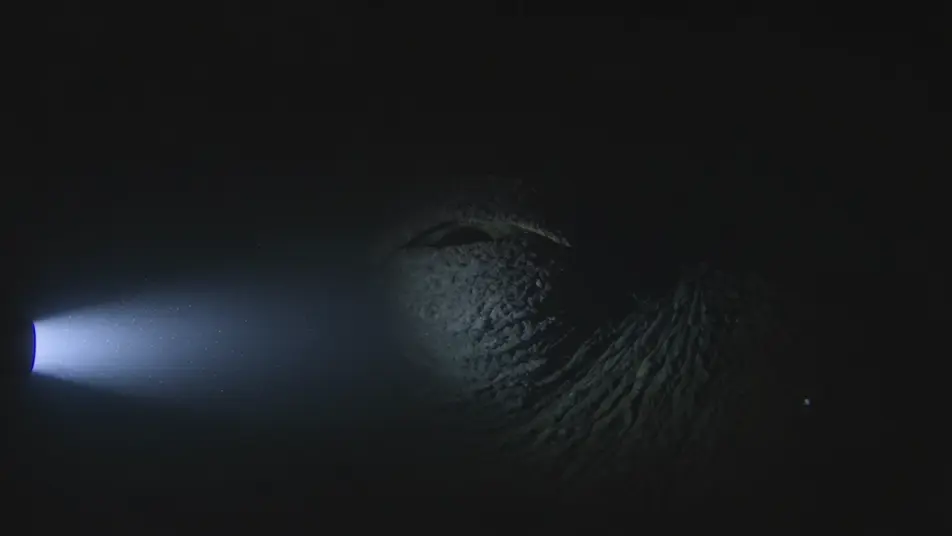
A single colossal tentacle erupting from a black sea into a lightning-split sky, water sheeting off in curtains, strobing storm light, a low wide shot craning up the rising arm.
Edit prompt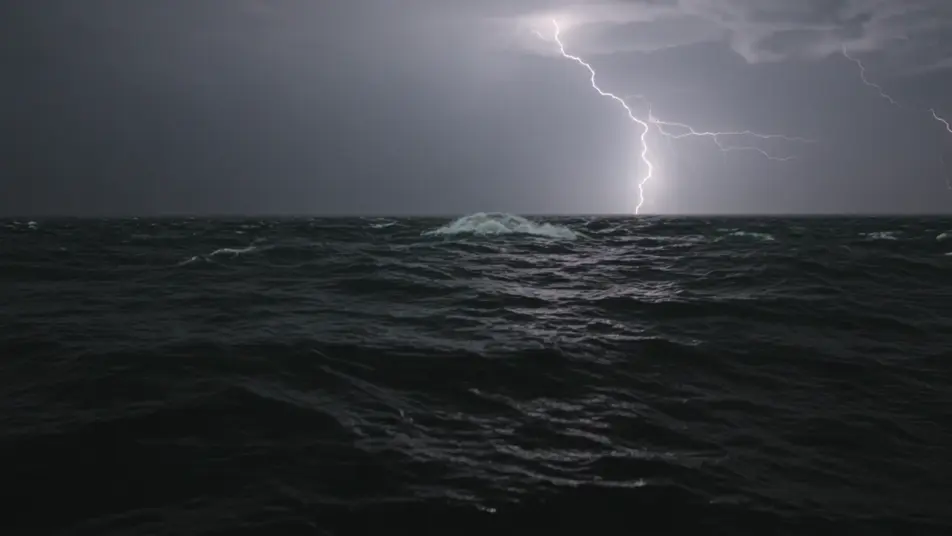
A shaft of murky green light falling toward a gate-sized kraken beak ringed by writhing feeder-arms far below, a slow vertical drop shot descending into the opening jaws.
Edit prompt
Tuliskan adegan kraken beast yang Anda inginkan, dengan kata-kata sederhana.
Morphic membuat klip sinematik yang siap dijadikan frame di canvas Anda dalam hitungan detik.
Ubah prompt, buat ulang variasi, lalu unduh atau bagikan shot-nya.
Cinematic time-freeze short film for any scene

Dramatize any text conversation into a cinematic multi-shot video.
One image to a 9-scene cinematic video.
Drop in a photo of yourself. Get a 12-second cinematic movie with animation and a matched soundtrack.

Share a scene description with character references. Get a full storyboard with shot angles and mood.

Feed in a single image. Get 9 cinematic beats laid out as a 3x3 storyboard grid.
Sea Serpent AI Videos
Generate sea serpent videos with Morphic. Ocean colossus, wave-rider, and fanged eel-king archetypes with open sea and storm scene prompts.
Leviathan AI Videos
Generate leviathan videos with Morphic. World-whale, armored deep-god, and primordial maw archetypes with abyss and storm scene prompts.
Video AI Monster
Buat video monster dengan generator video AI Morphic. Makhluk orisinal, monster berkabut, monster danau, dan adegan mencekam dari prompt sederhana.
Creature Feature AI Videos
Generate creature feature AI videos with Morphic. Lurking beasts, slow monster reveals, and confined-setting scene prompts you can direct in the browser.
Mulai gratis hari ini, dengan opsi untuk upgrade atau membatalkan kapan saja.
Basic
2400 bulanan kredit
1 pengguna saja
Semua model
Workflows
Standard
3625 bulanan kredit
1 pengguna saja
Semua model
Workflows
Pro
6350 bersama bulanan kredit
1 pengguna
Semua model
Workflows
Max
24650 bersama bulanan kredit
1 pengguna
Semua model
Workflows
Enterprise
Untuk batas yang lebih tinggi
Khusus
ketentuan harga dan penagihan

Free
Untuk bereksperimen
$0
gratis selamanya