Panggung pertunjukan
Panggung berlumur warna jenuh, kabut menangkap cahaya belakang keras, musisi di posisi tengah, sorot lampu menyapu mengikuti tempo potongan.
Edit prompt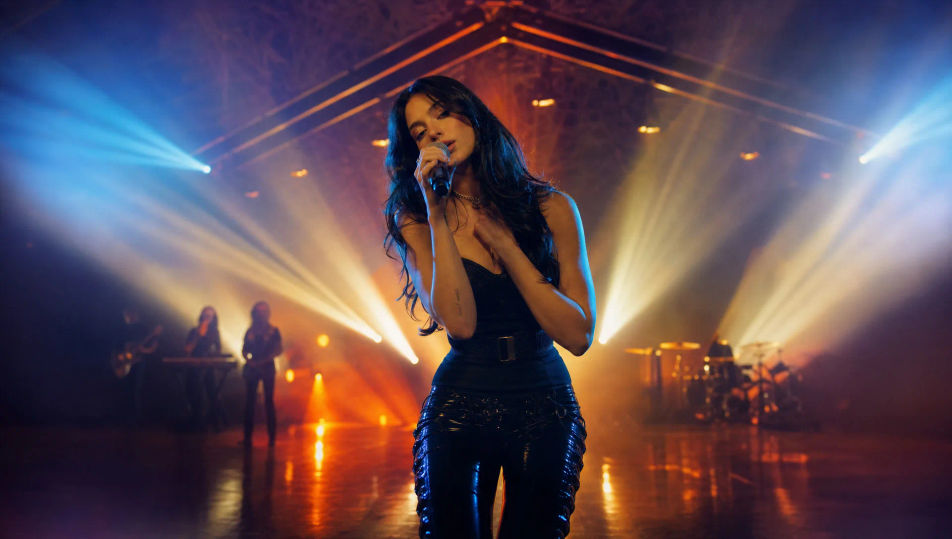
Arahkan video musik langsung di browser dengan generator video musik AI dari Morphic. Bangun panggung pertunjukan berlumur warna, potongan cerita di antara bait lagu, atau jalan lorong satu ambilan tanpa putus. Isi musik dengan Music, tambahkan narasi pembuka dengan Speech, lalu rangkai adegannya menjadi video utuh di Canvas.
Panggung berlumur warna jenuh, kabut menangkap cahaya belakang keras, musisi di posisi tengah, sorot lampu menyapu mengikuti tempo potongan.
Edit promptAdegan cerita sinematik di luar panggung, disinari untuk membangun suasana, seorang karakter di tengah momen, benang visual yang mengalir di antara bait-bait lagu.
Edit prompt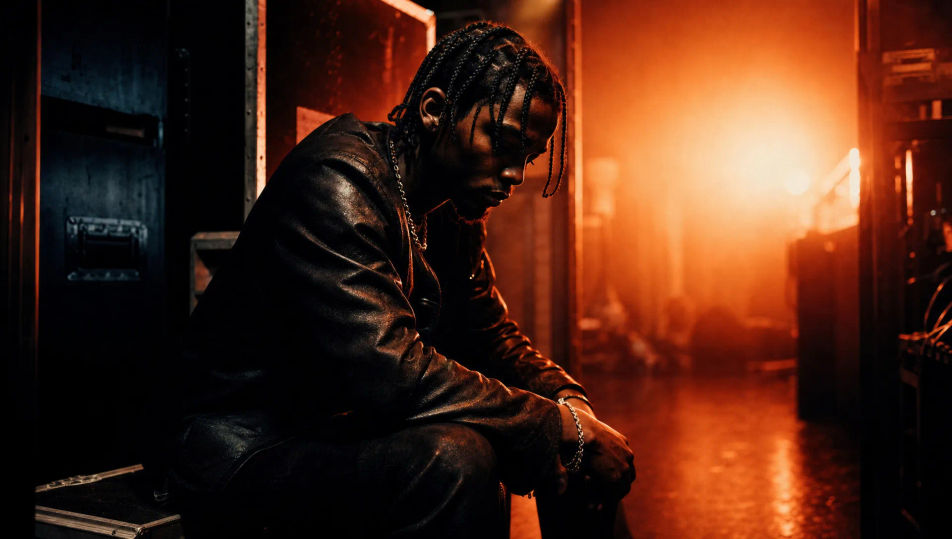
Set bergaya dibangun dari tabung neon dan properti geometris, musisi dibingkai dalam cahaya magenta-sian, pantulan di lantai mengilap.
Edit prompt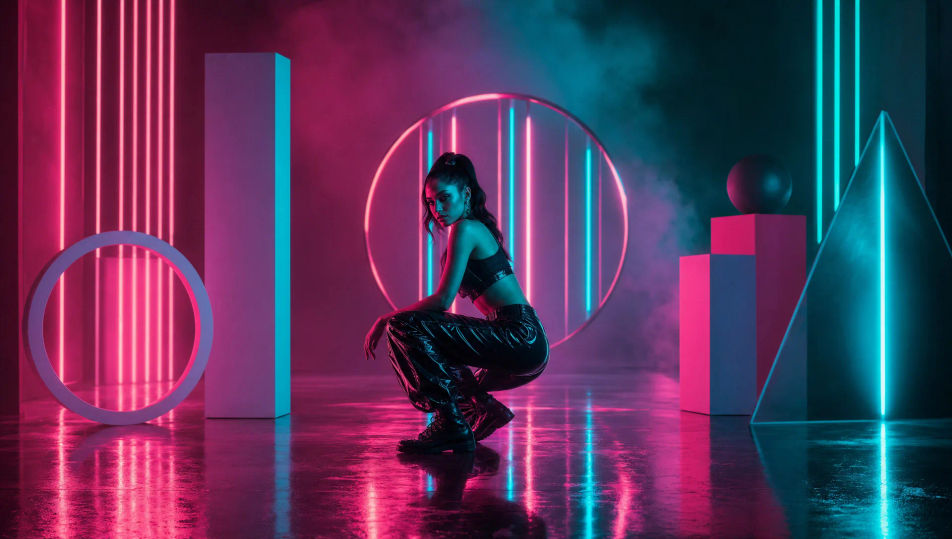
Satu ambilan gambar utuh mengikuti musisi menyusuri lorong panjang, dunia di sekitarnya berubah, cahaya bergeser seiring langkahnya.
Edit prompt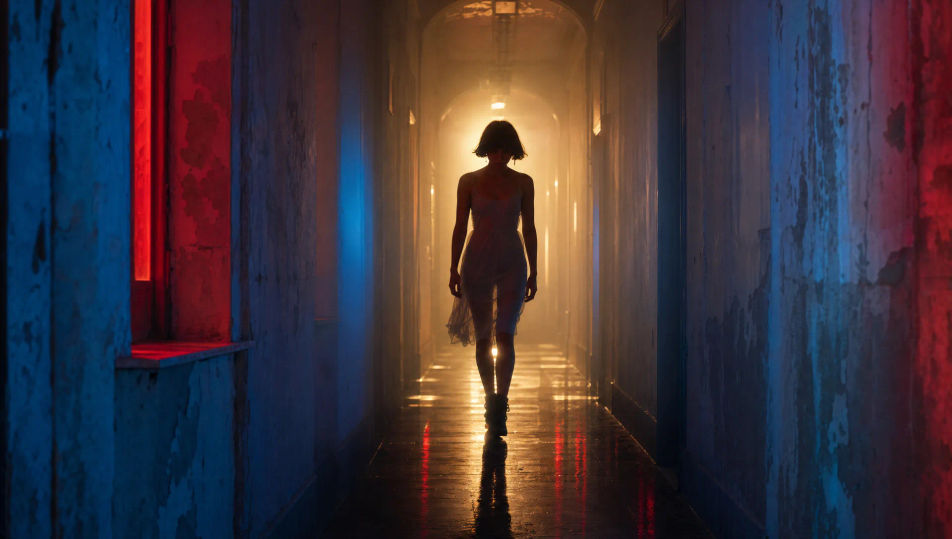
Tuliskan adegan video musik yang Anda inginkan, dengan kata-kata sederhana.
Morphic membuat klip sinematik yang siap dijadikan frame di canvas Anda dalam hitungan detik.
Ubah prompt, buat ulang variasi, lalu unduh atau bagikan shot-nya.
Cinematic time-freeze short film for any scene

Dramatize any text conversation into a cinematic multi-shot video.
One image to a 9-scene cinematic video.

Share a scene description with character references. Get a full storyboard with shot angles and mood.
Drop in a photo of yourself. Get a 12-second cinematic movie with animation and a matched soundtrack.

Generate a professional film title card from scratch, with optional cinematic animation.
Video AI Trailer
Buat trailer dengan AI di Morphic. Cold open, montase yang meningkat, reveal title card, dan cut cliffhanger dari prompt bahasa sederhana, tanpa editor.
80s AI videos
Generate 80s videos on Morphic. Neon grids, synthwave horizons, malls, arcades, and VHS-textured scenes from plain-language prompts, no software needed.
Video AI Cyberpunk
Hasilkan video cyberpunk di Morphic. Jalanan megakota neon, karakter beraugmentasi tubuh, dan adegan sci-fi basah hujan dari prompt bahasa sehari-hari.
Video AI Retro
Buat video retro dengan generator video AI Morphic. Grain film, warna pudar, detail periode, dan nuansa nostalgia era 70-90an dari prompt sederhana.
Mulai gratis hari ini, dengan opsi untuk upgrade atau membatalkan kapan saja.
Basic
2400 bulanan kredit
1 pengguna saja
Semua model
Workflows
Standard
3625 bulanan kredit
1 pengguna saja
Semua model
Workflows
Pro
6350 bersama bulanan kredit
1 pengguna
Semua model
Workflows
Max
24650 bersama bulanan kredit
1 pengguna
Semua model
Workflows
Enterprise
Untuk batas yang lebih tinggi
Khusus
ketentuan harga dan penagihan

Free
Untuk bereksperimen
$0
gratis selamanya