Cold open
Shot pembuka yang tenang dan terkendali membangun nada sebelum apa pun terjadi, sosok sendirian atau lanskap diam, push-in yang lambat dan sabar.
Edit prompt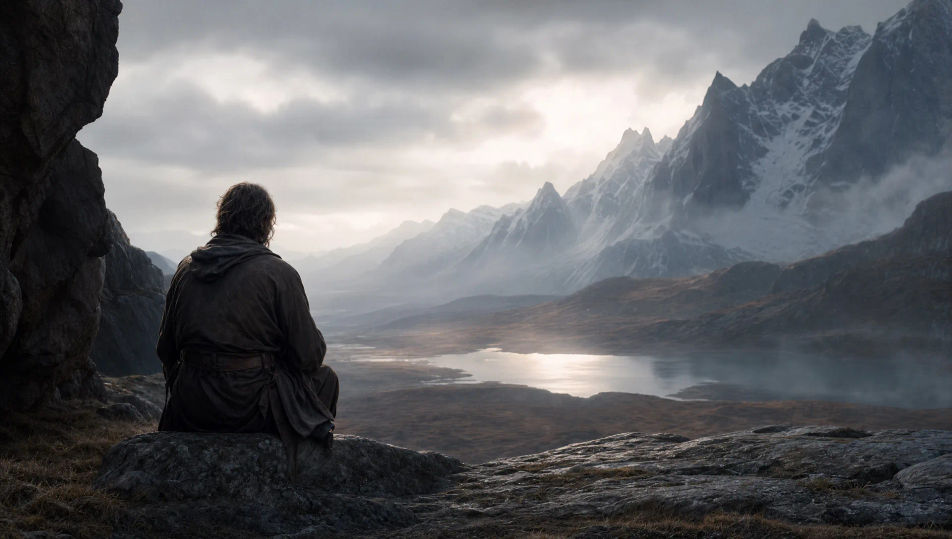
Arahkan trailer langsung di browser dengan generator video AI trailer dari Morphic. Bangun trailer dari cold open yang tenang, montase yang meningkat intensitasnya, atau reveal title card yang dipotong tegas ke hitam. Tumpuk narasi di atas skor musik yang menanjak dengan Speech dan Music, lalu satukan tiap beat menjadi trailer utuh di Canvas.
Shot pembuka yang tenang dan terkendali membangun nada sebelum apa pun terjadi, sosok sendirian atau lanskap diam, push-in yang lambat dan sabar.
Edit promptBeat tempat cerita berbelok, sebuah penemuan, kedatangan, atau ancaman, dibingkai jelas agar premis trailer tersampaikan dalam satu shot.
Edit prompt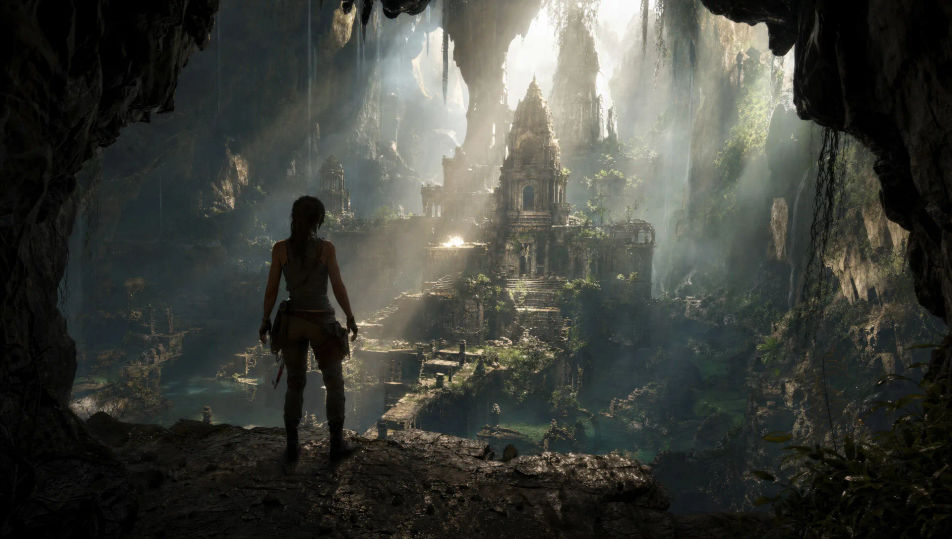
Rangkaian shot cepat yang menanjak, aksi, taruhan, dan spektakel yang membangun intensitas, tiap potongan lebih ketat dari sebelumnya menuju puncak.
Edit prompt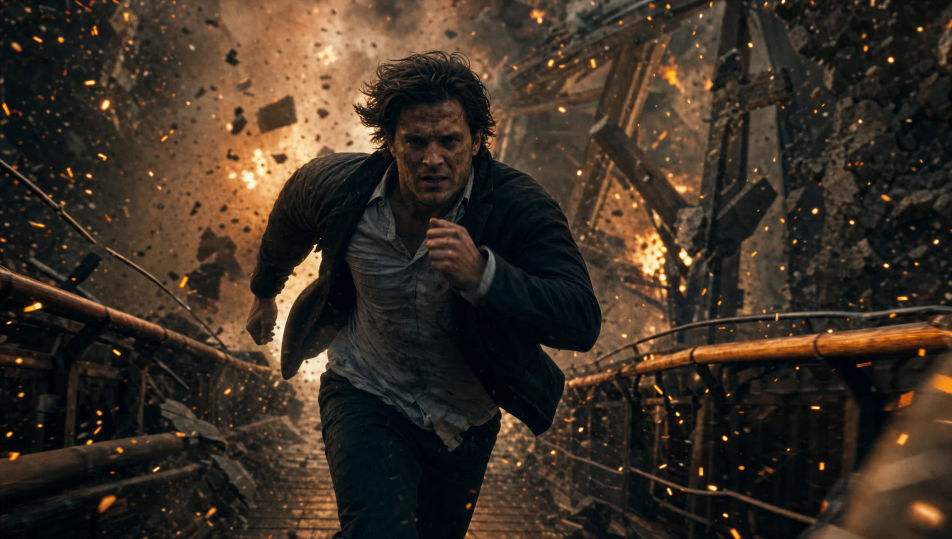
Potongan tegas ke bingkai dramatis yang bersih dibuat untuk menampung judul, ruang negatif yang dalam, satu cahaya kuat, keheningan yang tersirat sebelumnya.
Edit prompt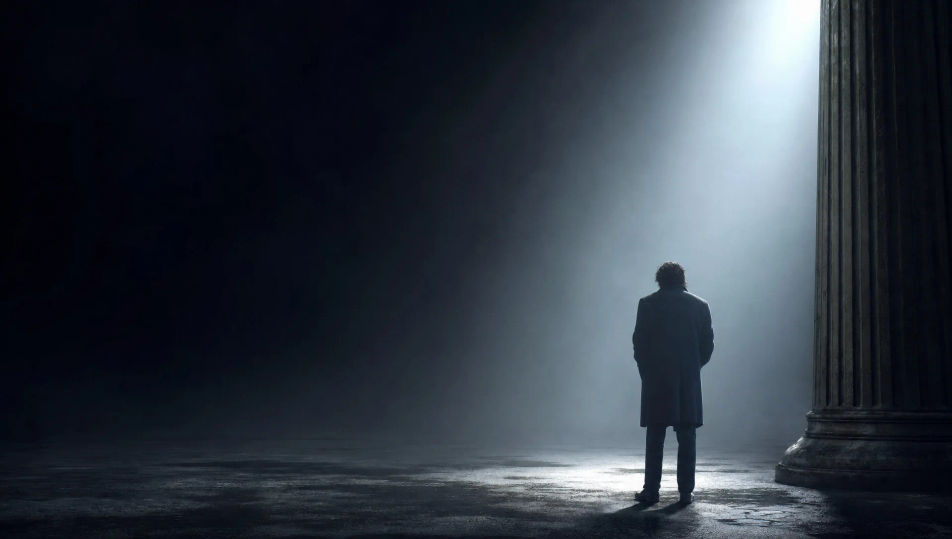
Tuliskan adegan trailer yang Anda inginkan, dengan kata-kata sederhana.
Morphic membuat klip sinematik yang siap dijadikan frame di canvas Anda dalam hitungan detik.
Ubah prompt, buat ulang variasi, lalu unduh atau bagikan shot-nya.
Drop in a photo of yourself. Get a 12-second cinematic movie with animation and a matched soundtrack.
Cinematic time-freeze short film for any scene

Dramatize any text conversation into a cinematic multi-shot video.
One image to a 9-scene cinematic video.

Share a scene description with character references. Get a full storyboard with shot angles and mood.

Feed in a single image. Get 9 cinematic beats laid out as a 3x3 storyboard grid.
Video AI Musik
Buat video musik AI di Morphic. Panggung pertunjukan, adegan cerita, set neon, dan visual konsep dari prompt bahasa sehari-hari, tanpa software edit.
Video AI Fiksi Ilmiah
Buat video AI fiksi ilmiah bareng Morphic. Kapal luar angkasa, planet alien, stasiun antariksa, dan adegan masa depan jauh, langsung dari prompt sederhana.
Video AI Fantasi
Hasilkan video AI fantasi di Morphic. Kastil, naga, hutan ajaib, dan adegan pertempuran epik dari prompt bahasa sehari-hari, tanpa software.
Video AI Superhero
Buat video superhero di Morphic. Pendaratan di atap, penyelamatan di udara, markas rahasia, dan adegan aksi komik dari prompt bahasa sederhana.
Mulai gratis hari ini, dengan opsi untuk upgrade atau membatalkan kapan saja.
Basic
2400 bulanan kredit
1 pengguna saja
Semua model
Workflows
Standard
3625 bulanan kredit
1 pengguna saja
Semua model
Workflows
Pro
6350 bersama bulanan kredit
1 pengguna
Semua model
Workflows
Max
24650 bersama bulanan kredit
1 pengguna
Semua model
Workflows
Enterprise
Untuk batas yang lebih tinggi
Khusus
ketentuan harga dan penagihan

Free
Untuk bereksperimen
$0
gratis selamanya