Roland and Oliver AI Videos

Direct Roland and Oliver in your browser with Morphic's Roland and Oliver AI video generator. Generate Roland's last stand at Roncevaux, Roland blowing the Oliphant, or Roland striking Durendal on the rock. Sound the horn with Speech, score the stand with Music, then stitch it on the Canvas.

Roland and Oliver legend figures you can create

Roland and Oliver scenes you can direct

Roland’s last stand at Roncevaux

In the narrow mountain pass of Roncevaux at midday, Roland stands amid the fallen rearguard swinging Durendal against the closing enemy host, banners broken around him. Handheld low angle in the press, dust and struggling mail.

Edit prompt
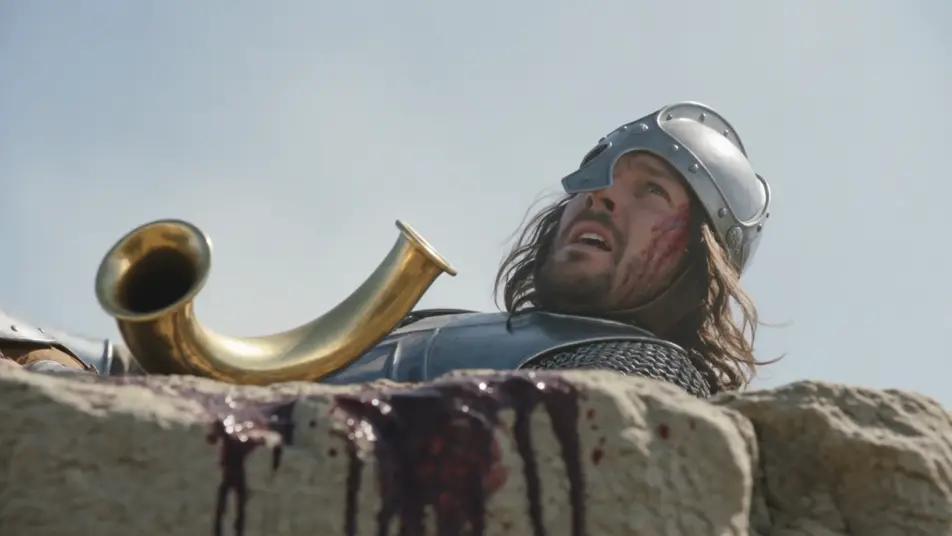
Roland blows the Oliphant

On a blood-soaked outcrop above the pass, the wounded Roland lifts the golden Oliphant and blows with his final breath, the veins standing at his temple, the sound ringing out over the peaks. Tight low-angle shot against the pale sky.

Edit prompt

Roland strikes Durendal on the rock

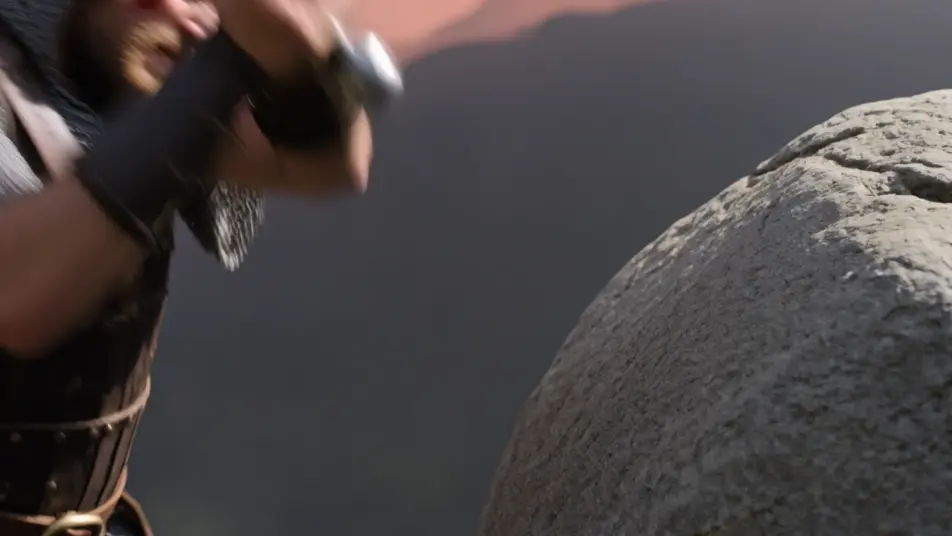
Beside a great grey boulder at dusk, the dying Roland brings Durendal down against the stone again and again to break it, sparks flying, the blade refusing to shatter. Slow close tracking on hands, sword, and struck rock.

Edit prompt

Roland and Oliver back to back

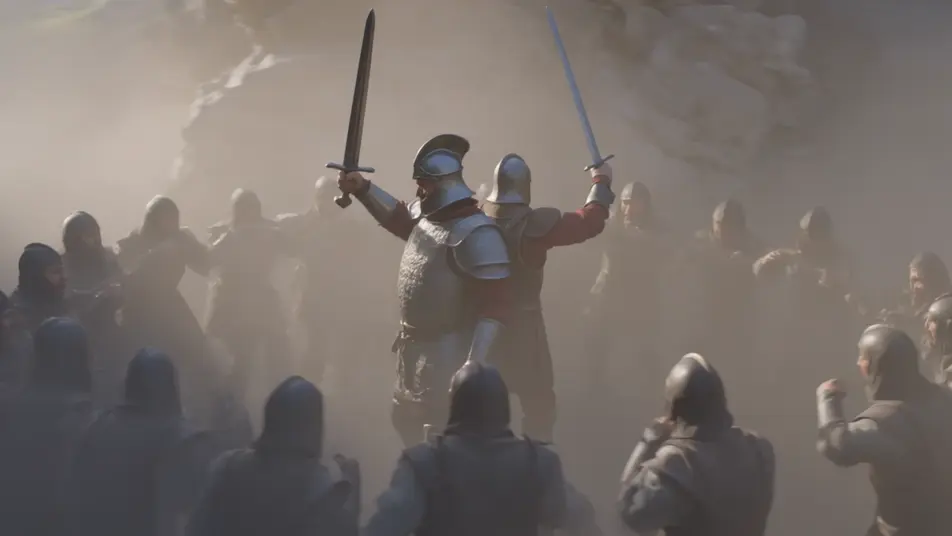
In the choked heart of the pass, Roland and Oliver stand back to back against the surrounding host, swords raised, the two sworn brothers ringed by enemies. Slow orbit around the pair, low light through drifting dust.

Edit prompt

Buat video Roland and Oliver dalam tiga langkah

  1. 01

    Jelaskan adegan Roland and Oliver Anda

    Tuliskan adegan Roland and Oliver yang Anda inginkan, dengan kata-kata sederhana.

  2. 02

    Buat video

    Morphic membuat klip sinematik yang siap dijadikan frame di canvas Anda dalam hitungan detik.

  3. 03

    Sempurnakan video Roland and Oliver Anda

    Ubah prompt, buat ulang variasi, lalu unduh atau bagikan shot-nya.

Workflow terkait

Anda mungkin juga suka

Harga sederhana

Mulai gratis hari ini, dengan opsi untuk upgrade atau membatalkan kapan saja.

Basic

$9/ bulan
ditagih sebagai $0 per tahun

900 bulanan kredit

1 pengguna saja

Semua model

Workflows

Standard

$24/ bulan
ditagih sebagai $0 per tahun

3200 bulanan kredit

1 pengguna saja

Semua model

Workflows

Pro

$45/ bulan
ditagih sebagai $0 per tahun

6200 bersama bulanan kredit

1 pengguna

+ hingga 4 lainnya dengan biaya tambahan

Semua model

Workflows

Pro Max

$170/ bulan
ditagih sebagai $0 per tahun

24000 bersama bulanan kredit

1 pengguna

+ hingga 9 lainnya dengan biaya tambahan

Semua model

Workflows

Enterprise

Untuk batas yang lebih tinggi

Khusus

ketentuan harga dan penagihan

High-volume credits
Batas kursi khusus
Semua model
Workflows
Pricing Gradient

Free

Untuk bereksperimen

$0

gratis selamanya

Hingga 20 kredit
Hanya 1 pengguna
Model terbatas
Workflows

FAQ

Where can I make Roland and Oliver videos with AI?
You can create Roland and Oliver scenes directly in your browser on Morphic. Open the Text to Video tool, describe the moment you want, and Morphic produces the clip. No installs and no specialist software needed.
What kinds of Roland and Oliver scenes work best with AI video?
Single-shot moments from the Song of Roland tend to work best: Roland’s last stand at Roncevaux, blowing the Oliphant with his final breath, striking Durendal against the rock, the two brothers back to back against the host. Anchor each scene to a specific moment, location, time of day, and mood.
How do I keep Roland and Oliver consistent across scenes?
Use the Character Lineup workflow to lock each look once, such as Roland’s red-and-gold surcoat with Durendal and the Oliphant, then reference that character card in every prompt. Morphic preserves the design across the arc so a Roland and Oliver series feels continuous.
How do I write a good prompt for a Roland and Oliver scene?
Name the moment of the Song of Roland, the location, the lighting, and the camera direction. For example: "The dying Roland striking Durendal against a great grey boulder at dusk to break it, sparks flying, slow close tracking on hands, sword, and struck rock." The more specific your imagery, the closer the output matches your imagination.
Can I add narration and music to my Roland and Oliver videos?
Yes. The Speech tool generates a voiceover from your script in the voice you choose, and the Music tool produces an original soundtrack to score the scene. Layer them onto your generated video to publish a complete Roland and Oliver episode.
Will my Roland and Oliver videos look like a particular film or game?
No. Morphic renders the medieval Song of Roland itself, drawn from the primary-source chanson de geste rather than any studio’s design. Name the era and medium you want in the prompt, such as Romanesque manuscript color, painterly historical oil, or cinematic photoreal, and the result stays anchored to the legend.