Bingkai establishing shot tersketsa
Bingkai establishing storyboard kasar, guratan pensil longgar, arsiran gestural, komposisi berbingkai dengan panah.
Edit prompt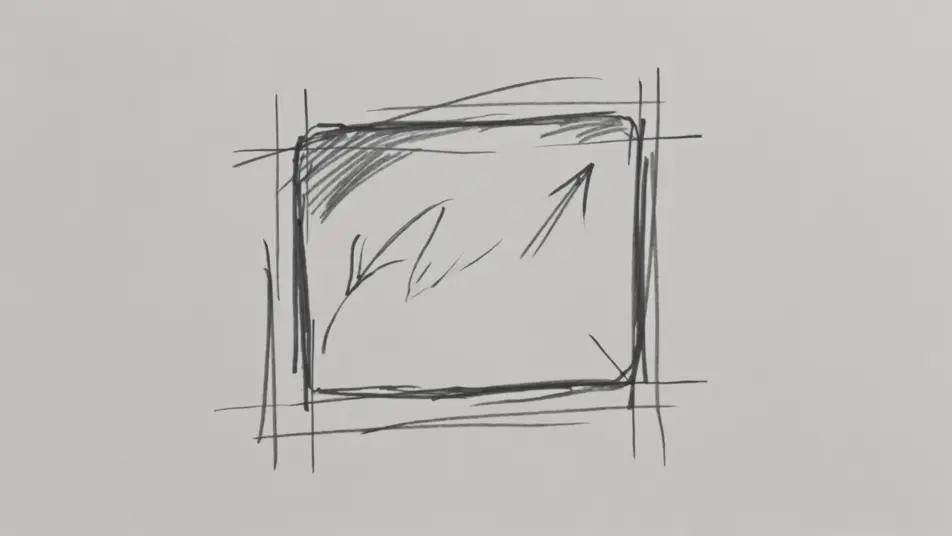
Pra-visualisasikan film Anda langsung di browser dengan generator video AI gaya sketsa storyboard dari Morphic. Buat establishing shot kasar atau panel aksi dengan panah gerakan, beri suara dan musik tiap shot dengan Speech dan Music, lalu rangkai animatic di Canvas.
Bingkai establishing storyboard kasar, guratan pensil longgar, arsiran gestural, komposisi berbingkai dengan panah.
Edit promptPanel sketsa dinamis dengan panah gerakan dan goresan kecepatan, pensil kasar, blocking yang energik.
Edit prompt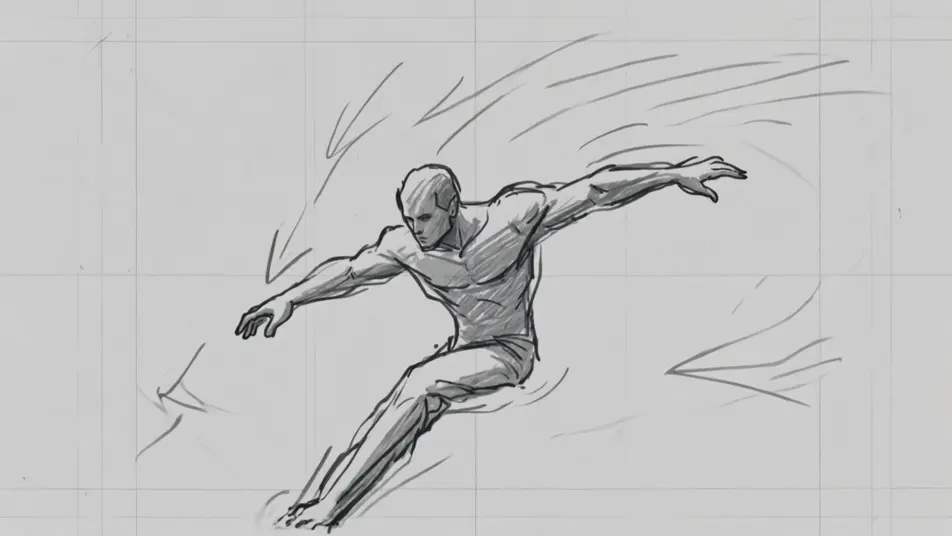
Interior storyboard spidol abu-abu, blocking tonal sederhana, guratan longgar, karakter tersketsa di tengah adegan.
Edit prompt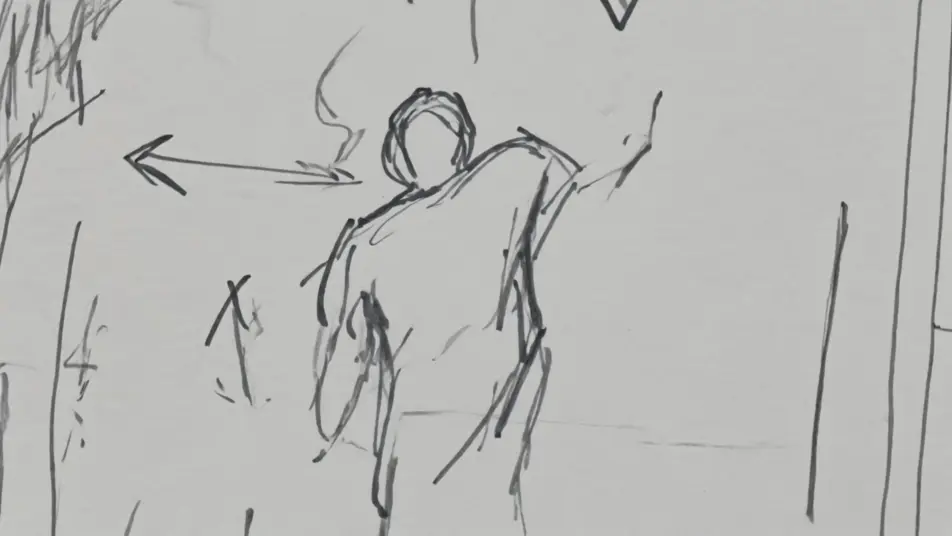
Close-up storyboard rapat dalam pensil kasar, coretan cepat yang ekspresif, catatan framing di margin.
Edit prompt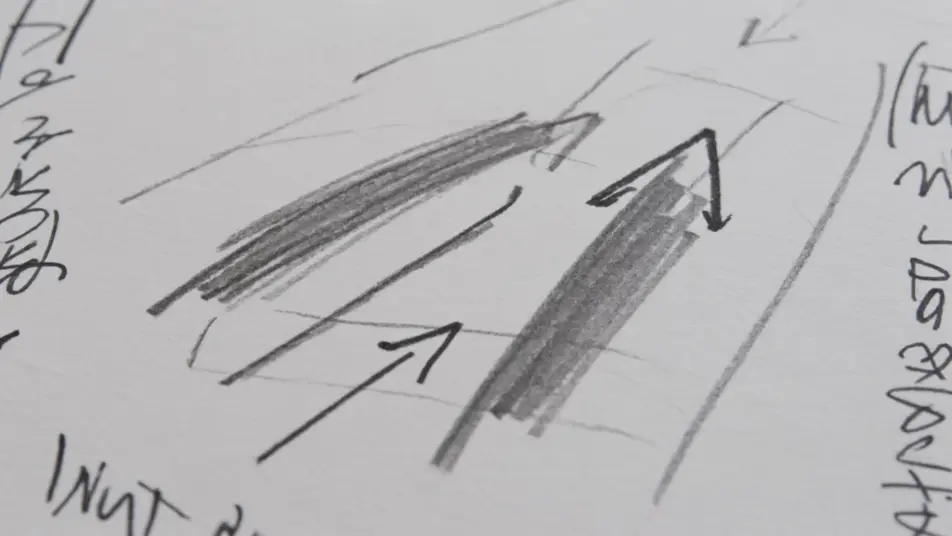
Tuliskan adegan gaya sketsa storyboard yang Anda inginkan, dengan kata-kata sederhana.
Morphic membuat klip sinematik yang siap dijadikan frame di canvas Anda dalam hitungan detik.
Ubah prompt, buat ulang variasi, lalu unduh atau bagikan shot-nya.
One image to a 9-scene cinematic video.

Share a scene description with character references. Get a full storyboard with shot angles and mood.
Cinematic time-freeze short film for any scene

Feed in a single image. Get 9 cinematic beats laid out as a 3x3 storyboard grid.

Dramatize any text conversation into a cinematic multi-shot video.
Drop in a photo of yourself. Get a 12-second cinematic movie with animation and a matched soundtrack.
Video AI Film Pendek
Buat video AI film pendek bersama Morphic. Susun alur cerita, jaga karakter konsisten, arahkan tiap adegan, dan beri musik. Tanpa pengalaman edit.
Video AI Trailer
Buat trailer dengan AI di Morphic. Cold open, montase yang meningkat, reveal title card, dan cut cliffhanger dari prompt bahasa sederhana, tanpa editor.
Video AI Kartun
Buat video kartun dengan Morphic. Gaya 2D, 3D, storybook, squash-and-stretch, konsistensi karakter, dan adegan dari prompt langsung di browser.
Video AI Anime
Buat video AI Anime dengan Morphic. Hasilkan adegan slice-of-life, shot Mecha, transformasi gadis ajaib, dan episode Anime lengkap dari satu prompt.
Mulai gratis hari ini, dengan opsi untuk upgrade atau membatalkan kapan saja.
Basic
2400 bulanan kredit
1 pengguna saja
Semua model
Workflows
Standard
3625 bulanan kredit
1 pengguna saja
Semua model
Workflows
Pro
6350 bersama bulanan kredit
1 pengguna
Semua model
Workflows
Max
24650 bersama bulanan kredit
1 pengguna
Semua model
Workflows
Enterprise
Untuk batas yang lebih tinggi
Khusus
ketentuan harga dan penagihan

Free
Untuk bereksperimen
$0
gratis selamanya