AI Video Restoration videos

Repair worn footage in your browser with Morphic's video restoration AI generator. Generate clean versions of scratched archive reels, noisy home movies, or shaky handheld clips, removing dust, grain, and flicker. Score the result with Music, then stitch the shots into one sequence on the Canvas.

Video restoration styles you can direct

Video restoration sequences you can stage

A scratched reel made clean

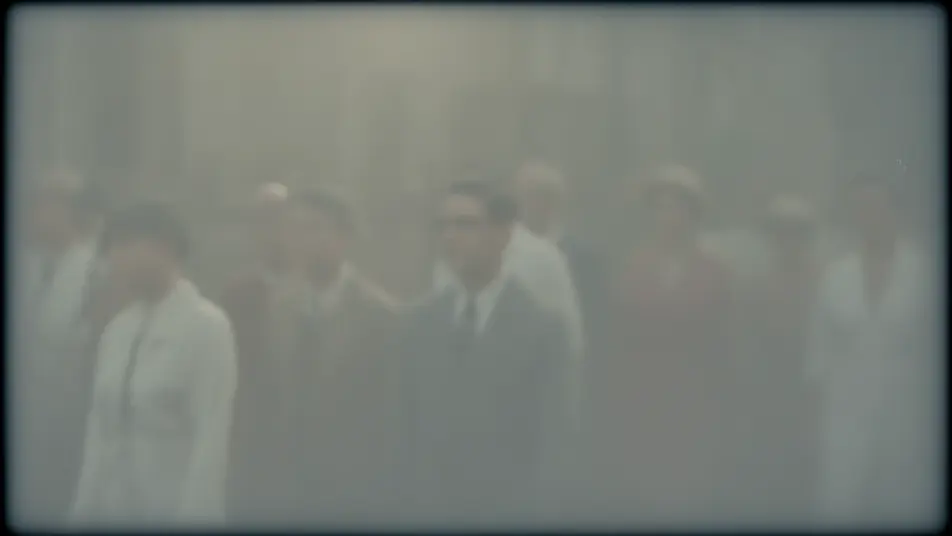
An archive parade clip has dust flecks and vertical scratches lifted away, the picture rebuilt beneath them frame by frame, the original soft daylight and filmic grain kept intact through a slow pan across the crowd.

Edit prompt

A noisy home movie calmed

A grainy low-light family clip is cleaned to a smooth, natural image, coarse noise settling without smearing faces or edges, warm lamp light preserved as the family moves through the room.

Edit prompt

A flickering clip steadied

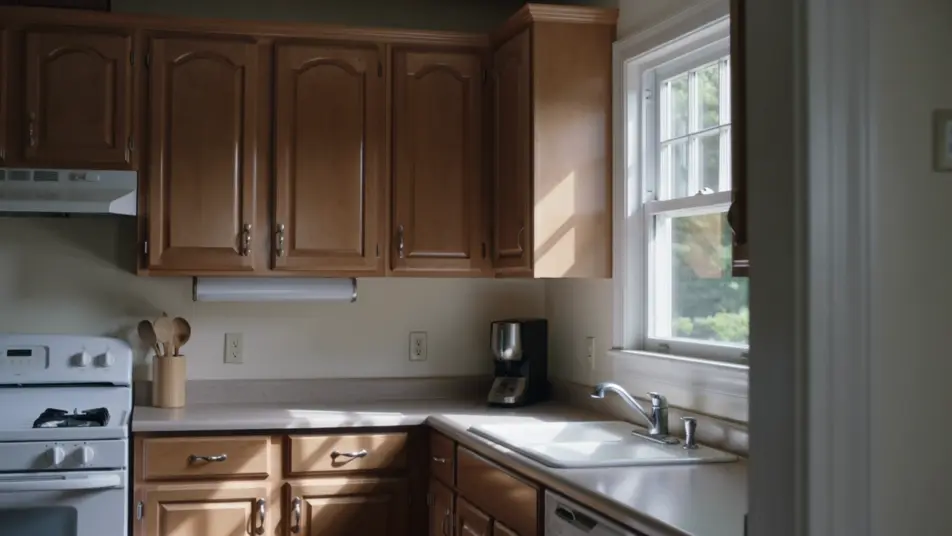
An old kitchen scene that pulses between light and dark is evened out to a consistent exposure, the breathing brightness gone, so the shot plays as one calm continuous take under steady window light.

Edit prompt

A shaky handheld shot smoothed

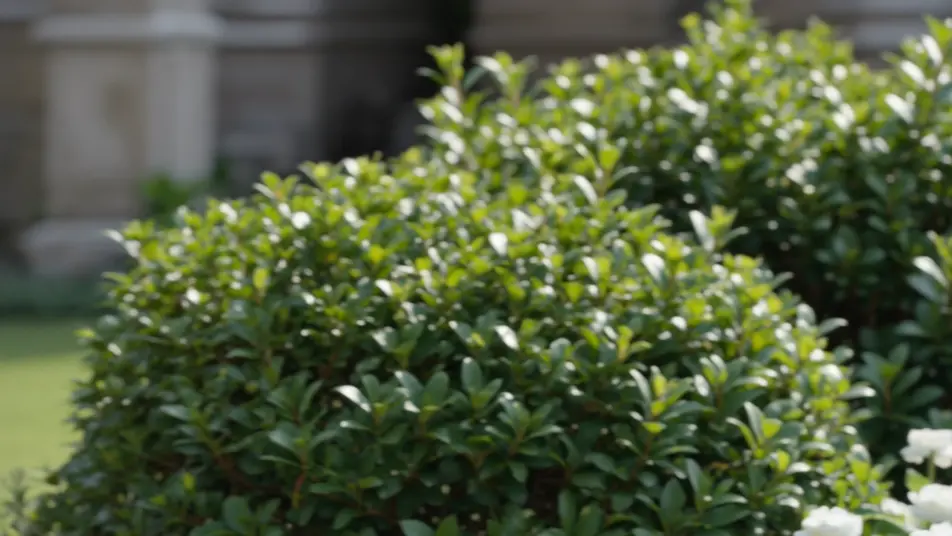
A jittery garden clip is stabilized into a watchable, smooth shot, unwanted shake removed while the gentle intended pan is kept, greenery and light holding steady across the corrected frame.

Edit prompt

Buat video video restoration dalam tiga langkah

  1. 01

    Jelaskan adegan video restoration Anda

    Tuliskan adegan video restoration yang Anda inginkan, dengan kata-kata sederhana.

  2. 02

    Buat video

    Morphic membuat klip sinematik yang siap dijadikan frame di canvas Anda dalam hitungan detik.

  3. 03

    Sempurnakan video video restoration Anda

    Ubah prompt, buat ulang variasi, lalu unduh atau bagikan shot-nya.

Workflow terkait

Anda mungkin juga suka

Harga sederhana

Mulai gratis hari ini, dengan opsi untuk upgrade atau membatalkan kapan saja.

Basic

$9/ bulan
ditagih sebagai $0 per tahun

900 bulanan kredit

1 pengguna saja

Semua model

Workflows

Standard

$24/ bulan
ditagih sebagai $0 per tahun

3200 bulanan kredit

1 pengguna saja

Semua model

Workflows

Pro

$45/ bulan
ditagih sebagai $0 per tahun

6200 bersama bulanan kredit

1 pengguna

+ hingga 4 lainnya dengan biaya tambahan

Semua model

Workflows

Pro Max

$170/ bulan
ditagih sebagai $0 per tahun

24000 bersama bulanan kredit

1 pengguna

+ hingga 9 lainnya dengan biaya tambahan

Semua model

Workflows

Enterprise

Untuk batas yang lebih tinggi

Khusus

ketentuan harga dan penagihan

High-volume credits
Batas kursi khusus
Semua model
Workflows
Pricing Gradient

Free

Untuk bereksperimen

$0

gratis selamanya

Hingga 20 kredit
Hanya 1 pengguna
Model terbatas
Workflows

FAQ

Where can I make restored videos with AI?
You can restore video directly in your browser on Morphic. Bring a damaged or degraded clip into the tool, describe the flaws to fix and what to preserve, and Morphic returns a cleaned version. No installs and no specialist restoration suite.
What kinds of footage restore best with AI?
Scratched archive reels, noisy home movies, flickering clips, and shaky handheld footage all restore well because their problems are consistent and repairable. Clips with recognizable structure give the generator strong cues to rebuild from.
How do I write a good prompt for a restoration?
Name each flaw, dust, noise, flicker, shake, and the clean result you want. Then say what to keep, the original grain, the intended pan, so the repair heals the damage without stripping the footage of its character.
How do I keep the restored clip consistent across frames?
Ask for temporal consistency and name what should stay steady, exposure, grain, motion. On the Canvas you can compare the restored clip against the source frame by frame and refine until the repair holds without flicker or smear.
Can I add music and narration to my restored videos?
Yes. Once a clip is clean, the Music tool scores an original soundtrack and the Speech tool adds narration in the voice you choose. Both layer onto the restored footage so a revived reel or home movie arrives as a finished piece.
Do I need video editing experience to restore a clip?
No. Morphic runs in your browser and you direct it with plain-language prompts. If you can describe the damage and what you want preserved, you can restore a clip. The prompts on this page paste and run directly.