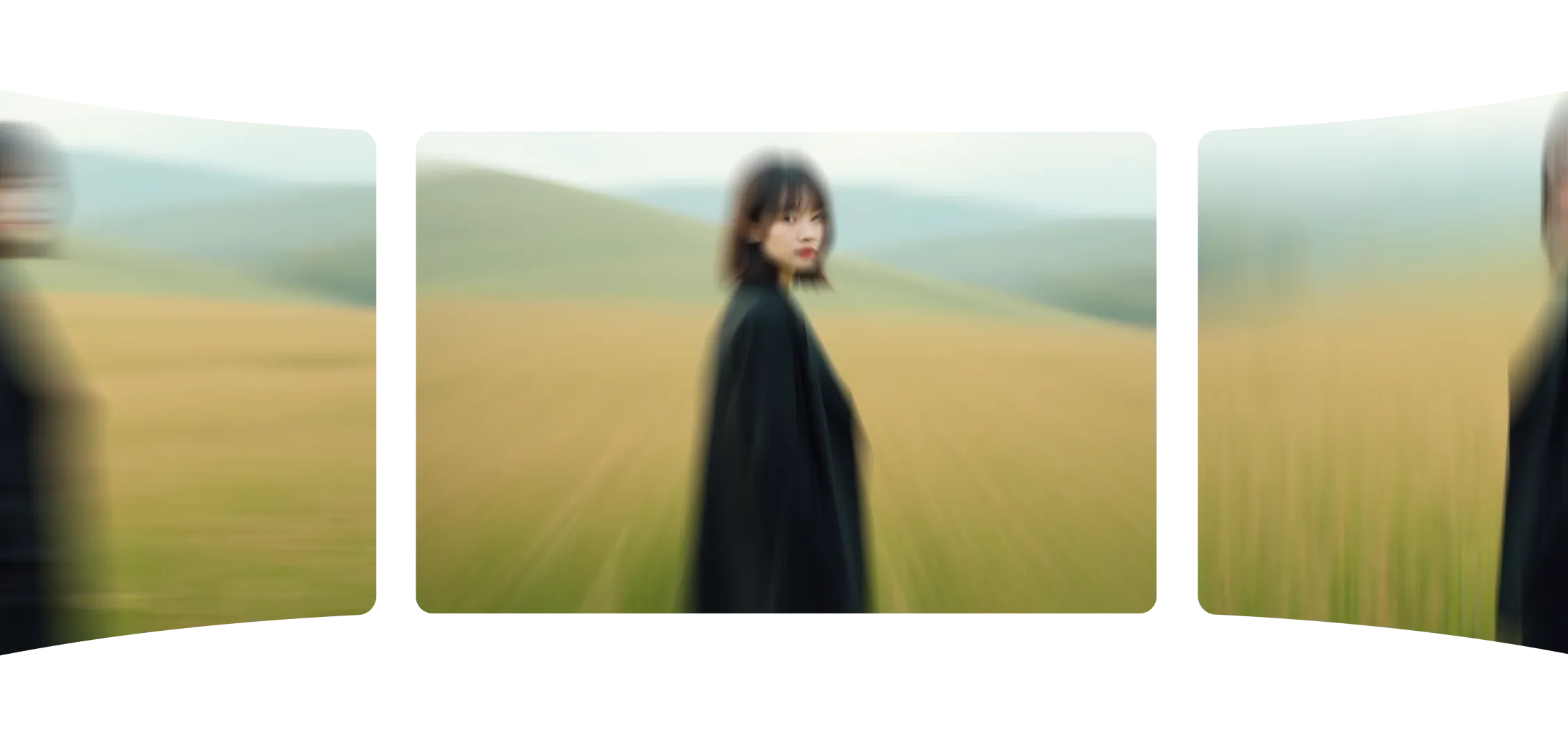
카메라 모션으로 샷의 움직임을 제어할 수 있습니다. 모션 유형을 선택하고 프롬프트를 입력하면 Morphic이 이미지를 부드럽고 시네마틱한 비디오로 변환합니다.
모든 움직임이 자연스럽게 느껴지며 포커스, 스케일, 리듬을 유지합니다. 밀어넣기, 옆으로 드리프트, 틸트 추가 등 모든 이동이 정확하고 균형 잡혀 있습니다.
카메라 모션은 프레임 안의 내용뿐만 아니라 그것이 어떻게 보이는지도 향상시킵니다. 정적인 이미지를 시네마틱한 순간으로 바꿉니다.
카메라 모션을 추가하니 몇 초 만에 장면이 살아있고 목적이 있는 것처럼 느껴졌습니다.
Morphic 내에서 카메라 모션이 어떻게 작동하는지 확인하세요.
정적 프레임에서 단일 카메라 각도를 사용하여 만든 비디오.
카메라 모션은 모든 샷에 대한 직관적인 제어를 제공합니다.
지금 시도
Camera motion FAQs
Can I control how the camera moves?
Yes. Describe a pan, tilt, zoom or pedestal and the generation follows it, and camera-move presets give you repeatable moves.
Can I set a specific lens or focal length?
Yes. The camera rig tool sets the camera body, lens and focal length on a shot.
Can I change the camera angle on an existing image?
Yes. A camera-angle pass re-frames an image from a new angle without regenerating it from scratch.
Can I plan camera moves before generating?
Yes. In 3D Scene you block the shot with cameras, record camera moves, then export the frame or clip as the reference the model follows.
Does planning a shot in 3D Scene cost credits?
No. Scene edits cost no credits; only the final generation does.
Who is camera control for?
Directors blocking coverage and teams running product or vehicle camera studies.