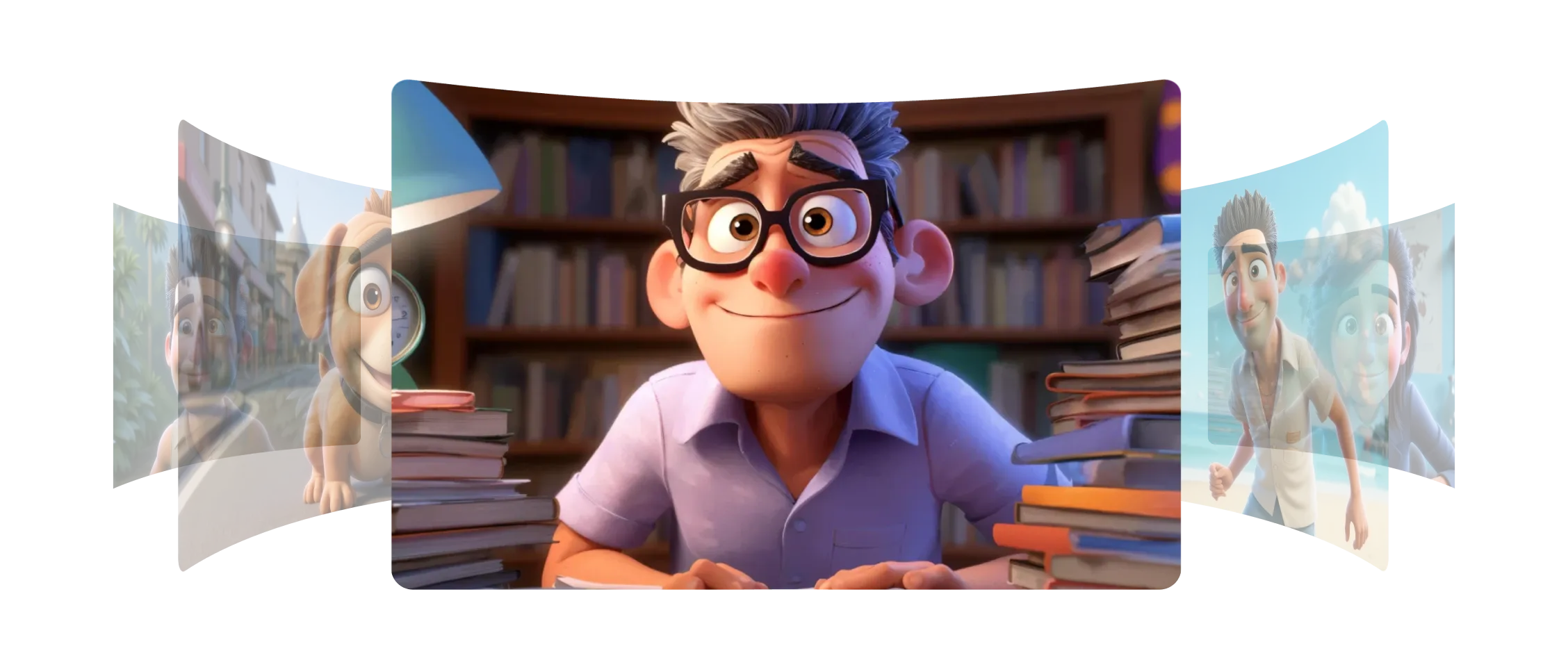
Morphic으로 캐릭터 요소와 스타일 요소를 만들어 작업의 일관성을 유지할 수 있습니다.
캐릭터 요소는 몇 장의 이미지, 심지어 한 장에서도 캐릭터를 포착하고 원래 디자인에 충실한 새로운 포즈, 표정, 순간을 생성할 수 있습니다.
스타일 요소는 색상, 톤, 텍스처를 포함한 아트의 모습과 느낌을 포착하고 새 프레임에 자연스럽게 적용합니다. 모든 새 생성물이 동일한 시각적 스타일을 가집니다.
스토리보드, 애니메이션, 장면을 만들 때 모든 프레임에서 캐릭터와 시각적 요소의 일관성을 유지할 수 있습니다.
Morphic의 모델 덕분에 모든 장면에서 캐릭터와 스타일이 일관되게 느껴졌습니다.
Morphic 내에서 요소가 어떻게 작동하는지 확인하세요.
크리에이터가 요소로 저장한 스타일과 캐릭터의 예시.
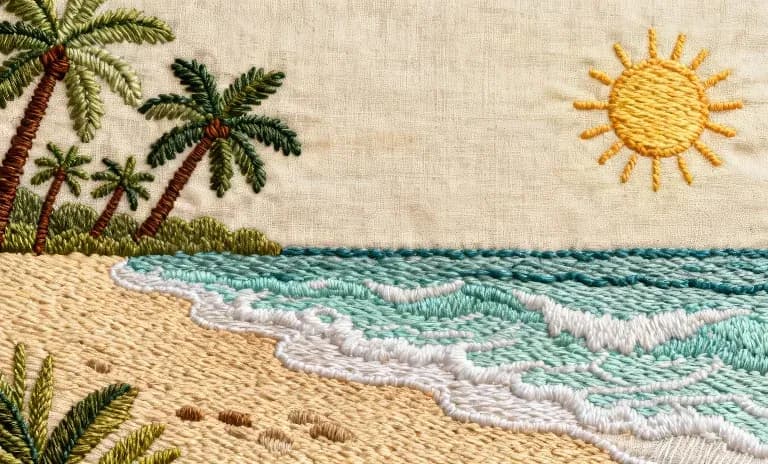
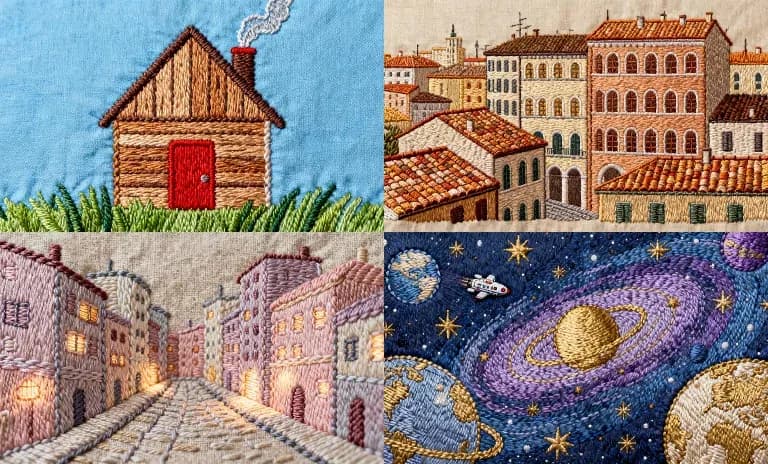
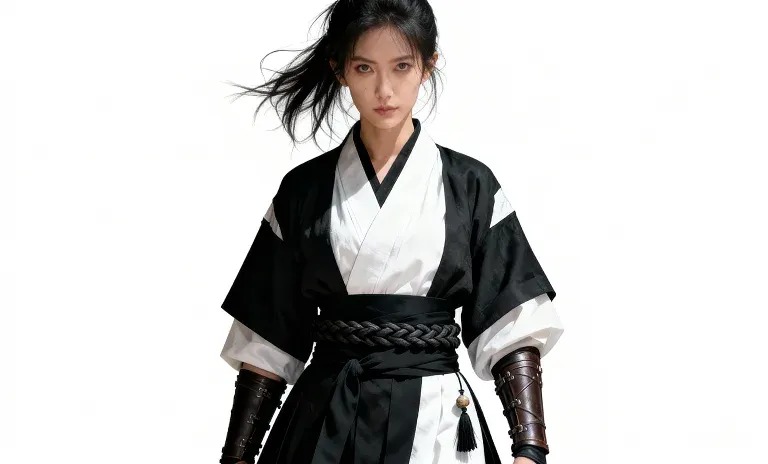
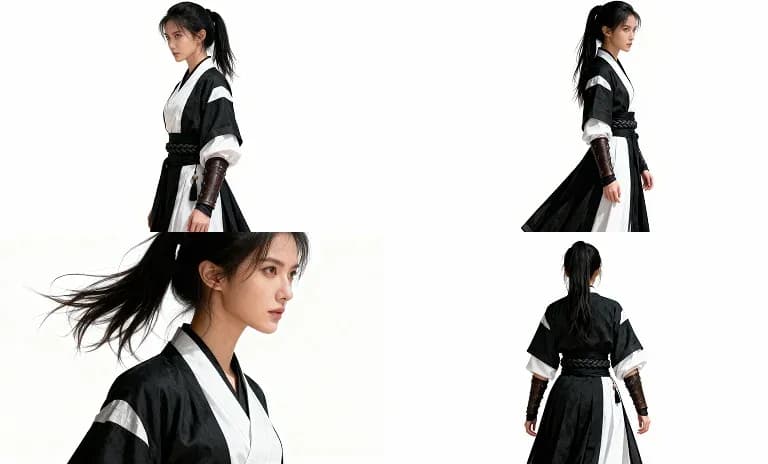
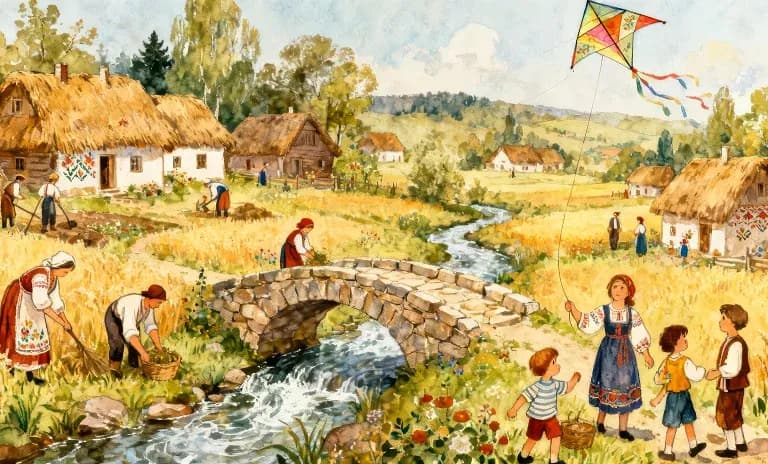
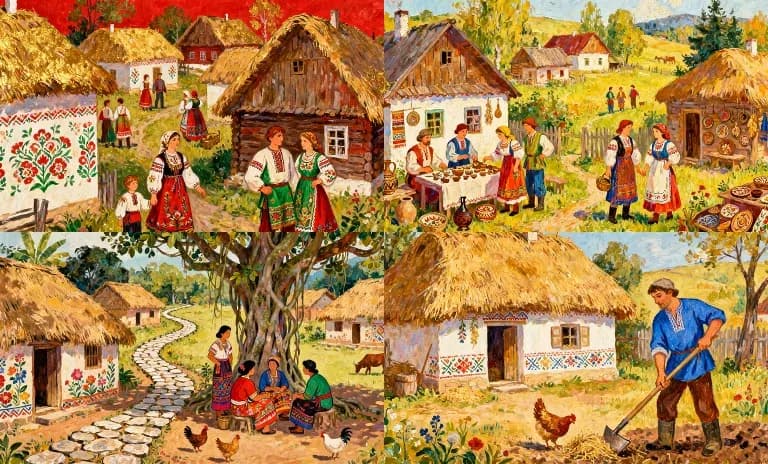
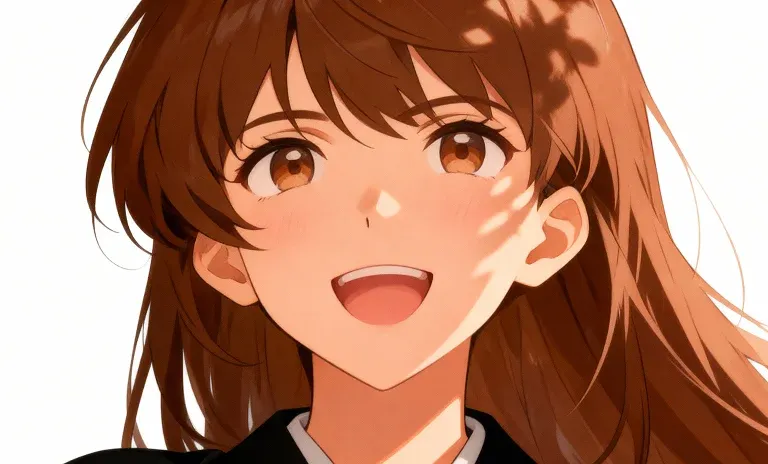
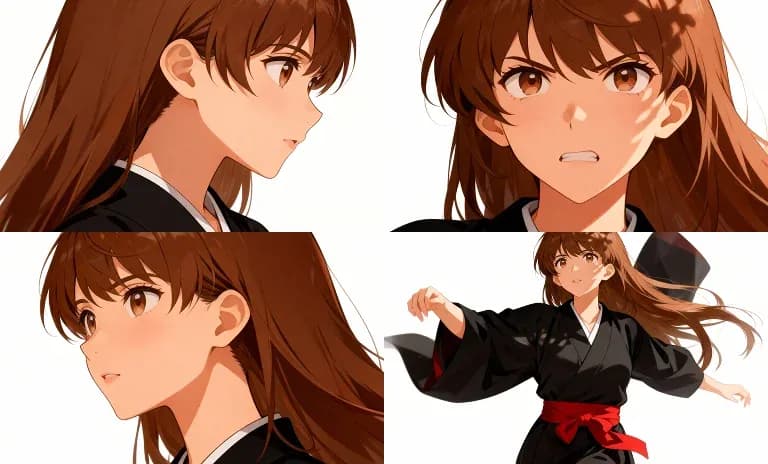
입력 프레임을 보려면 호버하세요
요소를 활용하면 캐릭터의 정체성과 아트 스타일을 그대로 유지하면서 세계관을 쉽게 확장하고 협업할 수 있습니다. 지금 시도
Character and style element FAQs
What is an element in Morphic?
Save a character, style, product or object once, from one or more images, under a name. Then call it by name in any generation and the look holds from shot to shot. Nothing is trained.
Does Morphic train a model on my character?
No. The feature was called Models, then References, and is now Elements; generation passes your saved element images straight to the model you pick, so there is no training step.
How many elements can I save?
The free plan includes one saved element, every paid plan includes 100, and Enterprise is unlimited.
How do I keep a character consistent across scenes?
Save a character sheet for each recurring character, and a location sheet for recurring places, then pass them into every generation. Copilot carries each attached element through to the model.
Can I use more than one element in a single prompt?
Yes. Several elements, stills or footage, can ride on one generation.
Can I share an element with my team?
Yes. Share an element by email so others can generate with that character or style.