Website hero band
A close shot of a 3D printer laying filament mid print, framed wide for a technology page banner.
프롬프트 편집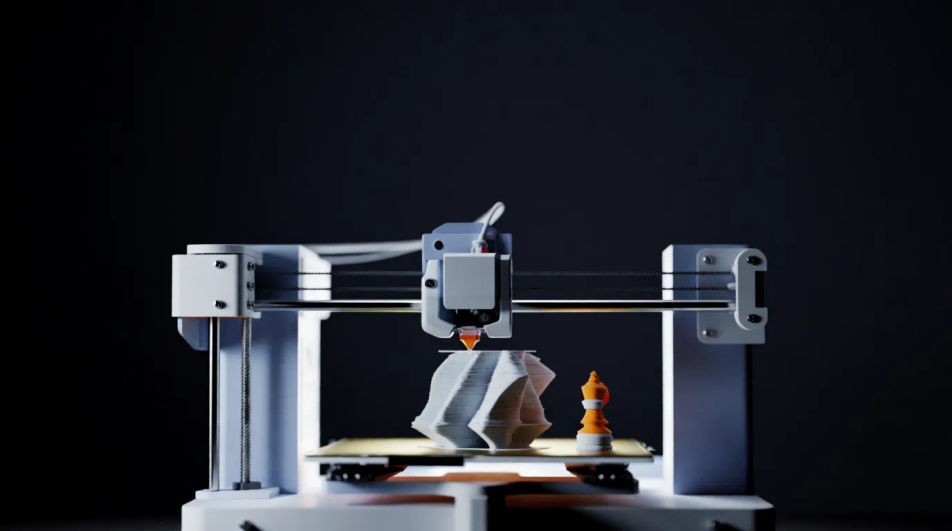
Compose 3D printing images in your browser with Morphic's AI photo generator. Try a desktop FDM printer mid-build, a glowing resin print rising from the vat, or an industrial print farm at scale. Adjust the crop and color on the Canvas, then download each in HD.
A close shot of a 3D printer laying filament mid print, framed wide for a technology page banner.
프롬프트 편집A finished printed part beside the machine bed, aimed at a tutorial or hobbyist blog header.
프롬프트 편집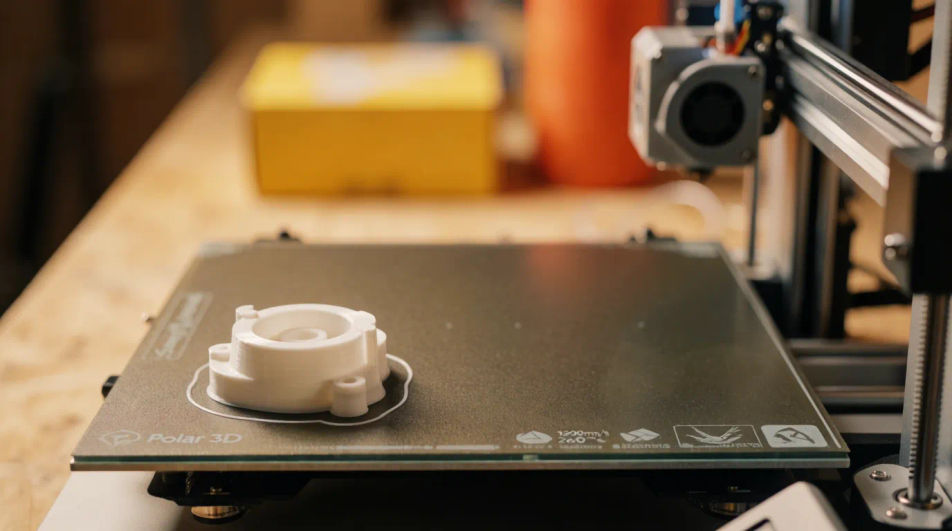
A clean studio shot of a desktop 3D printer on a workbench for a hardware listing or spec page.
프롬프트 편집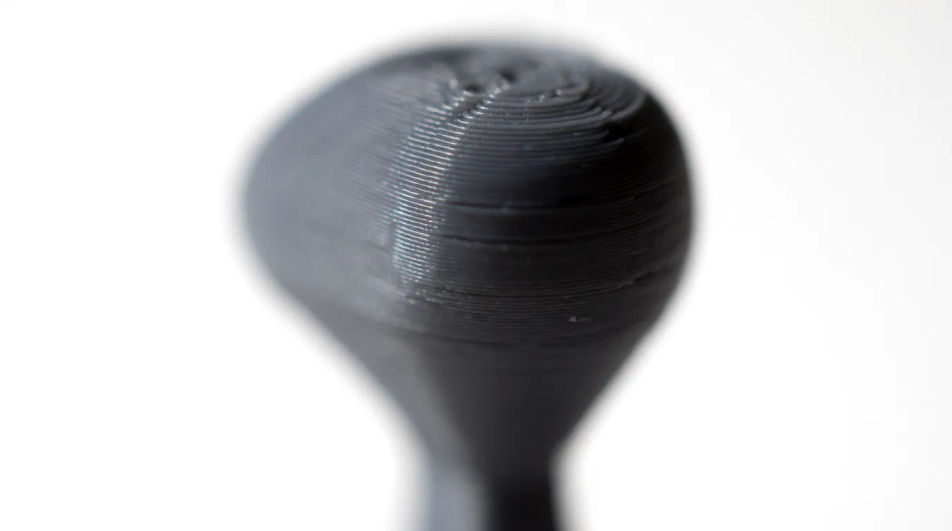
A hand holding a freshly printed prototype part, framing rapid manufacturing in a report figure.
프롬프트 편집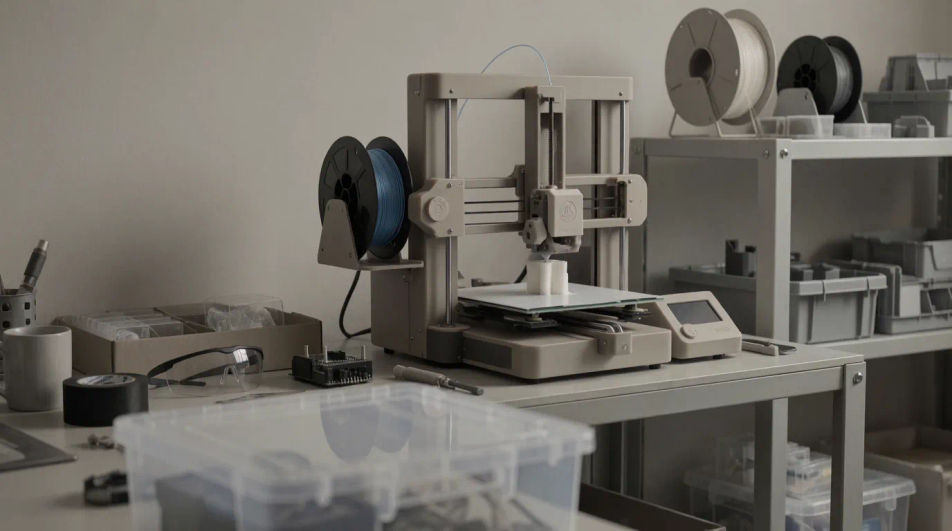
원하는 3D printing의 모습을 쉬운 말로 설명하세요.
Morphic이 캔버스 위에 바로 게시할 이미지를 몇 초 만에 생성합니다.
프롬프트를 조정해 다시 생성한 뒤, 원하는 이미지를 저장하거나 공유하세요.
모든 장면에 사용할 수 있는 시네마틱 타임 프리즈 단편 영상
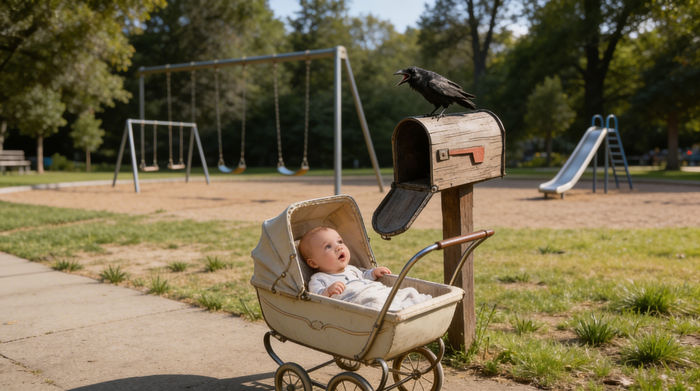
캐릭터 참조가 포함된 장면 설명을 공유하세요. 촬영 각도와 분위기가 포함된 전체 스토리보드를 받으세요.
캐릭터 이미지를 업로드하고 어떤 스타일로든 춤추게 하세요.

모든 텍스트 대화를 영화 같은 멀티샷 비디오로 각색하세요.
사진을 올려주세요. 애니메이션과 어울리는 사운드트랙이 포함된 12초 분량의 영화를 만들어 드립니다.
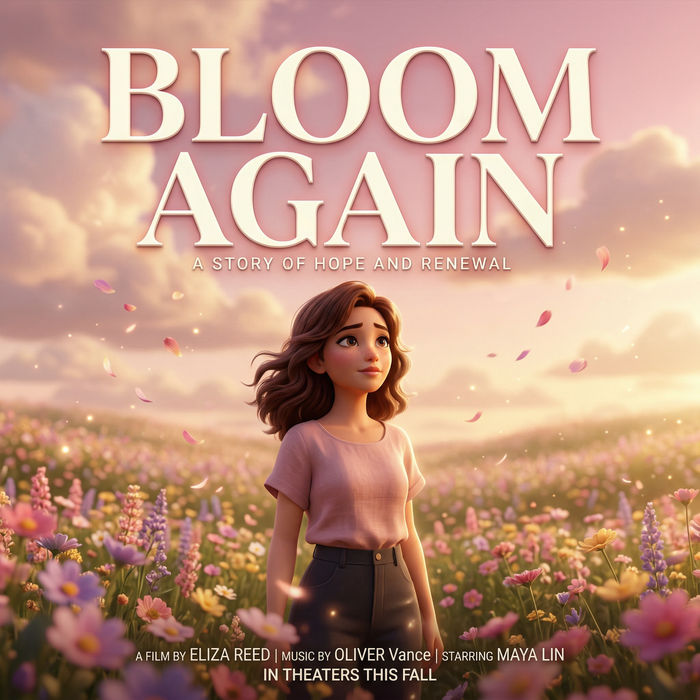
선택적인 영화 애니메이션과 함께 처음부터 전문적인 영화 타이틀 카드를 생성합니다.
Agriculture Technology AI Images
Produce agriculture technology images in any style you need. Generate the exact scene rather than the nearest stock photo.
Airport Lounge Business AI Images
Make airport lounge business images from a text prompt. Control the setting, people and mood instead of browsing for a compromise.
Biotech Laboratory AI Images
Make biotech laboratory images from a text prompt. Control the setting, people and mood instead of browsing for a compromise. Commercial rights included.
북극 동물 AI 이미지
북극곰, 북극여우, 물범 등 북극 동물 이미지를 AI로 직접 만들어 HD로 내려받으세요.
오늘 무료로 시작하고 언제든지 업그레이드하거나 취소할 수 있습니다.
Basic
2400 월간 크레딧
1 명 전용
모든 모델
워크플로
Standard
3625 월간 크레딧
1 명 전용
모든 모델
워크플로
Pro
6350 공유 월간 크레딧
1 사용자
모든 모델
워크플로
Max
24650 공유 월간 크레딧
1 사용자
모든 모델
워크플로
Enterprise
더 높은 제한
사용자 정의
가격 및 청구 조건

Free
가볍게 사용해보기
$0
영구 무료