Email header loop
A wide banner-shaped loop with the motion kept to one edge, so the headline text can sit still and legible beside it.
프롬프트 편집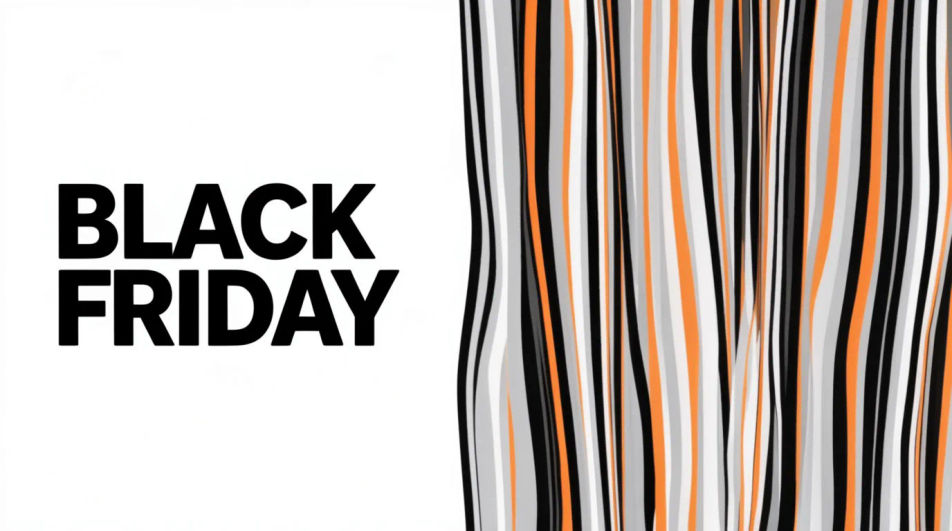
Make a Black Friday GIF in Morphic by describing a short animated moment, a price tag flipping, a bag filling with confetti, or bold type sliding into frame. Morphic generates a short clip from your prompt, which you then export as a looping GIF. Set the palette and pace to match your brand, generate a few options to compare, and drop the loop into an email header, a story, or an ad.
A wide banner-shaped loop with the motion kept to one edge, so the headline text can sit still and legible beside it.
프롬프트 편집A tall full-bleed loop built for a phone screen, with the main motion centered and a few seconds of clean breathing room.
프롬프트 편집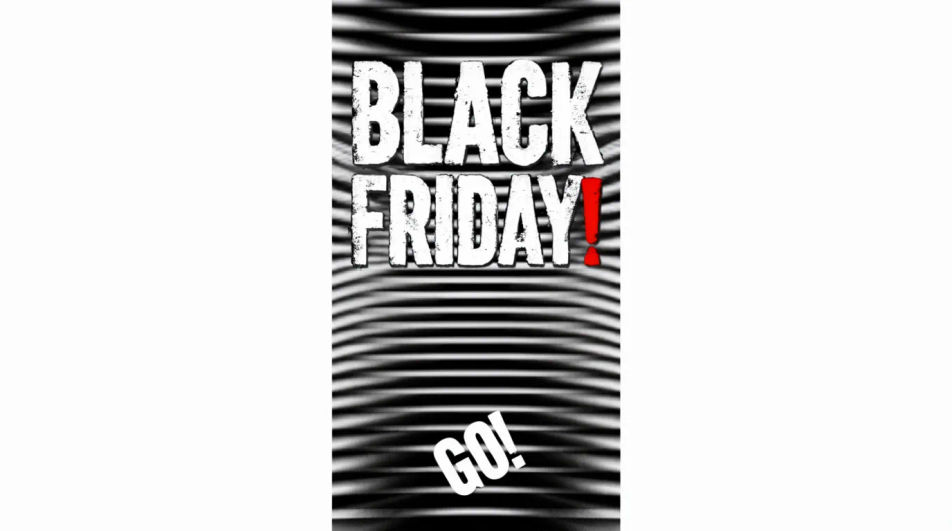
A square loop with the animated element offset to one side, leaving a flat quadrant for a logo or price to sit on top.
프롬프트 편집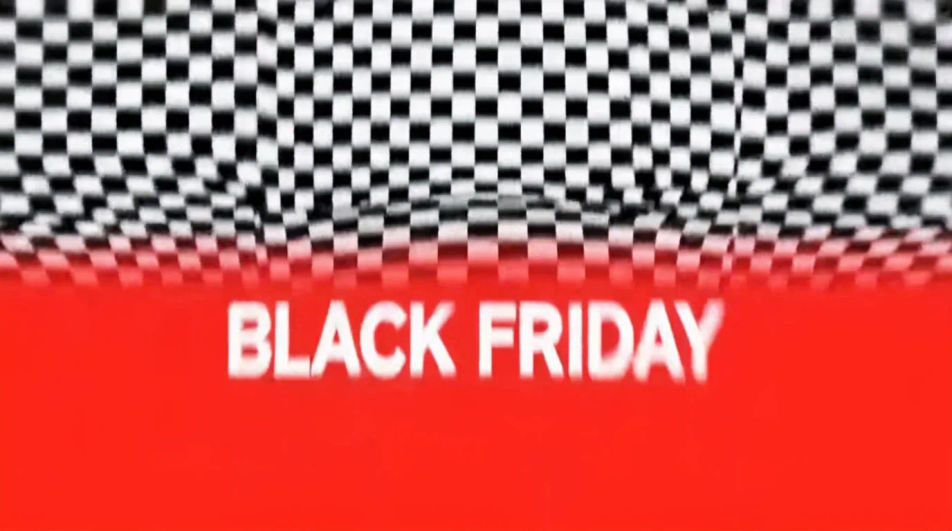
A restrained loop on a near-black ground with one small bright element moving, built to feel premium rather than loud.
프롬프트 편집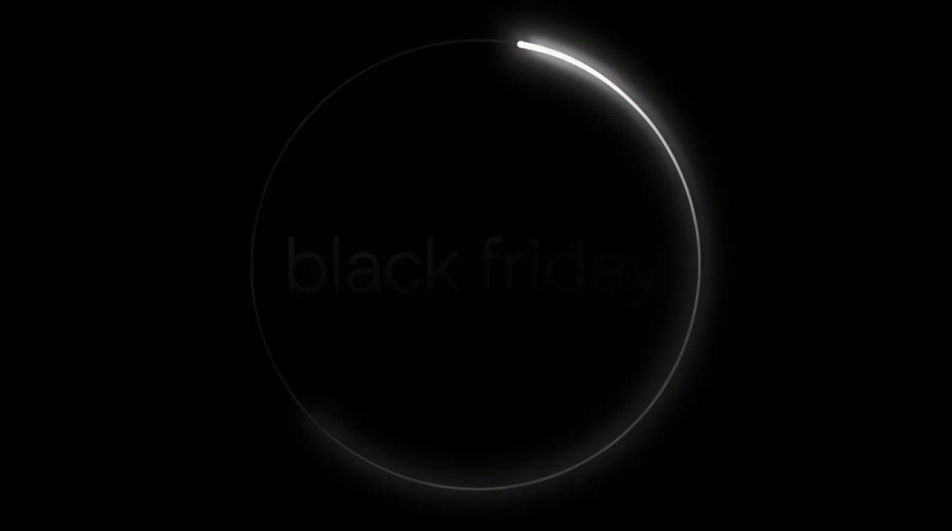
원하는 Black Friday GIF의 모습을 쉬운 말로 설명하세요.
Morphic이 캔버스 위에 바로 게시할 이미지를 몇 초 만에 생성합니다.
프롬프트를 조정해 다시 생성한 뒤, 원하는 이미지를 저장하거나 공유하세요.
모든 이미지를 새 종횡비로 변환합니다. 스마트 자르기 또는 가장자리를 늘려 맞춥니다.
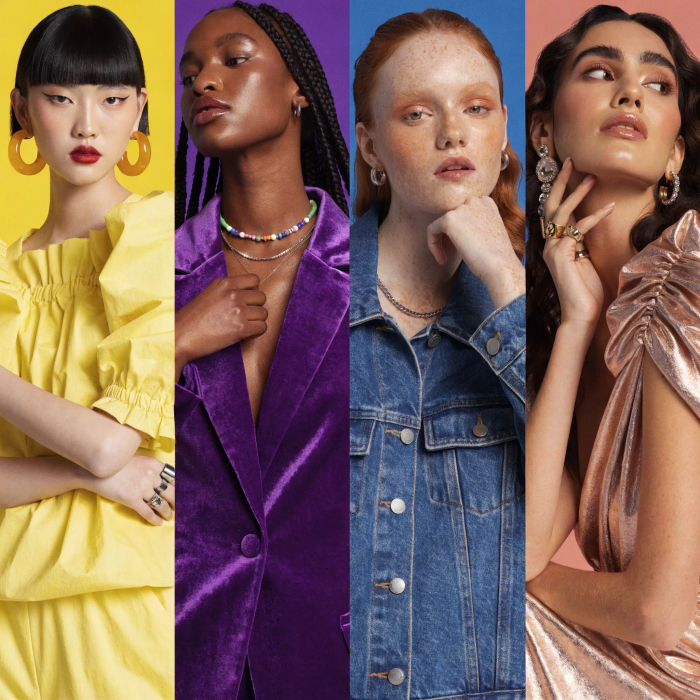
여성 AI 인플루언서를 생성하세요. 세로 출력, 소셜 미디어용으로 준비되었습니다.

모든 텍스트 대화를 영화 같은 멀티샷 비디오로 각색하세요.
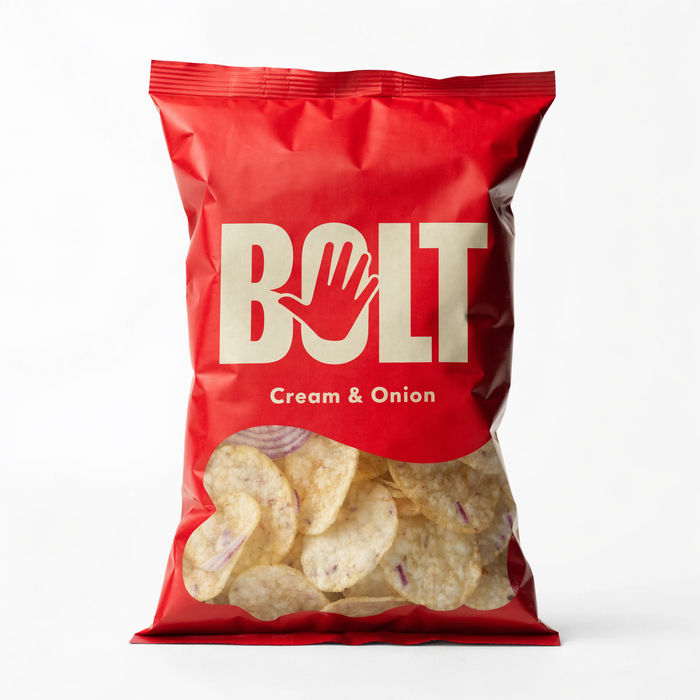
오디오가 포함된 드라마틱한 5초 제품 공개 영상.
모든 장면에 사용할 수 있는 시네마틱 타임 프리즈 단편 영상
캐릭터 이미지와 참고 영상을 짝지으세요. 당신의 캐릭터가 정확히 그 동작을 따라 합니다.
Black Friday Banner AI Images
Create black friday banner without a photoshoot. Adjust style, colour and composition until it fits the brief. No stock licence needed.
AI GIF 만들기: 텍스트로 움짤 생성
글이나 사진 한 장으로 움짤 제작. 끊김 없는 루프, 바로 공유.
Cyber Monday AI Designs
Create AI cyber monday designs with our cyber monday design generator. Find unique cyber monday designs for any project in seconds.
Memorial Day AI images
Create AI memorial day images with our memorial day image generator. Find high-quality memorial day images for any project in seconds.
오늘 무료로 시작하고 언제든지 업그레이드하거나 취소할 수 있습니다.
Basic
2400 월간 크레딧
1 명 전용
모든 모델
워크플로
Standard
3625 월간 크레딧
1 명 전용
모든 모델
워크플로
Pro
6350 공유 월간 크레딧
1 사용자
모든 모델
워크플로
Max
24650 공유 월간 크레딧
1 사용자
모든 모델
워크플로
Enterprise
더 높은 제한
사용자 정의
가격 및 청구 조건

Free
가볍게 사용해보기
$0
영구 무료