Flat lay with ring
The invitation laid flat beside a ring box and a few loose petals, styled for a save-worthy photo of the finished design.
프롬프트 편집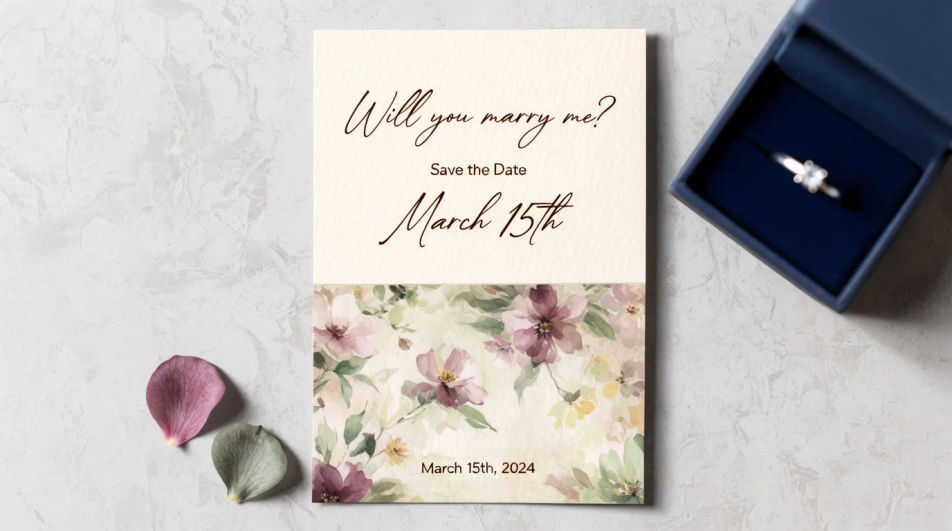
Design an engagement invitation in Morphic by describing the style, palette, and motif you want, from a floral border to a minimal modern layout. Add the couple's names, the date, and the venue, then download the card to share digitally or send to print.
The invitation laid flat beside a ring box and a few loose petals, styled for a save-worthy photo of the finished design.
프롬프트 편집An open invitation showing the cover and the interior details line together, a coordinated two-panel layout.
프롬프트 편집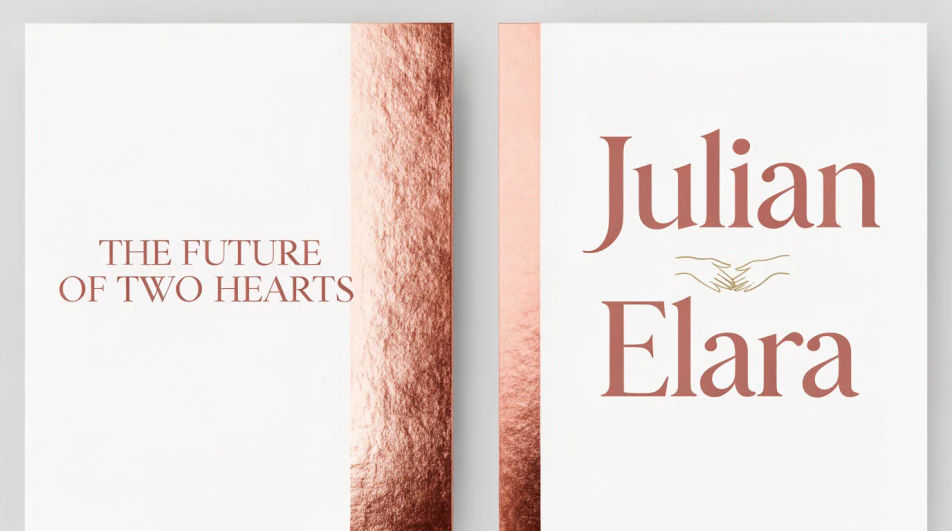
A square crop of the same design, built to read clearly as a thumbnail when shared in a chat or on a social story.
프롬프트 편집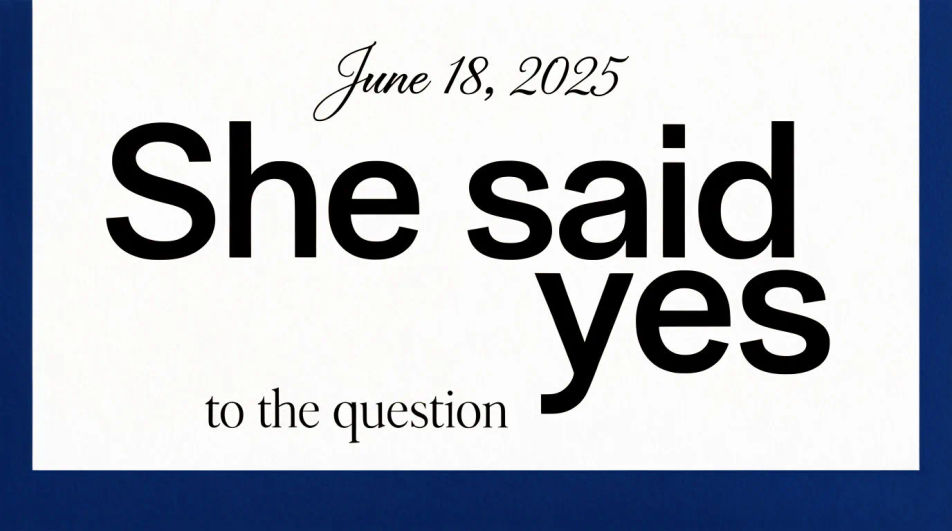
Several cards fanned to show the invitation design extended across a matching detail card and thank-you note.
프롬프트 편집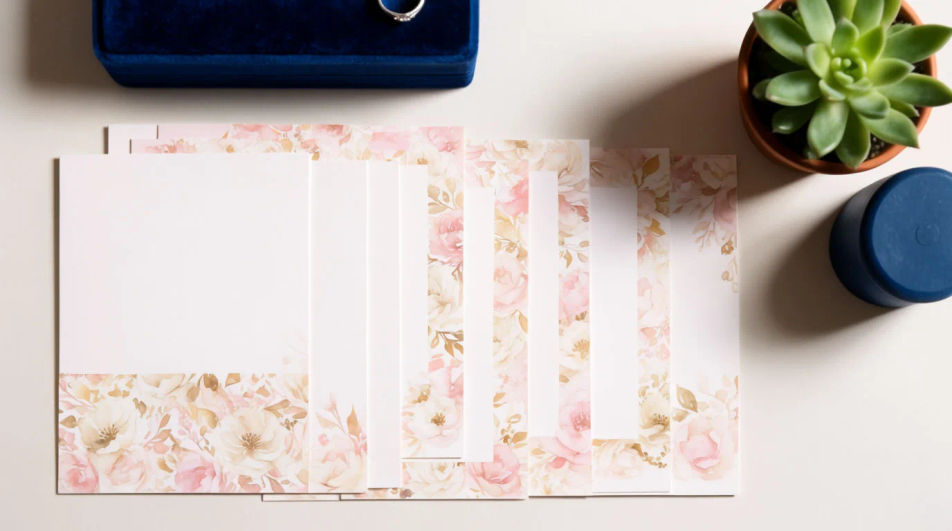
원하는 Engagement invitation의 모습을 쉬운 말로 설명하세요.
Morphic이 캔버스 위에 바로 게시할 이미지를 몇 초 만에 생성합니다.
프롬프트를 조정해 다시 생성한 뒤, 원하는 이미지를 저장하거나 공유하세요.
제품 사진과 포맷. 누군가가 자연스럽게 제품을 사용하는 현실적인 UGC 스타일 광고를 받으세요.
정지된 이미지, 사람, 스크립트를 활용한 멀티샷 제품 홍보 영상.
모든 장면에 사용할 수 있는 시네마틱 타임 프리즈 단편 영상

여성 AI 인플루언서를 생성하세요. 세로 출력, 소셜 미디어용으로 준비되었습니다.
2-10개의 프레임을 완벽하게 루핑되는 비디오로 스티치하고 각 프레임 사이에 부드러운 시네마틱 전환을 적용합니다.
모든 이미지를 새 종횡비로 변환합니다. 스마트 자르기 또는 가장자리를 늘려 맞춥니다.
Invitation card AI designs
Create invitation card designs with Morphic's AI invitation generator. Design wedding, party, formal, and themed invites in seconds. No design skills needed, describe the event, colors, and tone, then download HD cards to print or share with guests.
Wedding Invitation AI Designs
Generate wedding invitation design with AI in seconds. Generate variations until one lands, then refine it. Yours to use commercially.
AI 영상 청첩장 만들기
결혼식 정보를 영상 한 편으로. 디자인과 움직임, 음악까지.
Google Display Ad Banner AI Images
Turn a brief into google display ad banner instantly. Test ten versions of the idea for the cost of briefing one. Commercial rights included.
오늘 무료로 시작하고 언제든지 업그레이드하거나 취소할 수 있습니다.
Basic
2400 월간 크레딧
1 명 전용
모든 모델
워크플로
Standard
3625 월간 크레딧
1 명 전용
모든 모델
워크플로
Pro
6350 공유 월간 크레딧
1 사용자
모든 모델
워크플로
Max
24650 공유 월간 크레딧
1 사용자
모든 모델
워크플로
Enterprise
더 높은 제한
사용자 정의
가격 및 청구 조건

Free
가볍게 사용해보기
$0
영구 무료