Sponsored feed post
Professional single-image ad pairing a business hook with clean visuals tuned for a B2B audience.
프롬프트 편집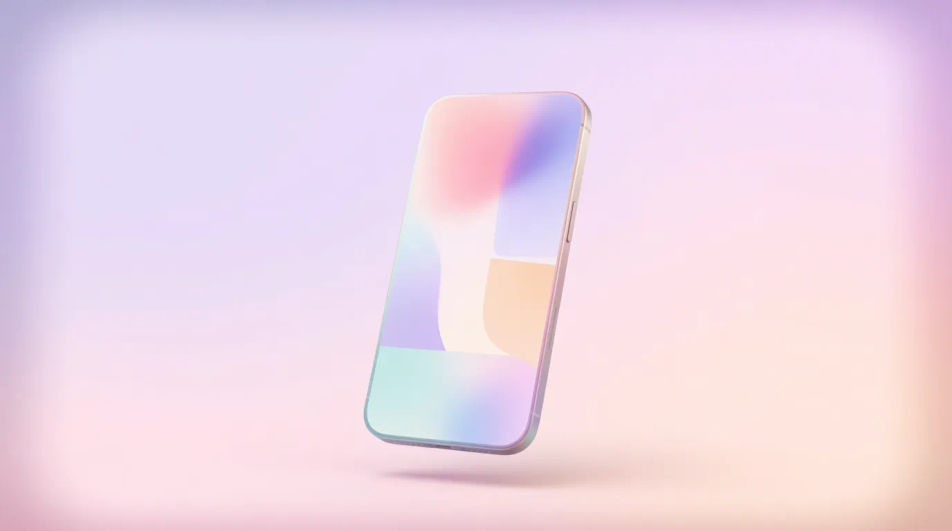
Design LinkedIn sponsored images in your browser with Morphic's AI image generator. Spin up a bold B2B feed visual, a webinar promo, or a case-study teaser, each in the right crop for the LinkedIn feed. Adjust color and framing on the Canvas, then download in HD, no photoshoot or stock license required.
Professional single-image ad pairing a business hook with clean visuals tuned for a B2B audience.
프롬프트 편집Image fronting a gated offer, signaling the value that earns a contact-info submission.
프롬프트 편집
Post-topping graphic for an insight piece, framing the idea with credible, understated styling.
프롬프트 편집
Feed image driving webinar or conference signups, with date space and a register prompt.
프롬프트 편집
원하는 LinkedIn sponsored image의 모습을 쉬운 말로 설명하세요.
Morphic이 캔버스 위에 바로 게시할 이미지를 몇 초 만에 생성합니다.
프롬프트를 조정해 다시 생성한 뒤, 원하는 이미지를 저장하거나 공유하세요.
참조 이미지를 선택하고 자신의 사진이나 아트워크에 시각적 스타일을 적용하세요.
모든 이미지를 새 종횡비로 변환합니다. 스마트 자르기 또는 가장자리를 늘려 맞춥니다.

스케치나 그림을 완성된 렌더링으로 바꾸세요.
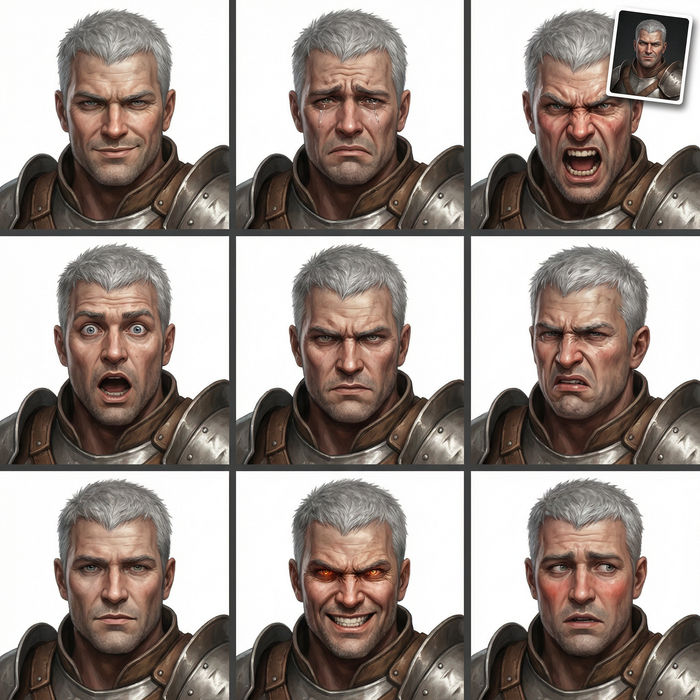
어떤 캐릭터 이미지든 가져와서 단일 참조 시트에 6가지의 뚜렷한 표정을 생성하세요.

애니메이션 일러스트를 스타일 가이드로 선택하세요. 그 모양을 어떤 이미지에도 적용하세요.
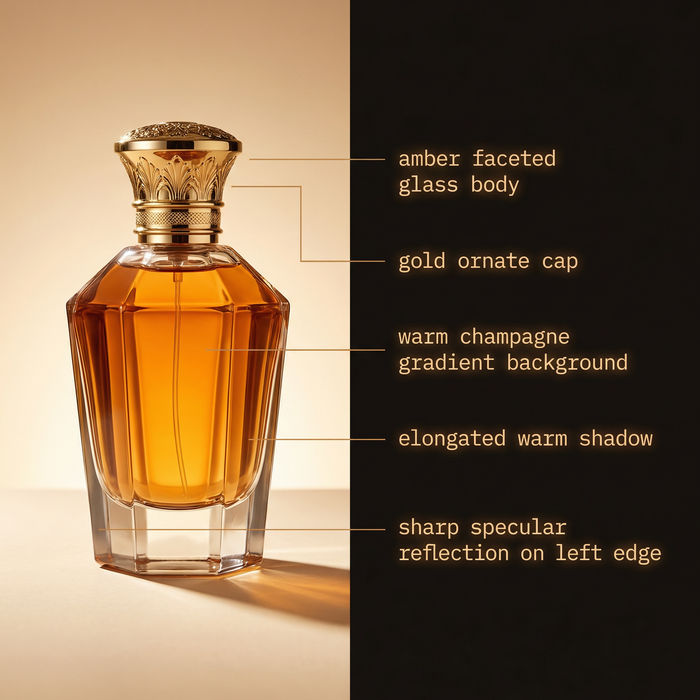
참조 이미지에서 자세한 프롬프트를 추출한 다음, 새로 만든 것을 가져옵니다.
Announcement Graphic AI Images
Create announcement graphic without a photoshoot. Spin up variations for every placement before you commit media spend. Commercial rights included.
App Install Ad Creative AI Images
Turn a brief into app install ad creative instantly. Test ten versions of the idea for the cost of briefing one. No stock licence needed.
Before After Slider AI Images
Turn a brief into before after slider image instantly. Spin up variations for every placement before you commit media spend.
Blood drop emoji maker
Generate blood drop emoji images in Morphic. Describe the expression, colour and style you want, generate options, then refine the prompt and download it.
오늘 무료로 시작하고 언제든지 업그레이드하거나 취소할 수 있습니다.
Basic
2400 월간 크레딧
1 명 전용
모든 모델
워크플로
Standard
3625 월간 크레딧
1 명 전용
모든 모델
워크플로
Pro
6350 공유 월간 크레딧
1 사용자
모든 모델
워크플로
Max
24650 공유 월간 크레딧
1 사용자
모든 모델
워크플로
Enterprise
더 높은 제한
사용자 정의
가격 및 청구 조건

Free
가볍게 사용해보기
$0
영구 무료