Plumbing company website hero
Plumber fixing a pipe under a sink with tools, wide crop for an emergency call button.
프롬프트 편집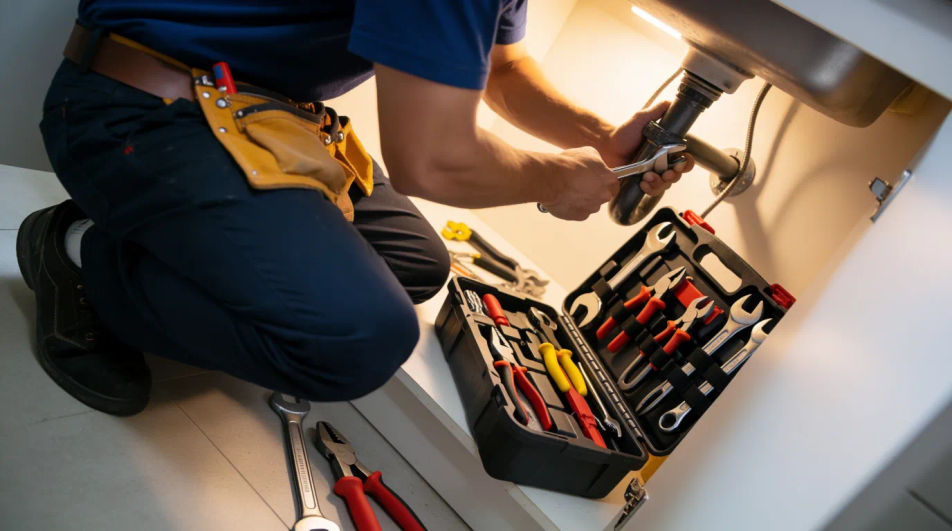
Compose plumber images in your browser with Morphic's AI photo generator. Try a plumber fixing a sink under the counter, a close detail of a wrench on a pipe joint, or a friendly tradesperson at a customer’s door. Adjust the crop and color on the Canvas, then download each in HD.
Plumber fixing a pipe under a sink with tools, wide crop for an emergency call button.
프롬프트 편집Technician in a branded van arriving at a home, room for a service list overlay.
프롬프트 편집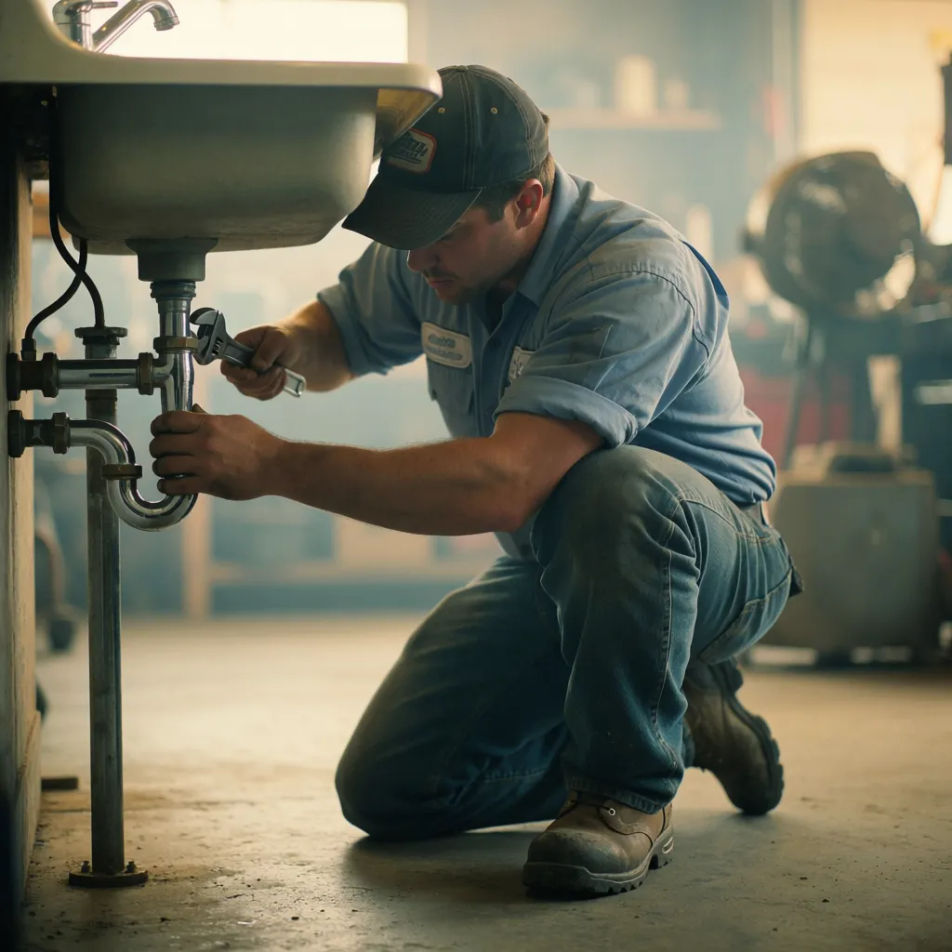
Close-up of a repaired fitting and toolkit that shows quality work for local search.
프롬프트 편집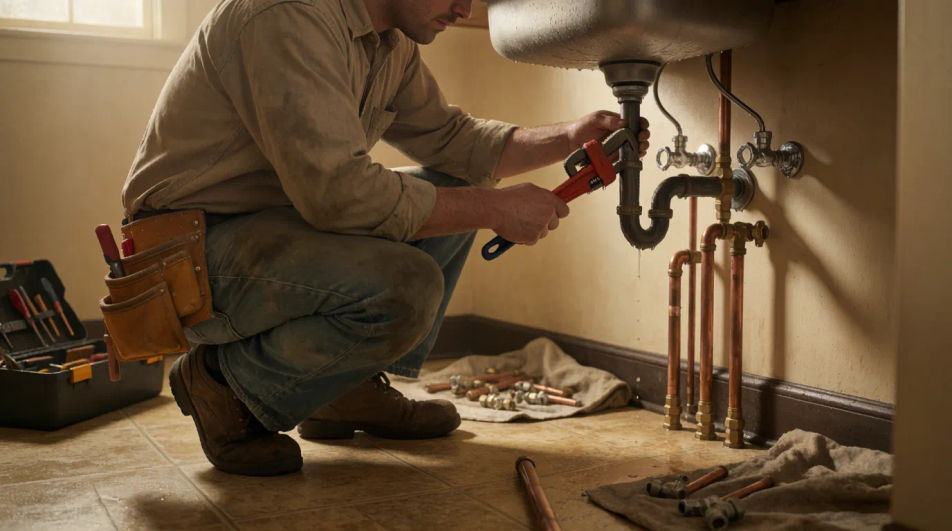
Wrench tightening a valve in detail, horizontal crop to top a maintenance guide post.
프롬프트 편집
원하는 plumber image의 모습을 쉬운 말로 설명하세요.
Morphic이 캔버스 위에 바로 게시할 이미지를 몇 초 만에 생성합니다.
프롬프트를 조정해 다시 생성한 뒤, 원하는 이미지를 저장하거나 공유하세요.
모든 장면에 사용할 수 있는 시네마틱 타임 프리즈 단편 영상
캐릭터 이미지를 업로드하고 어떤 스타일로든 춤추게 하세요.
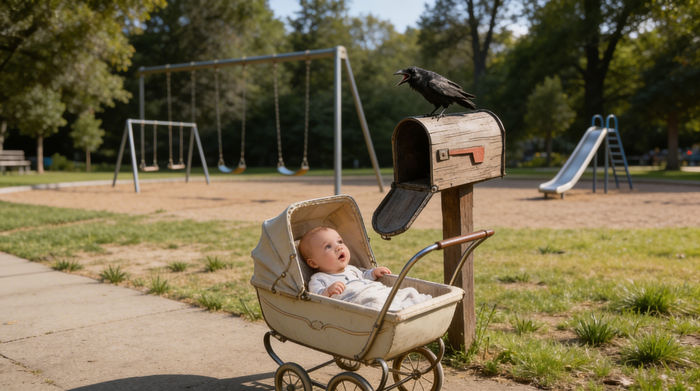
캐릭터 참조가 포함된 장면 설명을 공유하세요. 촬영 각도와 분위기가 포함된 전체 스토리보드를 받으세요.
캐릭터 이미지와 참고 영상을 짝지으세요. 당신의 캐릭터가 정확히 그 동작을 따라 합니다.
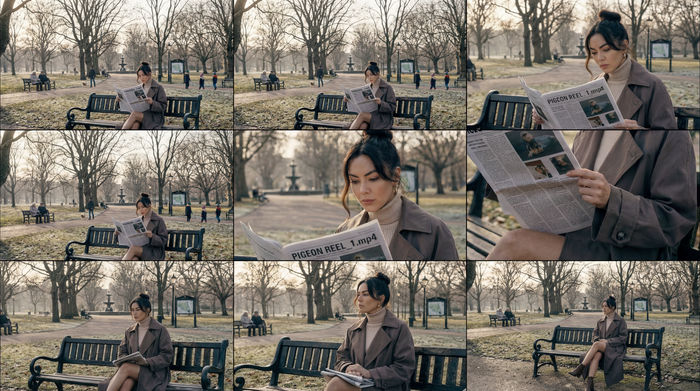
단일 이미지를 입력하세요. 3x3 스토리보드 그리드로 구성된 9개의 시네마틱 비트를 얻으세요.

모든 텍스트 대화를 영화 같은 멀티샷 비디오로 각색하세요.
Accountant AI Images
Turn a brief into accountant images instantly. Specify the people, setting and mood instead of settling for the nearest stock photo. Yours to use commercially.
Architect AI Images
Generate architect images with AI in seconds. Generate the scene your brief describes, not the closest match in a library.
Bank Branch AI Images
Make bank branch images from a text prompt. Specify the people, setting and mood instead of settling for the nearest stock photo.
이블 아이 AI 이미지
이블 아이 이미지 생성기로 AI 이블 아이 이미지를 만드세요. 어떤 프로젝트에도 어울리는 멋진 이블 아이 이미지를 몇 초 만에 찾아보세요.
오늘 무료로 시작하고 언제든지 업그레이드하거나 취소할 수 있습니다.
Basic
2400 월간 크레딧
1 명 전용
모든 모델
워크플로
Standard
3625 월간 크레딧
1 명 전용
모든 모델
워크플로
Pro
6350 공유 월간 크레딧
1 사용자
모든 모델
워크플로
Max
24650 공유 월간 크레딧
1 사용자
모든 모델
워크플로
Enterprise
더 높은 제한
사용자 정의
가격 및 청구 조건

Free
가볍게 사용해보기
$0
영구 무료