Shoot travel photography in your browser with Morphic's travel photography AI image generator. Generate travel photography shots like a lone traveller on a clifftop at sunrise, a spice-market vendor among bright sacks, or a desert camel in silhouette at dusk, and pair every frame with the Style Transfer workflow to lock the golden-hour wanderlust palette across the set. Animate any still with the Image to Video tool.

Travel photography moments you can capture

Travel photography scenes you can frame

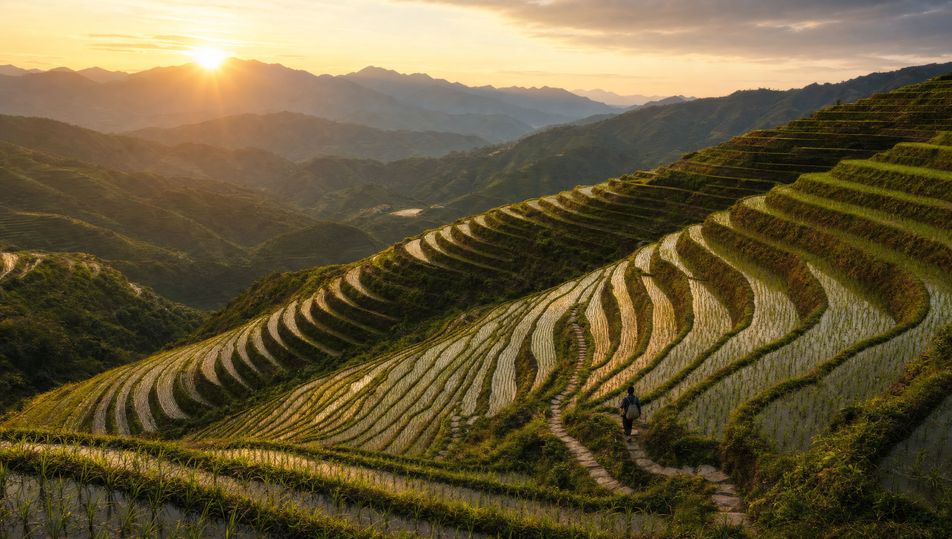
Terraced rice paddies at golden hour

Stepped emerald rice terraces curving down a hillside, water catching warm low sun, a tiny figure on a path for scale, 24mm wide, golden-hour backlight, vibrant saturated colour.

Edit prompt
Terraced rice paddies at golden hour

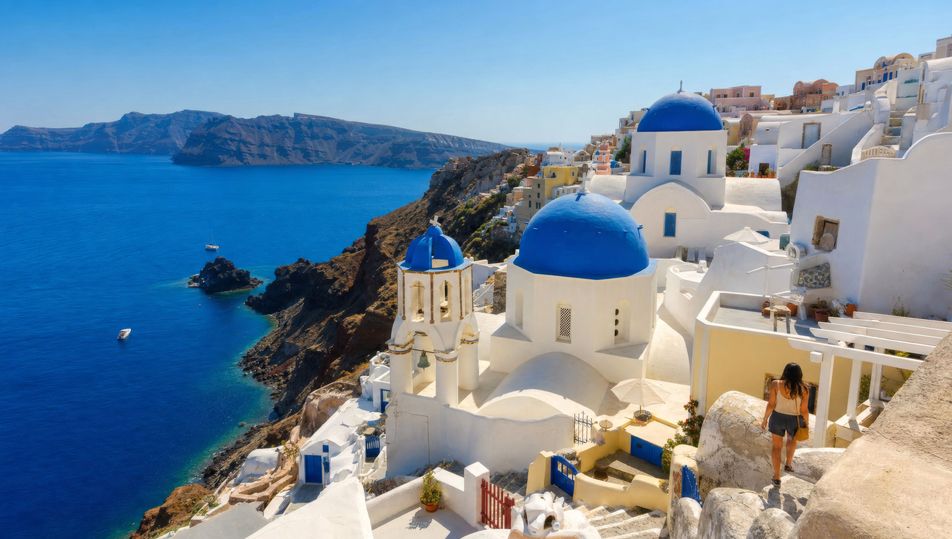
Blue-domed coastal village

Whitewashed houses with blue domes tumbling down a cliff to a deep turquoise sea, narrow stepped lanes, bright midday sun, 24mm, vibrant high-key colour, sweeping coastal vista.

Edit prompt
Blue-domed coastal village

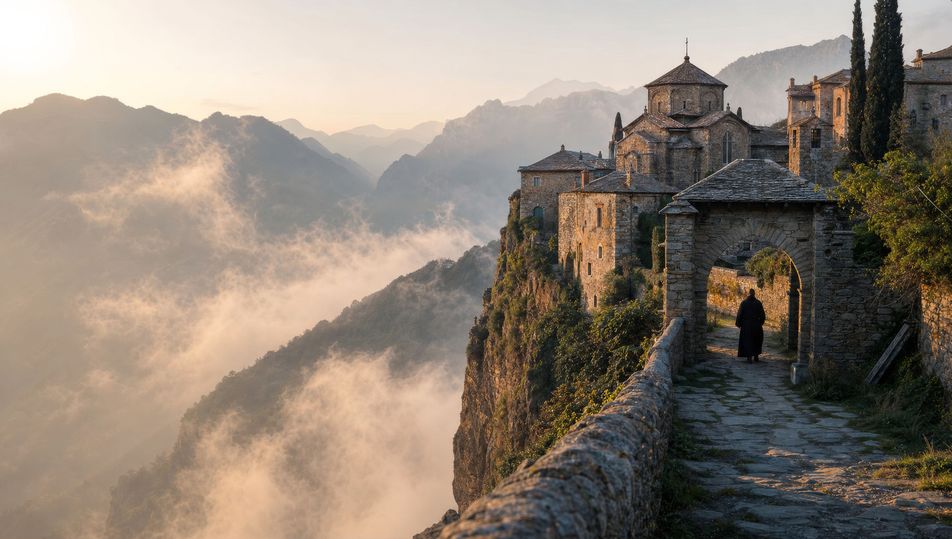
Misty mountain monastery

A stone monastery perched on a sheer cliff wreathed in drifting mist, layered peaks fading behind, a single figure at the gate, 35mm, soft cool diffused light, atmospheric wanderlust frame.

Edit prompt
Misty mountain monastery

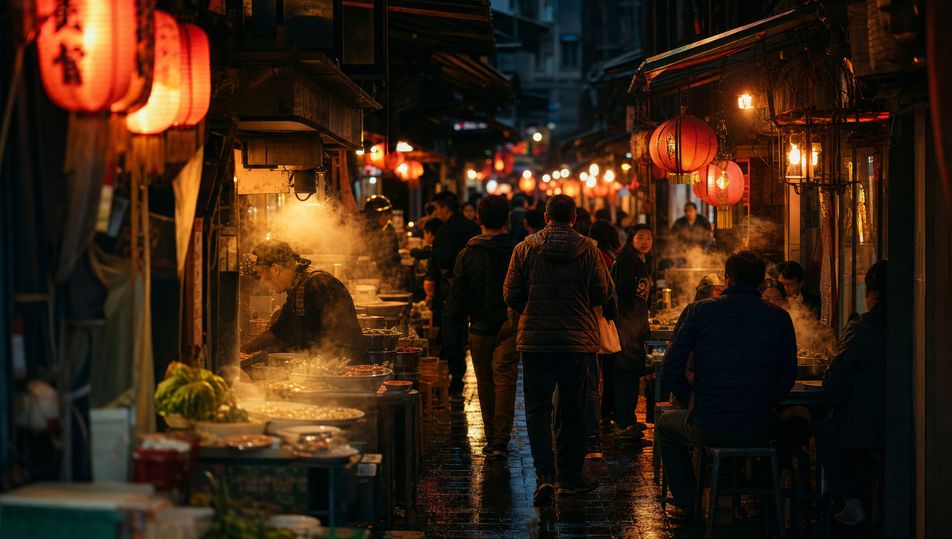
Neon night-market alley

A narrow night-market alley packed with glowing lanterns and food stalls, steam and crowds, warm neon and tungsten reflections on wet ground, 35mm, vibrant low-light colour, lively frame.

Edit prompt
Neon night-market alley

Make Travel photography in three steps

  1. 01

    Describe your Travel photography

    Describe the Travel photography you want, including the subject, setting, and lighting.

  2. 02

    Generate the image

    Morphic generates a clean, ready-to-publish image on your canvas in seconds, no editing software required.

  3. 03

    Refine your Travel photography

    Tweak the prompt, regenerate variations, then download or share the moment the frame lands.

Related workflows

이런 것도 좋아하실 거예요

FAQs

Where can I make travel photography with AI?
You can create travel photography images directly in your browser on Morphic. Open the Image tool, describe the destination subject, the framing, and the golden-hour light, and Morphic produces the frame. No installs and no specialist software needed.
What defines travel photography at the prompt level?
Four locked-in choices: a destination subject or vista, a framing that swings between sweeping wide and intimate detail, warm golden-hour or vibrant midday light, and a saturated wanderlust palette. Name the location type and the light so the frame reads as a place worth travelling to.
How do I get golden-hour light and wide vistas in AI images?
Name the optics and light directly: "24mm wide framing, warm golden backlight, long shadows" for vistas, or "50mm, soft filtered light" for intimate culture frames. Add "vibrant saturated colour" so the palette reads travel. Reuse those words across every prompt so Morphic carries the same look through the set.
How do I keep a travel photography series feeling like one trip?
Use the Style Transfer workflow to lock the warm golden palette, the saturated colour, and the wanderlust framing, then reference that style card in every prompt. The series reads as one journey across images, from sweeping vistas to close cultural details.
Do I need to travel or carry gear to make these?
No. Morphic runs in your browser and you direct it with plain-language prompts. Anyone who can describe a destination, a framing, and the quality of the light can produce a travel photography frame. No flights, no camera bag, and no waiting on golden hour required.