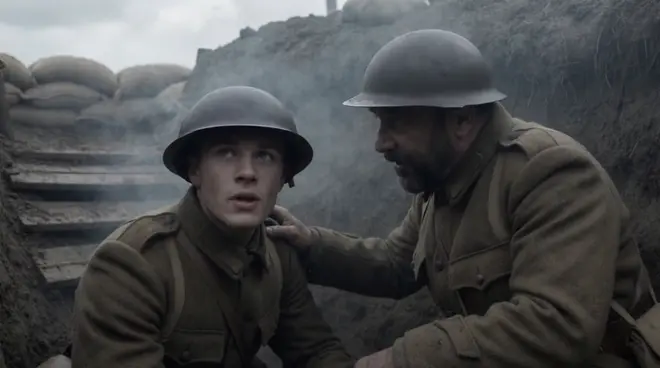
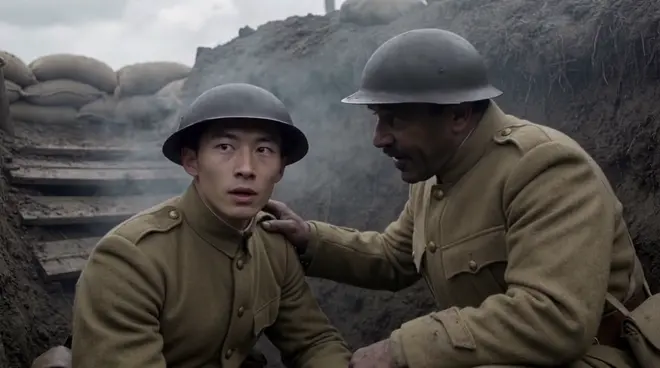
Recast a sword fight scene with AI
Morphic Recast swaps the actors in finished footage while keeping the original performance, camera and timing, so a sword fight scene can be recast without a reshoot. Add one photo per duelist in costume: every strike, parry and bind lands on the same beat, with new fighters and new period wardrobe.
- 최대 30초 클립
- 한 사람당 사진 한 장
- 유료 플랜

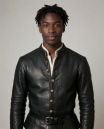
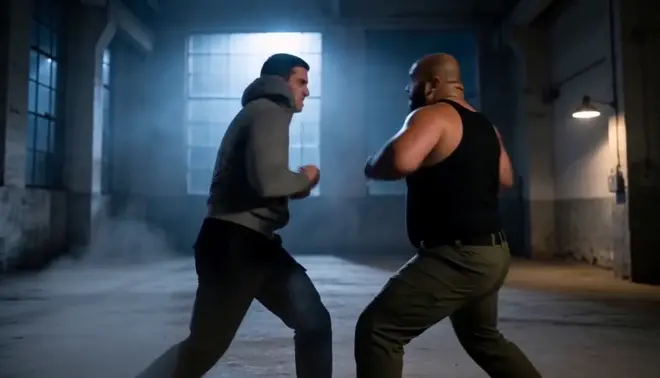
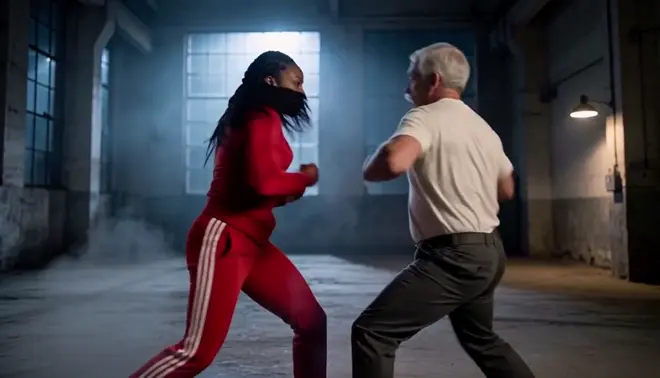
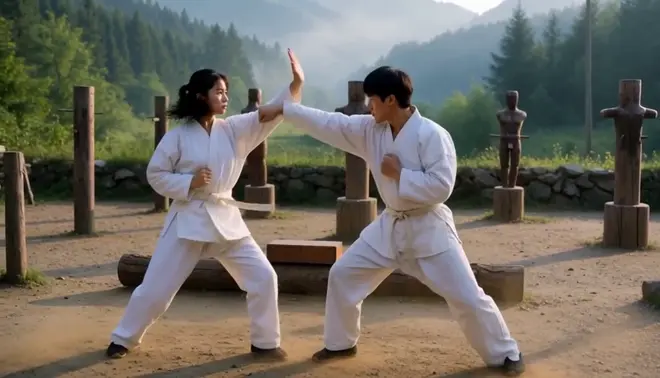
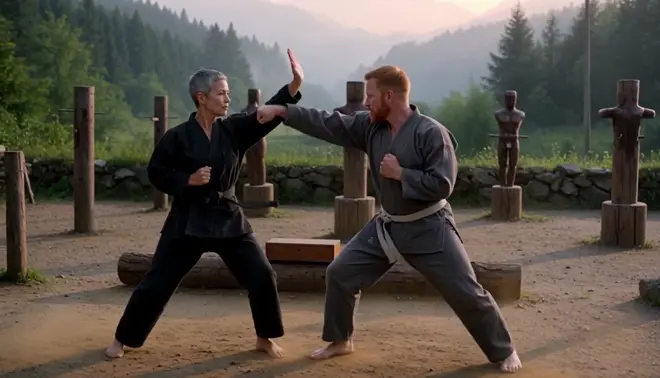
A courtyard duel, new duelists. Two photos, two new duelists in new period costume. Every strike, parry and bind lands on the same frames, and the courtyard, mist and circling camera are as shot.
 The duelist in the linen shirtA grey-bearded man in a crimson coat
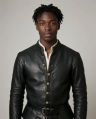 The duelist in the blue tunicA young man with locs in black leather
바뀌는 것과 그대로인 것
| 바뀌는 것 | 촬영한 그대로 남는 것 |
|---|---|
| Both duelists: faces, ages and builds | Every strike, parry and bind, frame for frame |
| Their period costume, from the cast photos | The circling camera and the footwork |
| Only the people you give a photo to | The courtyard, the mist and the dawn light |
활용 예시
Fight team to principals
Shoot the duel with trained sword fighters, then put the principal cast onto the same choreography.
Costume and cast tests
Try different leads and period costumes on one rehearsal take before the wardrobe is made.
A duel per market
Shoot a period fight once for a series, then recast the duelists for each region it is sold to.
How do I recast the actors in a sword fight scene without reshooting?
- 01
Upload the duel shot
Add one clip up to 30 seconds. For a longer sequence, recast it shot by shot and cut the shots together on the Compose timeline.
- 02
Add a photo per duelist
One photo for each person you replace, dressed the way they should look on screen. Anyone you give no photo stays exactly as shot.
- 03
Name each swap and run it
Ask Copilot, for example: the duelist in the linen shirt becomes the man in photo 1. The blades, strikes and timing stay as shot.
한 사람만 바꾸나요? 공유 워크플로에는 클립과 사진 한 장만 있으면 됩니다.
워크플로 열기제작 노트
Consent and releases
Recast only footage you hold releases for, and use photos of people who agreed to appear. Every example here uses generated people, not real actors.
When to also dub
The recast keeps the original soundtrack. For new lines or another language, run Morphic Dub on the recast shot so the voices and lips match.
Recast or reshoot
Recasting a sword fight skips a new shoot day and calling the cast back, and one take can carry a cast per market. Reshoot only when the action must change.
Review it as a team
Keep the source shot, the cast photos and every take in one project, where teammates in your workspace open the same versions and comment on each.