Make an AI answer feel instant
A clean ping on the frame the response appears gives a product demo or app tutorial its moment of payoff, in video or in a game interface.
프롬프트 편집
The bright chime of an AI assistant waking up, a soft pulse while it thinks and a clean ping when the answer is ready. Describe the AI sound your product needs and Morphic generates it clean.


A bright rising two-note tone, the cue that an AI assistant is awake and listening for the next prompt.

A soft rhythmic pulse that says the system is working, the bed under a loading state or a long answer.

A sparkling granular rise as something is created, for the moment an image, idea or answer appears.

A clean confirming ping with a soft tail, the signal that the response is done and ready to read.

A deep shifting electronic drone with flickering detail, for a server core, a sci-fi mind or a data visual.

A sweeping digital scan with fast clicks, for face scans, document checks and on-screen analysis graphics.
시작점을 고르고 원하는 대로 수정한 뒤 Morphic에서 생성하세요.
A clean ping on the frame the response appears gives a product demo or app tutorial its moment of payoff, in video or in a game interface.
프롬프트 편집A soft pulse holds a loading screen or a long generation shot with no music, in explainers, product videos and podcasts about tech.
프롬프트 편집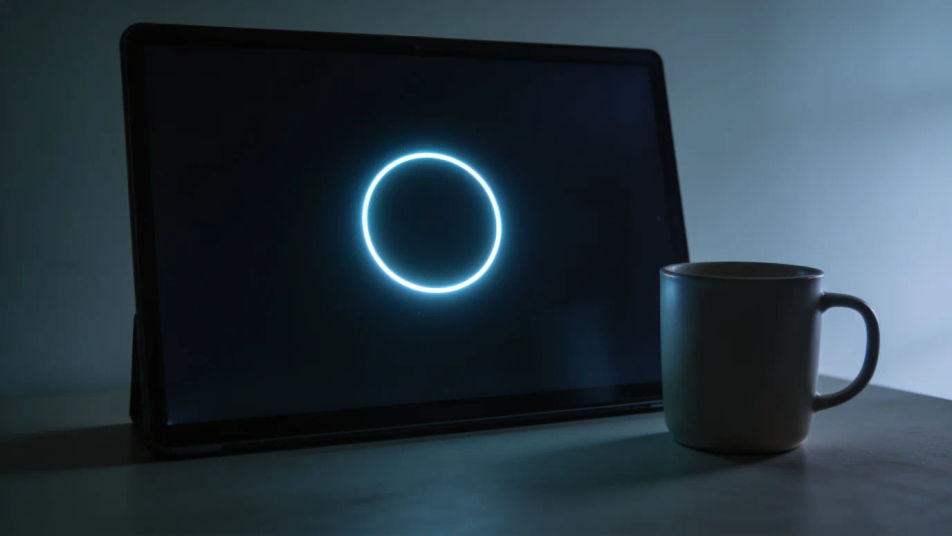
A deep neural hum under a server room or a glowing interface places the audience in the future, in film, games and animation.
프롬프트 편집
A quiet scan sweep from nowhere tells the viewer something is analysing them, so your thriller or game never has to show the system.
프롬프트 편집
Bonus sound effects
Generate bonus sound effects with AI on Morphic. Describe the sound, pick a variation, and download MP3 or WAV for your video, game or podcast.
Bullhorn sound effects
Generate bullhorn sound effects with AI on Morphic. Describe the sound, pick a variation, and download MP3 or WAV for your video, game or podcast.
Button sound effects
Generate button sound effects with Morphic. Describe the material, the travel and the release, and get short clean cues sized for product UI.
Buy sound effects
Generate buy sound effects with AI on Morphic. Describe the sound, pick a variation, and download MP3 or WAV for your video, game or podcast.
오늘 무료로 시작하고 언제든지 업그레이드하거나 취소할 수 있습니다.
Basic
2400 월간 크레딧
1 명 전용
모든 모델
워크플로
Standard
3625 월간 크레딧
1 명 전용
모든 모델
워크플로
Pro
6350 공유 월간 크레딧
1 사용자
모든 모델
워크플로
Max
24650 공유 월간 크레딧
1 사용자
모든 모델
워크플로
Enterprise
더 높은 제한
사용자 정의
가격 및 청구 조건

Free
가볍게 사용해보기
$0
영구 무료