Confirm the moment an answer lands
A two-tone rise placed on the tap tells the player they were right before any text appears. It works the same in a language app, a quiz video, or a classroom deck.
프롬프트 편집
The cue that confirms an answer landed. Describe how bright it is, how many tones it takes, and how quickly it gets out of the way, and it arrives sized for your screen.


Two tones climbing, which is the shape everyone already reads as yes. This is the default for a quiz, a lesson, or any moment where the answer is either right or it is not.

A tick with a small tone behind it, pitched to be noticed rather than announced. This is the one for a form field or a settings toggle, where a chime every few seconds would wear thin fast.

A single struck bell with the shimmer left on. It carries across a room, which makes it the right choice for something played out loud to a group rather than through headphones.

Four steps instead of two, which reads as a bigger achievement than a single answer. Use it at the end of a set rather than after every question, or the difference stops meaning anything.

Struck wood rather than metal, so there is no glare on the front of it. It suits a calm interface, a kids app, or anything where the metallic version sounds severe.

Three rising tones with a sparkle trailing behind them. The tail gives an on screen graphic time to animate in, which the shorter cues do not.
시작점을 고르고 원하는 대로 수정한 뒤 Morphic에서 생성하세요.
A two-tone rise placed on the tap tells the player they were right before any text appears. It works the same in a language app, a quiz video, or a classroom deck.
프롬프트 편집A sting with a shimmer tail holds the two seconds between the answer and the next card. That keeps a tutorial, a stream, or a lesson recording from going dead.
프롬프트 편집
A warm wooden confirm sets the character of an interface in a second and a half. Onboarding flows and game menus both live or die on that first impression.
프롬프트 편집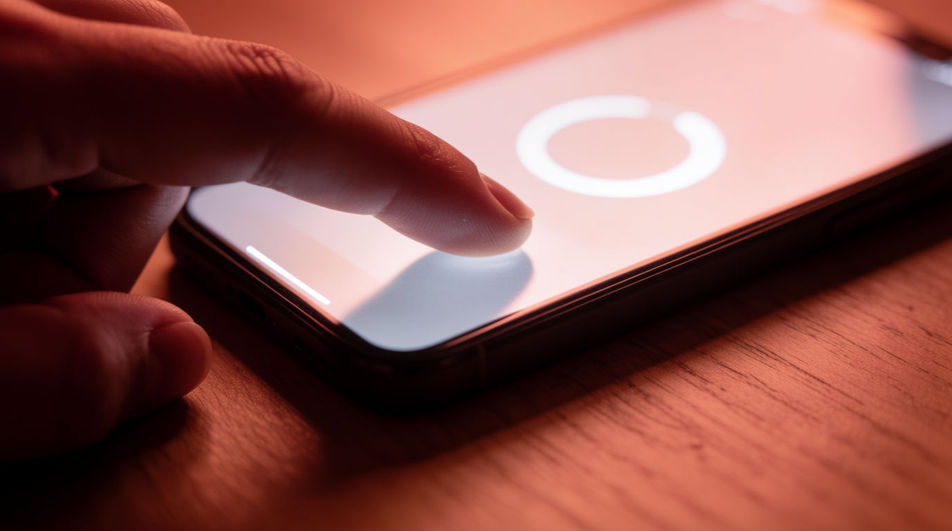
A quiet tick and tone implies a machine accepting an entry with nothing on screen at all. Handy in animation, radio drama, or a product film shot without a working build.
프롬프트 편집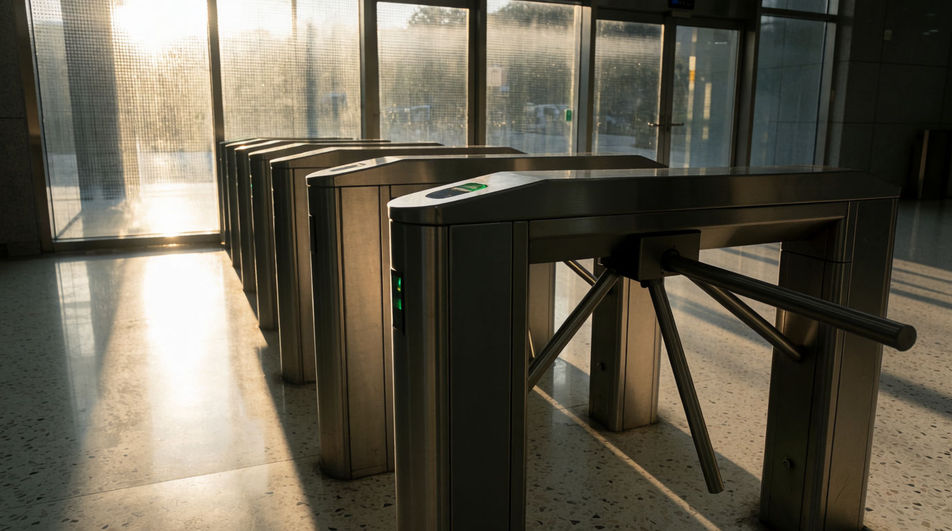
Pause sound effects
Generate pause sound effects with AI on Morphic. Describe the sound, pick a variation, and download MP3 or WAV for your video, game or podcast.
Payment sound effects
Generate payment sound effects with AI on Morphic. Describe the sound, pick a variation, and download MP3 or WAV for your video, game or podcast.
Phone buzz sound effects
Generate phone buzz sound effects with AI on Morphic. Describe the sound, pick a variation, and download MP3 or WAV for your video, game or podcast.
Phone call sound effect
Generate phone call sound effects with Morphic. Dial tones, touch tones, ring-back, connect clicks and busy signals for apps and edits.
오늘 무료로 시작하고 언제든지 업그레이드하거나 취소할 수 있습니다.
Basic
2400 월간 크레딧
1 명 전용
모든 모델
워크플로
Standard
3625 월간 크레딧
1 명 전용
모든 모델
워크플로
Pro
6350 공유 월간 크레딧
1 사용자
모든 모델
워크플로
Max
24650 공유 월간 크레딧
1 사용자
모든 모델
워크플로
Enterprise
더 높은 제한
사용자 정의
가격 및 청구 조건

Free
가볍게 사용해보기
$0
영구 무료