Land a click on the big feature reveal
One crisp click on the frame the new feature appears makes a launch video feel responsive, in a product ad, a tutorial or an app store preview.
프롬프트 편집
Cursor clicks, a chime as a new feature pops up, a papery slide between screens and a short buzz when a step fails. Describe the demo moment and Morphic generates the UI sound clean.


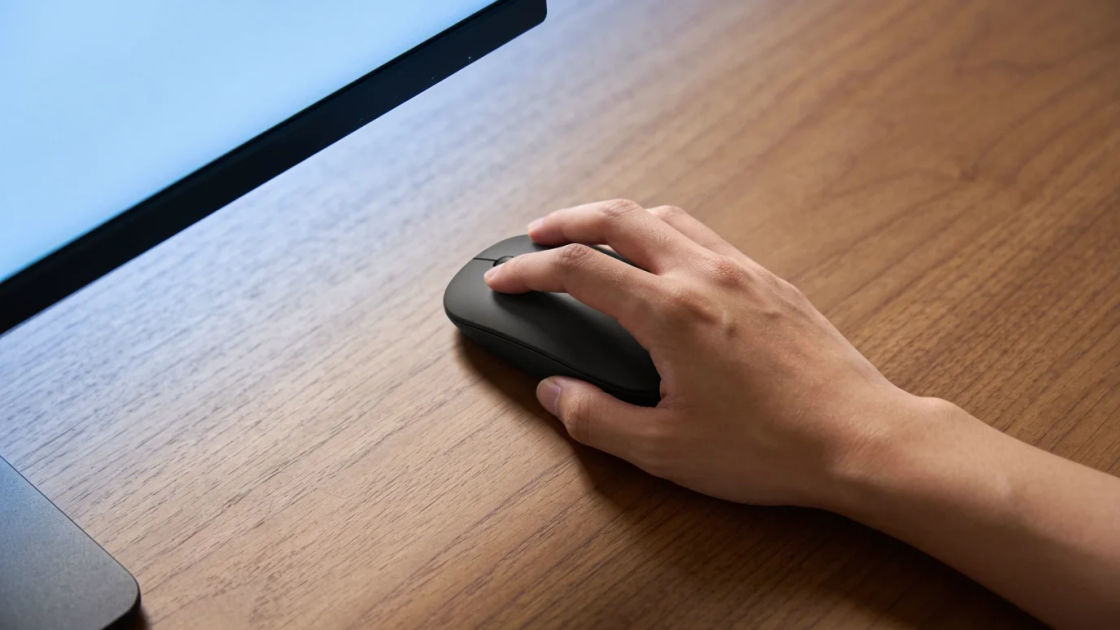
A crisp dry tap for each cursor action in a walkthrough, so the viewer hears where the pointer lands on screen.

Two round marimba notes, low then high, for the moment a new panel or feature pops into view and draws the eye to it.
A short round pop with a small lift, for a dropdown, a side drawer or a settings menu opening in a demo.

A stiff card sliding fast across a desk and tapping into place, for moving between slides or screens in a pitch deck or walkthrough.

A low double buzz that stops dead, for a failed login, a blocked step or a form that will not submit in a demo.

A steady run of small electronic ticks under a spinner, to cover the wait while a demo screen loads its data.
시작점을 고르고 원하는 대로 수정한 뒤 Morphic에서 생성하세요.
One crisp click on the frame the new feature appears makes a launch video feel responsive, in a product ad, a tutorial or an app store preview.
프롬프트 편집Papery slide transitions carry a walkthrough that has no music under it, in an onboarding video, a sales deck or a narrated podcast clip.
프롬프트 편집
Menu pops and chimes give a design mock-up the feel of a shipped app, in a pitch video, an animated explainer or a game menu prototype.
프롬프트 편집
An error buzz heard over a cutaway tells the viewer something broke without showing the screen, in a sitcom scene, an ad or an audio story.
프롬프트 편집
Blip sound effects
Generate blip sound effects with AI on Morphic. Describe the sound, pick a variation, and download MP3 or WAV for your video, game or podcast.
Bonus sound effects
Generate bonus sound effects with AI on Morphic. Describe the sound, pick a variation, and download MP3 or WAV for your video, game or podcast.
Bullhorn sound effects
Generate bullhorn sound effects with AI on Morphic. Describe the sound, pick a variation, and download MP3 or WAV for your video, game or podcast.
Button sound effects
Generate button sound effects with Morphic. Describe the material, the travel and the release, and get short clean cues sized for product UI.
오늘 무료로 시작하고 언제든지 업그레이드하거나 취소할 수 있습니다.
Basic
2400 월간 크레딧
1 명 전용
모든 모델
워크플로
Standard
3625 월간 크레딧
1 명 전용
모든 모델
워크플로
Pro
6350 공유 월간 크레딧
1 사용자
모든 모델
워크플로
Max
24650 공유 월간 크레딧
1 사용자
모든 모델
워크플로
Enterprise
더 높은 제한
사용자 정의
가격 및 청구 조건

Free
가볍게 사용해보기
$0
영구 무료