The hinge that announces someone has arrived
A single rusted groan on the gate turns an arrival into an event. Place it on the push of the frame in a horror short, a series, or a game entrance.
프롬프트 편집
The rusted gate, the shovel in the earth, and the harsh caw that make a scene read as a graveyard without a single wide shot. Describe the sound your edit needs and Morphic generates it clean, one object at a time.
A long, grinding swing on a corroded hinge. It works as an entrance, an exit, or a warning that the gate moved on its own.

Steel cutting into cold soil, then the softer toss of the load. Use it for grave work, burials, and anyone in a hurry to bury something.

One harsh call with a little space around it, close enough to feel watched. Two or three placed apart do more than a whole flock.
Enormous weight sliding across stone, slow and gritty. The right choice when a tomb is being opened and nothing about it is easy.

Loose links knocking against iron railings, moved by wind or by hand. Small, cold and unsettling between the larger events.

One brittle crack underfoot in the dark. The oldest way to tell a character they are not alone out there.
시작점을 고르고 원하는 대로 수정한 뒤 Morphic에서 생성하세요.
A single rusted groan on the gate turns an arrival into an event. Place it on the push of the frame in a horror short, a series, or a game entrance.
프롬프트 편집Grief plays out in the pause. Distant crows and a faint chain movement give that silence texture in drama, animation and audio fiction alike.
프롬프트 편집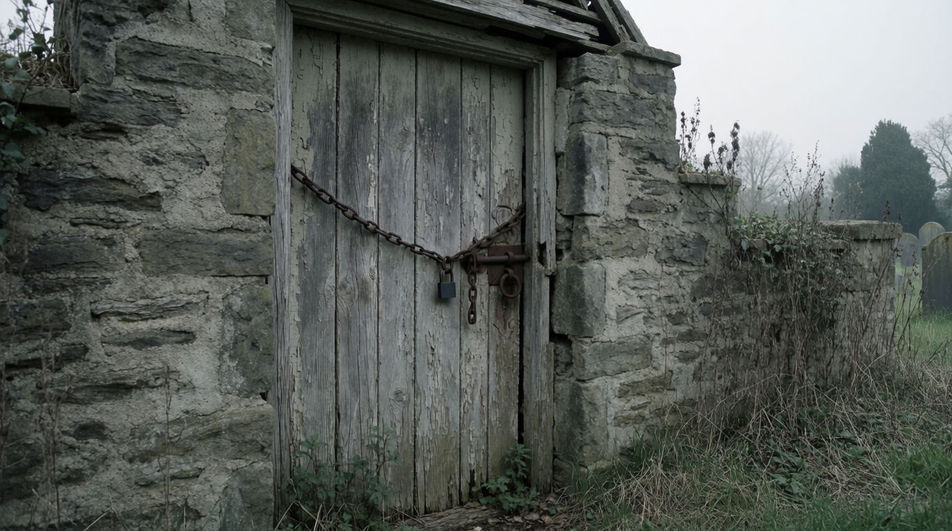
Layer wind-worn stone, dry twigs and one far-off bird, and the location explains itself long before any caption or line of narration appears.
프롬프트 편집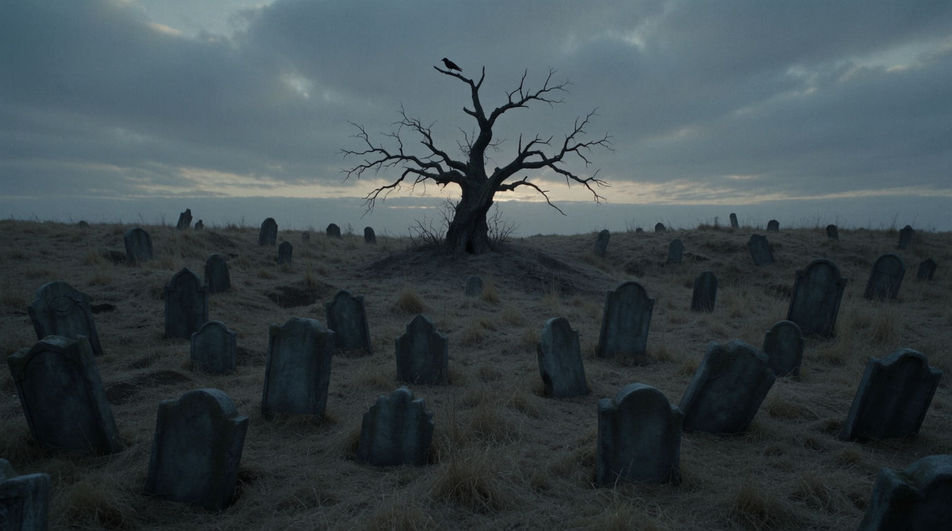
Rhythmic shovel work drifting in from off frame suggests a second story running beside yours, a favourite move in podcasts and adventure games.
프롬프트 편집
Crime sound effects
Generate crime sound effects with AI on Morphic. Describe the sound, pick a variation, and download MP3 or WAV for your video, game or podcast.
Crypt sound effects
Crypt sound effects, grinding stone, sarcophagus lids, iron locks and falling grit. Generate the exact underground tomb your scene needs from a prompt.
Danger sound effects
Generate danger sound effects with AI on Morphic. Describe the sound, pick a variation, and download MP3 or WAV for your video, game or podcast.
Dark sound effects
Generate dark sound effects with AI on Morphic. Describe the sound, pick a variation, and download MP3 or WAV for your video, game or podcast.
오늘 무료로 시작하고 언제든지 업그레이드하거나 취소할 수 있습니다.
Basic
2400 월간 크레딧
1 명 전용
모든 모델
워크플로
Standard
3625 월간 크레딧
1 명 전용
모든 모델
워크플로
Pro
6350 공유 월간 크레딧
1 사용자
모든 모델
워크플로
Max
24650 공유 월간 크레딧
1 사용자
모든 모델
워크플로
Enterprise
더 높은 제한
사용자 정의
가격 및 청구 조건

Free
가볍게 사용해보기
$0
영구 무료