Direct an animated diagram video in your browser with Morphic's animated diagram video generator and show how a mechanism works. Generate an exploded view separating into parts, a cross-section peeling back layers, or a cycle turning through its stages. Narrate it with Speech, then order the segments on the Canvas.

Diagram motions you can direct

Diagram sequences you can stage

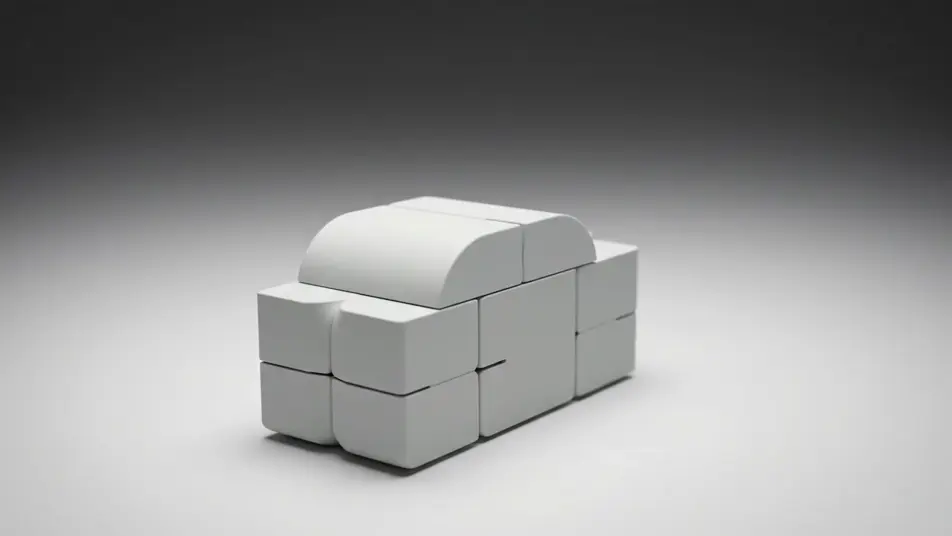
A mechanism exploding into parts

A solid form on a clean studio surface separates outward into its components, each part drifting to a held position under soft even light while the camera orbits slowly.

프롬프트 편집

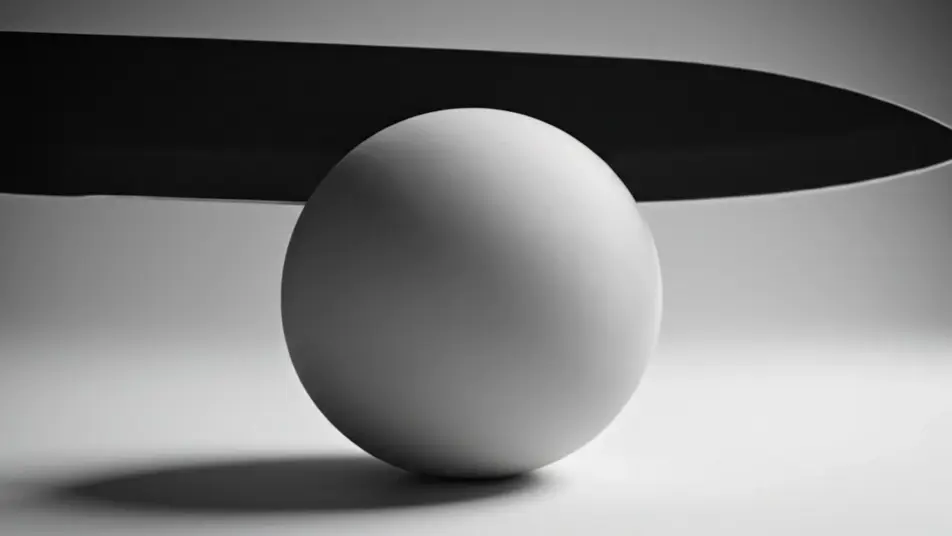
A cross-section opening up

A cutting plane sweeps through a rounded form and the near half falls away to expose stacked inner layers, the camera pushing in on the exposed face under diffuse light.

프롬프트 편집

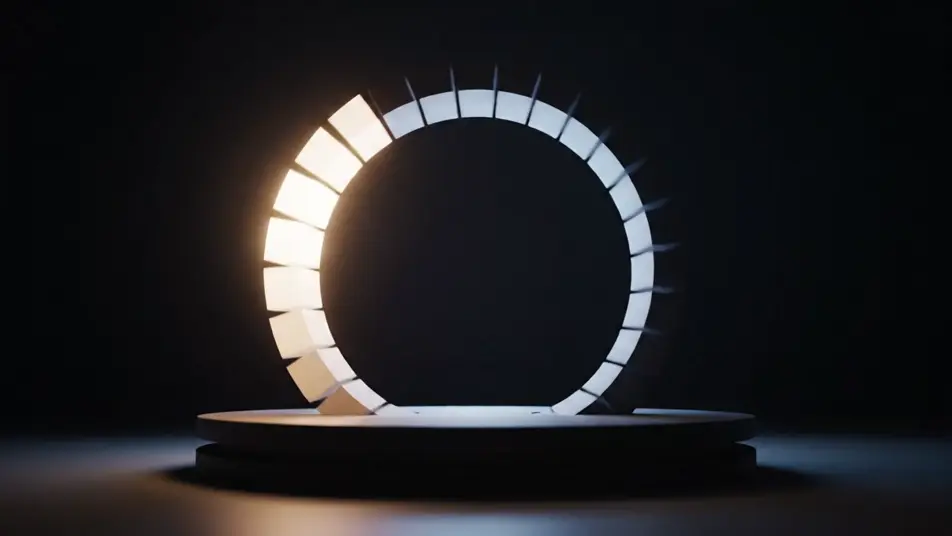
A cycle turning through its stages

A ring of linked stages rotates steadily against a dark field, each stage brightening as it reaches the top and dimming as it moves away, the camera locked off and level.

프롬프트 편집

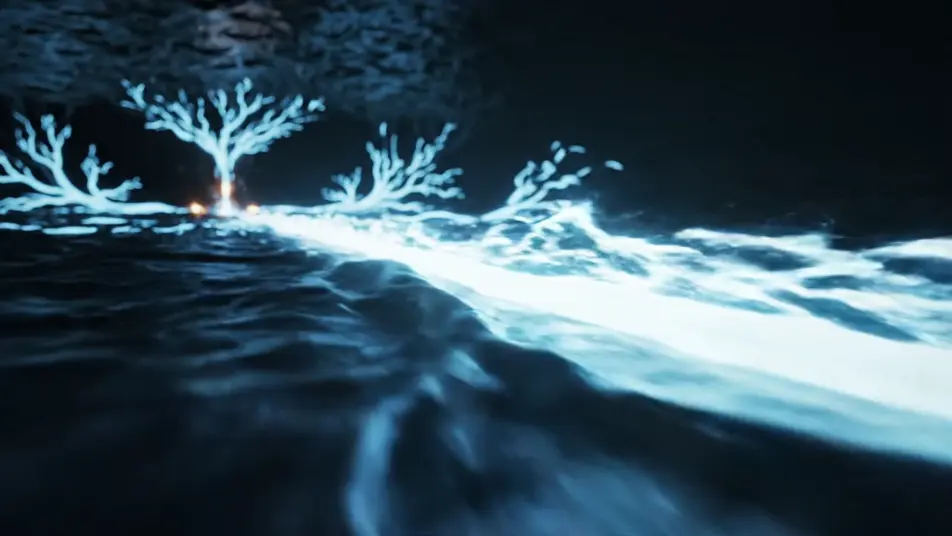
A flow running through a network

A glowing pulse travels a branching set of channels across a dark field, splitting at junctions and rejoining downstream, the camera tracking alongside the fastest branch.

프롬프트 편집

animated diagram video 영상을 3단계로 만들기

  1. animated diagram video 장면 설명하기

    원하는 animated diagram video 장면을 쉬운 말로 작성하세요.

  2. 영상 생성하기

    Morphic이 캔버스 위에 영화 같은 클립을 몇 초 만에 생성합니다.

  3. animated diagram video 영상 다듬기

    프롬프트를 조정해 다시 생성한 뒤, 원하는 장면을 저장하거나 공유하세요.

간단한 가격

오늘 무료로 시작하고 언제든지 업그레이드하거나 취소할 수 있습니다.

Basic

$9/
청구 금액 $0

900 월간 크레딧

1 명 전용

모든 모델

워크플로

Standard

$24/
청구 금액 $0

3200 월간 크레딧

1 명 전용

모든 모델

워크플로

Pro

$45/
청구 금액 $0

6200 공유 월간 크레딧

1 사용자

+ 최대 4 명 추가 비용으로 추가 가능

모든 모델

워크플로

Pro Max

$170/
청구 금액 $0

24000 공유 월간 크레딧

1 사용자

+ 최대 9 명 추가 비용으로 추가 가능

모든 모델

워크플로

Enterprise

더 높은 제한

사용자 정의

가격 및 청구 조건

대용량 크레딧
맞춤형 시트 제한
모든 모델
워크플로
Pricing Gradient

Free

가볍게 사용해보기

$0

영구 무료

최대 20 크레딧
1명 전용
일부 모델
워크플로

자주 묻는 질문

Where can I make animated diagram videos with AI?
You can direct animated diagram videos in your browser on Morphic. Open the Text to Video tool, describe the form and the motion that explains it, and the model renders the segment. Order the segments on the Canvas to build the full sequence.
What kinds of diagram motions work best with AI video?
Exploded views, cross-sections, turning cycles, and flowing paths read cleanly because each one carries a single idea. Motion that separates, slices, rotates, or travels shows structure far better than a static arrangement holding on screen.
How do I write a good prompt for an animated diagram video?
Lead with the motion, then the form, then the light. Say what separates, what slices open, or what travels, and give the material and the camera move. Keeping one palette across every segment makes a multi-part explanation read as one piece.
Why should I avoid labels in an animated diagram?
AI models render on-screen lettering as gibberish, so a labelled diagram tends to look broken. Direct the structure and the motion instead, then add any callouts or titles later in your editor over a clean plate.
Can I add narration and music to my animated diagram videos?
Yes. The Speech tool generates a clear narration track in the voice you pick, which carries most diagrams. The Music tool lays an original bed underneath, and a diagram lands best when the track stays quiet under the voice.