Direct an award ceremony video in your browser with Morphic's award ceremony video generator and stage the night itself. Generate the filling room, the host at the podium, the walk-up through the tables, and the applause that follows. Score it with Music, then cut the beats together on the Canvas.

Ceremony moments you can direct

Ceremony sequences you can stage

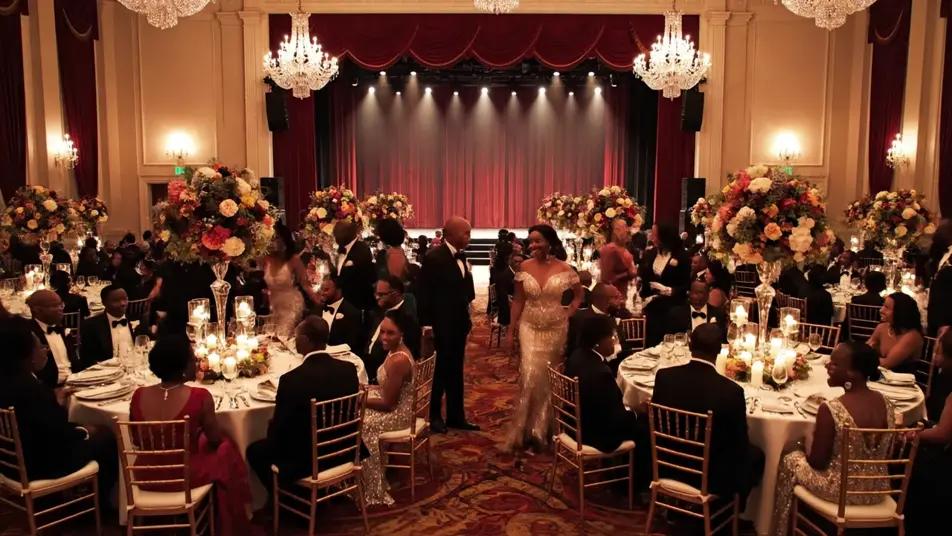
A ballroom filling before the ceremony

A wide view of a warm ballroom as black-tie guests find seats at round candlelit tables, the stage glowing empty at the far end, the camera drifting slowly above the room.

프롬프트 편집

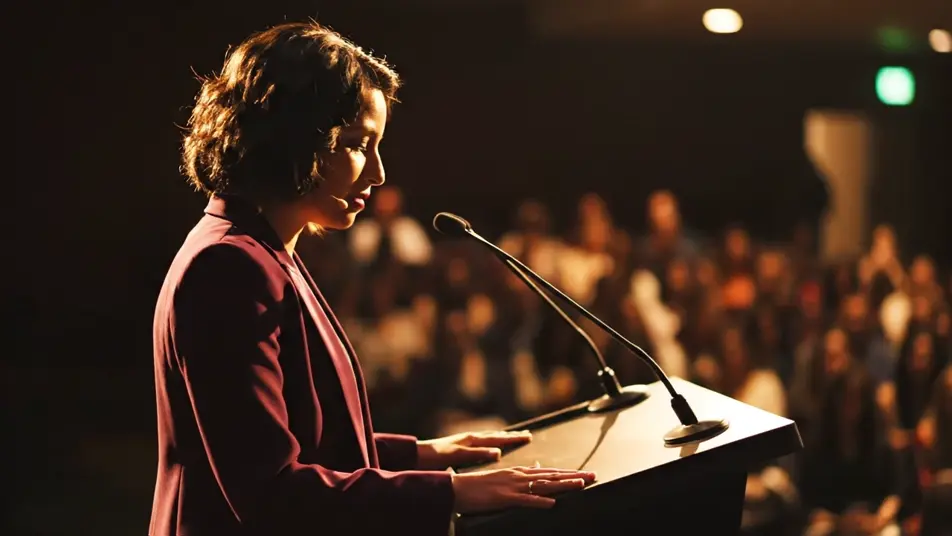
A host opening from the podium

A poised presenter at a lit podium addresses a dark room, warm key light on one side of the face, the audience visible as soft shapes beyond, the camera holding at chest height.

프롬프트 편집

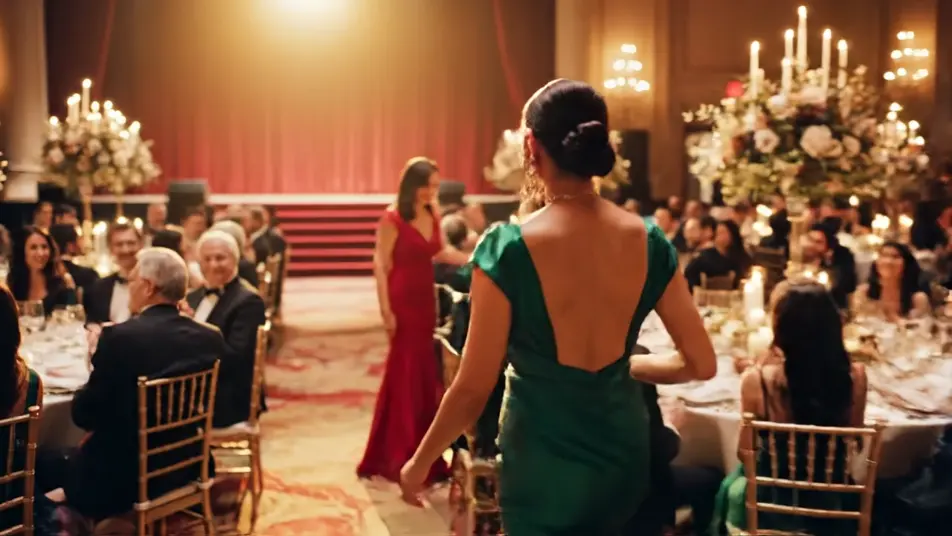
A recipient walking up to the stage

A guest rises and moves between banquet tables toward the stage steps as hands reach out in passing, a spotlight tracking with them and the room turning to follow.

프롬프트 편집

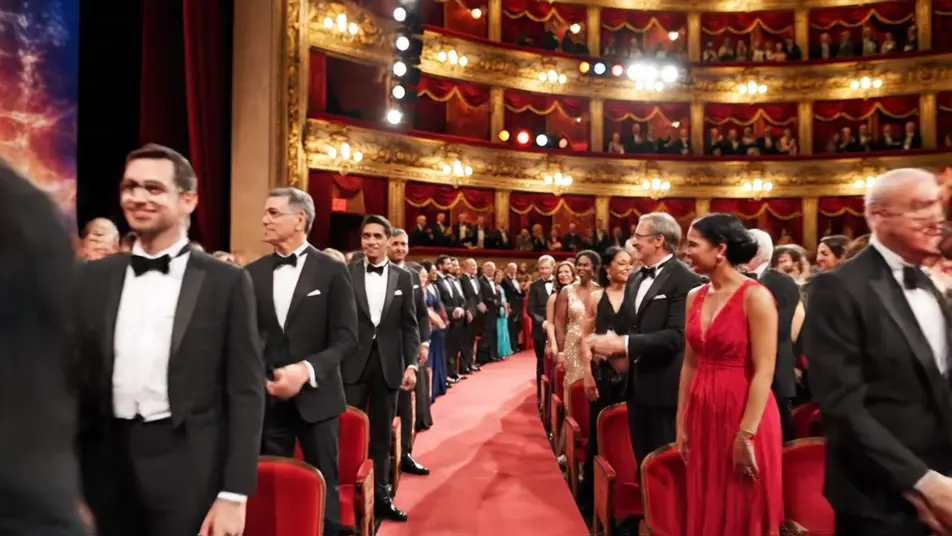
A room rising in applause

A packed audience stands as one and applauds toward the stage, faces lit by the spill off the lights, haze thick in the beams, the camera pushing in slowly from the back.

프롬프트 편집

award ceremony video 영상을 3단계로 만들기

  1. award ceremony video 장면 설명하기

    원하는 award ceremony video 장면을 쉬운 말로 작성하세요.

  2. 영상 생성하기

    Morphic이 캔버스 위에 영화 같은 클립을 몇 초 만에 생성합니다.

  3. award ceremony video 영상 다듬기

    프롬프트를 조정해 다시 생성한 뒤, 원하는 장면을 저장하거나 공유하세요.

간단한 가격

오늘 무료로 시작하고 언제든지 업그레이드하거나 취소할 수 있습니다.

Basic

$9/
청구 금액 $0

900 월간 크레딧

1 명 전용

모든 모델

워크플로

Standard

$24/
청구 금액 $0

3200 월간 크레딧

1 명 전용

모든 모델

워크플로

Pro

$45/
청구 금액 $0

6200 공유 월간 크레딧

1 사용자

+ 최대 4 명 추가 비용으로 추가 가능

모든 모델

워크플로

Pro Max

$170/
청구 금액 $0

24000 공유 월간 크레딧

1 사용자

+ 최대 9 명 추가 비용으로 추가 가능

모든 모델

워크플로

Enterprise

더 높은 제한

사용자 정의

가격 및 청구 조건

대용량 크레딧
맞춤형 시트 제한
모든 모델
워크플로
Pricing Gradient

Free

가볍게 사용해보기

$0

영구 무료

최대 20 크레딧
1명 전용
일부 모델
워크플로

자주 묻는 질문

Where can I make award ceremony videos with AI?
You can direct award ceremony videos in your browser on Morphic. Open the Text to Video tool, describe the room, the light, and the beat you want, and the model renders the clip. Cut the beats into a promo or a recap on the Canvas.
What award ceremony moments work best with AI video?
Room-scale moments carry best: a hall filling, a host opening, a walk-up through the tables, a standing ovation. Wide crowd energy and stage haze read convincingly, while tight shots of engraved plates and printed cards do not.
How do I write a good prompt for an award ceremony video?
Name the venue, the dress code, the light source, and the camera position in one line. Say ballroom, black tie, warm stage wash, slow push-in. Anchoring the haze and the spill off the stage is what makes a room feel full rather than staged.
Can I use a trophy in an AI award ceremony video?
Yes, as long as you keep it plain. Prompt a smooth unengraved trophy with no plate and no plaque, since AI models turn engraved lettering into gibberish. Add the name or category later in your editor over the clean shot.
Can I add music and voice to my award ceremony videos?
Yes. The Music tool scores the walk-up and the ovation with an original swell that lifts on cue. The Speech tool voices a host line or an opening welcome, so a promo before the night and a recap after both finish in one sitting.