Direct a documentary style video in your browser with Morphic's documentary style video AI generator, and give a real-feeling story a cinematic frame. Generate observational verite shots, a slow portrait moment, and graded establishing landscapes that share one honest look. Score it with Music, then cut the sequence into one continuous piece on Compose.

Documentary shots you can direct

Documentary sequences you can stage

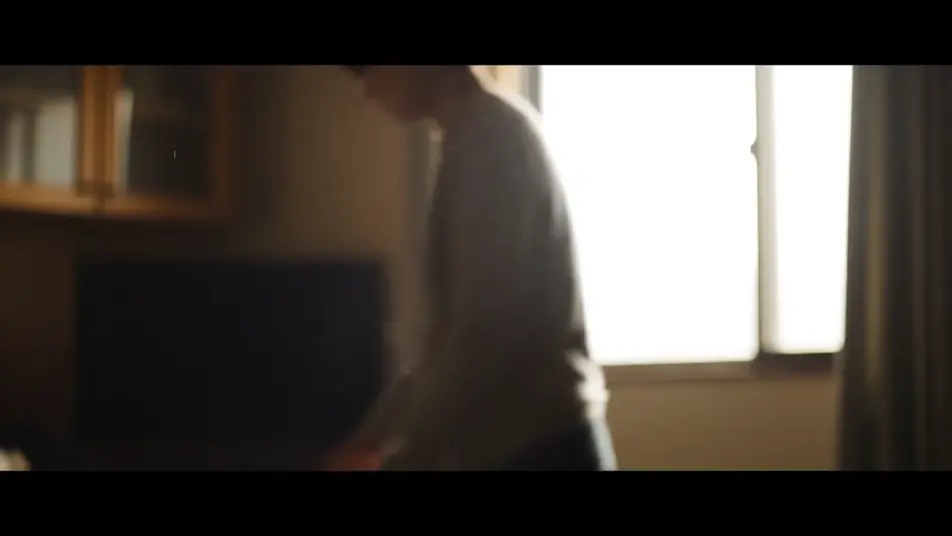
A verite observational moment

A handheld camera drifts slightly as it catches a candid moment unfolding in natural window light, the subtle imperfection making the shot feel unstaged and real, documentary grade.

프롬프트 편집

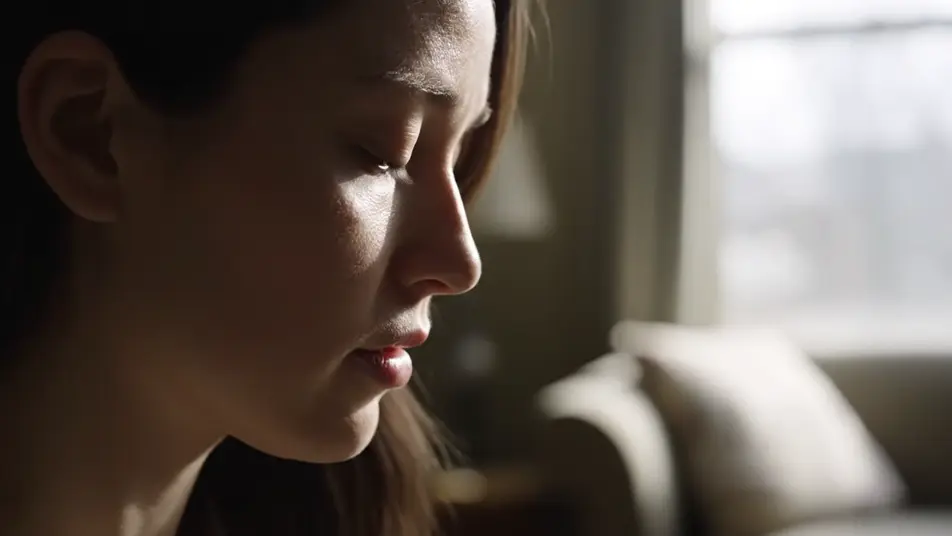
A soft-lit portrait moment

A single person sits in soft directional window light, their thoughtful expression carrying the weight of the story as shallow depth of field holds them against a gentle background, honest tone.

프롬프트 편집

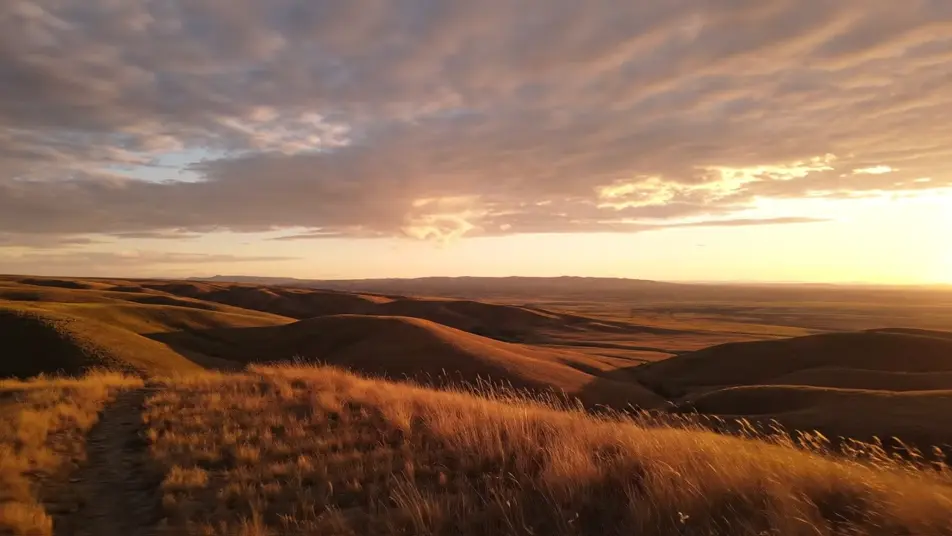
A graded establishing landscape

A wide cinematic vista opens the piece under a consistent documentary color grade, the camera drifting slowly across the terrain as natural light defines the place.

프롬프트 편집

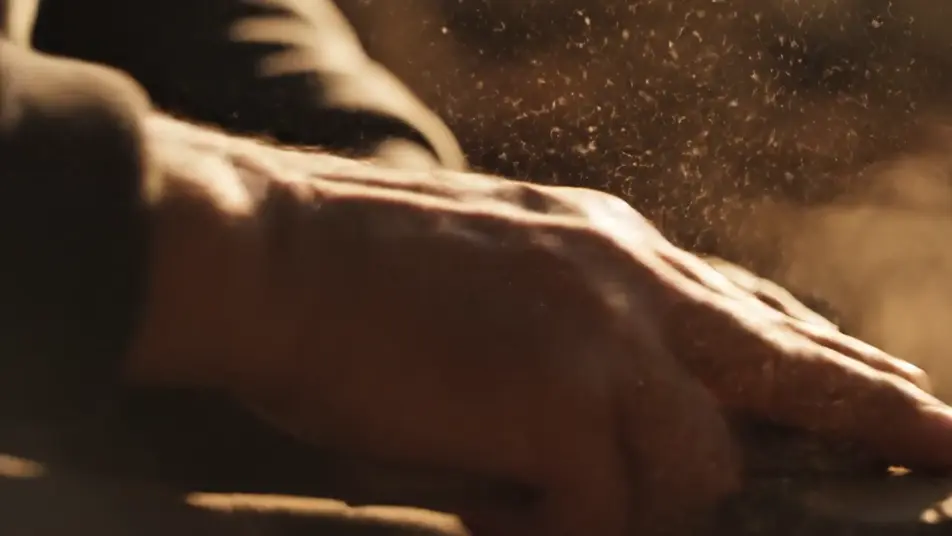
A golden-hour detail insert

Warm low sunlight rakes across weathered hands at work as dust drifts through the air, the intimate close-up holding for a beat so a small detail carries meaning.

프롬프트 편집

documentary style video 영상을 3단계로 만들기

  1. documentary style video 장면 설명하기

    원하는 documentary style video 장면을 쉬운 말로 작성하세요.

  2. 영상 생성하기

    Morphic이 캔버스 위에 영화 같은 클립을 몇 초 만에 생성합니다.

  3. documentary style video 영상 다듬기

    프롬프트를 조정해 다시 생성한 뒤, 원하는 장면을 저장하거나 공유하세요.

간단한 가격

오늘 무료로 시작하고 언제든지 업그레이드하거나 취소할 수 있습니다.

Basic

$9/
청구 금액 $0

900 월간 크레딧

1 명 전용

모든 모델

워크플로

Standard

$24/
청구 금액 $0

3200 월간 크레딧

1 명 전용

모든 모델

워크플로

Pro

$45/
청구 금액 $0

6200 공유 월간 크레딧

1 사용자

+ 최대 4 명 추가 비용으로 추가 가능

모든 모델

워크플로

Pro Max

$170/
청구 금액 $0

24000 공유 월간 크레딧

1 사용자

+ 최대 9 명 추가 비용으로 추가 가능

모든 모델

워크플로

Enterprise

더 높은 제한

사용자 정의

가격 및 청구 조건

대용량 크레딧
맞춤형 시트 제한
모든 모델
워크플로
Pricing Gradient

Free

가볍게 사용해보기

$0

영구 무료

최대 20 크레딧
1명 전용
일부 모델
워크플로

자주 묻는 질문

Where can I make a documentary style video with AI?
You can create a documentary style video directly in your browser on Morphic. Open the Text to Video tool, describe the verite shots and portrait moments you want and the grade to hold across them, and each clip generates in seconds. On Compose you cut them into one continuous piece.
What makes a video feel documentary style?
A documentary look leans on natural light, handheld motion, and a restrained color grade that reads as honest rather than polished. Favor observation over staging, hold shots a beat longer than a promo would, and keep every clip under one grade so the piece feels shot by one crew.
How do I write a prompt for a documentary style video?
Name the natural light, the handheld movement, and the honest grade in every prompt so the clips share a look. Describe candid moments rather than posed ones, and keep the same descriptors across shots. Consistency in light and grade is what makes separate clips feel like one film.
How do I keep a documentary consistent across scenes?
Reuse the same grade, lighting, and camera language across every prompt so no clip breaks the honest look. On Compose you order the shots and pace the cuts so the piece moves from an establishing landscape through portrait moments to the details that carry the story.
Can I add narration and music to my documentary?
Yes. The Speech tool generates a clear voiceover in the voice you choose, which carries most documentary cuts. The Music tool adds a restrained score underneath, and a documentary lands best when the track stays quiet so the voice and natural sound lead.