AI 이세계 비디오
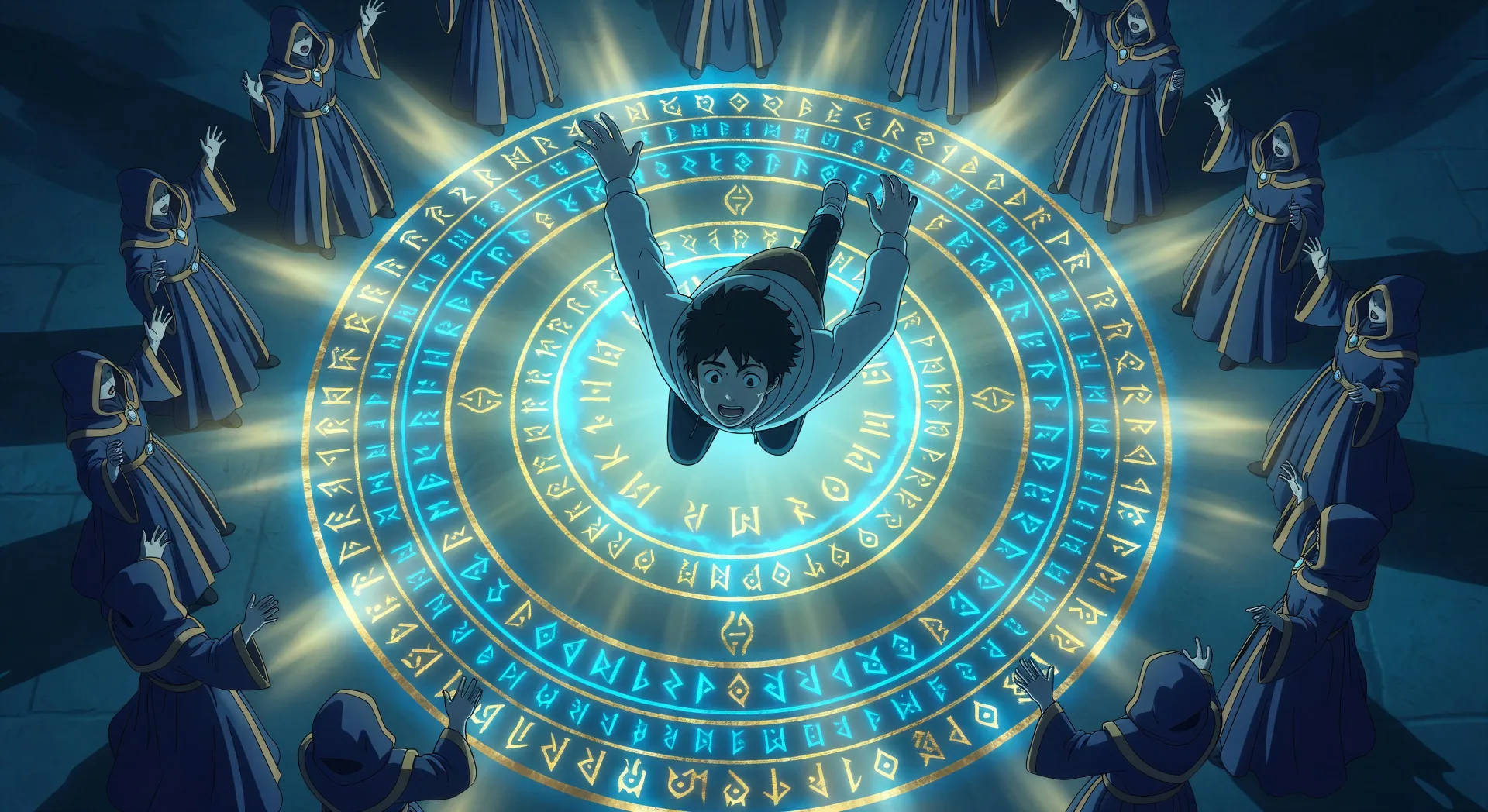
Morphic의 AI 이세계 비디오 생성기로 다른 세계로의 전이를 브라우저에서 연출하세요. 동심원 룬 고리의 소환진이나 옥좌의 방 최종 보스 대결을 생성하고, Speech와 Music을 더한 뒤 Video Style Transfer로 중세 RPG 팔레트를 고정해 보세요.
만들 수 있는 이세계 캐릭터
연출할 수 있는 이세계 장면
이세계 영상을 3단계로 만들기
- 일
장면 설명하기
원하는 이세계 장면을 쉬운 말로 작성하세요.
- 이
영상 생성하기
Morphic이 캔버스 위에 영화 같은 클립을 몇 초 만에 생성합니다.
- 삼
다듬고 공유하기
프롬프트를 조정해 다시 생성한 뒤, 원하는 장면을 저장하거나 공유하세요.

애니메이션 스타일 전송
애니메이션 일러스트를 스타일 가이드로 선택하세요. 그 모양을 어떤 이미지에도 적용하세요.
이 워크플로우 사용해보기

렌더링할 스케치
스케치나 그림을 완성된 렌더링으로 바꾸세요.
이 워크플로우 사용해보기

표현식
어떤 캐릭터 이미지든 가져와서 단일 참조 시트에 6가지의 뚜렷한 표정을 생성하세요.
이 워크플로우 사용해보기

등장인물 소개
모든 캐릭터를 키 비교와 함께 한 줄 이미지에 나란히 표시합니다.
이 워크플로우 사용해보기

치비 스프라이트 애니메이션
사진이나 설명을 애니메이션 치비 스프라이트로 변환하세요. 춤추고, 점프하고, 손 흔들고, 공격하는 등 다양한 동작을 할 수 있습니다.
이 워크플로우 사용해보기
당신의 @character를 춤추게 하세요
캐릭터 이미지를 업로드하고 어떤 스타일로든 춤추게 하세요.
이 워크플로우 사용해보기
이런 것도 좋아하실 거예요
애니메이션 AI 영상
Morphic으로 애니메이션 영상을 만드세요. 일상물 장면, 메카 컷, 마법소녀 변신, 그리고 완성된 애니메이션 에피소드를 단 하나의 프롬프트로 생성합니다.
애니메이션 AI 영상
Morphic으로 애니메이션 전투 장면, 검술 결투, 마법 전투, 메카 충돌을 만드세요. 단 하나의 프롬프트로 생성하고, 움직이고, 내레이션을 넣고, 음악을 입힙니다.
마법소녀 AI 영상
Morphic으로 마법소녀 애니메이션 영상을 만드세요. 변신 시퀀스, 필살기, 의상 공개, 그리고 완성된 에피소드를 하나의 프롬프트로 생성.
메카 AI 동영상
Morphic으로 메카 애니메이션 동영상을 만드세요. 콕핏 발진, 격납고 베이, 도시 규모의 전투, 파일럿 초상을 하나의 프롬프트로 생성합니다.
간단한 가격
오늘 무료로 시작하고 언제든지 업그레이드하거나 취소할 수 있습니다.
Basic
$19/ 월
청구 금액 $0 년2400 월간 크레딧
1 명 전용
모든 모델
워크플로
Standard
$24/ 월
청구 금액 $0 년3625 월간 크레딧
1 명 전용
모든 모델
워크플로
Pro
$45/ 월
청구 금액 $0 년6350 공유 월간 크레딧
1 사용자
+ 최대 4 명 추가 비용으로 추가 가능
모든 모델
워크플로
Max
$170/ 월
청구 금액 $0 년24650 공유 월간 크레딧
1 사용자
+ 최대 9 명 추가 비용으로 추가 가능
모든 모델
워크플로
Enterprise
더 높은 제한
사용자 정의
가격 및 청구 조건
대용량 크레딧
맞춤형 시트 제한
모든 모델
워크플로

Free
가볍게 사용해보기
$0
영구 무료
최대 20 크레딧
1명 전용
일부 모델
워크플로
자주 묻는 질문
AI로 이세계 비디오는 어디서 만드나요?
이세계 비디오는 Morphic의 브라우저에서 바로 만들 수 있습니다. Text to Video 도구를 열고 서브장르와 순간을 분명히 밝혀 장면을 설명하면 Morphic이 클립을 생성합니다. 설치도 전용 소프트웨어도 필요 없습니다.
어떤 이세계 장면이 AI 비디오에 가장 잘 맞나요?
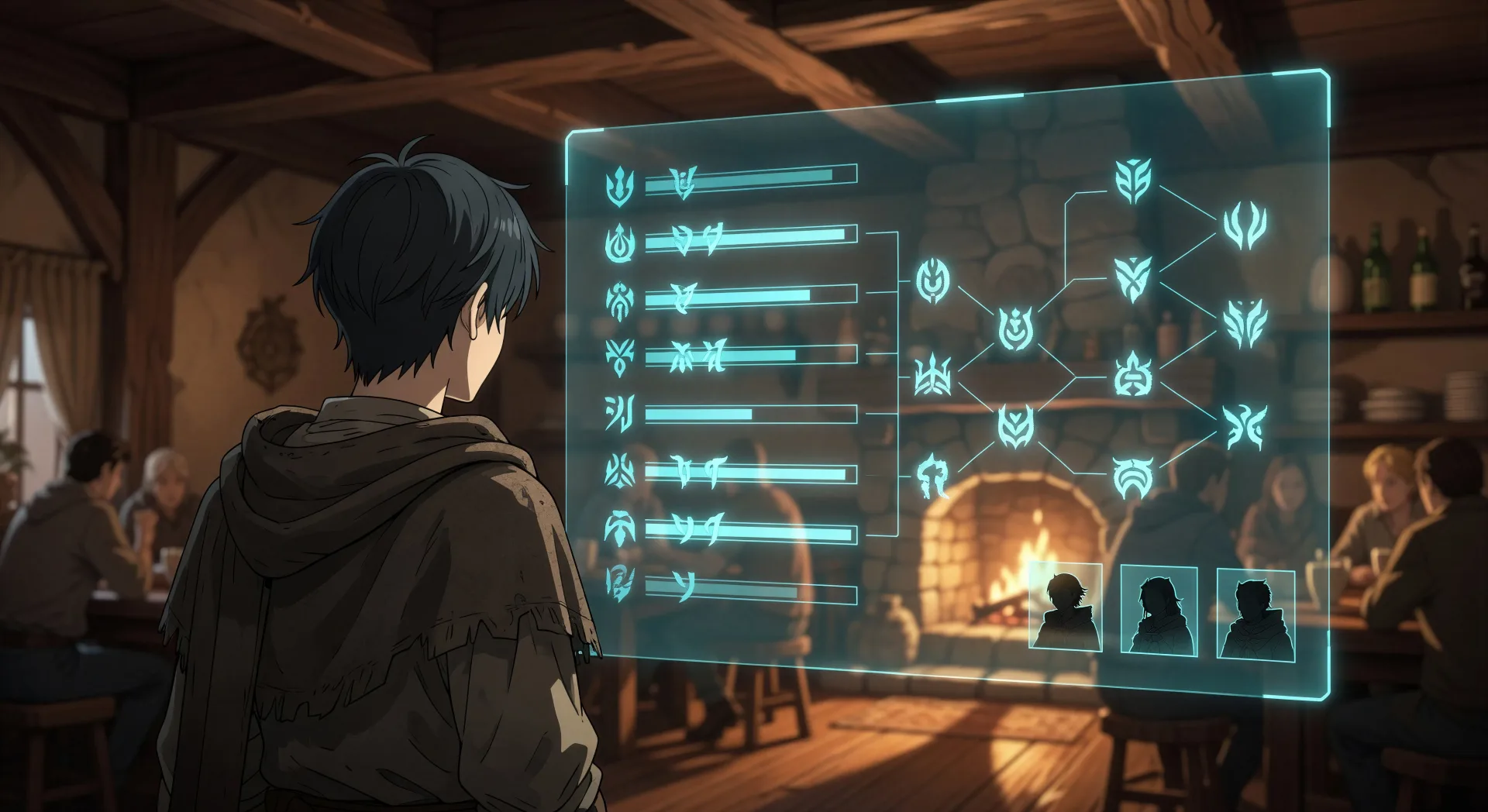
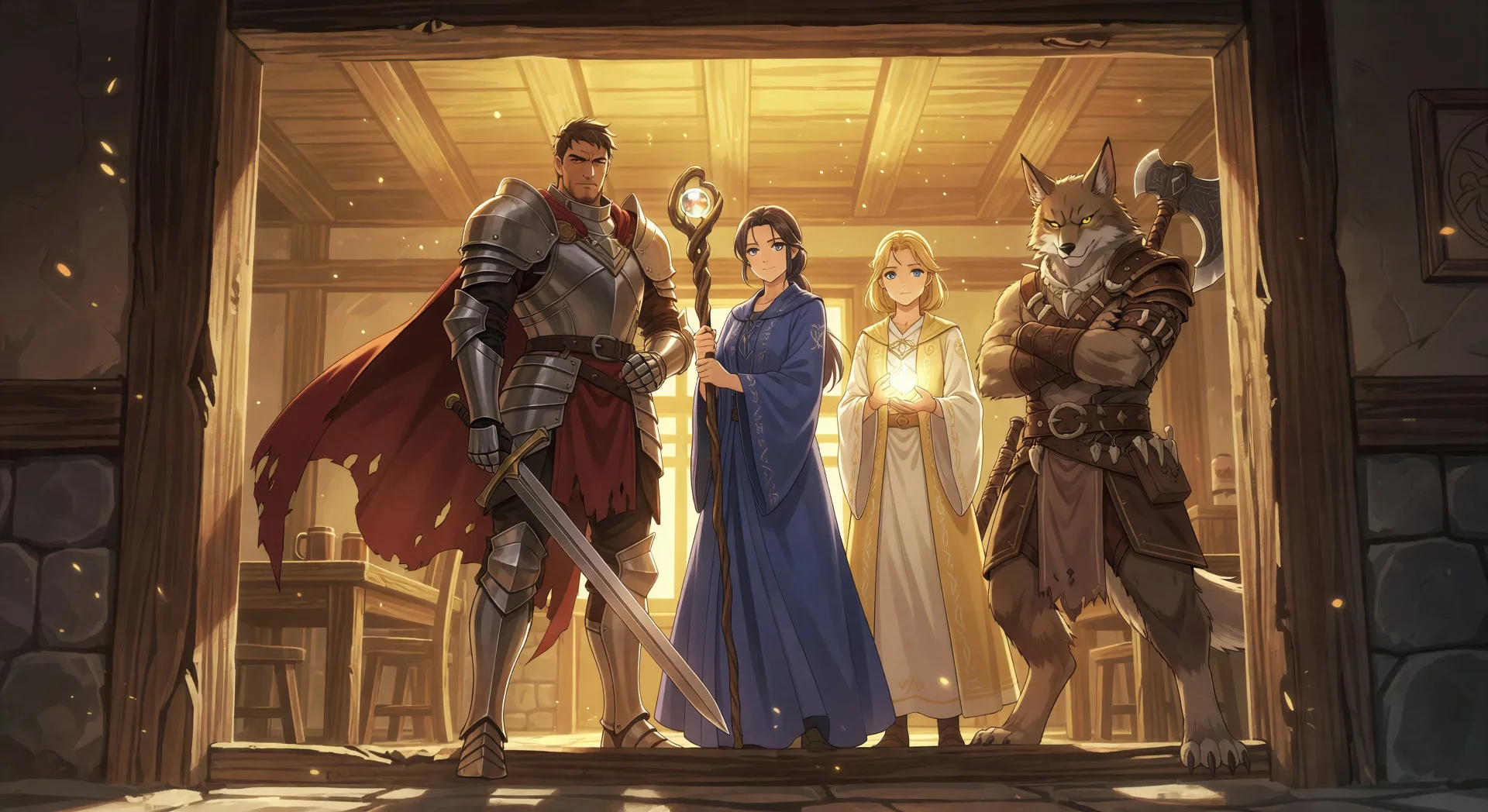
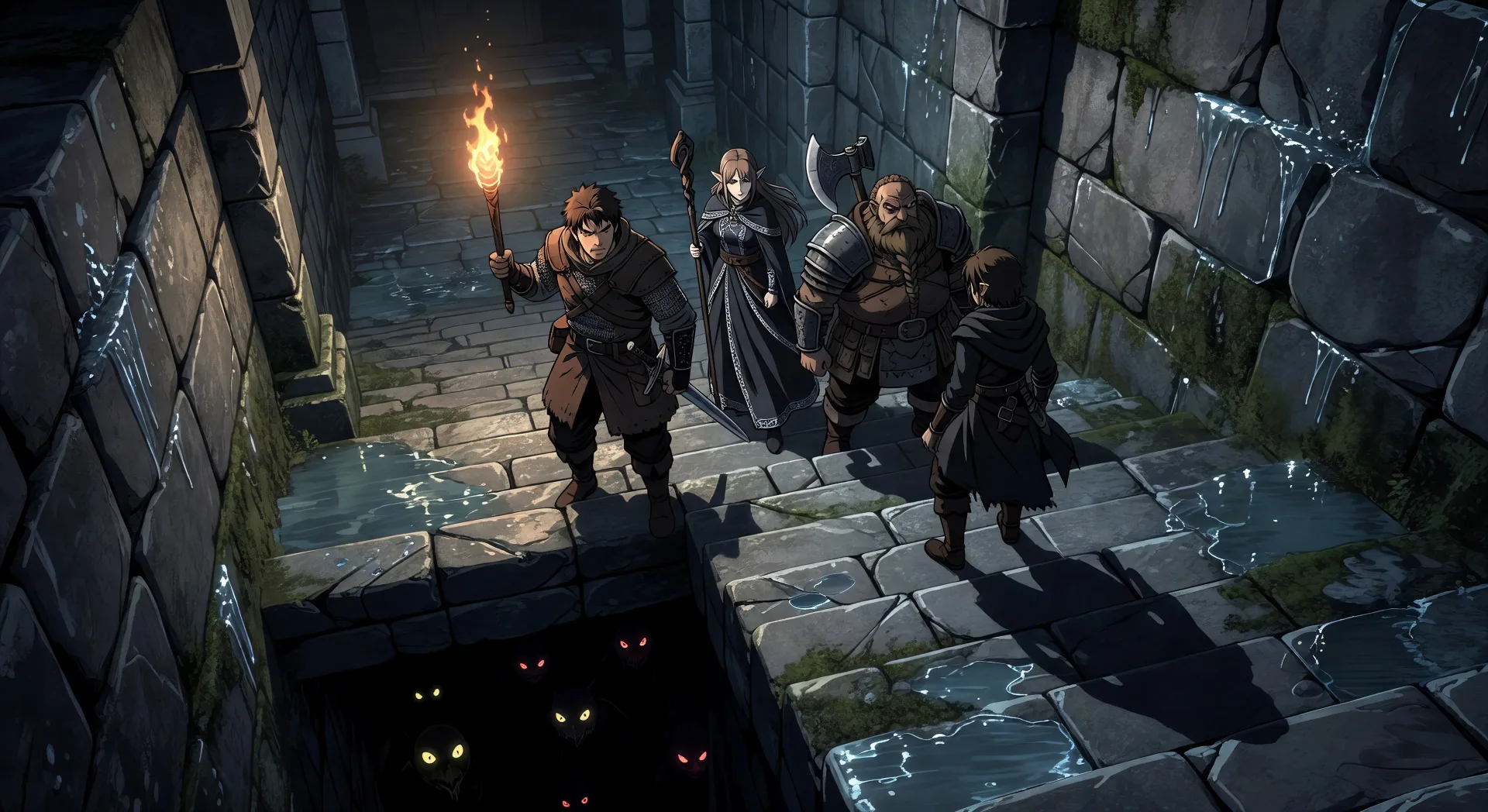
장르 특유의 구도를 가진 단일 숏 순간이 가장 잘 맞습니다. 소환진 발동, 스테이터스 창 표시, 선술집 파티 결성, 던전 하강, 슬로우 라이프 시장 광장, 최종 보스 대결 등입니다. 각 장면을 서브장르, 장소, 마법 빛 색에 묶으세요.
이세계 스테이터스 창 느낌은 어떻게 프롬프트하나요?
스테이터스 창을 RPG UI로 다루세요. "floating semi-transparent status panel in the corner of the frame", "skill tree expanding", "stat bars half-empty", "party member portraits in the lower right" 같은 표현을 쓰세요. 이 UI 단서가 일반적인 판타지 숏이 아니라 장르의 시그니처를 그리도록 Morphic에 알려줍니다.
이세계 파티를 장면 간에 일관되게 유지하려면?
Character Lineup 워크플로로 클립을 만들기 전에 각 파티원의 얼굴, 클래스, 시그니처 장비(엘프 마법사의 지팡이, 기사의 금테 갑옷, 슬라임의 정확한 투명도)를 고정하세요. 모든 숏 프롬프트에서 그 카드를 참조하면 Morphic이 던전, 선술집, 옥좌의 방에 걸쳐 외형을 유지합니다.
이세계 비디오에 내레이션과 음악을 추가할 수 있나요?
네. Speech 도구는 선택한 목소리로 대본에서 보이스오버를 생성하고, Music 도구는 이 장르가 좋아하는 오케스트라나 칩튠 결의 오리지널 사운드트랙을 만듭니다. 생성한 비디오에 얹어 완성된 이세계 에피소드를 게시하세요.
이세계 비디오를 만들려면 사전 애니메이션 경험이 필요한가요?
아니요. Morphic은 브라우저에서 돌아가며 쉬운 말 프롬프트로 지시합니다. 이세계 장면을 설명할 수 있는 사람이라면 누구나 만들 수 있습니다. After Effects, 툰붐, 프레임 단위 애니메이션은 필요 없습니다.