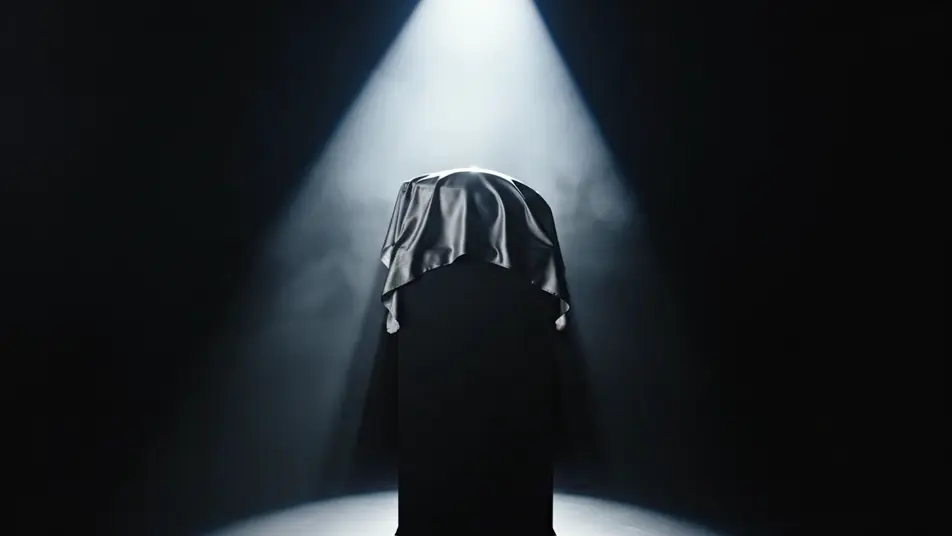
AI 제품 런칭 영상 만들기
신제품을 공개하는 순간은 단 한 번뿐입니다. Morphic에서 드레이프 언베일과 스포트라이트 히어로, 컨페티가 터지는 마무리까지 프롬프트만으로 완성해보세요. Music으로 음악을 입히고 Compose에서 리빌 장면을 이어 붙이면 끝입니다.
연출할 수 있는 런칭 장면
구성할 수 있는 런칭 시퀀스

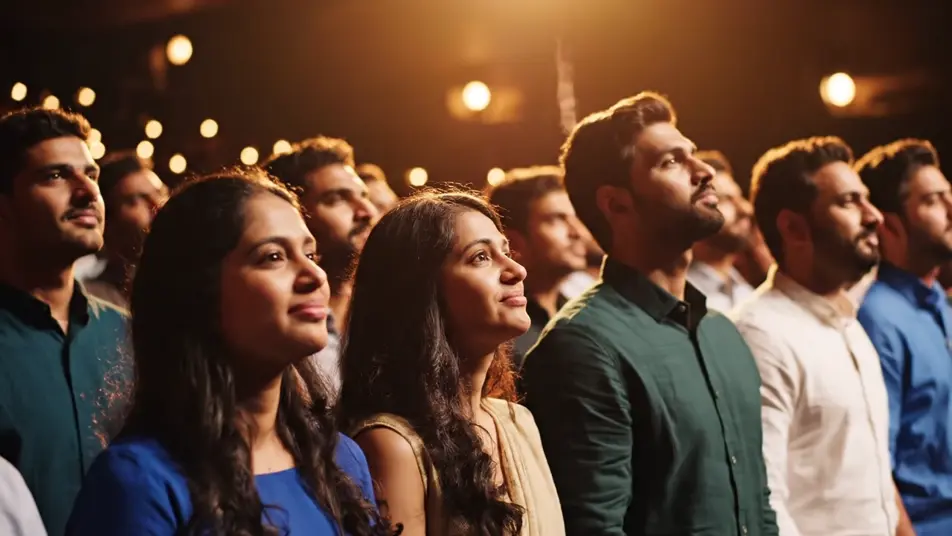
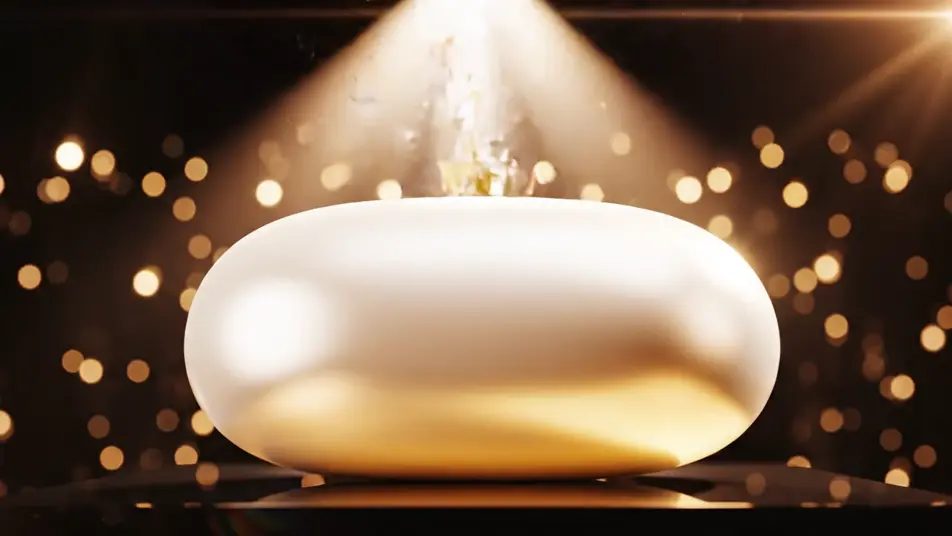
제품 런칭 영상 영상을 3단계로 만들기
- 일
장면 설명하기
원하는 제품 런칭 영상 장면을 쉬운 말로 작성하세요.
- 이
영상 생성하기
Morphic이 캔버스 위에 영화 같은 클립을 몇 초 만에 생성합니다.
- 삼
다듬고 공유하기
프롬프트를 조정해 다시 생성한 뒤, 원하는 장면을 저장하거나 공유하세요.

cinematic scene으로 메시지
모든 텍스트 대화를 영화 같은 멀티샷 비디오로 각색하세요.
이 워크플로우 사용해보기
타임 프리즈 효과
모든 장면에 사용할 수 있는 시네마틱 타임 프리즈 단편 영상
이 워크플로우 사용해보기

타이틀 시퀀스
선택적인 영화 애니메이션과 함께 처음부터 전문적인 영화 타이틀 카드를 생성합니다.
이 워크플로우 사용해보기
리모델링 타임랩스
부동산 사진이 건설 음향 효과와 음악과 함께 영화 같은 리노베이션 타임랩스 비디오로 변환됩니다.
이 워크플로우 사용해보기
시네마틱 장면
하나의 이미지에서 9장면의 시네마틱 영상으로.
이 워크플로우 사용해보기
영화를 찍는다고 생각해봐
사진을 올려주세요. 애니메이션과 어울리는 사운드트랙이 포함된 12초 분량의 영화를 만들어 드립니다.
이 워크플로우 사용해보기
이런 것도 좋아하실 거예요
AI 제품 데모 영상
제품을 또렷하게 보여주는 데모 영상을 AI로 만듭니다. 턴테이블, 마크로 디테일, 핸즈온 클로즈업까지 한 프롬프트로 완성하세요.
AI 트레이드쇼 루프 영상
부스 화면에 걸 루프 영상을 AI로 몇 분 만에 제작합니다. 회전, 컬러 스윕, 오빗까지 끊김 없이 반복하세요.
AI 틱톡 광고 영상
훅, 전환, 리액션까지 틱톡 광고 영상을 AI로 만듭니다. 세로 프레임으로 바로 렌더링해 스크롤을 멈추게 하세요.
AI로 만드는 시즌 캠페인 영상
벚꽃, 여름 햇살, 단풍, 첫눈까지 촬영 없이 렌더링합니다. 명절과 연말 캠페인 영상을 Morphic에서 몇 분 만에 완성하세요.
간단한 가격
오늘 무료로 시작하고 언제든지 업그레이드하거나 취소할 수 있습니다.
Basic
$19/ 월
청구 금액 $0 년2400 월간 크레딧
1 명 전용
모든 모델
워크플로
Standard
$24/ 월
청구 금액 $0 년3625 월간 크레딧
1 명 전용
모든 모델
워크플로
Pro
$45/ 월
청구 금액 $0 년6350 공유 월간 크레딧
1 사용자
+ 최대 4 명 추가 비용으로 추가 가능
모든 모델
워크플로
Max
$170/ 월
청구 금액 $0 년24650 공유 월간 크레딧
1 사용자
+ 최대 9 명 추가 비용으로 추가 가능
모든 모델
워크플로
Enterprise
더 높은 제한
사용자 정의
가격 및 청구 조건
대용량 크레딧
맞춤형 시트 제한
모든 모델
워크플로

Free
가볍게 사용해보기
$0
영구 무료
최대 20 크레딧
1명 전용
일부 모델
워크플로
자주 묻는 질문
AI로 제품 런칭 영상을 어디서 만들 수 있나요?
Morphic 브라우저에서 바로 제작할 수 있습니다. Text to Video 도구를 열고 예고, 언베일, 반응 컷을 각각 설명하면 장면이 생성됩니다. 이후 Compose에서 어둠부터 축제 분위기까지 하나의 흐름으로 이어 붙입니다.
제품 런칭 영상에 필요한 핵심 장면은 무엇인가요?
긴장, 리빌, 반응 세 박자면 충분합니다. 형태를 숨기는 예고 컷과 조명 하나로 드러내는 언베일, 환호나 컨페티로 마무리하는 컷입니다. 제품을 완전히 무지하게 유지하면 별도 표시 없이도 연출이 살아납니다.
리빌 장면 프롬프트는 어떻게 써야 하나요?
조명과 타이밍부터 통제하세요. 어두운 공간과 하나의 광원, 천이 걷히거나 조명이 켜지는 정확한 순간을 적습니다. 제품이 완전히 무지하다고 명시하고 카메라는 느린 이동 하나로 제한하면 장면이 정돈됩니다.
여러 컷 사이에서 런칭 영상을 일관되게 유지하려면?
같은 안개와 조명 색을 모든 프롬프트에 반복하세요. 예고와 리빌, 피날레까지 같은 색온도를 쓰면 한 공간처럼 느껴집니다. Canvas에서 여러 테이크를 비교해 형태와 조명이 맞는 버전만 남기세요.
제품 런칭 영상에 음악을 넣을 수 있나요?
가능합니다. Music 도구가 서서히 고조되는 원본 스코어를 만들어 예고 구간부터 리빌까지 긴장을 쌓아 올립니다. 가장 큰 비트에 리빌이 맞물리도록 Compose에서 컷을 음악에 맞춰 배치하세요.