Direct a restaurant promo video in your browser with Morphic's restaurant promo video AI generator, no crew or shoot day needed. Generate a dish being plated, flame rising in a pan, or a warm dining room settling into evening. Score it with Music, then assemble the shots into one promo on Compose.

Restaurant promo shots you can direct

Restaurant promo scenes you can stage

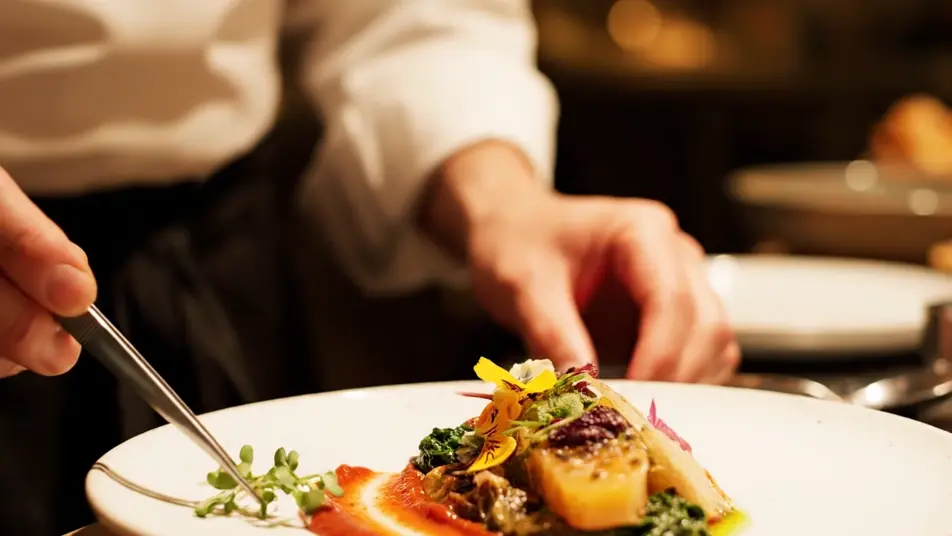
A plating sequence in warm light

A close frame on a chef's hands as a dish comes together, garnish placed and steam rising, warm kitchen light and shallow focus, plain solid-color unprinted chef whites.

프롬프트 편집

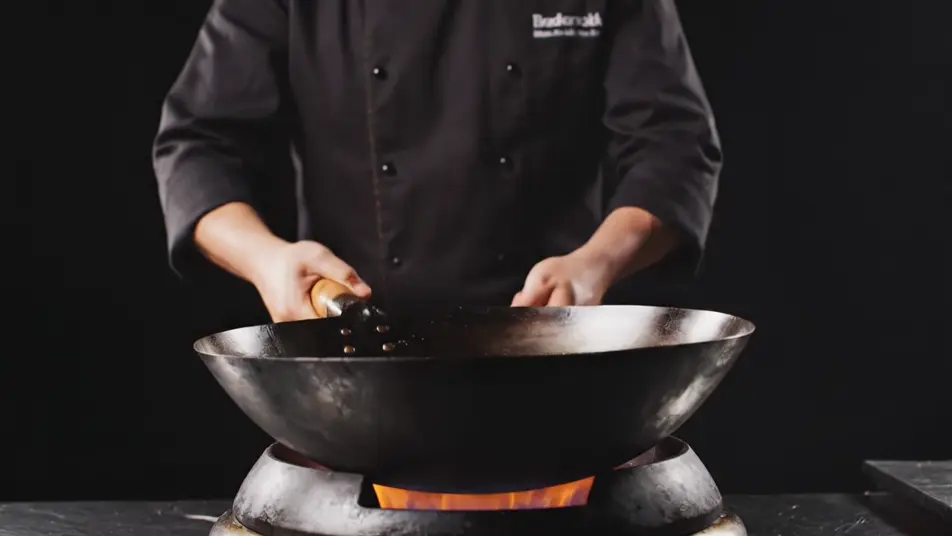
A flame toss in a dark kitchen

A pan tossing ingredients through a controlled burst of flame, oil catching the light against a dark backdrop, the camera holding low and steady on the fire.

프롬프트 편집

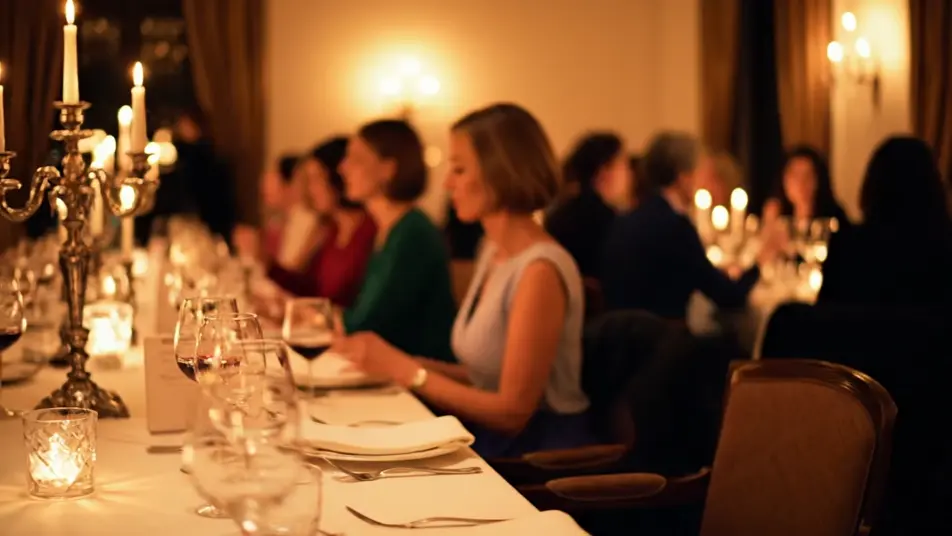
An evening room settling in

A slow push-in through a candlelit dining room, blank walls and set tables glowing warm, diners in plain solid-color unprinted clothing softly out of focus.

프롬프트 편집

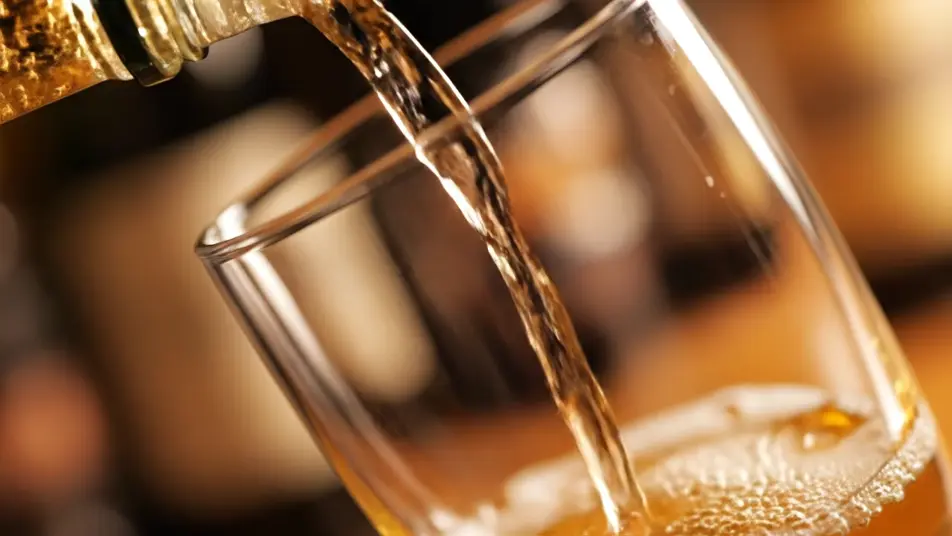
A golden pour in shallow focus

A drink pouring into a completely plain unmarked glass, the stream catching golden light as bubbles settle, the background a soft defocused glow.

프롬프트 편집

restaurant promo video 영상을 3단계로 만들기

  1. restaurant promo video 장면 설명하기

    원하는 restaurant promo video 장면을 쉬운 말로 작성하세요.

  2. 영상 생성하기

    Morphic이 캔버스 위에 영화 같은 클립을 몇 초 만에 생성합니다.

  3. restaurant promo video 영상 다듬기

    프롬프트를 조정해 다시 생성한 뒤, 원하는 장면을 저장하거나 공유하세요.

간단한 가격

오늘 무료로 시작하고 언제든지 업그레이드하거나 취소할 수 있습니다.

Basic

$9/
청구 금액 $0

900 월간 크레딧

1 명 전용

모든 모델

워크플로

Standard

$24/
청구 금액 $0

3200 월간 크레딧

1 명 전용

모든 모델

워크플로

Pro

$45/
청구 금액 $0

6200 공유 월간 크레딧

1 사용자

+ 최대 4 명 추가 비용으로 추가 가능

모든 모델

워크플로

Pro Max

$170/
청구 금액 $0

24000 공유 월간 크레딧

1 사용자

+ 최대 9 명 추가 비용으로 추가 가능

모든 모델

워크플로

Enterprise

더 높은 제한

사용자 정의

가격 및 청구 조건

대용량 크레딧
맞춤형 시트 제한
모든 모델
워크플로
Pricing Gradient

Free

가볍게 사용해보기

$0

영구 무료

최대 20 크레딧
1명 전용
일부 모델
워크플로

자주 묻는 질문

Where can I make a restaurant promo video with AI?
You can create one directly in your browser on Morphic. Open the Text to Video tool, describe each shot, a plating finish, a pan flame, an evening room, and the model renders them. On Compose you assemble the shots into one promo, ready to publish the same day.
What shots work best in an AI restaurant promo video?
Food and atmosphere carry the format. Plating close-ups, flame in the pan, slow pours, and candlelit room ambience all read cleanly because each holds one action. Keep menus, signage, and labeled glassware out of frame so nothing pulls focus from the dish.
How do I write a good prompt for a restaurant promo video?
Describe one shot at a time like a brief to a cinematographer: the action, the light, and the camera move. Warm kitchen light, shallow depth of field, and a slow push-in are the phrases that set the tone. Stating that surfaces stay plain and unmarked keeps the frame clean.
How do I keep a restaurant promo consistent across shots?
Reuse the same light, palette, and lens language in every prompt, warm golden light and shallow focus for instance, so each shot feels like the same evening. Then order the sequence on Compose, opening on the room, building through the kitchen, and closing on the finished plate.
Can I add music and voiceover to a restaurant promo video?
Yes. The Music tool scores the promo with an original track that matches the mood you describe, from mellow jazz warmth to upbeat energy. The Speech tool adds a voiceover in the voice you choose, and most food promos land best with music alone and the sizzle up front.