Direct a speaker promo video in your browser with Morphic's speaker promo video generator, finished while the booking is still warm. Generate a mid-gesture stage moment, a portrait close on the delivery, a walk-on under lights, or a room applauding. Score it with Music, voice it with Speech, then assemble the cut on Compose.

Speaker promo shots you can direct

Speaker promo sequences you can stage

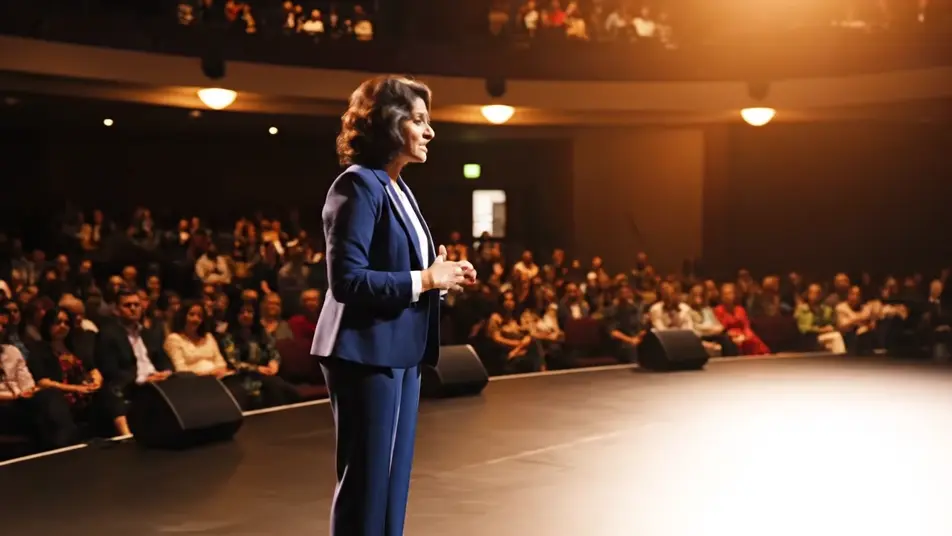
A mid-gesture moment on the main stage

A wide-to-medium push on a speaker mid-sentence with both hands open, warm key light carving them out of a dark house, the front rows softly lit and the stage surface plain and unmarked

프롬프트 편집

A portrait close on the delivery

A tall vertical frame holding the speaker from chest to head as they pause on a point, shallow depth of field turning the stage lights behind into soft round highlights, background surfaces blank

프롬프트 편집

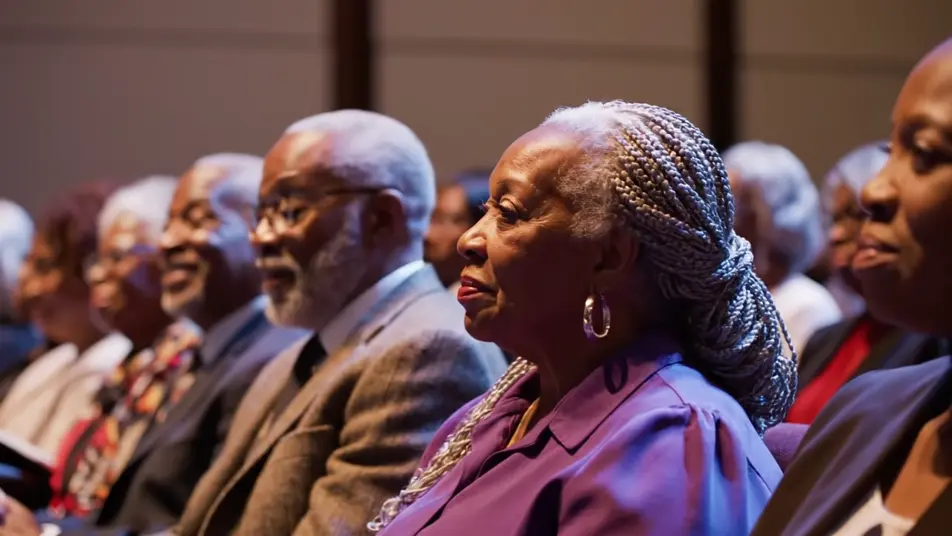
An engaged audience reaction

A slow lateral drift across rows of listening faces lit by stage spill, people leaning forward and nodding, focus rolling gently from row to row, every backdrop panel plain and defocused

프롬프트 편집

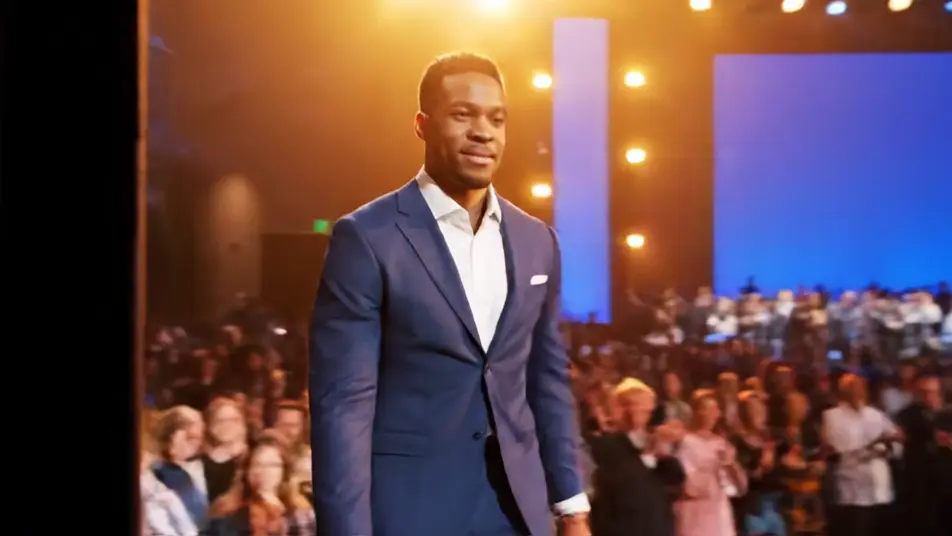
A walk-on and closing applause

A speaker stepping out of the wings into a wash of light and the same room later rising into applause, motion blur in the crowd, warm bloom on the lens, stage backdrop left an unbroken plain color

프롬프트 편집

speaker promo video 영상을 3단계로 만들기

  1. speaker promo video 장면 설명하기

    원하는 speaker promo video 장면을 쉬운 말로 작성하세요.

  2. 영상 생성하기

    Morphic이 캔버스 위에 영화 같은 클립을 몇 초 만에 생성합니다.

  3. speaker promo video 영상 다듬기

    프롬프트를 조정해 다시 생성한 뒤, 원하는 장면을 저장하거나 공유하세요.

간단한 가격

오늘 무료로 시작하고 언제든지 업그레이드하거나 취소할 수 있습니다.

Basic

$9/
청구 금액 $0

900 월간 크레딧

1 명 전용

모든 모델

워크플로

Standard

$24/
청구 금액 $0

3200 월간 크레딧

1 명 전용

모든 모델

워크플로

Pro

$45/
청구 금액 $0

6200 공유 월간 크레딧

1 사용자

+ 최대 4 명 추가 비용으로 추가 가능

모든 모델

워크플로

Pro Max

$170/
청구 금액 $0

24000 공유 월간 크레딧

1 사용자

+ 최대 9 명 추가 비용으로 추가 가능

모든 모델

워크플로

Enterprise

더 높은 제한

사용자 정의

가격 및 청구 조건

대용량 크레딧
맞춤형 시트 제한
모든 모델
워크플로
Pricing Gradient

Free

가볍게 사용해보기

$0

영구 무료

최대 20 크레딧
1명 전용
일부 모델
워크플로

자주 묻는 질문

Where can I make a speaker promo video with AI?
You can direct a speaker promo in your browser on Morphic. Open the Text to Video tool, describe the stage moment and the framing you want, and each shot renders. On the Canvas you compare takes and keep the one that carries the room.
What shots does a speaker promo video need?
Lead with a mid-gesture moment so the energy reads in the first second. Cut to a portrait close for social, then an audience reaction to prove the room was with them. Close on applause so the promo ends on credibility.
How do I write a prompt for a speaker promo video?
Describe the beat, the framing, and the light in one line. Say whether the house is dark or lit and how far back the camera sits. Naming a plain unmarked backdrop is what keeps stray signage out of the frame.
How do I add the speaker name and talk title?
Add those as a separate graphic layer once the footage is cut. Generated video renders lettering unreliably, so keep every frame clean and lay the name card and lower-third on top afterwards. That also lets you reuse the same footage for different events.
Can I add music and narration to a speaker promo?
Yes. The Music tool lays an original bed that builds under the walk-on and lifts into the applause. The Speech tool adds a short framing line if you want one. Keep the mix low so the delivery stays in focus.