Produce a stinger transition in your browser with Morphic's stinger transition AI generator, a fast abstract wipe that cuts between scenes. Generate whip swipes, glitch tears, liquid dissolves, and light-sweep flashes that all share one color field. Score the hit with Music, then drop the transition into your sequence on Compose.

Stinger styles you can direct

Stinger transitions you can stage

A whip-swipe color wipe

A hard directional motion blur sweeps across the frame and drags one bold color field over another in a fast confident snap, the motion clean and graphic so the transition hides the cut behind pure speed.

프롬프트 편집

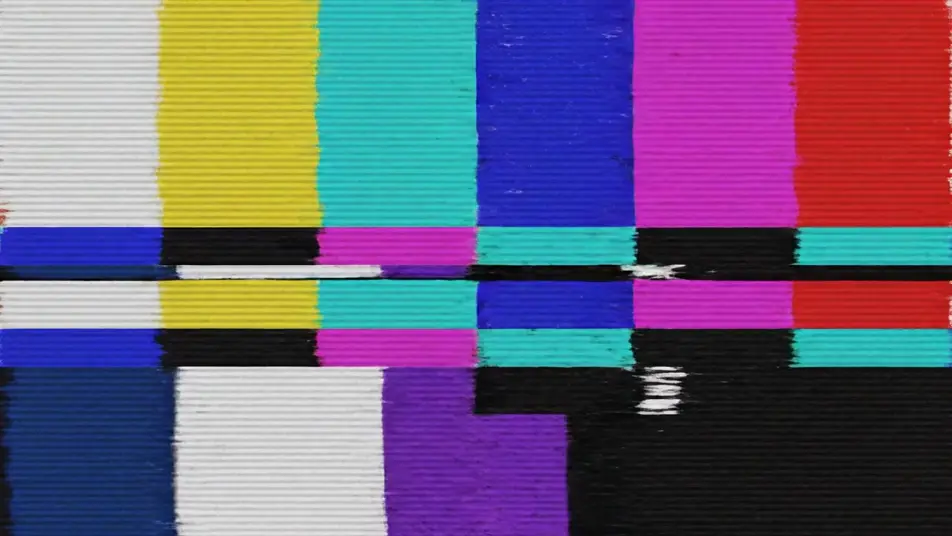
A glitch-tear cut

The frame fractures into digital slices and RGB channel splits with a sharp electronic edge before snapping to a new color field, the motion fast and aggressive to punctuate a hard scene change.

프롬프트 편집

A liquid dissolve wash

A wave of flowing paint-like color washes across the frame and melts one field smoothly into the next, the organic motion soft and continuous so the transition feels fluid rather than cut.

프롬프트 편집

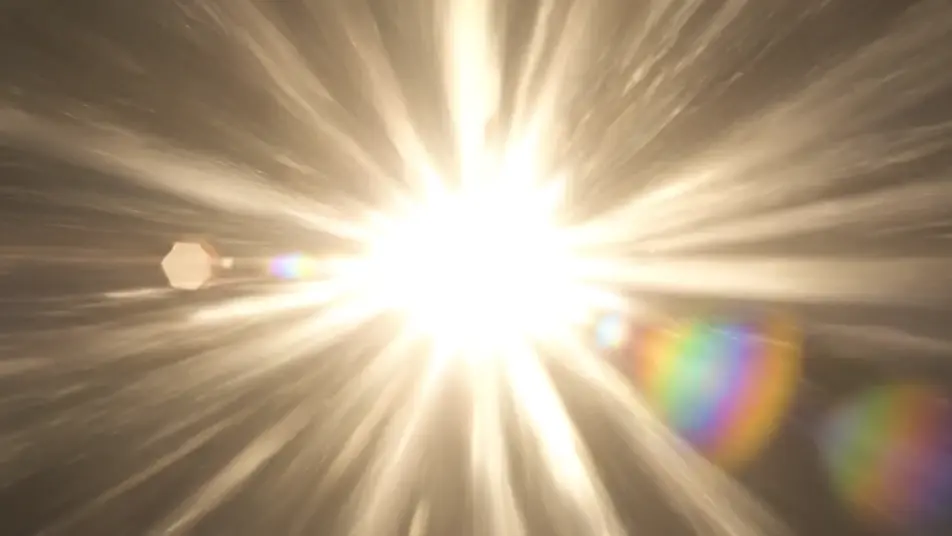
A light-sweep flash swap

A bright bloom of light rushes through the frame with a high-energy glow and clears to reveal a fresh color field, the burst hiding the cut inside a flash timed to a beat.

프롬프트 편집

stinger transition 영상을 3단계로 만들기

  1. stinger transition 장면 설명하기

    원하는 stinger transition 장면을 쉬운 말로 작성하세요.

  2. 영상 생성하기

    Morphic이 캔버스 위에 영화 같은 클립을 몇 초 만에 생성합니다.

  3. stinger transition 영상 다듬기

    프롬프트를 조정해 다시 생성한 뒤, 원하는 장면을 저장하거나 공유하세요.

간단한 가격

오늘 무료로 시작하고 언제든지 업그레이드하거나 취소할 수 있습니다.

Basic

$9/
청구 금액 $0

900 월간 크레딧

1 명 전용

모든 모델

워크플로

Standard

$24/
청구 금액 $0

3200 월간 크레딧

1 명 전용

모든 모델

워크플로

Pro

$45/
청구 금액 $0

6200 공유 월간 크레딧

1 사용자

+ 최대 4 명 추가 비용으로 추가 가능

모든 모델

워크플로

Pro Max

$170/
청구 금액 $0

24000 공유 월간 크레딧

1 사용자

+ 최대 9 명 추가 비용으로 추가 가능

모든 모델

워크플로

Enterprise

더 높은 제한

사용자 정의

가격 및 청구 조건

대용량 크레딧
맞춤형 시트 제한
모든 모델
워크플로
Pricing Gradient

Free

가볍게 사용해보기

$0

영구 무료

최대 20 크레딧
1명 전용
일부 모델
워크플로

자주 묻는 질문

Where can I make a stinger transition with AI?
You can produce a stinger directly in your browser on Morphic. Open the Text to Video tool, describe the motion and the color fields you want to sweep between, and Morphic generates the transition. On Compose you drop it between two scenes and time it to the cut with no motion software needed.
What kinds of stinger transitions work best with AI video?
Whip swipes, glitch tears, liquid dissolves, and light-sweep flashes read cleanly because each is pure abstract motion with no text to render. The strongest stingers move fast and share one bold color field so the transition feels designed rather than random, and hides the cut inside the motion.
How do I keep a set of stingers consistent?
Reuse the same color field and motion language across every prompt so each transition feels part of one set. A whip and a glitch tear read as siblings when they share a palette and pace. Holding that look across a pack is what makes the transitions cut together across a whole edit.
How do I write a good prompt for a stinger transition?
Name the motion, the two color fields, and the speed in one line. Say whether it whips, tears, dissolves, or flashes, and keep the palette consistent. Describing the move as pure abstract motion, with no text or logos, is what keeps the transition clean and ready to drop into a cut.
Can I add sound to my stinger transition?
Yes. The Music tool generates a short hit or whoosh you can pin to the transition, and a stinger lands hardest when the sound and the motion snap together. Time the hit to the frame the color swaps on in Compose so the cut feels sharp and deliberate.