Direct a university course video in your browser with Morphic's video generator and show applicants what a programme actually offers. Generate a course intro card, an instructor welcome, a syllabus montage, and a graduate outcomes beat. Voice it with Speech, then assemble the segments into one film for internal and external use on Compose.

Course video segments you can direct

University course scenes you can stage

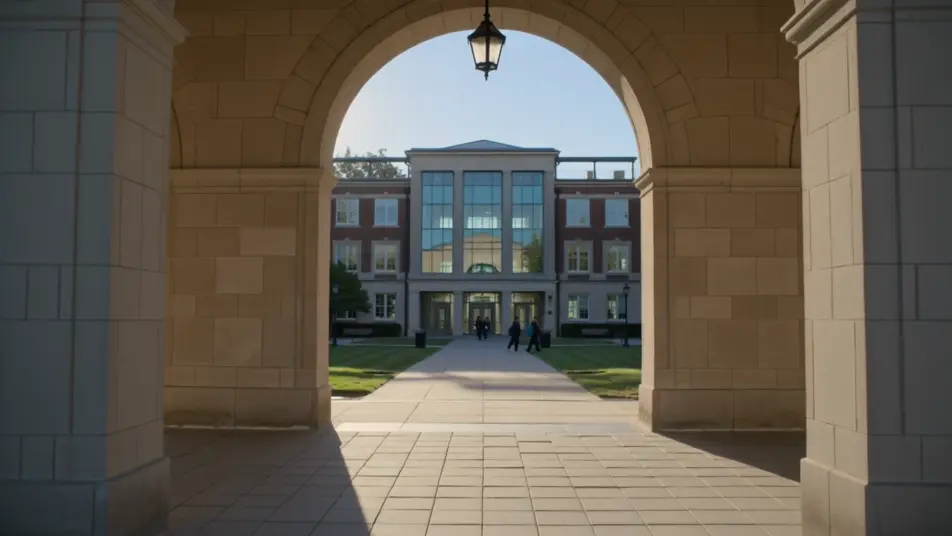
A course intro title card

A bright campus backdrop where the programme name and level resolve in with clean type, gentle motion and a calm palette that reads clearly on a prospectus page or a phone.

프롬프트 편집

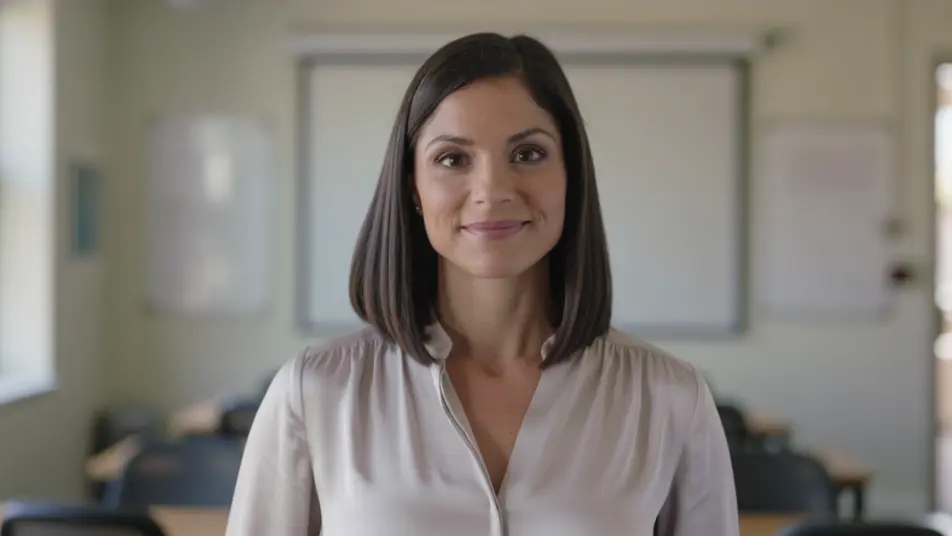
An instructor welcome

A wide bright lecture space where the course lead speaks warmly to camera, soft natural light and shallow depth of field, the whiteboard behind left blank and out of focus. A steady, personal introduction.

프롬프트 편집

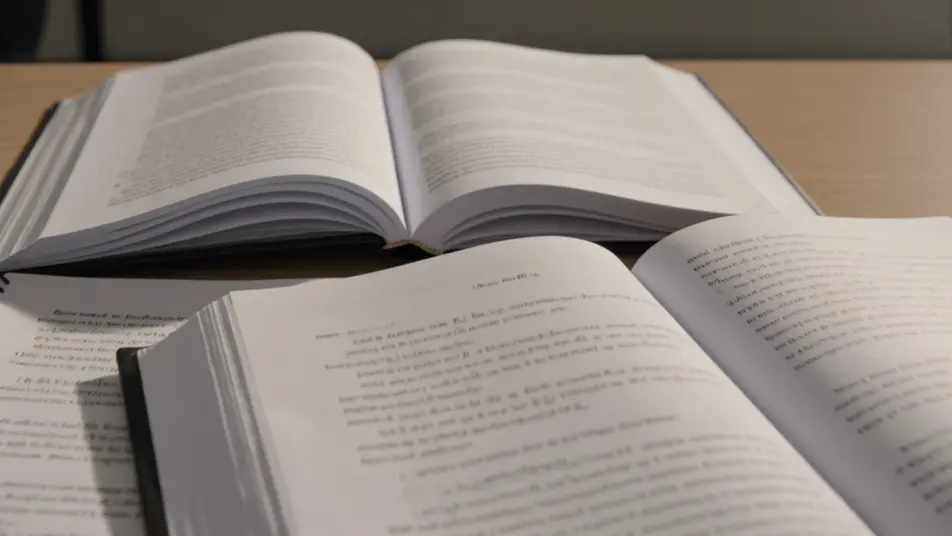
A syllabus montage

A sequence of titled module beats that read the programme scope at a glance, consistent type and clean transitions carrying one topic into the next at an easy pace.

프롬프트 편집

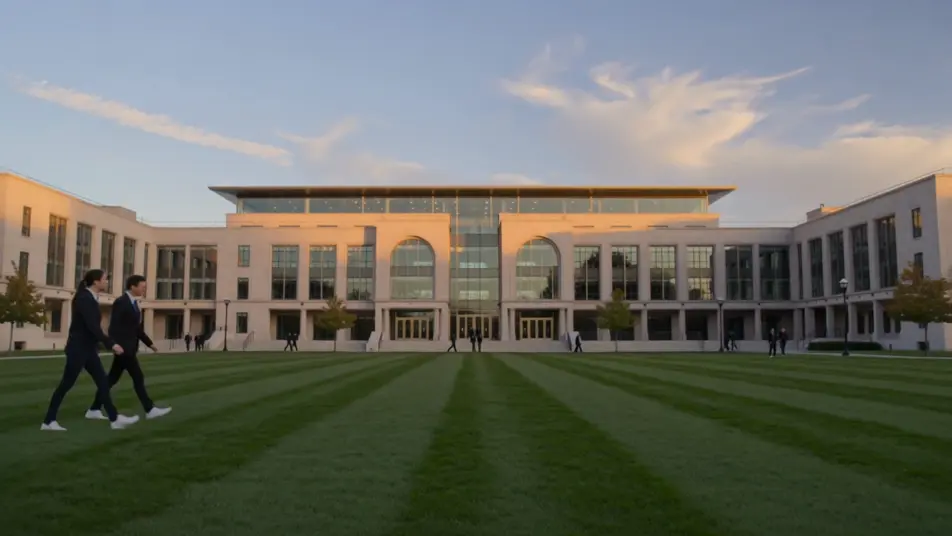
An enrol and dates card

A branded closing frame holding the application deadline and start date, gentle motion on the type, a calm palette that keeps the key details clear and unmissable.

프롬프트 편집

university course video 영상을 3단계로 만들기

  1. university course video 장면 설명하기

    원하는 university course video 장면을 쉬운 말로 작성하세요.

  2. 영상 생성하기

    Morphic이 캔버스 위에 영화 같은 클립을 몇 초 만에 생성합니다.

  3. university course video 영상 다듬기

    프롬프트를 조정해 다시 생성한 뒤, 원하는 장면을 저장하거나 공유하세요.

간단한 가격

오늘 무료로 시작하고 언제든지 업그레이드하거나 취소할 수 있습니다.

Basic

$9/
청구 금액 $0

900 월간 크레딧

1 명 전용

모든 모델

워크플로

Standard

$24/
청구 금액 $0

3200 월간 크레딧

1 명 전용

모든 모델

워크플로

Pro

$45/
청구 금액 $0

6200 공유 월간 크레딧

1 사용자

+ 최대 4 명 추가 비용으로 추가 가능

모든 모델

워크플로

Pro Max

$170/
청구 금액 $0

24000 공유 월간 크레딧

1 사용자

+ 최대 9 명 추가 비용으로 추가 가능

모든 모델

워크플로

Enterprise

더 높은 제한

사용자 정의

가격 및 청구 조건

대용량 크레딧
맞춤형 시트 제한
모든 모델
워크플로
Pricing Gradient

Free

가볍게 사용해보기

$0

영구 무료

최대 20 크레딧
1명 전용
일부 모델
워크플로

자주 묻는 질문

Where can I make a university course video?
You can make one directly in your browser on Morphic. Open the Text to Video tool, describe each segment, the intro card, the instructor welcome, the syllabus montage, and generate them one at a time. Assemble the clips into one film on Compose.
What segments work best in a course video?
An intro card, an instructor welcome, a syllabus montage, campus footage, and a graduate outcomes beat cover what applicants weigh. Close on a clear enrol card with the deadline and start date so interest turns into an application.
How do I write a good prompt for a university course video?
Prompt each segment separately and hold one bright consistent style and light across all of them. Name the space, the people and the on-screen build, a lecture space, a titled module beat, a campus tour. A steady look ties the film together.
Can I update the video for a new intake?
Yes. Because each segment is prompt-built, you regenerate only what changed, a new module, a new deadline, a new instructor. Swap that clip on Compose and reuse the rest, so refreshing the film each year is a quick edit, not a reshoot.
Can I add narration and music to the course video?
Yes. The Speech tool generates a clear narration track in the voice you choose, which carries the syllabus and the outcomes. Add a light music bed underneath so the film feels welcoming without pulling focus off the detail.