Produce a YouTube Shorts ad in your browser with Morphic's vertical ad generator, minutes instead of weeks. Generate a fast hook, a product beat, and a loop-friendly end card in native 9:16. Voice it with Speech, then produce 6, 15, and 30 second versions from the one concept on the Canvas.

Shorts ad beats you can direct

Shorts ad shots you can stage

A two-second Shorts hook

A 9:16 frame where the product snaps in under bright light with a bold caption, a fast camera beat on the first second built to hold a viewer one swipe from the next Short.

프롬프트 편집

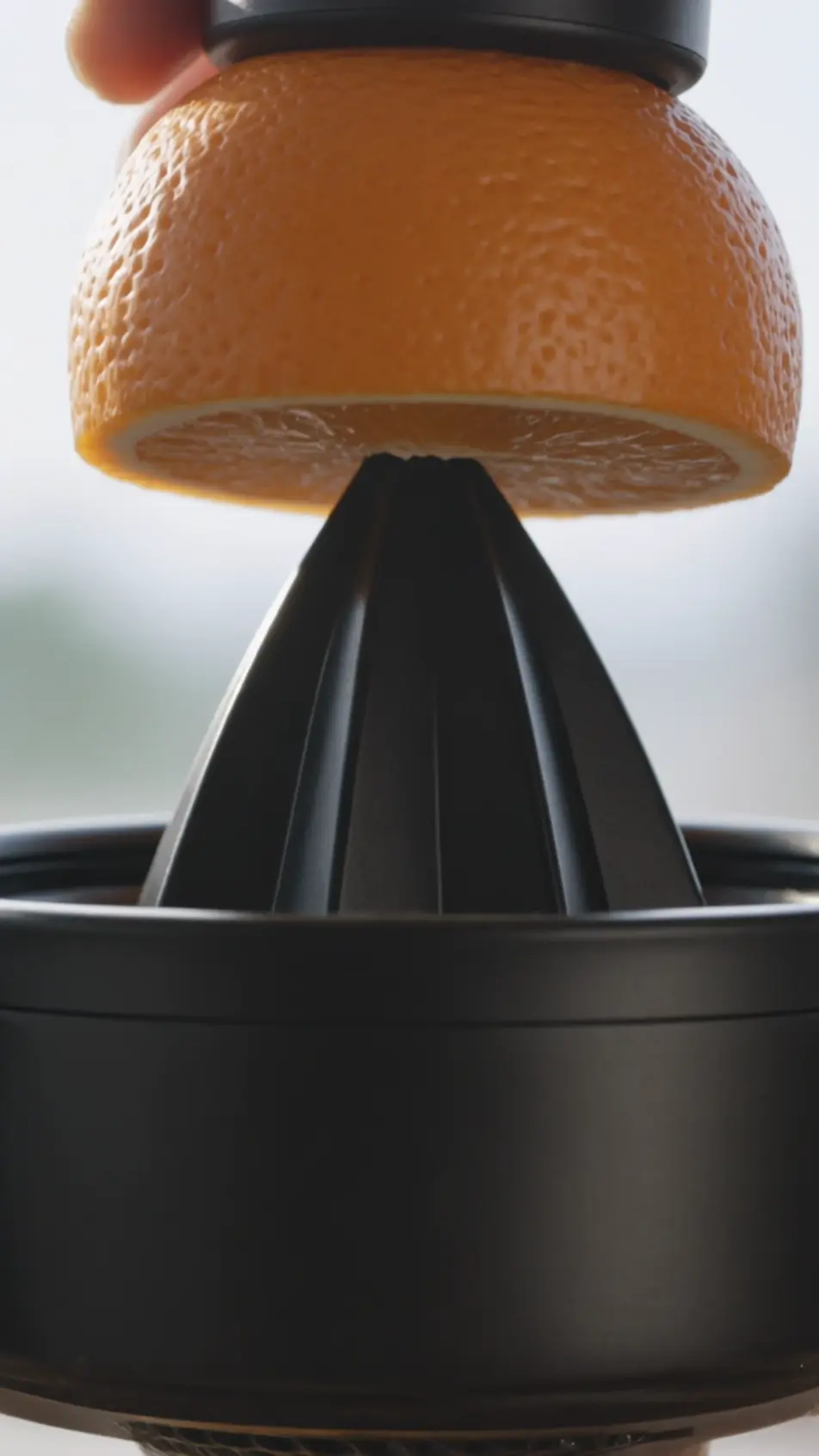
A quick product demo

A vertical sequence of tight shots showing the item do its one job at a fast pace, natural light in a real setting and small push-ins that keep each beat moving.

프롬프트 편집

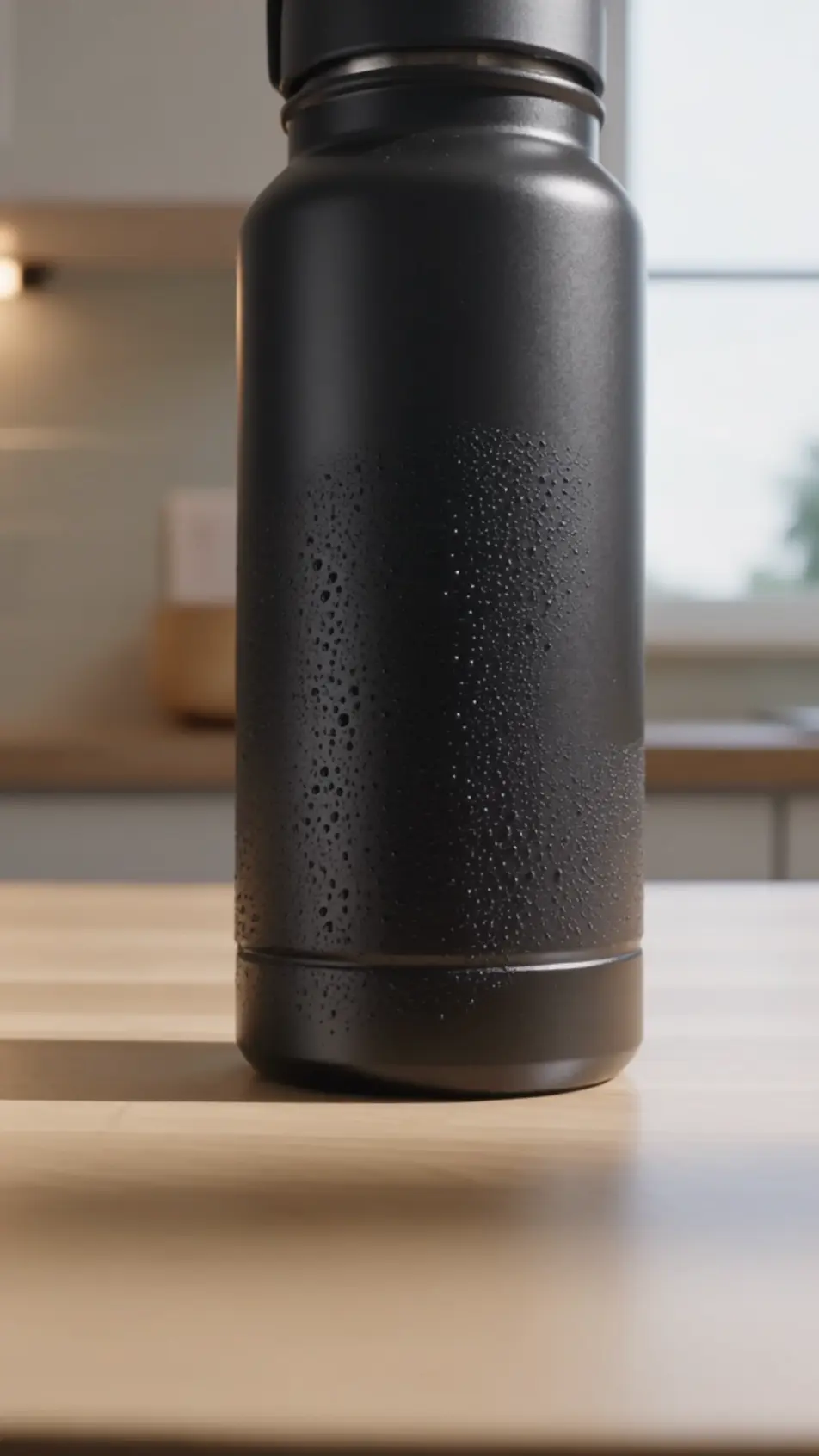
A list-format value beat

A vertical frame where three numbered reasons count up over a product shot in a casual font, snappy cuts between each so the pitch reads in a familiar Shorts rhythm.

프롬프트 편집

A loop-friendly end card

A closing 9:16 frame holding the logo and call to action, the final motion designed to feed back into the opening beat so a replayed Short flows straight on, bold flat background.

프롬프트 편집

YouTube Shorts ad 영상을 3단계로 만들기

  1. YouTube Shorts ad 장면 설명하기

    원하는 YouTube Shorts ad 장면을 쉬운 말로 작성하세요.

  2. 영상 생성하기

    Morphic이 캔버스 위에 영화 같은 클립을 몇 초 만에 생성합니다.

  3. YouTube Shorts ad 영상 다듬기

    프롬프트를 조정해 다시 생성한 뒤, 원하는 장면을 저장하거나 공유하세요.

간단한 가격

오늘 무료로 시작하고 언제든지 업그레이드하거나 취소할 수 있습니다.

Basic

$9/
청구 금액 $0

900 월간 크레딧

1 명 전용

모든 모델

워크플로

Standard

$24/
청구 금액 $0

3200 월간 크레딧

1 명 전용

모든 모델

워크플로

Pro

$45/
청구 금액 $0

6200 공유 월간 크레딧

1 사용자

+ 최대 4 명 추가 비용으로 추가 가능

모든 모델

워크플로

Pro Max

$170/
청구 금액 $0

24000 공유 월간 크레딧

1 사용자

+ 최대 9 명 추가 비용으로 추가 가능

모든 모델

워크플로

Enterprise

더 높은 제한

사용자 정의

가격 및 청구 조건

대용량 크레딧
맞춤형 시트 제한
모든 모델
워크플로
Pricing Gradient

Free

가볍게 사용해보기

$0

영구 무료

최대 20 크레딧
1명 전용
일부 모델
워크플로

자주 묻는 질문

Where can I make a YouTube Shorts ad with AI?
You can make one directly in your browser on Morphic in minutes. Open the Text to Video tool, describe the vertical hook, demo, and end card you want, and it generates each 9:16 shot. On the Canvas you assemble them and export the length the placement needs.
How do I hook a viewer in the first seconds of a Short?
Lead with one fast motion, the product snapping in or a direct question, inside the first two seconds. A bold caption and a quick pace give a viewer a reason to hold rather than swipe to the next Short.
How do I cut 6, 15, and 30 second versions from one concept?
Build the full Shorts concept first, then keep the hook and end card fixed and vary the middle. On the Canvas you trim the demo beats for the 6 second cut and add them back for the 15 and 30, so every length shares one look.
How do I make a Shorts ad loop cleanly?
Design the last beat so its motion feeds back into the opening frame, matching the framing and palette at both ends. On the Canvas you can time the end card so a replayed Short flows straight back into the hook.
Can I add voiceover and music to a YouTube Shorts ad?
Yes. The Speech tool generates a voiceover in the voice you choose, and the Music tool adds a light track underneath. Keep a text overlay carrying the key benefit too, since many Shorts start muted before a viewer taps for sound.