What Nano Banana 2 Lite is best at
Nano Banana 2 Lite is Google DeepMind's Gemini 3.1 Flash-Lite Image model, the fastest and most cost-efficient tier in the Nano Banana family. It returns a standard 1K image in about four seconds and handles text-to-image, editing, and multi-image composition in one model, with reliable character consistency, legible in-image text, and world knowledge for layouts.
That speed changes how you work: instead of laboring over one render, you explore many directions fast and keep the strongest. This guide is about getting the most out of that loop, how to brief the model, how to write prompts, and the mistakes to avoid.
Nano Banana 2 Lite use cases
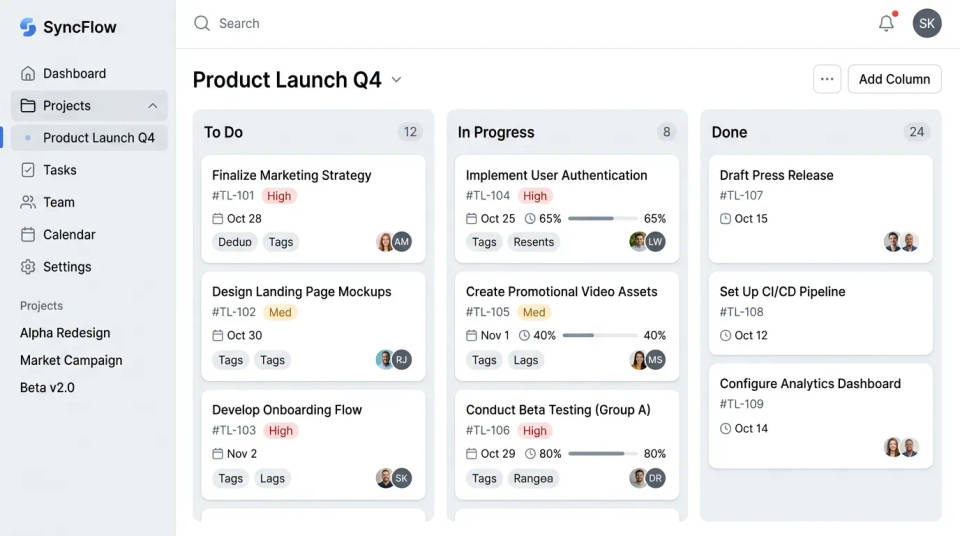
App and UI mockups
Block out dashboards, kanban boards, and app screens with legible labels, fast enough to try several layouts before you commit to one.
Localized signage and packaging
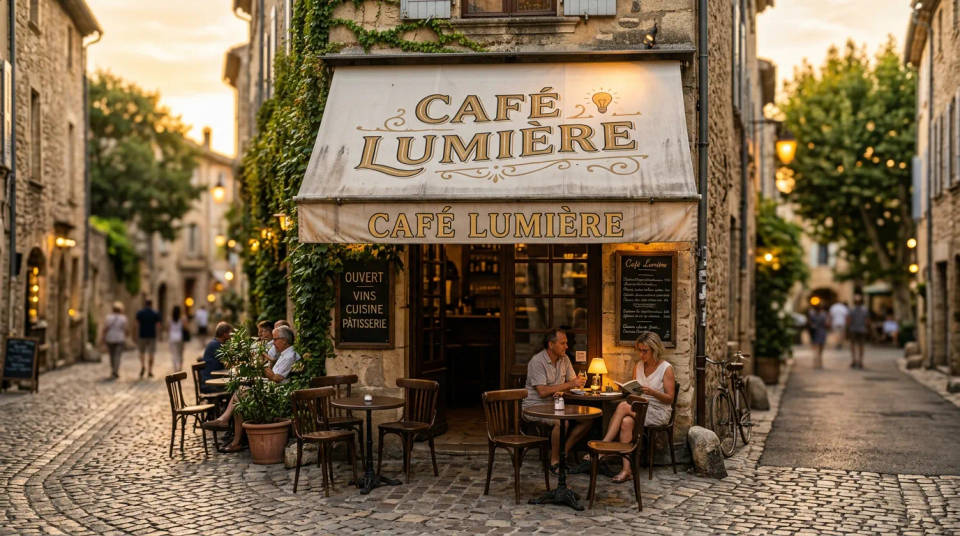
Render storefront signs, labels, and ad copy with readable in-image text, then spin quick multilingual versions of the same scene.
Product and catalog shots
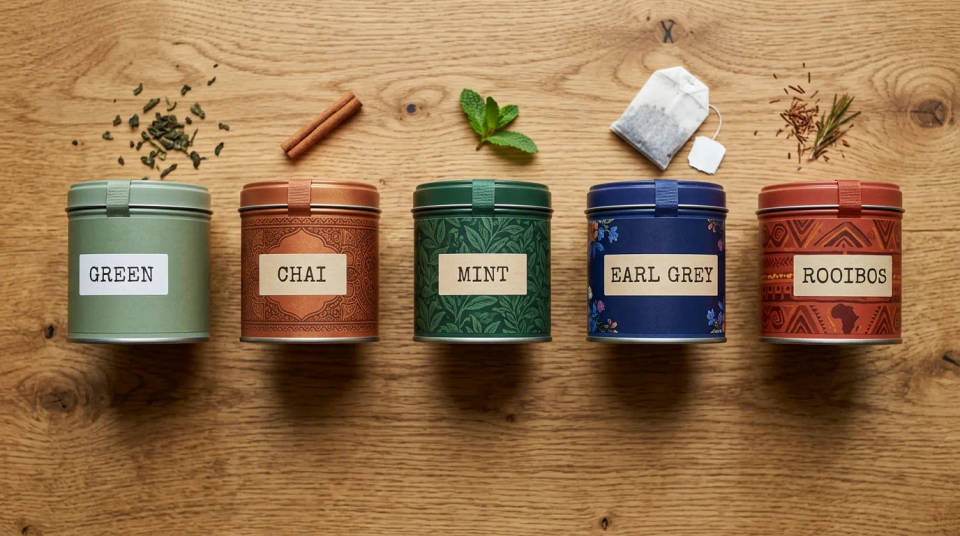
Generate clean product and packaging imagery at volume, holding consistent labels and materials across a whole range.
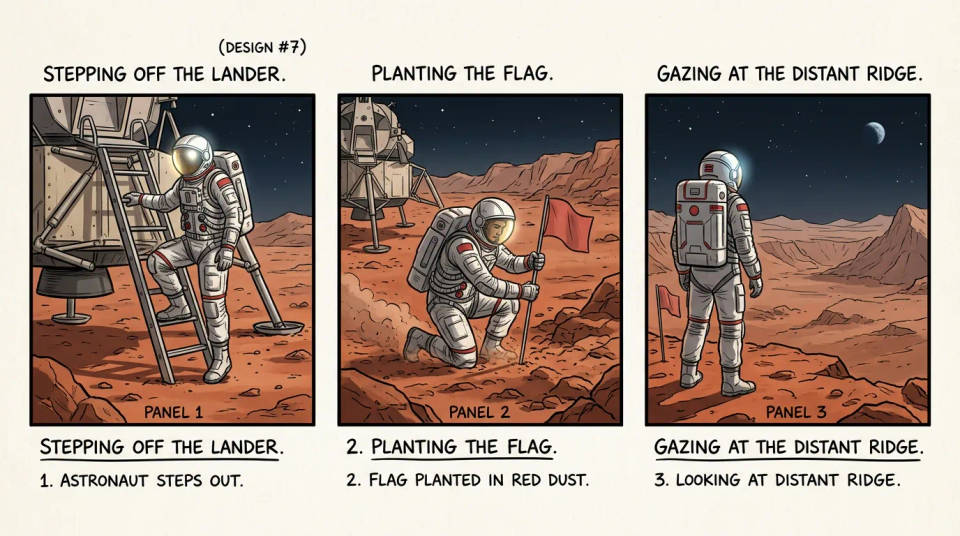
Character-consistent storyboards
Carry the same character across panels and scenes, so a storyboard or mascot series stays recognizable frame to frame.
Interior and lifestyle scenes
Compose interiors and lifestyle sets by combining references into one coherent room, with natural light and true materials.
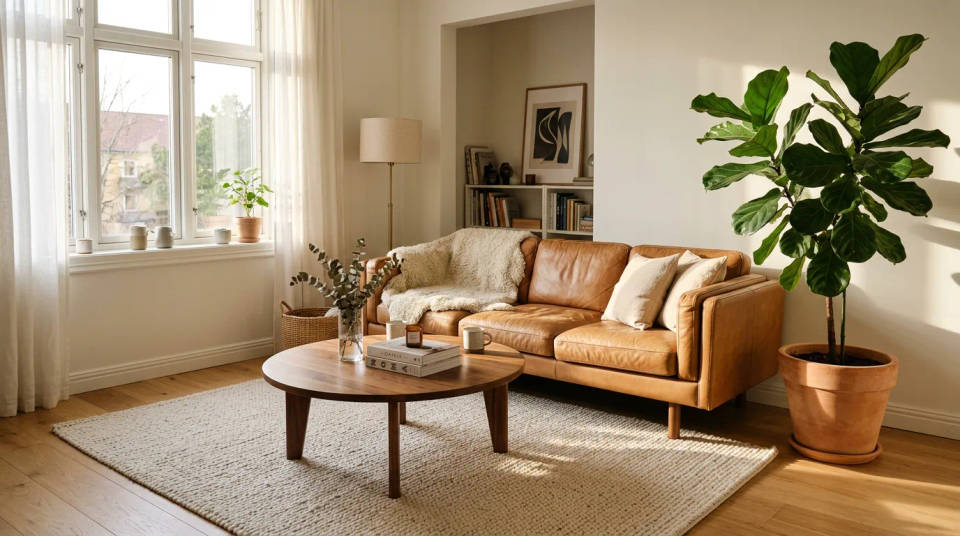
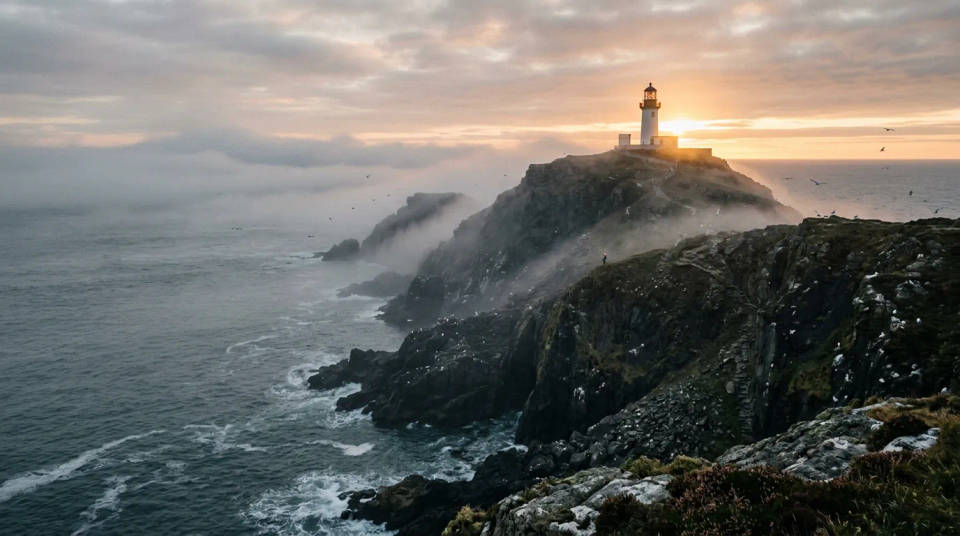
Image-to-video starts
Generate a strong reference frame in seconds, then hand it to a video model to animate into a short clip.
How to get the best out of Nano Banana 2 Lite
The Lite model rewards a clear brief and a fast loop. These practices are specific to how this model behaves, and they carry most of the quality:
- Batch, then cull. Each render takes about four seconds, so run the same prompt several times and pick the best result instead of over-tuning one prompt. The speed is the feature. Spend it on variations.
- Compose for 1K. Output is a single 1024px canvas, so frame a little looser and crop in your layout rather than packing fine detail into a busy wide shot.
- Keep critical text short and large. The model spells a few big words cleanly, but long lines and tiny captions are where it slips. Quote the exact words, set them large in the scene, then scale down in your layout.
- Anchor a character with a fixed descriptor. Supply one strong reference and repeat the same three or four identity traits, word for word, in every prompt. Re-wording the subject mid-series is what makes a character drift.
- Treat charts and data as drafts. World knowledge makes a dashboard or infographic look plausible, but the numbers are not real. Use it to block the layout, then drop in correct figures.
- Draft on Lite, finish on a bigger tier. Explore fast at 1K, then hand the winning prompt to Nano Banana 2 or Pro when you need 2K or 4K and final polish.
Nano Banana 2 Lite prompt guide
A strong image prompt reads like a short brief, not a single keyword. An easy way to remember what to include is FRAME: Focus, Rendering, Angle, Mood, Extras.
What goes in a prompt: the FRAME checklist
| Element | What to include | Example |
|---|---|---|
| Focus | The subject, described concretely | a matte sage-green ceramic pour-over kettle |
| Rendering | Medium or style | clean product photography, true-to-life color |
| Angle | Shot type and composition | low three-quarter hero angle, centered |
| Mood | Lighting and atmosphere | soft softbox key from upper left, gentle shadows |
| Extras | In-image text, props, or references | no text; seamless light-grey studio sweep |
Text and edit syntax
For text inside the image, put the exact words in quotes so the model knows what to render. For an edit, name the one thing that changes and state that the rest stays the same, so the model keeps the pose, lighting, and composition.
A bakery storefront sign reading "FRESH BREAD" in a clean serif, warm morning light. Then: change only the jacket on the model from denim to red leather, keeping the pose, framing, and lighting unchanged.
Weak vs strong prompts
Name the subject, the framing, the light, and any text, rather than leaving them to chance.
| Focus | Weak | Strong |
|---|---|---|
| Subject | A coffee cup | A flat white in a ceramic cup with delicate rosetta latte art, soft steam, warm cafe window light |
| Layout | A dashboard | A clean light-mode analytics dashboard, a quarterly revenue bar chart labeled Q1 to Q4, tidy KPI cards above |
| Text | A shop sign in two languages | A hanging oak sign reading 'PAIN FRAIS' with a smaller plaque reading 'FRESH BREAD', evenly kerned and legible |
Common mistakes
- Vague subject: "a kettle" gives the model nothing; name the material, color, and form.
- Unquoted text: leave words out of quotes and they come back scrambled. Quote the exact copy.
- Over-loading one prompt: keep one clear idea per image rather than crowding several into one frame.
- Expecting exact data: world-knowledge charts are drafts, so replace the numbers with real ones.
- Forcing 4K on Lite: it renders at 1K, so step up to a larger Nano Banana tier when you need more resolution.
